 UHF
UHF U130-U
UHF RFID Desktop Reader/Writer, USB, Glossy Light-Ring Pad
- USB
- Desktop
Read range: Up to 0.5 m
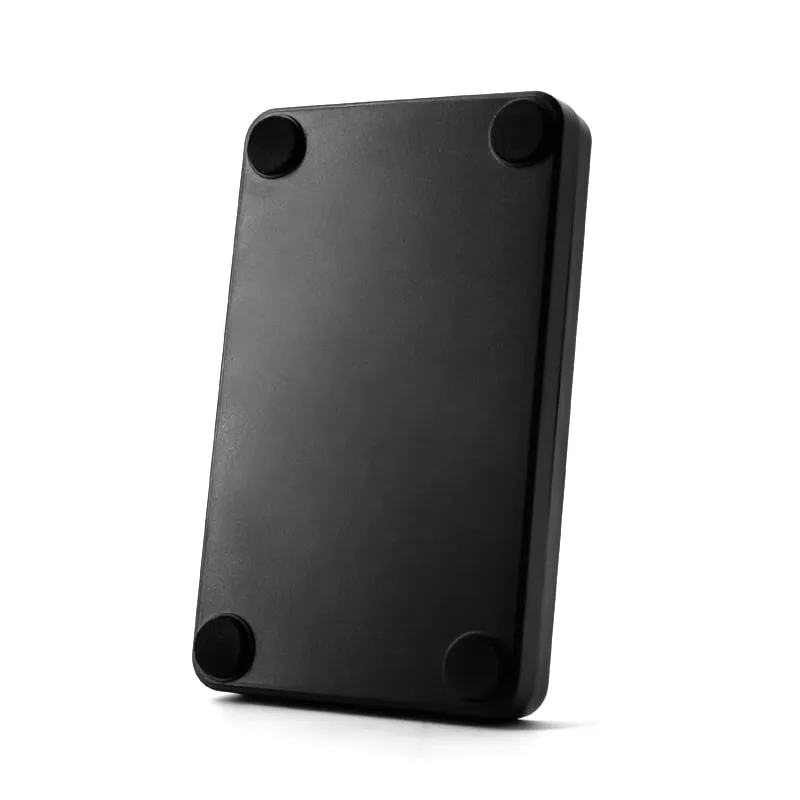
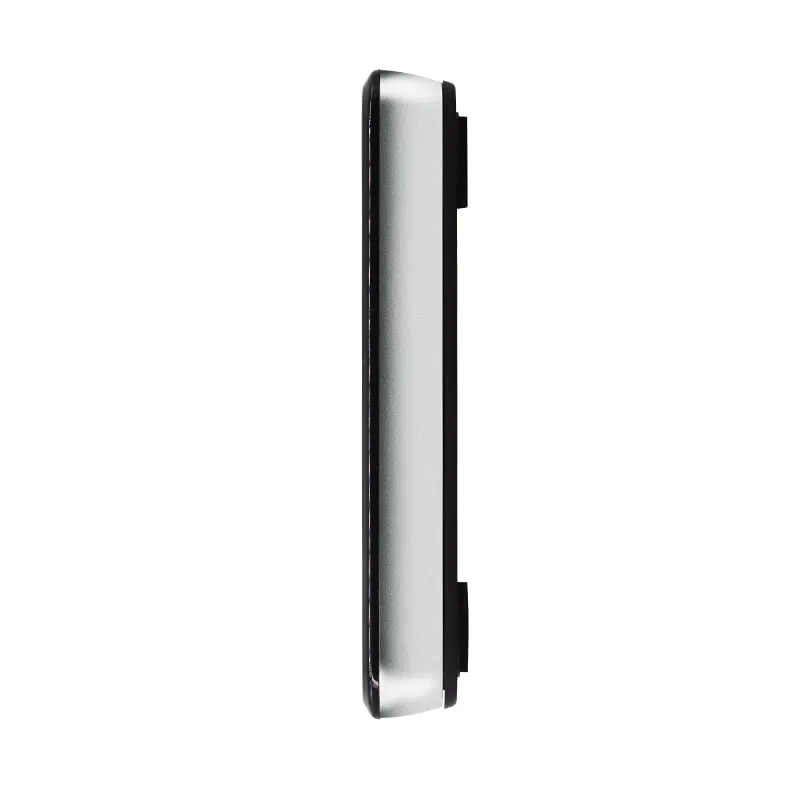
The U140-U is a compact black USB reader/writer for EPC Gen2 (ISO 18000-6C) UHF tags, suited to back-office stations that encode and verify tags one at a time. It writes tags at up to 0.2 m, reads them at up to 0.5 m and sends tag data as USB keyboard input by default.
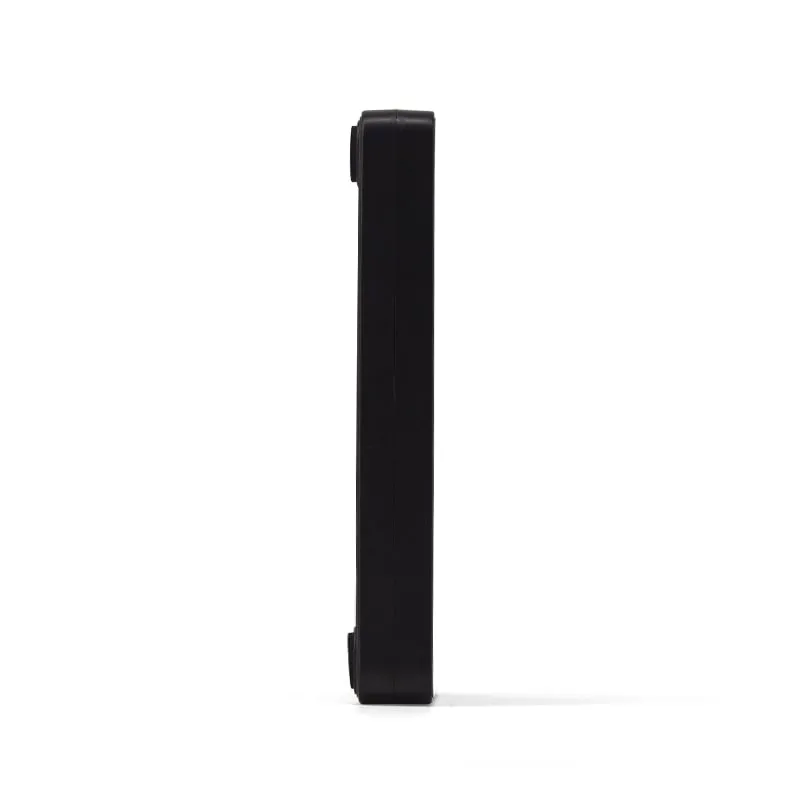
The U140-U is meant for the back office rather than the front counter: an IT or facilities desk that writes UHF asset labels before equipment is deployed, a records room that tags files before they are shelved, or a card office that formats and writes batches of UHF cards before they go to reception. Its black, 15 mm compact housing with a light ring does not stand out among keyboards, docks and other PC equipment.
It uses the same housing as the A140-U 134.2 kHz animal-tag reader. The two read different tag technologies and cannot stand in for each other, but a site that uses both can stock one enclosure style.
Encoding at a desk works best as a short, repeatable routine:
The write itself is started from host software that sends commands to the reader. Keyboard output only carries tag data into the host, so it can confirm a read but cannot start a write. Ask for the virtual serial port build if your software needs a COM port; the software and command documentation available for your build are confirmed in your quotation. For EPC, TID and user memory basics, see How to write UHF RFID tags.
| Model | U140-U |
|---|---|
| Product type | UHF RFID desktop reader/writer |
| Form factor | Compact desktop pad with light ring |
| Color | Black |
| Frequency | 902–928 MHz (US band) or 920–925 MHz (China band); other regional bands on request |
|---|---|
| Air protocol | ISO 18000-6C / EPC Class 1 Gen 2 |
| Supported tags | EPC Gen2 UHF tags (read and write) |
| Read range | Up to 0.5 m (depends on RF power, tag and environment) |
| Write range | Up to 0.2 m (depends on RF power, tag and environment) |
| Antenna | Built-in 2 dBi circularly polarized antenna |
|---|---|
| RF output power | 12.5–26 dBm, software adjustable |
| Frequency hopping | FHSS or fixed frequency, set by software |
| Operating modes | Active mode and passive mode; answer mode available but not recommended |
| Interface | USB |
|---|---|
| Default output | Keyboard emulation (USB HID) |
| Optional build | USB virtual serial port (customized version) |
| Power | 5 V DC from USB |
| Thickness | 15 mm |
|---|---|
| Operating temperature | -20 °C to +55 °C |
| Storage temperature | -40 °C to +85 °C |
Specifications of U140-U as supplied for the standard version. Read range depends on the card or tag, mounting surface and environment — we can test your own cards before you order.
Works with
Not designed for
Card not listed? Send us the card type or a photo and we will confirm compatibility before you buy.
Order the band build that is permitted where the reader will be used: 902–928 MHz or 920–925 MHz as standard.
Connect the U140-U by USB (5 V bus power). The default build types tag data like a keyboard; check it by reading a tag into a text editor.
For encoding, run your host software over the virtual serial port build and keep one tag within 0.2 m of the pad.
Read each tag back after writing to confirm the data before the tag is issued.
Yes. The U140-U reads and writes ISO 18000-6C / EPC Gen2 tags, with a write range of up to 0.2 m. Writing is controlled by host software, not by keyboard output; the software and command documentation available for your build are confirmed in your quotation.
A passive UHF tag needs more energy to write its memory than to answer a read, so writes need the tag closer to the antenna. Place the tag flat on the pad for encoding and read it back to confirm.
Only the housing is shared. The A140-U reads 134.2 kHz FDX-B and 125 kHz EMID animal tags; the U140-U reads and writes EPC Gen2 UHF tags. Neither reads the other's tags.
That depends on the host software rather than the radio. The U140-U is specified to read and write ISO 18000-6C / EPC Gen2 tags; which memory banks (EPC, user memory, passwords) and lock functions the software for your build can write is confirmed in your quotation. The TID bank is programmed by the chip maker and locked on most Gen2 chips, so it is read for checking, not encoded. Not every tag has user memory.
UHF U130-U
Read range: Up to 0.5 m
 134.2kHz
  UHF
UHF 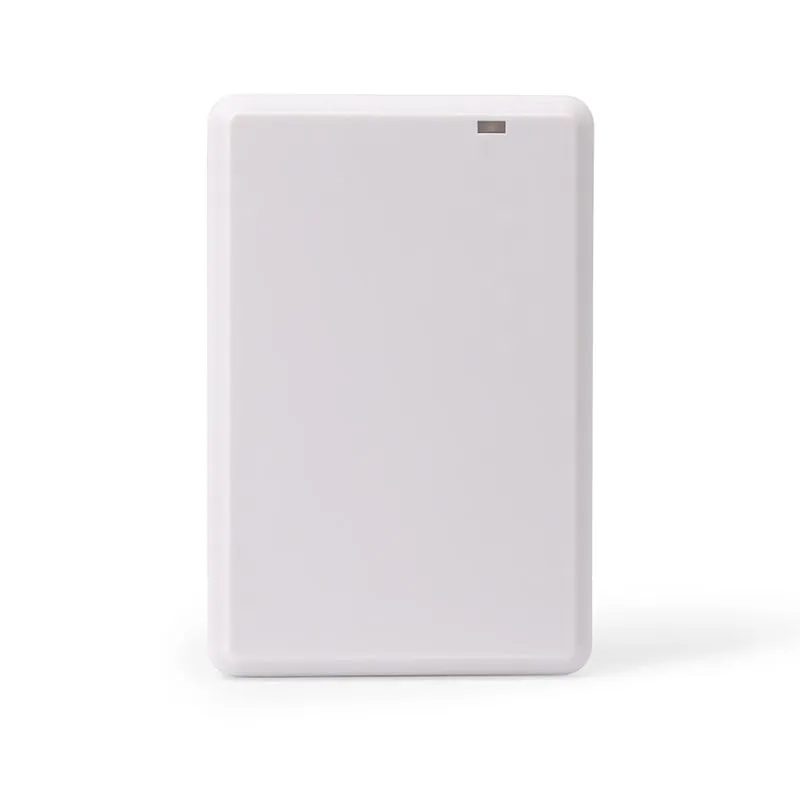 UHF
UHF Tell us your card, interface and quantity
Send the card or tag type, the host system and your volume. We reply within 1 business day with a suggested model and sample options.