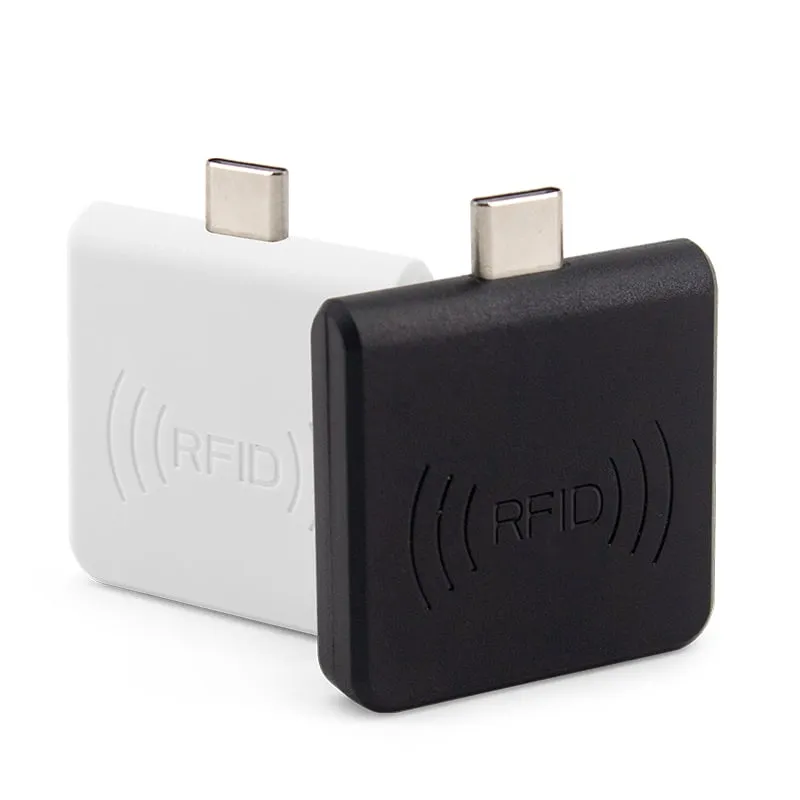
 13.56MHz
 H220-C
USB-C 13.56MHz NFC Reader for Android Phones, MIFARE UID
- USB
- Plug-in
Read range: 0–30 mm front and back, 0–10 mm from the side
RFID readers
Plug-in readers that connect straight to the USB-C port of an Android phone or tablet, take power from it and type the card or tag number into any app. Three models cover 13.56MHz NFC, 125kHz EM4100 and UHF EPC tags.
13.56MHz H220-C
Read range: 0–30 mm front and back, 0–10 mm from the side
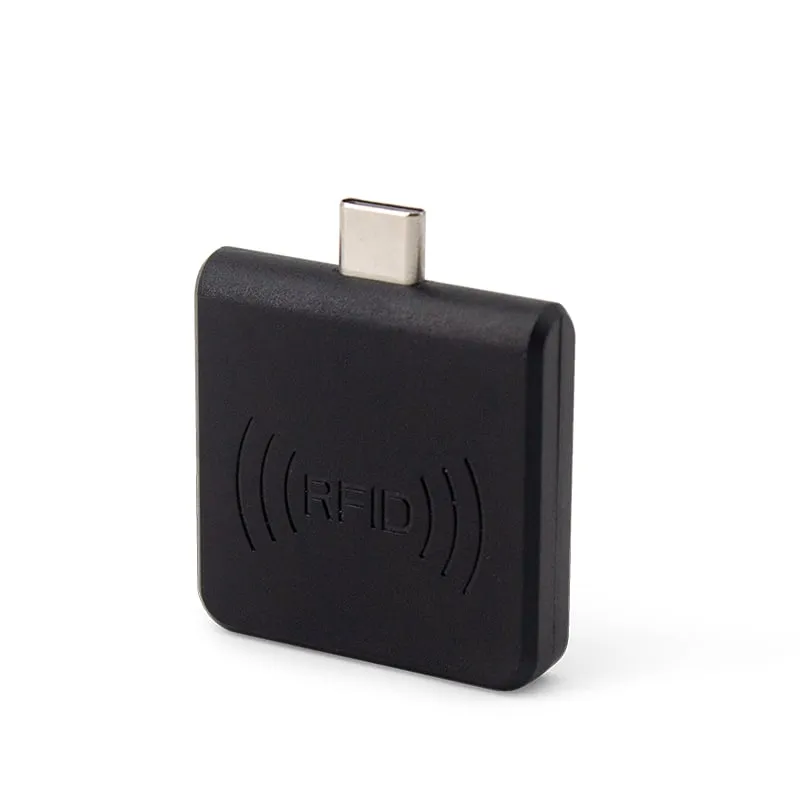 125kHz
 L220-C
Read range: 0–30 mm front and back, 0–10 mm from the side
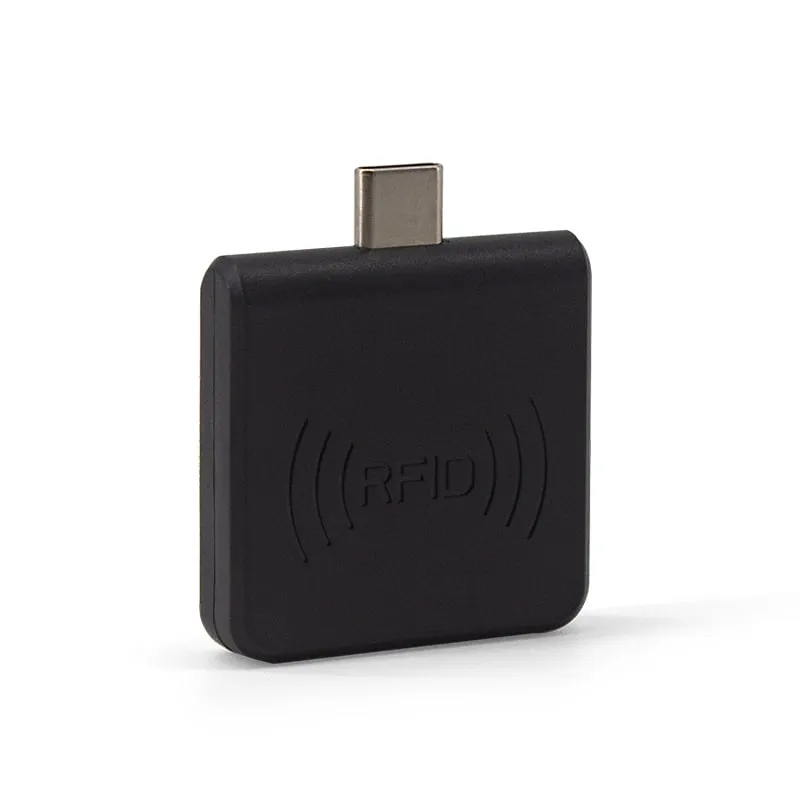 UHF
UHF A USB-C OTG RFID reader turns an Android phone or tablet into a card-reading terminal without an app project. The reader plugs into the Type-C port, draws 5 V / 100 mA from the device and types the card number at the cursor, the same way a keyboard would. Whatever is on screen receives the number as text: a web form, a spreadsheet, or a POS or access-control app.
Typical buyers are software vendors and integrators whose field staff already carry Android devices: security teams checking badges, attendance and event operators, installers enrolling cards, and asset teams checking UHF labels. Distributors offer them as an add-on for the same customers.
Three decisions cover most projects. First, the card frequency: phone NFC reads 13.56MHz only, so 125kHz EM4100 badges need the L220-C and UHF tags need the U220-C, while the H220-C covers MIFARE and NTAG cards. Second, the number format your software expects. Third, the host device, which must support USB OTG. All three models are read-only, share a 35 × 35 × 7 mm housing and also work on a Windows PC through an OTG adapter.
All three models share the same 35 × 35 × 7 mm USB-C housing, power draw and Android OTG requirement, so choose by the card or tag frequency you need to read.
| Model | Frequency | Cards / tags | Read range | Default output | Typical job |
|---|---|---|---|---|---|
| H220-C | 13.56 MHz | MIFARE Classic 1K/4K, NTAG203, other ISO 14443A (UID) | 0–30 mm | 10-digit decimal | Membership and staff cards on tablets without NFC |
| L220-C | 125 kHz | EM4100, TK4100, SMC4001 (ID) | 0–30 mm | 10-digit decimal | Badge checks and enrollment for EM4100 access systems |
| U220-C | 902–928 MHz | ISO 18000-6C (EPC) | 0–5 cm | EPC + Enter | Checking one UHF label or asset tag at a time |
All three take 5 V / 100 mA from the host, weigh about 20 g, operate from -20 °C to +70 °C and come in black or white. For FDX-B and EMID animal microchips, the same housing is available as the A220-C in our animal ID range.
These readers use keyboard emulation. Each read is typed wherever the cursor is, exactly as if someone had typed the number. Plan for three things:
Because nothing is installed, the same reader works in a browser-based system, a spreadsheet app or your own Android app. For background, see what a keyboard-wedge RFID reader is; desktop and handheld models with the same output are listed under keyboard-emulation RFID readers.
The full step-by-step setup is in the USB-C RFID/NFC reader OTG checklist.
No. Phone NFC works at 13.56 MHz only, so 125kHz EM4100 and TK4100 cards need external hardware such as the L220-C, which plugs into the USB-C port.
No app is needed. The reader types the card or tag number at the cursor in any app. The phone or tablet must support USB OTG; on some models it has to be switched on in Settings.
iOS is not listed for these models. For iPhone and iPad, look at our Bluetooth readers: the H510-B (13.56MHz) and U510-B (UHF) list iOS support.
No. All three are read-only. The H220-C and L220-C read the card UID or ID number, and the U220-C reads the EPC. To write UHF tags, use a desktop reader/writer such as the U120-U.
0–30 mm from the front or back and 0–10 mm from the side for the H220-C and L220-C, and 0–5 cm for the U220-C. They are designed for tapping one card or tag at a time.
Yes, on Windows XP, 7 and 10 through an OTG adapter. For PC-only installations, a USB desktop reader with a cable, such as the L110-U or H110-U, is more practical.
Tell us your card, interface and quantity
Send the card or tag type, the host system and your volume. We reply within 1 business day with a suggested model and sample options.