 134.2kHz
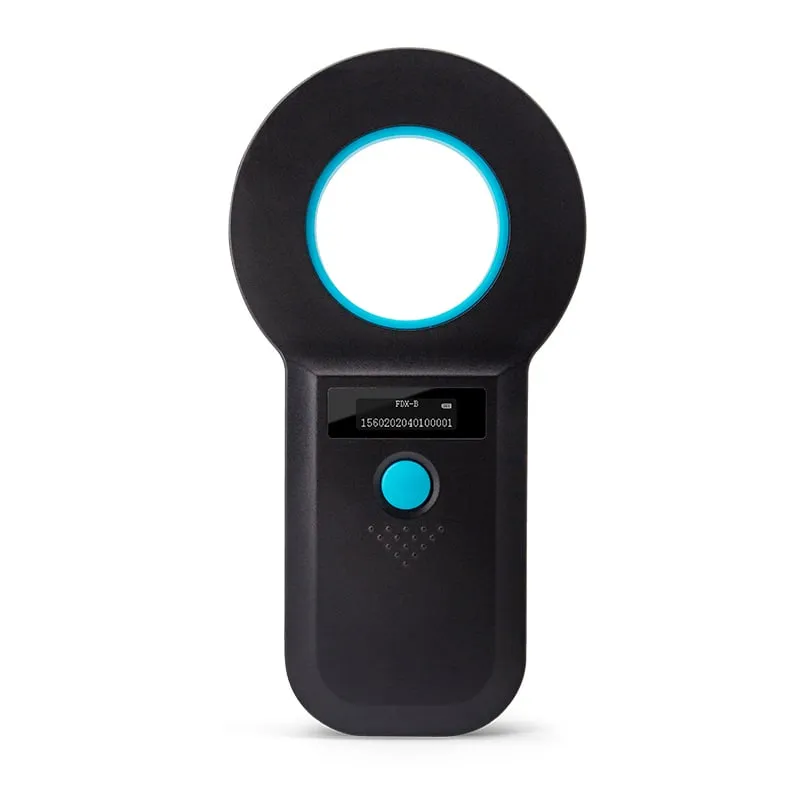
 A520-M
Handheld 134.2kHz FDX-B Microchip Reader, USB / 2.4G / Bluetooth
- USB
- Wireless
- Handheld
Read range: > 8 cm
Application
Read ISO FDX-B pet microchips at 134.2 kHz, and EMID tags at 125 kHz, at the consulting table, the shelter intake desk or a microchipping event. Choose an OLED handheld with memory and USB or wireless upload, a USB desk reader or a USB-C plug-in for Android phones.
Implanted FDX-B microchip
A 2–12 mm glass-tube transponder under the skin carries a 64-bit ISO 11784 code, usually shown as a 15-digit number. The scanner reads that ID; it cannot write or change it.
Scanner
A handheld reads the chip at the table, in the kennel or at an event. A USB desk reader checks and registers chips before they are implanted, and a USB-C plug-in turns an Android phone into a reader.
Display and upload
Handhelds show the ID on an OLED and keep it in memory. The A530-U uploads stored records over USB; the A520-M and A540-M also send each read live, with wireless options. Desk and phone readers type it at the cursor like a keyboard.
Clinic, shelter or registry software
Practice-management, shelter or registration software matches the ID to the animal and owner record. The output format is checked against your software and confirmed in your quotation.
134.2kHz A520-M
Read range: > 8 cm
Ring-antenna handheld that reads 2–12 mm glass microchips at more than 8 cm, shows the ID on an OLED, stores 128 records and sends IDs over USB, 2.4G or Bluetooth.
 134.2kHz
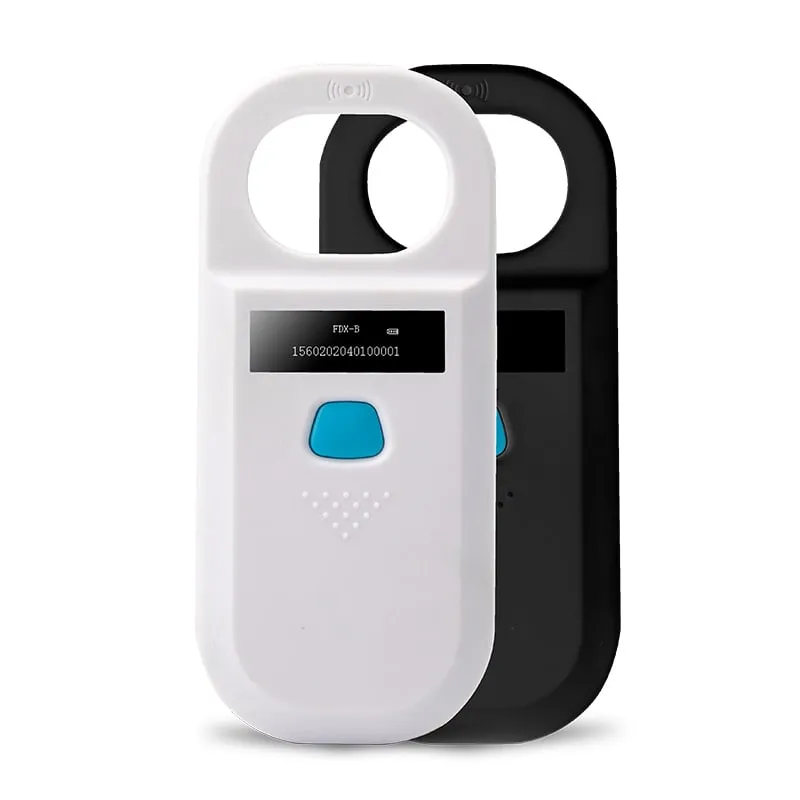
 Entry-level 110 g pocket handheld for intake and spot checks that reads glass microchips at more than 5 cm, stores 128 records and uploads them over USB.
 134.2kHz
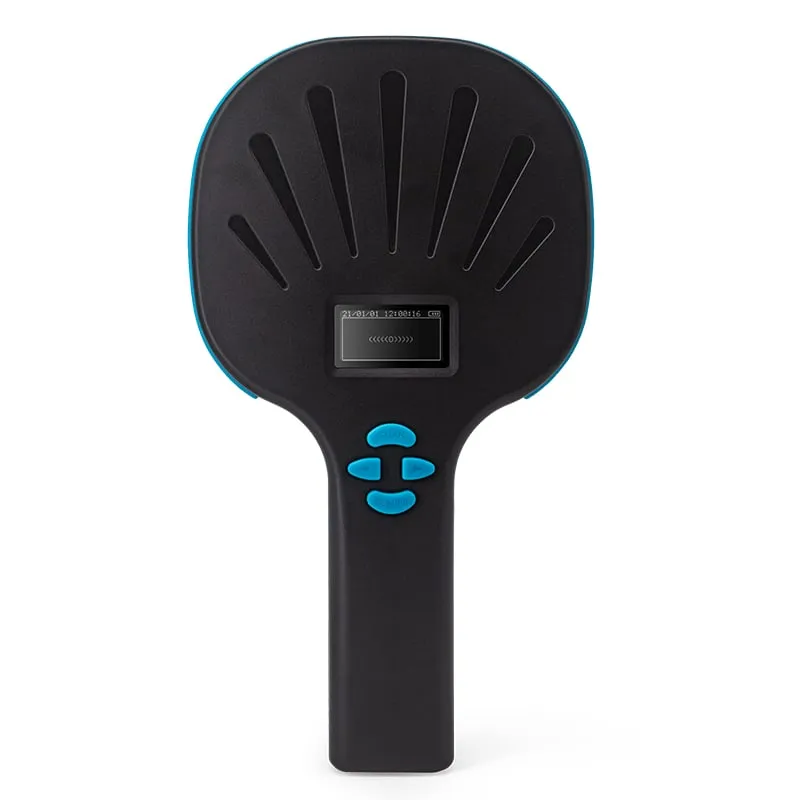
 A540-M
Read range: > 15 cm
Paddle handheld with the longest handheld range in the series, more than 15 cm on glass microchips, plus a 1D/2D barcode imager and 6,000-record memory for linking chips to vaccine or sample labels.
 134.2kHz
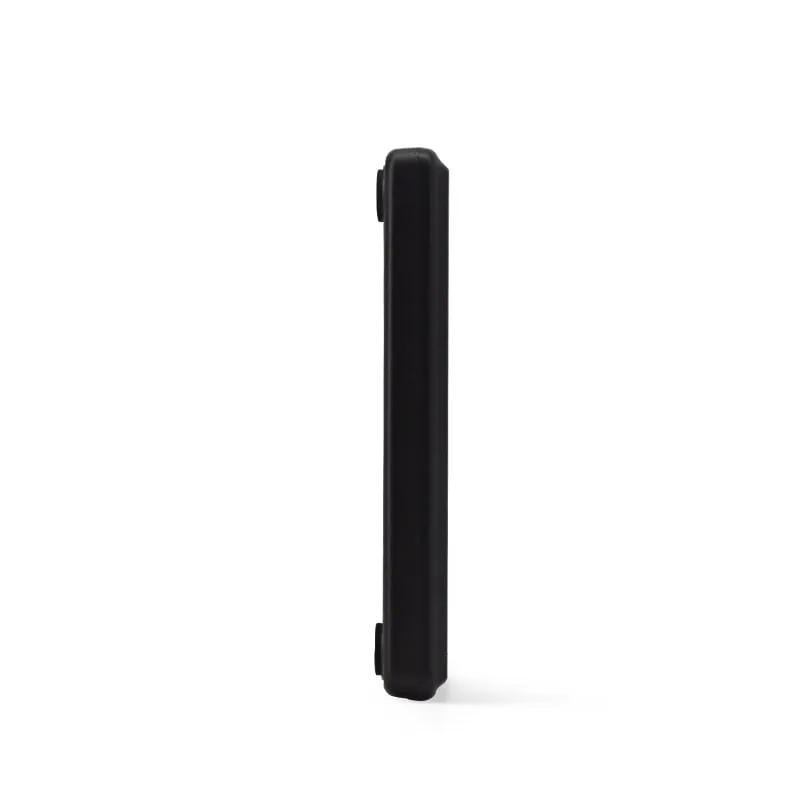
 Slim USB desk reader that types the chip number into clinic or registry software with no driver, for registering glass-tube transponders at a desk before they are implanted.
 134.2kHz
 Compact USB desk reader with a light ring, LEDs and buzzer that show each read on a shared clinic reception or shelter intake counter; types the chip number into any software with no driver.
 134.2kHz
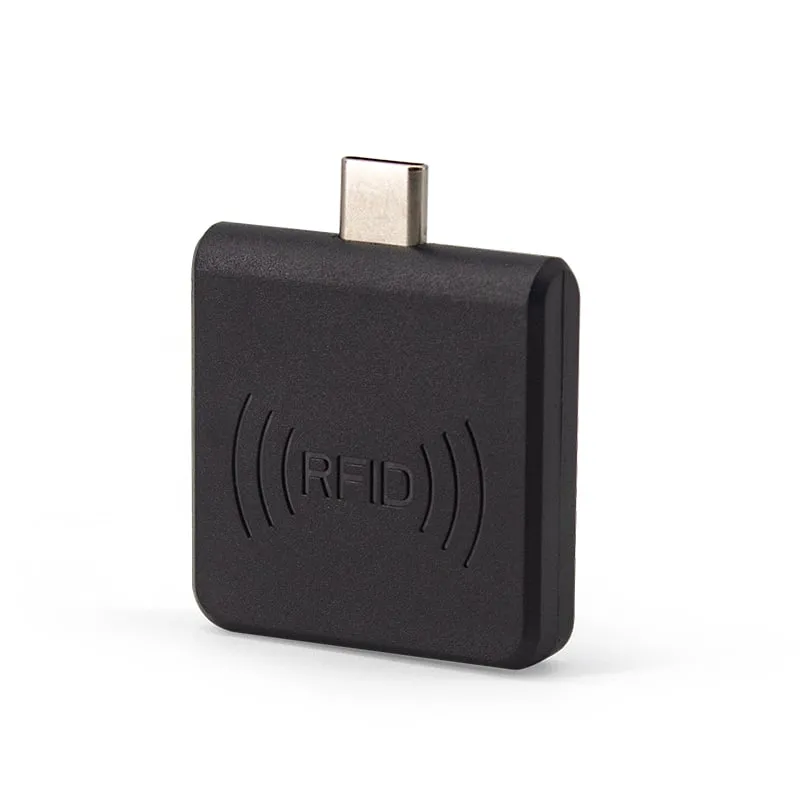
 35 × 35 × 7 mm USB-C plug-in that lets staff read FDX-B chips at 0–30 mm with an Android phone that supports OTG, and types the number into the open app with nothing to install.
A microchip only helps an animal if someone scans it and gets the number into the right record. That happens in a few places, and each has its own routine.
We supply these scanners to organizations and distributors, as single models or as a private-label range. The choice comes down to three questions: which chips you must read, where you scan, and how the number reaches your software.
In many countries, pet microchips follow ISO 11784 and ISO 11785. ISO 11785 sets the 134.2 kHz carrier and defines two ways for a chip to reply: FDX-B (full duplex) and HDX (half duplex). ISO 11784 defines the 64-bit code the chip carries, usually shown as 15 digits: a 3-digit country or manufacturer code followed by a 12-digit national ID. ISO 11784/11785 explained walks through the structure.
Every scanner on this page reads:
They do not read HDX, FDX-A or encrypted 125 kHz chips, so they are not universal scanners. HDX is uncommon in pets, but older non-ISO chips still turn up in some countries, so a failed read does not prove an animal has no chip. FDX-B vs HDX animal tags explains why an FDX-B-only reader does not detect an HDX tag.
All the scanners are read-only. They report the chip number; they cannot program, change or copy a chip.
Start with where the animal, or the chip, is when you scan it. Range figures are for 2–12 mm glass-tube chips and depend on the chip and its orientation.
| Where you scan | Reader | Range on a glass microchip | How the ID leaves the reader |
|---|---|---|---|
| Consulting table or kennel, live to a PC or tablet | A520-M Bluetooth microchip scanner | > 8 cm | USB, 2.4G or Bluetooth, live or from 128 stored records |
| Shelter intake and spot checks, upload later | A530-U pocket FDX-B scanner | > 5 cm | USB upload of up to 128 stored records |
| Microchipping events, chip plus barcoded vaccine or sample label | A540-M FDX-B scanner with barcode imager | > 15 cm | USB-C, with wireless HID or Bluetooth versions; 6,000 records |
| Reception or registration desk, chips checked before implanting | A110-U slim USB desk reader or A140-U desk reader with light ring | Up to 150 mm, tag dependent; glass chips read much closer | Typed at the cursor, no driver |
| Staff or volunteers with Android phones | A220-C USB-C microchip reader | 0–30 mm | Typed at the cursor through USB-C OTG |
The handhelds run on a 3.7 V lithium battery, show the ID on an OLED and confirm each read with a buzzer. The A520-M is the general-purpose clinic and shelter scanner. The A530-U is the simplest, with one button and USB only. The A540-M reads furthest and adds a keypad, three read modes (key trigger, read once, continuous) and a 1D/2D imager.
The desk readers stay on the counter; to scan an implanted chip on the animal, use a handheld. The A140-U’s light ring and LEDs suit a shared clinic or shelter counter, and on both desk readers the buzzer can be set to off before shipment, on request, for quiet rooms. The full range is listed under 134.2kHz FDX-B animal ID readers. For cattle and sheep ear tags, see livestock EID readers.
Keyboard output. The A110-U, A140-U and A220-C appear as a USB keyboard and type the chip number wherever the cursor is: a practice-management screen, a shelter database, a registration web form or a spreadsheet. There is no driver, SDK or COM port. The desk readers list Windows 7 and 10, Linux and Android as hosts; the A220-C works with Android phones and tablets that support USB OTG.
Stored records. The handhelds keep reads in memory when no computer is near: 128 records on the A520-M and A530-U, and 6,000 on the A540-M. The A530-U uploads its records over a USB cable. The A520-M sends each read in real time or as a batch, over USB, a 2.4G receiver or Bluetooth. The A540-M uploads over USB-C as standard, with wireless HID or Bluetooth versions available.
Handheld hosts. No SDK is published for the handhelds. Tell us the host platform and the software that must receive the IDs, and the upload method and data format are confirmed in your quotation.
Number format. Registries and clinic systems usually store the full 15-digit ISO number. The A220-C types a 10-digit decimal number (4 bytes) by default, which does not match a 15-digit registry entry, so ask for a custom output format if you need the 15-digit ID. For the other models, the exact output string is confirmed against your software in your quotation. Can a phone read a pet microchip? covers phone setups in more detail.
Distributors can sell the scanners under their own brand. The options below come from each model’s specification; the combination for your order is confirmed in your quotation.
| Option | Models |
|---|---|
| OLED display language other than English | A520-M, A530-U, A540-M |
| Your logo and packaging | All models on this page |
| Black or white housing | A520-M, A530-U, A220-C |
| Bluetooth device name under your brand | A520-M |
| Connection version: USB-C only, wireless HID or Bluetooth | A540-M |
| Output string matched to your software | A110-U, A140-U, A220-C |
| Buzzer and LED behavior set before shipment | A110-U, A140-U |
A local display language helps clinic and shelter staff in markets where English menus slow them down. How private-label projects run, from samples to branded packaging, is covered under OEM/ODM.
To test range with your own chips first, request samples, or contact us with your setup.
They read ISO 11784/11785 FDX-B microchips at 134.2 kHz and EMID (EM4100-format) tags at 125 kHz. They do not read HDX, FDX-A or encrypted 125 kHz chips. If the animals you see include older non-ISO chips, you also need a reader that lists those formats.
The stated figures are for 2–12 mm glass-tube chips: more than 5 cm with the A530-U, more than 8 cm with the A520-M and more than 15 cm with the A540-M. The A220-C phone plug-in reads at 0–30 mm. Fur and skin do not block a 134.2 kHz signal, but a thick coat adds distance, and range also changes with the chip's angle to the antenna, so hold the scanner close and move it slowly.
Yes, in two ways. The A110-U, A140-U and A220-C type the number into any field that accepts typing, with no driver or app. The A520-M and A540-M send each read live or upload stored records later, and the A530-U uploads stored records over USB. No SDK is published for the handhelds, so tell us your software and host system, and the upload method and data format are confirmed in your quotation.
Yes. The handheld OLED shows English as standard and other display languages are available on request. Your logo and packaging are available on request on every model on this page. The A520-M, A530-U and A220-C come in black or white housings, and the A520-M can carry a Bluetooth device name under your brand. Options are confirmed in your quotation.
Phone NFC works at 13.56 MHz and cannot read a 134.2 kHz microchip. The A220-C adds a reader to Android phones with USB OTG, but its 0–30 mm range means holding it almost against the coat. For routine intake, a handheld such as the A520-M reads glass chips at more than 8 cm, so staff do not have to press a phone against each animal. iPhone and iPad are not listed as supported hosts for the A220-C.
Tell us your card, interface and quantity
Send the card or tag type, the host system and your volume. We reply within 1 business day with a suggested model and sample options.