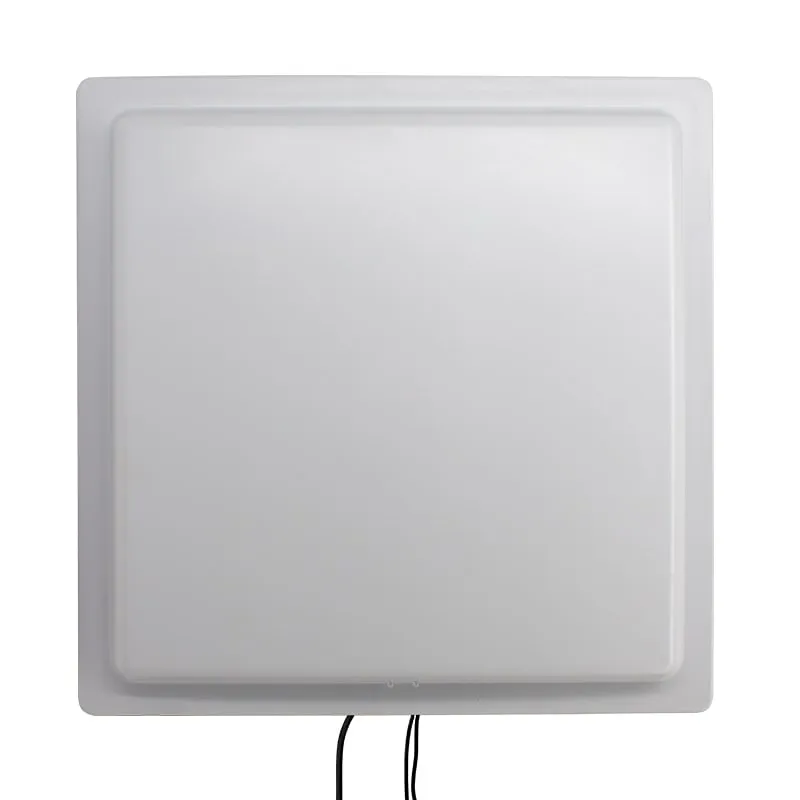
 UHF
UHF U650-M+1 variant
12 dBi Long-Range UHF RFID Reader, 0–20 m, Wiegand/RS485/TCP/IP
- USB
- RS232
- RS485
- Fixed / long-range
Read range: 0–20 m
Application
Identify tagged vehicles at boom barriers, parking garage entries and site gates without drivers reaching out to a card reader. Our integrated UHF readers read EPC Gen2 windshield and headlamp tags, with rated ranges from 0–5 m to 0–20 m depending on model, tag and site, and pass the number to your barrier controller.
Vehicle tag
An EPC Gen2 (ISO 18000-6C) windshield or headlamp tag is read on a USB desktop reader at the office and linked to the vehicle record.
Lane reader
An integrated UHF reader on a pole reads the tag as the vehicle approaches, either continuously or when a loop detector fires its trigger input.
Controller link
The tag number goes out as Wiegand 26/34 to an access controller, or over RS232, RS485, USB or TCP/IP (E-type models) to parking software.
Barrier decision
The controller or software checks the number against its list of permitted vehicles, opens the barrier and logs the event. Visitors use a QR pass or card.
UHF U650-M+1 variant
Read range: 0–20 m
12 dBi antenna and the longest rated range in the series, 0–20 m depending on tag and site, for site gates and readers set well back from the lane.
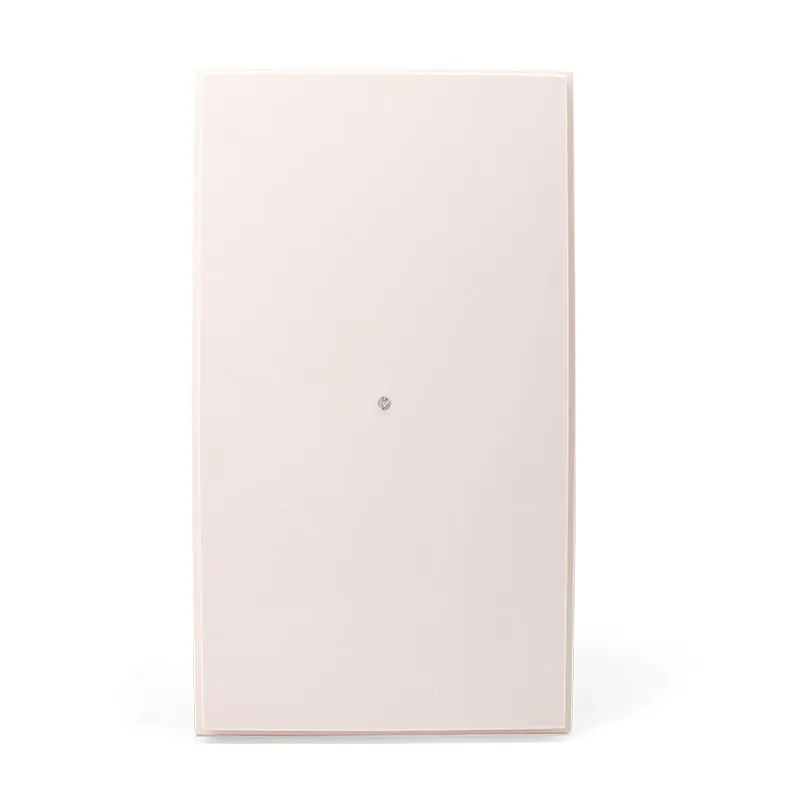 UHF
UHF U640-M+1 variant
Read range: Beyond 12 m
10 dBi antenna rated to read beyond 12 m, in a 240 × 420 × 56 mm housing, for wide entrances or two lanes read from one pole.
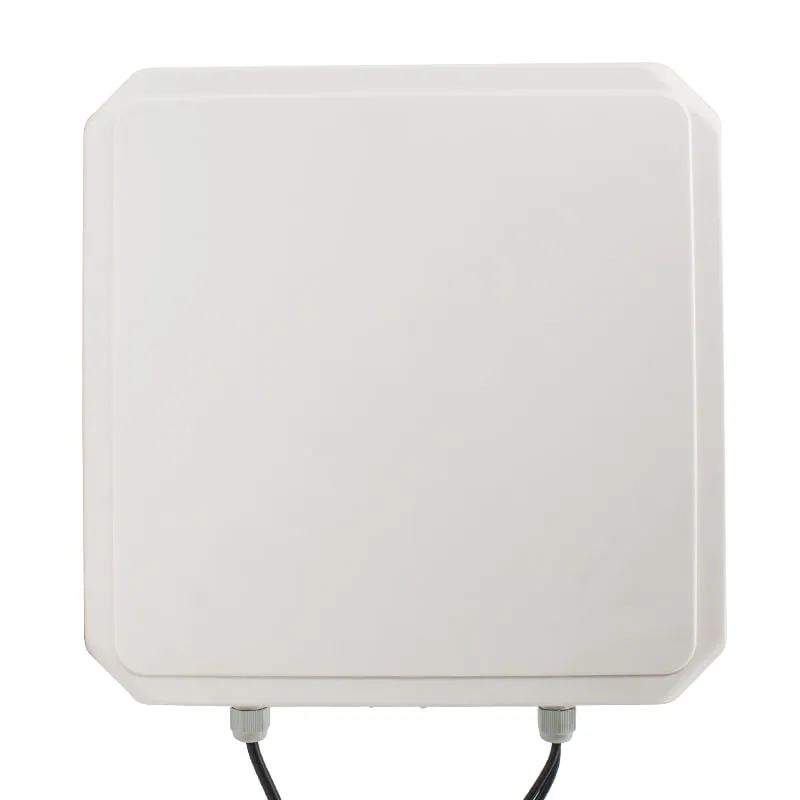 UHF
UHF U630-M+1 variant
Read range: 0–6 m
9 dBi antenna with a 0–6 m range and a trigger input, sized for a single boom barrier lane with the reader mounted beside the vehicle; rated from -40 °C to +65 °C.
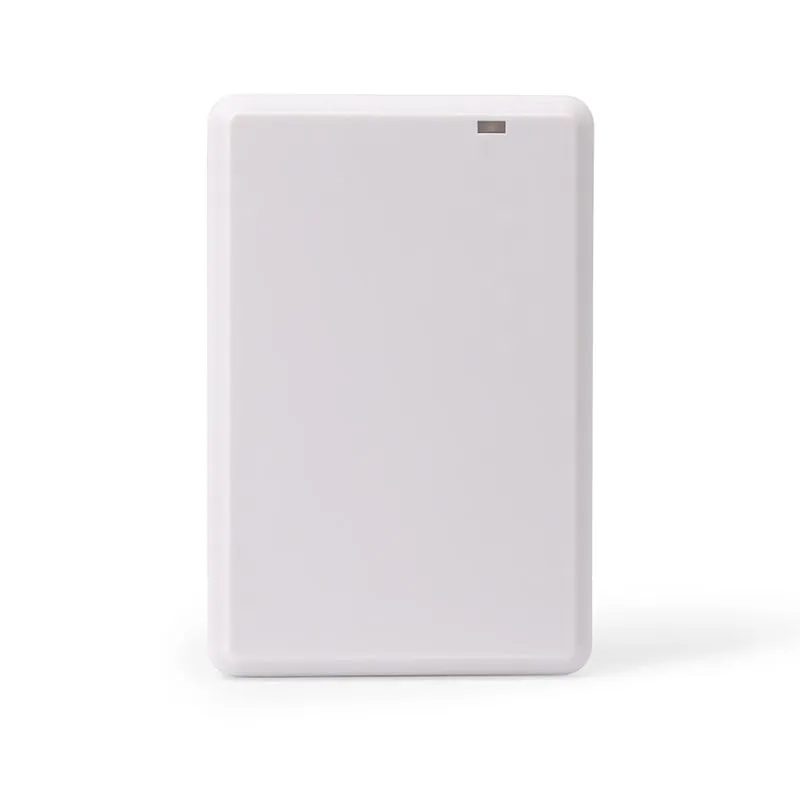 UHF
UHF USB desktop reader/writer that types a tag's number into your parking software, so the office can enroll windshield tags before they are issued.
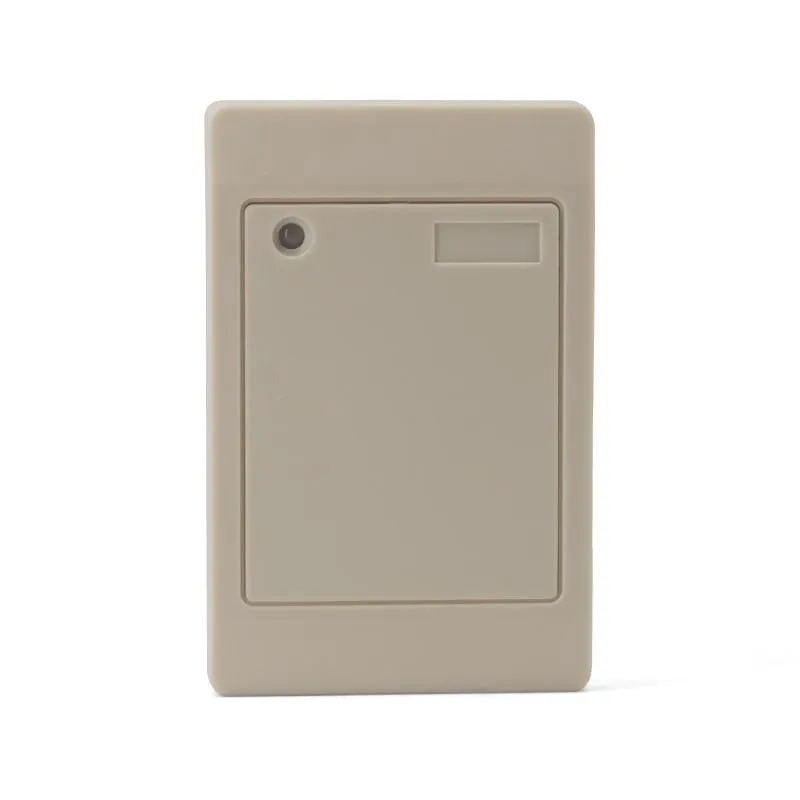 125kHz
 L410-W+2 variants
Read range: 0–100 mm
Resin-potted wall reader with Wiegand 26/34 output and a 0–100 mm range, in 125 kHz or 13.56 MHz versions, for a driver card as a second credential.
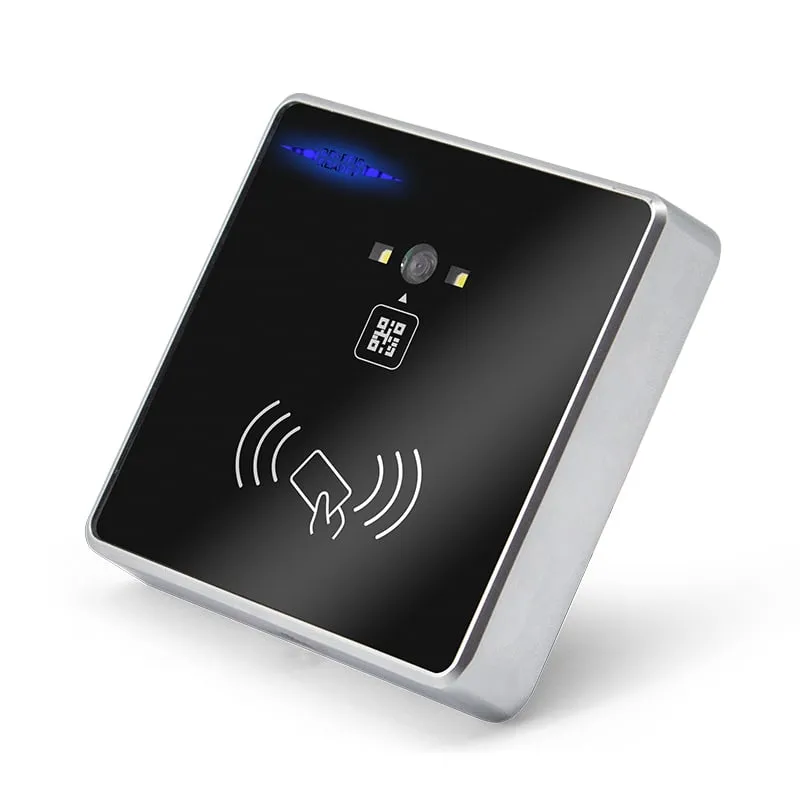 QR + RFID
 Q420-M
Read range: 3–6 cm
Reads visitor QR codes, including codes shown on a phone screen, plus EM and MIFARE cards, with Wiegand 26/34 or RS485 output to the same controller.
At a boom barrier with a short-range card reader, every driver has to stop, lower the window and reach out with a card. Queues build at peak hours, cards get passed from driver to driver, and a reader at window height takes knocks from mirrors and weather.
Parking garages and lots, residential compounds, office campuses, fleet yards and industrial sites need something else. The vehicle should be identified as it approaches, the existing controller should make the barrier decision, and every entry and exit should be logged against a vehicle record.
Each permitted vehicle carries a passive UHF tag built to the EPC Gen2 (ISO 18000-6C) standard, usually a windshield sticker or a headlamp tag. The tag has no battery. A long-range reader on a pole powers it from several meters away and reads its EPC number.
The reader does not decide who gets in. It passes the tag number to the system you already run:
The controller or software checks the number against its list, opens the barrier and records the event. Visitors without a tag are handled at the same entrance with a QR pass or a card, as described below.
Our integrated long-range UHF readers put the reader and a 7 to 12 dBi antenna in one outdoor housing with a pole or wall bracket. There is no separate antenna or coaxial cable to install.
Antenna gain sets how far and how wide the reader sees. Choose the smallest reader that covers your read zone, because extra range also picks up vehicles queuing behind, in the next lane or parked nearby. RF output is adjustable in software from 0 to 30 dBm on every model, so you can trim the zone on site.
| Your situation | Suggested reader | Why it fits |
|---|---|---|
| Single boom barrier lane or garage entry, reader beside the vehicle | U610-M 7 dBi UHF reader (0–5 m) or U630-M 9 dBi UHF reader for single lanes (0–6 m) | Enough range for one lane, with less risk of reading the next one |
| Wide entrance, or two lanes from one pole | U640-M 10 dBi long-range UHF reader (rated beyond 12 m) | Longer, wider read zone in a 240 × 420 × 56 mm housing |
| Reader set well back from the lane, site or yard gate | U650-M 12 dBi long-range UHF reader (0–20 m) | Longest rated range in the series |
| Parking software on an Ethernet network | E-type (-N) version of any model, e.g. U630-N | Adds a TCP/IP port to the Wiegand, serial and USB outputs |
| Enrolling tags at the office | U120-U desktop reader/writer | Types the tag number over USB; reads up to 0.5 m, writes up to 0.2 m |
| Driver card as a second credential | L410-W (125 kHz) or its H410-W 13.56 MHz version | Wiegand 26/34 output, 0–100 mm range, resin-potted wall housing |
| Visitors with QR passes | Q420-M or Q430-M | QR codes at 0–20 cm and EM or MIFARE cards at 3–6 cm |
The U620-M (8 dBi, 0–5 m) sits between the 7 and 9 dBi models. The rated ranges come from the product specifications. On site, range depends on the tag, the windshield, the mounting height and the angle. For the physics behind it, see UHF RFID read range, and for form-factor trade-offs, fixed vs integrated vs handheld UHF readers. The visitor readers are listed with our other QR code access control readers, and the driver-card readers with the Wiegand access control card readers.
Where the reader goes matters as much as which model you choose. These points apply to all the integrated readers; each product page gives the bracket and pole details.
Wiegand to an access controller. Connect D0, D1 and ground to the controller’s reader port with shielded cable. Wiegand 26 carries 24 data bits and Wiegand 34 carries 32, so the controller gets part of a typical 96-bit EPC, not all of it. Enroll each tag by the number the controller reports, and before rollout, check with us which part of the EPC is sent. Wiegand 26 vs 34 covers the bit layout, and the card number converter helps you check the numbers.
Serial and network links. RS485 suits long cable runs from the lane to a gatehouse. RS232 and USB suit a PC close to the lane, and TCP/IP on E-type (-N) versions puts the reader straight onto the site network. The SDK includes sample code in C#, VC, VB, Java and Delphi, plus a demo for reading, writing and issuing tags. The interface guide compares the options, and all serial models are listed under RS232 and RS485 readers.
Triggered reading. Each integrated reader has one trigger input. Wire a loop detector or photo-eye to it and set the reader to triggered mode, so it reads only when a vehicle is in position. Continuous mode reads whenever a tag is in the field, which suits lanes without a detector.
Frequency band. The integrated readers are supplied for 902–928 MHz or 865–868 MHz, and other bands can be ordered. The desktop reader/writers are listed for 902–928 MHz or 920–925 MHz, with other regional bands on request, so confirm the band of the enrollment reader as well. State the country of installation on your RFQ. For a boom barrier project in India, order the 865–867 MHz band commonly used there. The frequency band guide lists the common allocations.
Power and sealing. Plan a 12 V DC supply for each reader; the 8, 9, 10 and 12 dBi models are specified at 12 V DC, 3 A, and the 7 dBi model at 9–12 V DC. No IP rating is published, so include any sealing requirement in your RFQ.
Windshields. Tag position affects range as much as reader choice. Include vehicles with athermic or metal-coated glass in your pilot, and plan headlamp tags for any that do not read reliably through the windshield.
Visitor QR codes over Wiegand. On the Q420-M, QR content sent over Wiegand must be a hexadecimal card-number string. The Q430-M sends QR content over Wiegand as a decimal number by default. Set your visitor-pass software to generate codes that match what your controller expects.
A complete brief lets us match the reader, band and output to your site. Please include:
Price, MOQ and lead time are confirmed in your quotation. To test before you order, see samples, or contact us with your site layout. For card enrollment desks and door readers on the same site, see card enrollment readers for access control.
For a single lane with the reader beside the vehicle, a rated range of 0–5 m (U610-M, U620-M) or 0–6 m (U630-M) usually covers it. Wide entrances, two lanes from one pole, or readers set back from the lane call for the 10 dBi U640-M or the 12 dBi U650-M. Actual range depends on the tag, the windshield and the mounting, so test with your own tags before fixing the layout.
Both are passive EPC Gen2 (ISO 18000-6C) tags, and the readers read either. A windshield tag sits behind the glass, out of the weather, and suits most cars. Some athermic, heated or metal-coated windshields weaken UHF signals; on those vehicles, place the windshield tag in the uncoated area of the glass or fit a headlamp tag on the front of the vehicle instead. The two tags sit at different heights, so aim the reader to cover the tag position your fleet uses, and include both tag types in your pilot if you use both. Tell us which tag you plan to use, and test it with a sample reader before rollout.
If the controller has a Wiegand reader input, it can take the reader's Wiegand 26 or 34 output directly. Wiegand 26 carries 24 data bits and Wiegand 34 carries 32, so the controller receives part of the tag's EPC, not the full number. Enroll tags using the number the controller reports.
The integrated readers are supplied for 902–928 MHz, the band used in the United States, Canada and Mexico, or 865–868 MHz, the European band. Other bands can be ordered. Tell us the country of installation and we confirm the band in your quotation; the UHF frequency band guide lists the common allocations.
865–867 MHz is the band commonly used for UHF RFID in India. It lies inside the 865–868 MHz range our integrated readers are supplied for, but a reader set to the European channel plan transmits up to 867.6 MHz, so readers for India must stay on channels within 865–867 MHz. State India as the country of installation and order the 865–867 MHz band in your RFQ; the band configuration is confirmed in your quotation.
The UHF models can. The integrated readers and the USB desktop reader/writers read and write EPC Gen2 tags, and the integrated readers come with an SDK (C#, VC, VB, Java and Delphi sample code) and a demo for reading, writing and issuing tags. The L410-W/H410-W wall readers and the Q420-M/Q430-M QR readers are read-only: they read the card or QR number and send it to the controller.
They are built for outdoor pole or wall mounting, but no IP rating is published in the current specification. If your tender requires one, state it in your RFQ and we confirm what can be supplied in your quotation.
Tell us your card, interface and quantity
Send the card or tag type, the host system and your volume. We reply within 1 business day with a suggested model and sample options.