 125kHz
 RFID readers
RS232 and RS485 RFID Readers with Serial Output
Serial-output readers for hosts that listen on a COM port or bus: DB9 RS232 desktop readers for 125 kHz and MIFARE cards, and RS485, RS232 and Wiegand panel readers for UHF long-range, 134.2 kHz animal tags and QR codes.
125kHz  125kHz
  125kHz 13.56MHz
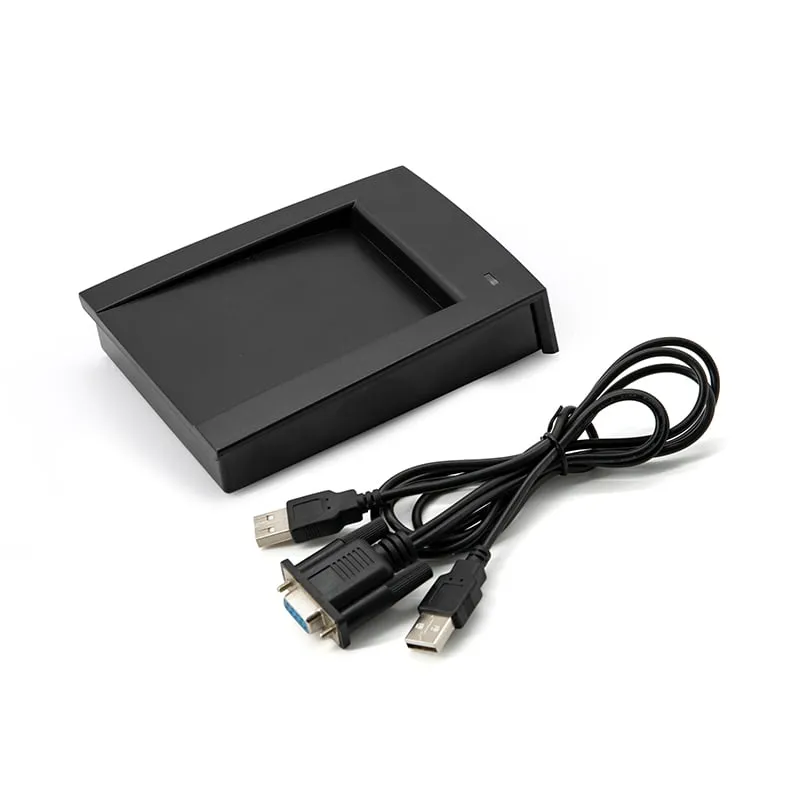
 H110-R
13.56MHz RS232 MIFARE Card Reader, Slim Pad, DB9 Serial
- RS232
- Desktop
Read range: Up to 80 mm
13.56MHz H150-R
13.56MHz RS232 MIFARE Desktop Reader with Card Recess, DB9
- RS232
- Desktop
Read range: Up to 80 mm
 UHF
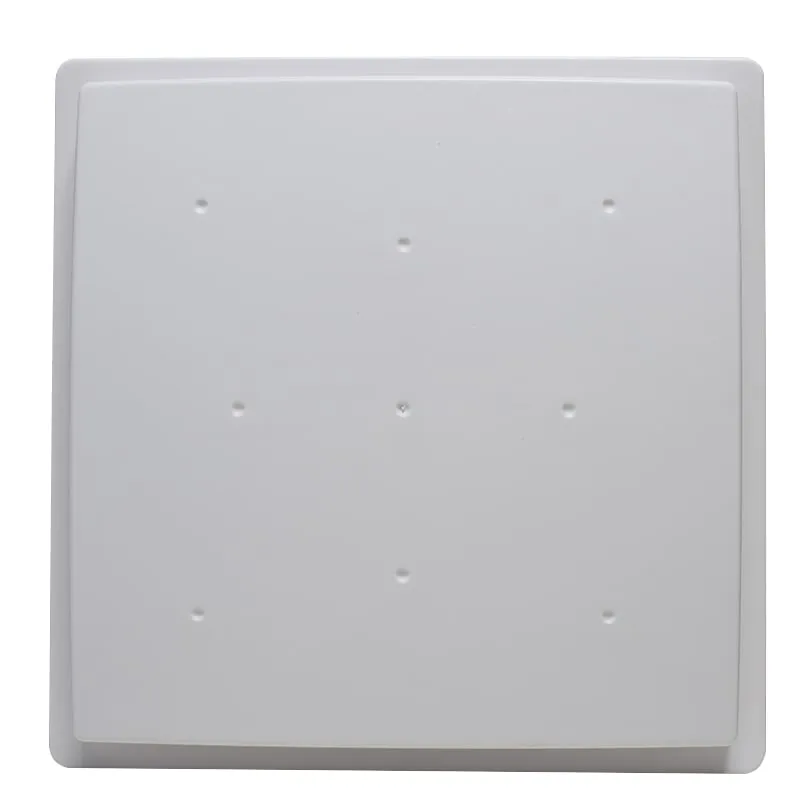
UHF U610-M+1 variant
UHF Integrated RFID Reader, 7 dBi, 0–5 m, Wiegand/RS485/USB
- USB
- RS232
- RS485
- Fixed / long-range
Read range: 0–5 m
 UHF
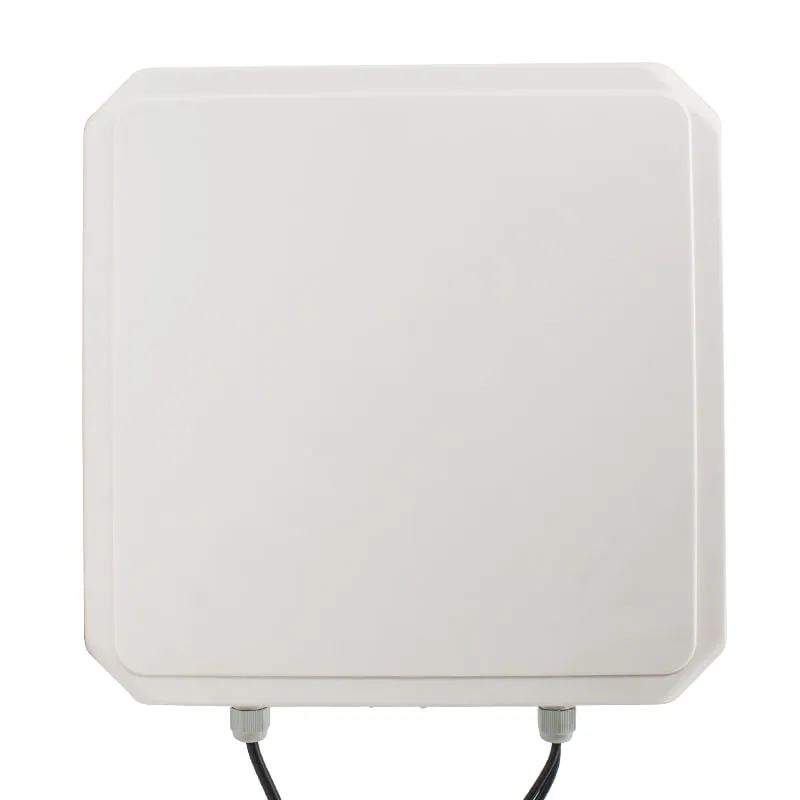
UHF U620-M+1 variant
UHF Integrated RFID Reader, 8 dBi, Wiegand 26/34, RS232/RS485
- USB
- RS232
- RS485
- Fixed / long-range
Read range: 0–5 m
 UHF
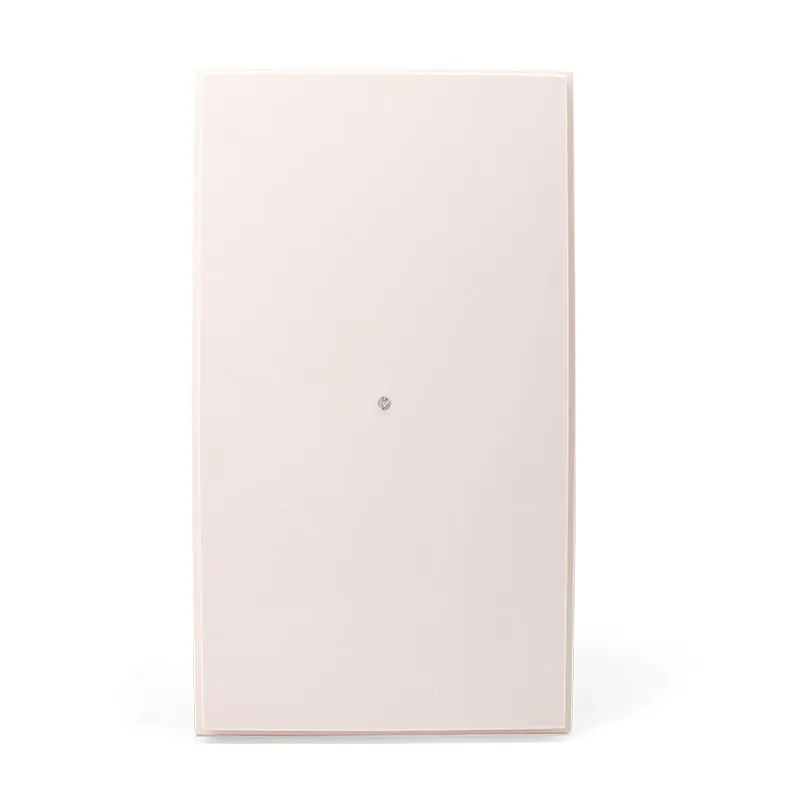
UHF U630-M+1 variant
9 dBi UHF Integrated RFID Reader, 0–6 m, Rated to -40 °C
- USB
- RS232
- RS485
- Fixed / long-range
Read range: 0–6 m
 UHF
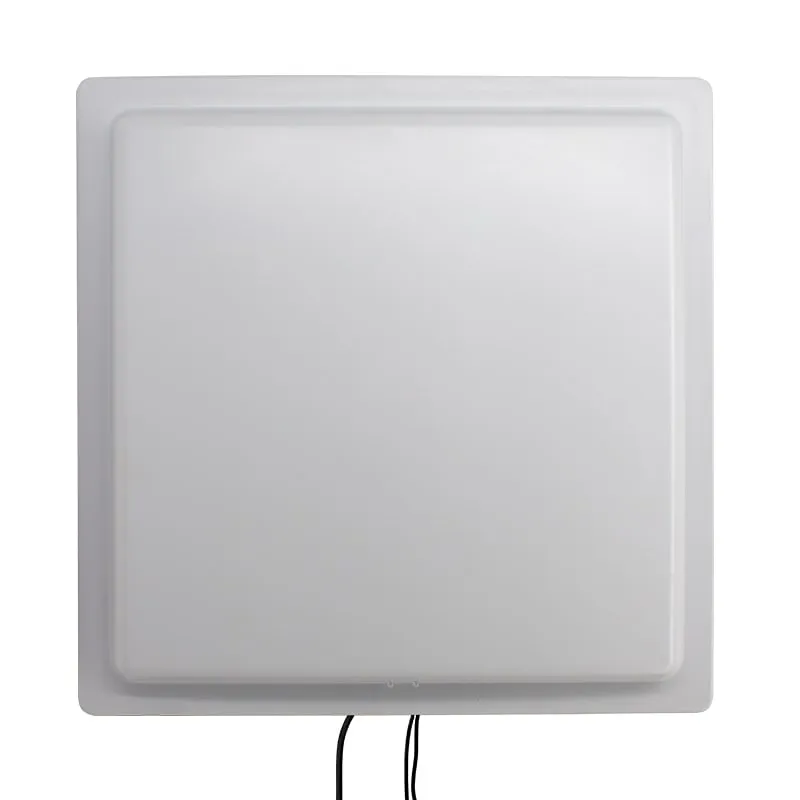
UHF U640-M+1 variant
10 dBi Long-Range UHF RFID Reader, 12 m+, Wiegand 26/34, RS485
- USB
- RS232
- RS485
- Fixed / long-range
Read range: Beyond 12 m
 UHF
UHF U650-M+1 variant
12 dBi Long-Range UHF RFID Reader, 0–20 m, Wiegand/RS485/TCP/IP
- USB
- RS232
- RS485
- Fixed / long-range
Read range: 0–20 m
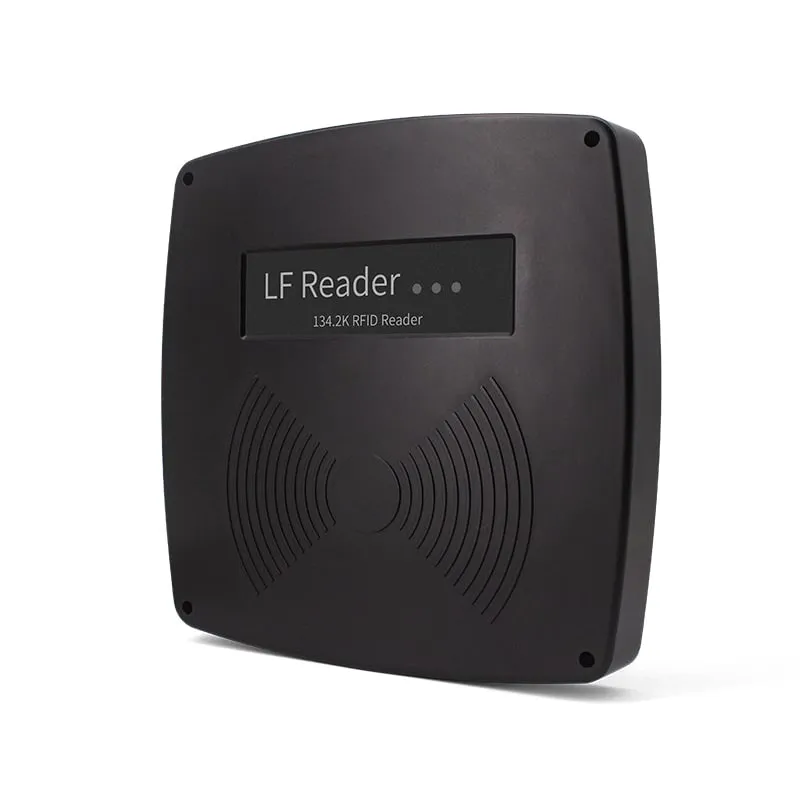 134.2kHz
 A660-M
Long-Range 134.2kHz FDX-B Panel Reader, RS232 / RS485
- RS232
- RS485
- Fixed / long-range
Read range: 40 cm ± 5 cm
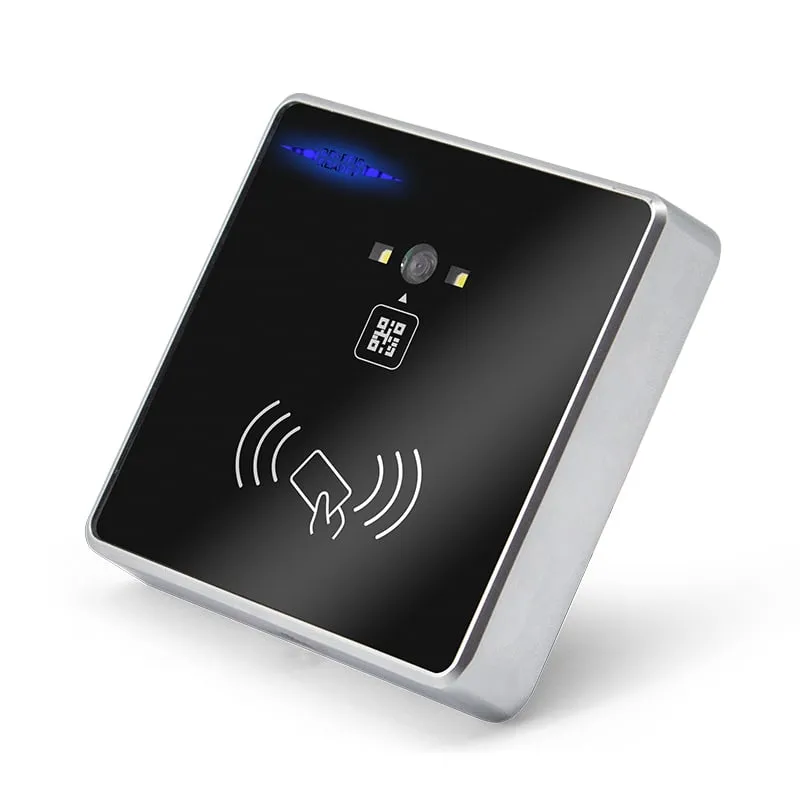 QR + RFID
 Q420-M
QR Code + RFID Access Reader, Wiegand 26/34, RS485, Slim 86-Box
- RS232
- RS485
- Wiegand
- Wall-mount
Read range: 3–6 cm
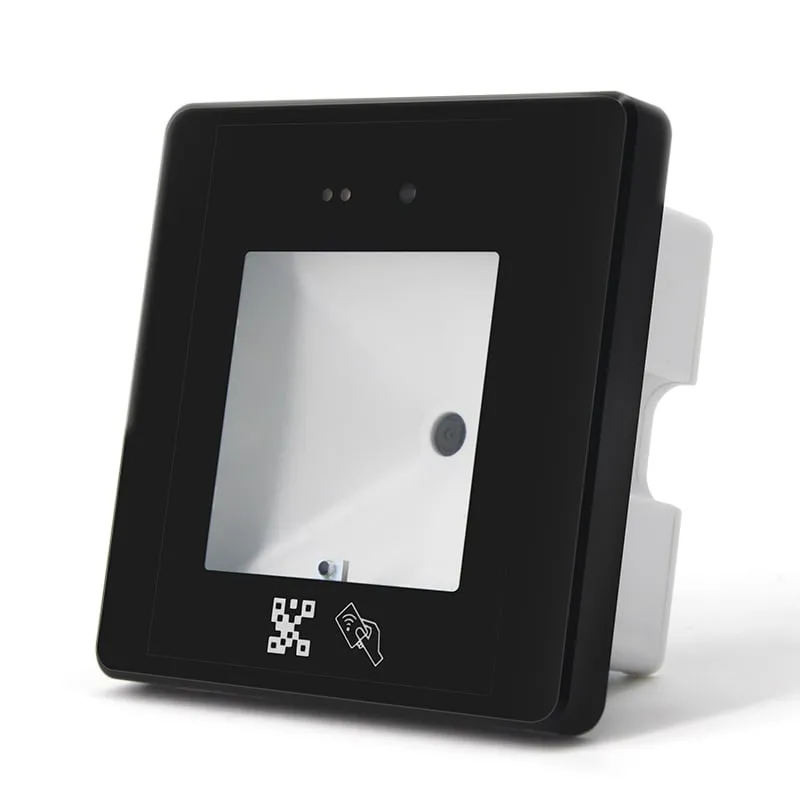 QR + RFID
 Q430-M
QR Code + RFID Access Reader with USB, Wiegand and RS485, 86-Box
- USB
- RS232
- RS485
- Wall-mount
Read range: 3–6 cm
A serial RFID reader sends each card or tag read as bytes on a COM port or bus instead of typing it as keyboard input. Your application or controller reads the port directly, so data arrives whether or not a window has focus and cannot be mixed up with typing. That makes serial the usual choice for kiosks, self-service terminals, industrial PCs, legacy software and gate or door controllers.
This page covers two groups. RS232 desktop readers connect with a DB9 lead and read card UIDs at up to 80 mm: L110-R, L120-R and L150-R for 125 kHz EM4100/TK4100 cards, and H110-R and H150-R for 13.56 MHz MIFARE Classic and NTAG cards. Panel and long-range readers add RS485 and Wiegand: the U610-M to U650-M UHF integrated readers, the Q420-M and Q430-M QR code and card readers, and the A660-M 134.2 kHz animal tag panel, whose Wiegand wiring is confirmed in your quotation.
Integrators choose on three things: the card or tag technology, the cable run (RS232 for short point-to-point links, RS485 for longer runs and electrically noisy sites), and how much protocol work the software team wants. The desktop models are read-only ID readers with a documented frame. The UHF readers are configured in software and supported by an SDK.
Model comparison
Every model below has at least one serial port (RS232 or RS485). The panel readers add Wiegand, and the -N builds of the UHF integrated readers add TCP/IP.
| Model | Frequency | Interface | Form factor | Read range |
|---|---|---|---|---|
| L110-R | 125 kHz | RS232 | Desktop | Up to 80 mm |
| L120-R | 125 kHz | RS232 | Desktop | Up to 80 mm |
| L150-R | 125 kHz | RS232 | Desktop | Up to 80 mm |
| H110-R | 13.56 MHz | RS232 | Desktop | Up to 80 mm |
| H150-R | 13.56 MHz | RS232 | Desktop | Up to 80 mm |
| U610-M | 902–928 MHz or 865–868 MHz, specified at order | USB, RS232, RS485, Wiegand | Fixed / long-range | 0–5 m |
| U620-M | 902–928 MHz or 865–868 MHz, specified at order | USB, RS232, RS485, Wiegand | Fixed / long-range | 0–5 m |
| U630-M | 902–928 MHz or 865–868 MHz, specified at order | USB, RS232, RS485, Wiegand | Fixed / long-range | 0–6 m |
| U640-M | 902–928 MHz or 865–868 MHz, specified at order | USB, RS232, RS485, Wiegand | Fixed / long-range | Beyond 12 m |
| U650-M | 902–928 MHz or 865–868 MHz, specified at order | USB, RS232, RS485, Wiegand | Fixed / long-range | 0–20 m |
| A660-M | 134.2 kHz / 125 kHz | RS232, RS485 | Fixed / long-range | 40 cm ± 5 cm |
| Q420-M | 125 kHz / 13.56 MHz | RS232, RS485, Wiegand | Wall-mount | 3–6 cm |
| Q430-M | 125 kHz / 13.56 MHz | USB, RS232, RS485, Wiegand | Wall-mount | 3–6 cm |
How to choose an RS232 or RS485 RFID reader
Start with the card or tag, then check that the reader has the port your host or controller expects.
| Models | Card or tag | Serial ports | Other outputs | Rated range |
|---|---|---|---|---|
| L110-R, L120-R, L150-R | 125 kHz EM4100, TK4100 | RS232 (DB9) | — | Up to 80 mm |
| H110-R, H150-R | 13.56 MHz MIFARE Classic 1K/4K, NTAG203/213 (UID) | RS232 (DB9) | — | Up to 80 mm |
| U610-M to U650-M | UHF EPC Gen2 | RS232, RS485 | Wiegand 26/34, USB; TCP/IP on -N builds | 0–5 m to 0–20 m |
| A660-M | 134.2 kHz FDX-B, 125 kHz EMID | RS232, RS485 | Wiegand 26/34 listed | 40 cm ± 5 cm |
| Q420-M | QR / barcodes, EM and MIFARE cards | RS232, RS485, TTL | Wiegand 26/34 | Card 3–6 cm, QR 0–20 cm |
| Q430-M | QR / barcodes, EM and MIFARE cards | RS232, RS485, TTL | Wiegand, USB keyboard or virtual COM | Card 3–6 cm, QR 0–20 cm |
If your host has only USB, use a USB-to-RS232 adapter or a keyboard-emulation reader. If you are wiring to an access controller, Wiegand is often simpler than serial; see access control and Wiegand readers and access control applications.
Serial settings and frame formats
The settings below are as documented for each model. Before you write a parser, capture a few reads with a serial terminal on your evaluation sample and confirm the byte layout and checksum.
| Models | Port | Default settings | Data as documented |
|---|---|---|---|
| L110-R, L120-R, L150-R | RS232, DB9 | 9600 bps; 19200 and 115200 selectable | Frame delimited by STX (0x02) and ETX (0x03); 10-digit decimal card number by default |
| H110-R, H150-R | RS232, DB9 | 9600 bps, 8-N-1; 19200 and 115200 selectable | STX(0x02) Len CardType SNR[5] BCC ETX(0x03); 10-digit decimal UID by default |
| U610-M to U650-M | RS232, RS485 | Not published; confirm with your sample | Output format set by software; SDK with C#, VC, VB, Java and Delphi sample code |
| Q420-M, Q430-M | RS232, RS485, TTL | Baud rate set by scanning setting QR codes; Q420-M lists 9600, 19200 and 115200 bps | Card or QR data; confirm the layout on your sample |
| A660-M | RS232, RS485 | Confirm with your sample | Confirm with your sample |
The 8-N-1 setting is documented for the 13.56 MHz models; for the 125 kHz models, check data bits and parity on the sample. Card numbers can be compared with the printed number using the card number converter and the card number formats guide.
Wiring and installation notes
- RS232 desktop readers: 1450 mm DB9 serial lead; L120-R, L150-R and H150-R also have a USB lead. They run on 5 V DC, so confirm how power will be supplied at your host in the quotation.
- Q420-M: red 12 V, black GND, green Wiegand DATA0, white Wiegand DATA1, brown RS485 A, orange RS485 B, blue RS232 RX, yellow RS232 TX. Supply 8–12 V DC, 800 mA.
- Q430-M: rear terminal block with RS485 (A, B), RS232 (RX, TX), Wiegand (DATA0, DATA1), TTL (RX, TX), GND and 12 V. Supply 8–12 V DC, 800 mA.
- A660-M: red DC+, black GND, white RS232 TX, grey RS485 B, purple RS485 A. The documented wiring has no RS232 RX line, so plan for one-way output from the reader. Confirm the supply voltage and Wiegand wiring for your build in the quotation.
- UHF integrated readers: 12 V DC supply and one trigger input for a vehicle loop or other sensor. Ask for the wiring diagram of your build (-M or -N) with the quotation.
General rules for bare-wire readers: connect reader TX to host RX (and reader RX to host TX where there is one), share a common ground, keep RS485 A and B consistent end to end (a swapped pair is a common fault), use shielded twisted pair on long RS485 runs, and never connect TTL pins to an RS232 port, because the voltage levels differ. See USB vs RS232 vs RS485 vs Wiegand and Wiegand reader wiring.
Integrating serial readers with your software
For the desktop readers, open the port at the documented settings, buffer bytes from STX (0x02) to ETX (0x03), validate the frame (the 13.56 MHz frame carries a BCC byte), then convert the ID to the format your database stores. Decide how your software treats the same card presented twice in a row, and log the raw hex while you commission the system; it shortens any later support call.
For the UHF integrated readers, set the output format, reading mode (continuous or triggered) and RF power with the test demo or through the SDK, then either parse the serial stream or build on the SDK. Use the trigger input when reads should happen only while a vehicle or object is present, so the reader does not report tags passing nearby. See Wiegand 26 vs 34, parking and vehicle access, and support for troubleshooting.
Frequently asked questions
What baud rate and settings do the RS232 RFID readers use?
They default to 9600 bps, with 19200 and 115200 bps selectable. The 13.56 MHz models (H110-R, H150-R) are documented at 8 data bits, no parity, 1 stop bit (8-N-1). For the 125 kHz models, confirm data bits and parity on your evaluation sample.
How do I test an RS232 RFID reader?
Connect the DB9 lead to a COM port or a USB-to-RS232 adapter, check which COM number the host assigns, and open a serial terminal at 9600 bps with hex display on. Present a card: you should see a frame that starts with 0x02 and ends with 0x03. If nothing arrives, check that the reader has power (its status LED should be lit), then the COM port, the baud rate and the card frequency. The troubleshooting checklist covers the other causes.
What is the difference between RS232 and RS485 on an RFID reader?
RS232 is a single-ended, point-to-point link meant for short cables between a reader and one host. RS485 uses a differential pair, which tolerates longer cable runs and electrical noise, so it suits readers mounted at gates, docks or animal races far from the controller. See choosing an RFID reader interface.
Which readers have an RS485 port?
The U610-M to U650-M UHF integrated readers, the A660-M 134.2 kHz animal tag panel, and the Q420-M and Q430-M QR code and card readers. The 125 kHz and 13.56 MHz desktop readers are RS232 only.
Can the RS232 desktop readers write cards?
No. L110-R, L120-R, L150-R, H110-R and H150-R read the card ID (UID) only. Among the models on this page, only the UHF integrated readers list tag read/write, through the SDK.
Is the serial protocol documented?
The desktop frame formats and default settings are shown above. For the UHF integrated readers, integration is through the test demo and the SDK (C#, VC, VB, Java and Delphi sample code). Ask for the documentation for your model when you request a sample.
Tell us your card, interface and quantity
Send the card or tag type, the host system and your volume. We reply within 1 business day with a suggested model and sample options.