 UHF
UHF RFID readers
UHF RFID Desktop Reader/Writers: USB Tag Encoding and Enrollment
Four USB desktop reader/writers for EPC Gen2 UHF tags, for issuing, encoding and checking tags at a desk. Each reads up to 0.5 m, writes up to 0.2 m and types tag data as a USB keyboard, with a virtual COM build on request.
UHF 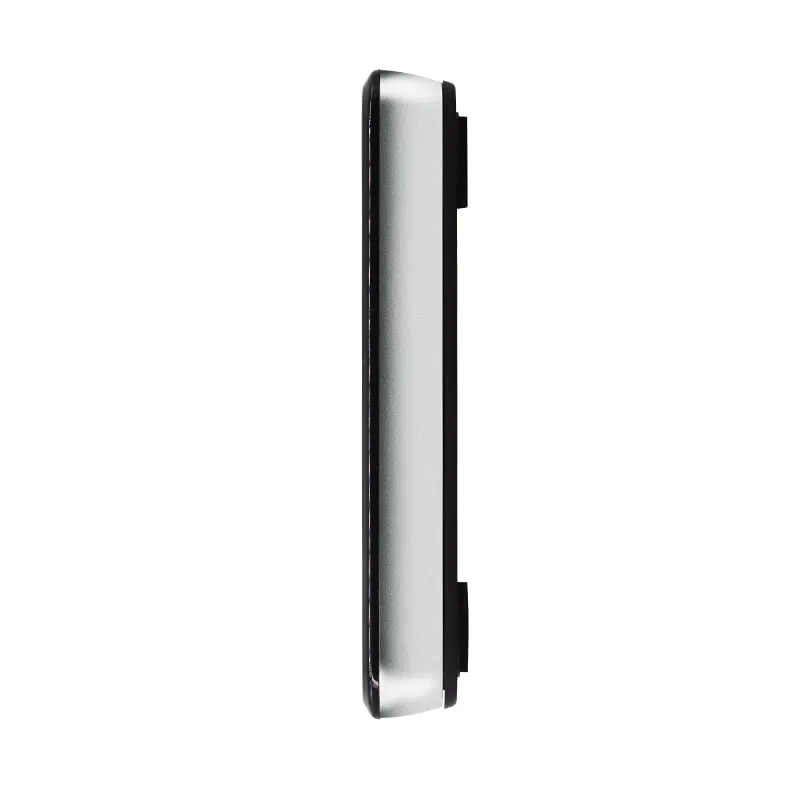 UHF
UHF U130-U
UHF RFID Desktop Reader/Writer, USB, Glossy Light-Ring Pad
- USB
- Desktop
Read range: Up to 0.5 m
 UHF
UHF Photos on request
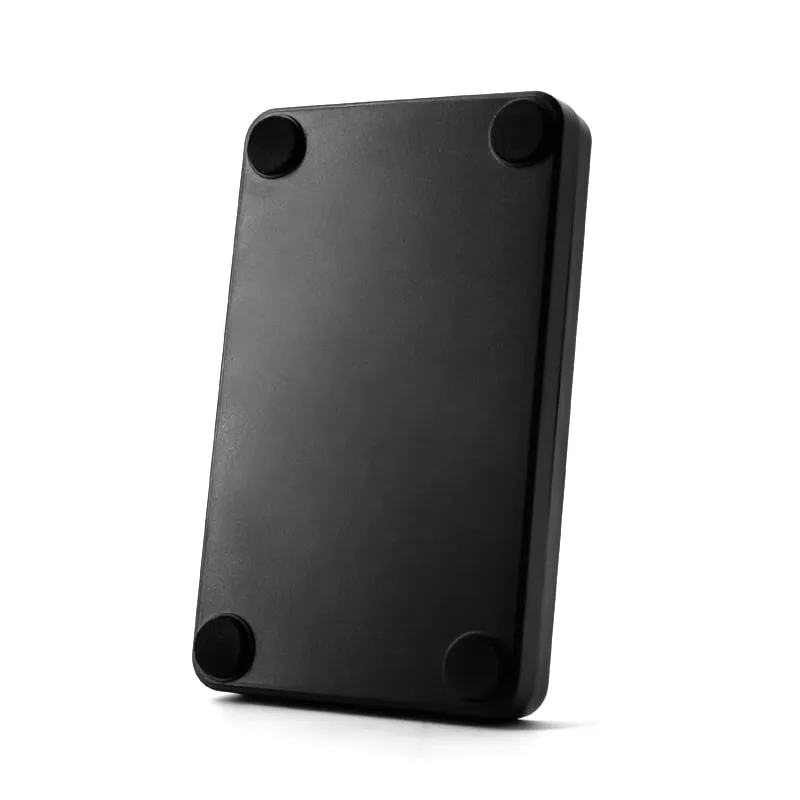
UHF U160-U
UHF RFID Desk Reader/Writer, USB, EPC Gen2, Square Housing
- USB
- Desktop
Read range: Up to 0.5 m
A UHF RFID desktop reader/writer is the station where EPC Gen2 tags are prepared and checked before they go into service: staff cards enrolled for personnel access, labels written for files and assets, vehicle tags registered at a parking office. All four models in this range share the same published radio specification: a built-in 2 dBi circularly polarized antenna, RF output adjustable from 12.5 to 26 dBm, a read range of up to 0.5 m and a write range of up to 0.2 m. Each connects to the host by USB and draws its 5 V power from the port.
Buyers are usually integrators and software vendors who need a USB UHF reader at every enrollment or back-office desk, and distributors who stock a desktop UHF reader alongside long-range gate readers. The decision comes down to four points: the frequency band for the country of use (902–928 MHz or 920–925 MHz as standard), the output build (keyboard emulation by default, or a USB virtual serial port on request), how much read range you really want on a crowded desk, and which housing suits the workplace. The sections below cover each point, and the comparison table lists the four models side by side.
Model comparison
All four models share the same published radio specification (2 dBi circularly polarized antenna, 12.5–26 dBm output, up to 0.5 m read and 0.2 m write); they differ in housing size, finish and color.
How to choose a UHF desktop reader/writer
Because the four models share one radio specification, the choice is mostly about the build you order and the housing you want on the desk.
- Band. Order 902–928 MHz (US band) or 920–925 MHz (China band) to match the regulations where the reader will be used; other regional bands are available on request. The frequency bands by country guide lists common allocations.
- Output build. Keyboard emulation if tag data should go into an existing text field; the virtual serial port build if your software needs to talk to the reader, for example to write tags.
- Range. A read range of up to 0.5 m is plenty at a desk, and often too much. Plan to lower the RF output where tags are stored near the reader.
- Housing. Pick by desk and appearance, using the table below.
| Model | Housing | Size | Color | Good fit |
|---|---|---|---|---|
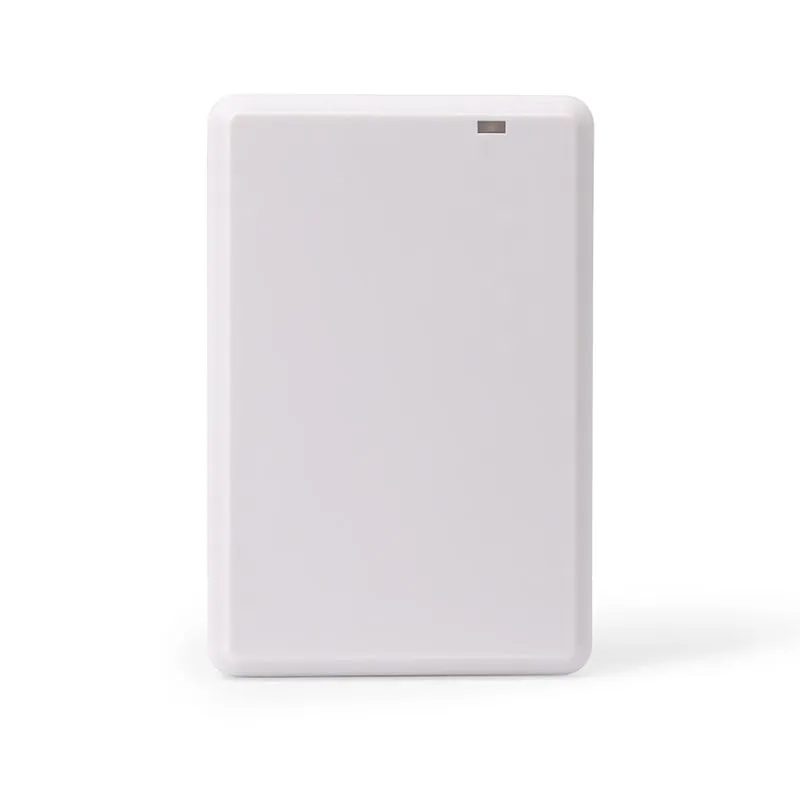
| U120-U | Flat pad | 104 × 68 × 10 mm | White | Front desks and offices where a low profile matters |
| U130-U | Glossy pad with light ring | 104 × 70 × 15 mm | Black with silver edge | Reception and service counters in view of visitors |
| U140-U | Compact pad with light ring | 15 mm thick | Black | Back-office encoding and IT desks |
| U160-U | Square desk reader | 107 × 107 × 24 mm | Black with silver frame | Check-in stations where tagged items are set down |
Keyboard emulation or virtual serial port
The default build enumerates as a USB keyboard (HID). When a tag is read, its data is typed wherever the cursor is, so a web form, spreadsheet or access-control client can take UHF tag data without a driver install or SDK. This is the quickest way to enroll tags into software that already has a credential field. Two limits apply: a text field must have focus, and keyboard output travels one way, from reader to host, so it cannot carry write commands to the reader.
The virtual serial port version, one of our customized reader builds, appears to the host as a COM port. Software opens the port, receives tag data in the background and can send commands back, which is the route for writing tags from your own application. The command documentation available for the serial build is confirmed in your quotation. The keyboard-wedge reader guide compares the two modes in more detail, and other USB keyboard readers are grouped on the keyboard-emulation readers page.
Read range, write range and RF power at a desk
The 0.5 m read and 0.2 m write figures are maximums at full output with a suitable tag. Write range is shorter because a passive tag needs more energy to write its memory than to reply to a read. Real distances also depend on the size and design of the tag, its orientation, and any metal or liquid nearby.
At a desk, too much range is the more common problem: a reader at 26 dBm may pick up tags on items still waiting to be processed. RF output is software adjustable down to 12.5 dBm, and on request it can be preset before shipment so that only the tag on the pad is read. The circularly polarized antenna makes reads less dependent on how the tag is turned, and the reader can hop across channels (FHSS) or hold a fixed frequency. For the factors behind UHF range, see UHF RFID read range; for memory banks and locking when you encode tags, see How to write UHF RFID tags.
When a desktop reader is the wrong tool
A 2 dBi desktop antenna is built for short, controlled reads. For other jobs, look at these lines instead:
- Gates, doors and vehicle lanes: integrated long-range UHF readers with 7 to 12 dBi antennas and Wiegand, RS232/RS485 and USB ports.
- Stock counts and field work: handheld and Bluetooth UHF readers.
- Android phones and tablets: the U220-C USB-C UHF plug-in reader.
- 125 kHz or 13.56 MHz cards: 125kHz and 13.56MHz NFC desktop readers, several of them in the same housings as these UHF models.
Every UHF line is listed together on the UHF RFID readers page.
Frequently asked questions
Can these UHF desktop readers write tags, or only read them?
They read and write ISO 18000-6C / EPC Gen2 tags: up to 0.5 m for reading and up to 0.2 m for writing. Writing is driven by host software, so it needs a build your software can send commands to, such as the virtual serial port version; keyboard output only sends data to the computer.
Do I need a driver or SDK to use a USB UHF desktop reader?
Not for reading in the default build. The reader enumerates as a USB keyboard (HID) and types tag data into the focused field using the host's built-in keyboard driver. Background capture and writing need host software; the software and documentation available for your build are confirmed in your quotation.
Which UHF frequency band should I order?
The band permitted where the reader will be used. Standard builds are 902–928 MHz (US band) and 920–925 MHz (China band), and other regional bands are available on request. Put the destination country in your RFQ; UHF RFID frequency bands by country explains the regional differences.
How do I stop a desktop UHF reader from picking up other tags on the desk?
Lower the RF output. It is software adjustable from 12.5 to 26 dBm, and at full power the reader reaches up to 0.5 m. A lower setting, which can be preset before shipment on request, keeps the read zone close to the pad. Keeping blank or finished tags away from the reader also helps.
What is the difference between the U120-U, U130-U, U140-U and U160-U?
The housing. Their published RF specifications are the same. The U120-U is a 10 mm white flat pad, the U130-U a glossy black pad with a silver edge and light ring, the U140-U a compact black pad with a light ring, and the U160-U a 107 × 107 mm square desk reader.
Can a UHF desktop reader read 125 kHz or 13.56 MHz cards?
No. These readers work only with ISO 18000-6C / EPC Gen2 UHF tags. For EM4100 cards use a 125kHz reader, and for MIFARE or NTAG cards a 13.56MHz reader. The L120-U/H120-U and L130-U/H130-U share housings with the U120-U and U130-U.
Tell us your card, interface and quantity
Send the card or tag type, the host system and your volume. We reply within 1 business day with a suggested model and sample options.