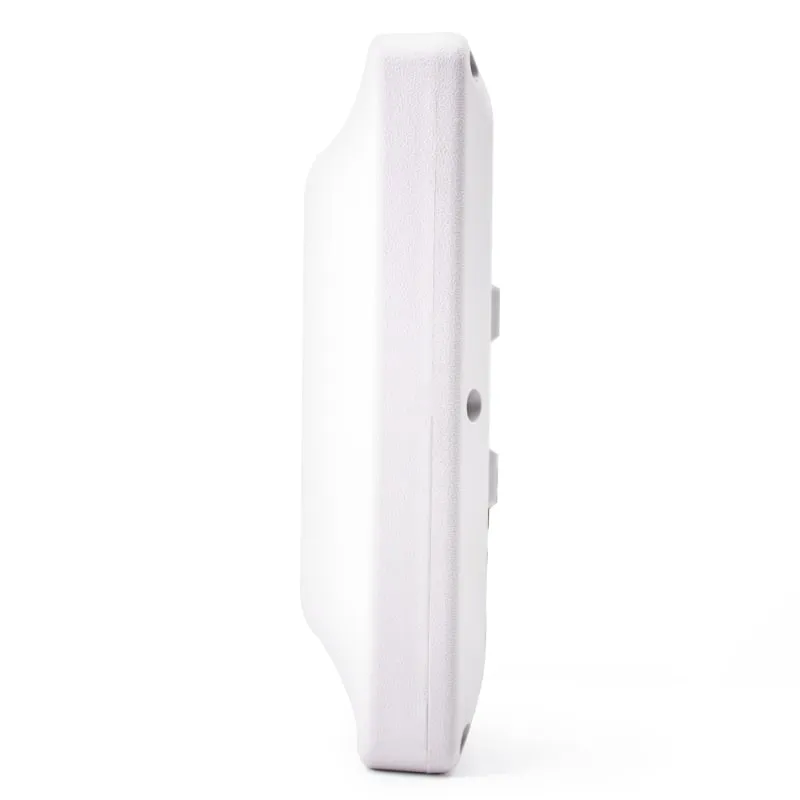
 UHF
UHF U610-M+1 variant
UHF Integrated RFID Reader, 7 dBi, 0–5 m, Wiegand/RS485/USB
- USB
- RS232
- RS485
- Fixed / long-range
Read range: 0–5 m
RFID readers
All-in-one UHF RFID readers with a built-in 7–12 dBi antenna for vehicle gates, parking lanes and logistics entries. Five models cover 0–5 m to 0–20 m rated range, with Wiegand 26/34, RS232/RS485, USB and optional TCP/IP output.
UHF U610-M+1 variant
Read range: 0–5 m
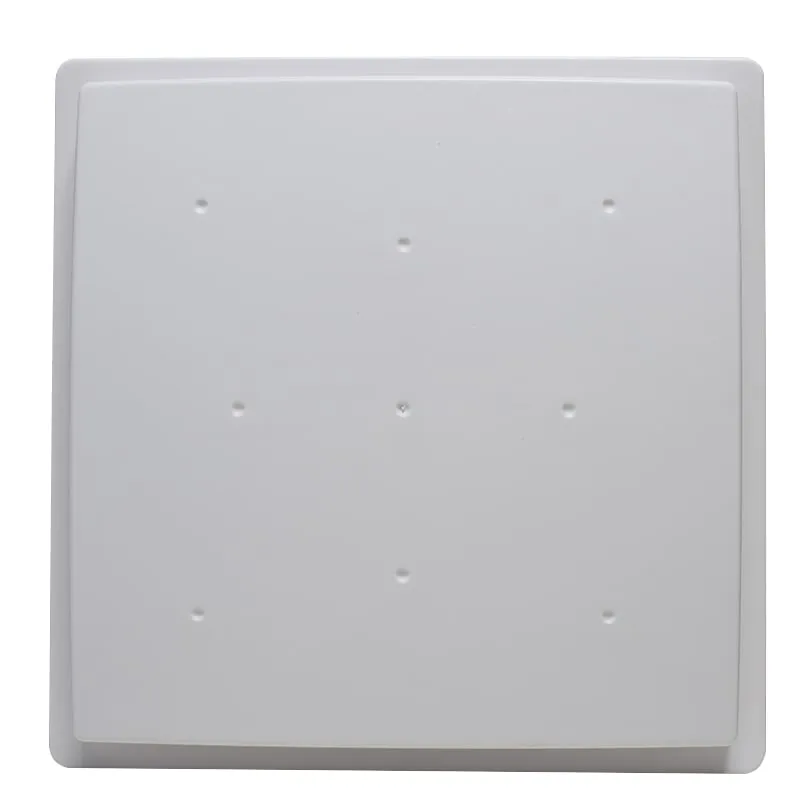 UHF
UHF U620-M+1 variant
Read range: 0–5 m
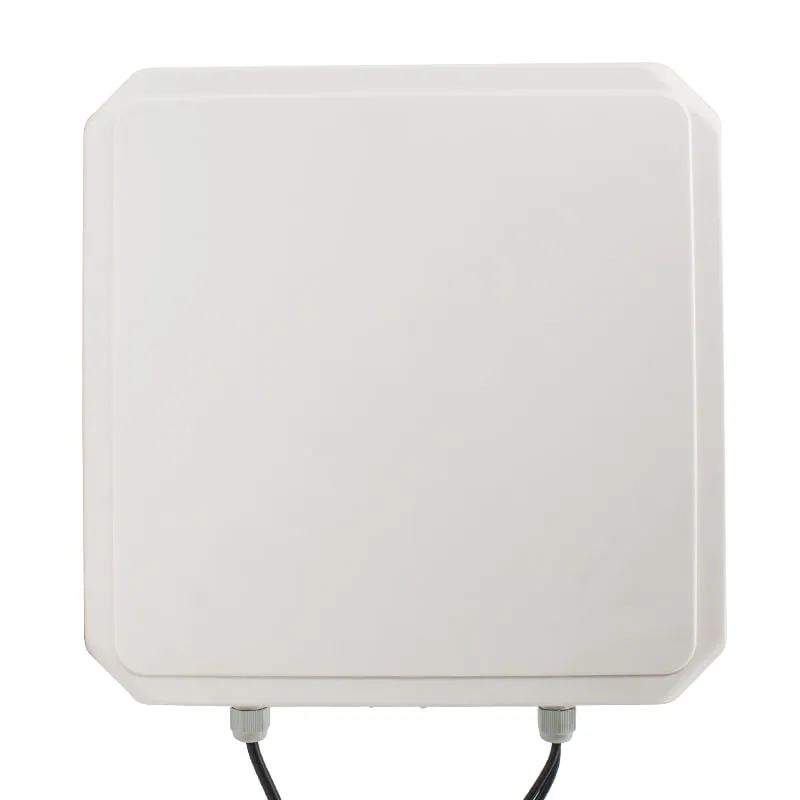 UHF
UHF U630-M+1 variant
Read range: 0–6 m
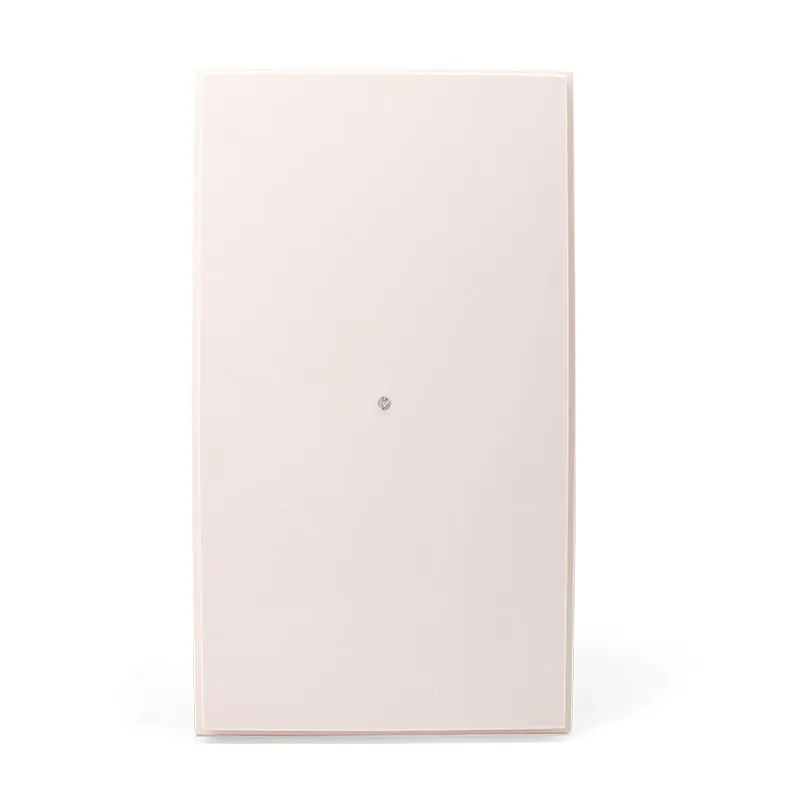 UHF
UHF U640-M+1 variant
Read range: Beyond 12 m
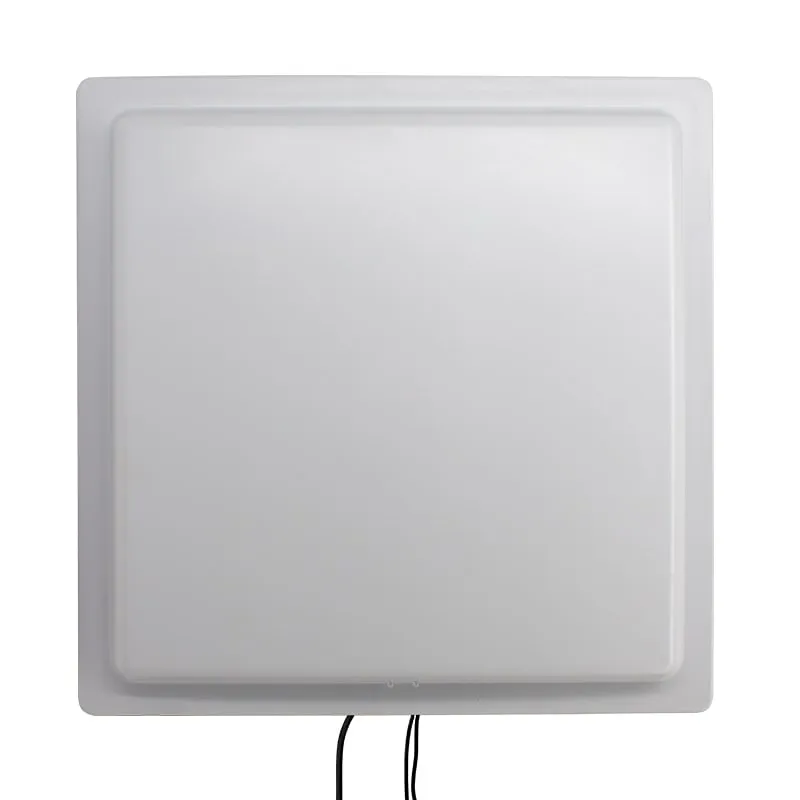 UHF
UHF U650-M+1 variant
Read range: 0–20 m
An integrated UHF RFID reader puts the reader electronics and the antenna in one pole- or wall-mounted panel. You mount it at the gate, run power and one data cable, and it reads passive ISO 18000-6C / EPC Gen2 tags on vehicles, pallets or people as they pass. There is no separate antenna cable to route or tune.
These readers suit parking and access control integrators, gate and barrier installers, and software vendors building yard, fleet and logistics systems. All five models read and write EPC Gen2 tags, set RF power from 0 to 30 dBm in software and have one trigger input for a loop detector or photo-beam. Each is available as an N-type build with Wiegand, RS232/RS485 and USB, or as an E-type build with TCP/IP Ethernet.
Three questions narrow the choice. How far away is the tag? Antenna gain sets the range, from 0–5 m on the U610-M 7 dBi integrated UHF reader to 0–20 m on the U650-M 12 dBi long-range UHF reader. What does the reader report to: a Wiegand controller or your own software? And which UHF band does your country use, 902–928 MHz or 865–868 MHz? The sections below cover each one.
All five models read and write ISO 18000-6C / EPC Gen2 tags, set RF power from 0 to 30 dBm and have one trigger input. They differ mainly in antenna gain, housing size and rated range, which depends on the tag and site.
| Model | Frequency | Interface | Form factor | Read range |
|---|---|---|---|---|
| U610-M | 902–928 MHz or 865–868 MHz, specified at order | USB, RS232, RS485, Wiegand | Fixed / long-range | 0–5 m |
| U620-M | 902–928 MHz or 865–868 MHz, specified at order | USB, RS232, RS485, Wiegand | Fixed / long-range | 0–5 m |
| U630-M | 902–928 MHz or 865–868 MHz, specified at order | USB, RS232, RS485, Wiegand | Fixed / long-range | 0–6 m |
| U640-M | 902–928 MHz or 865–868 MHz, specified at order | USB, RS232, RS485, Wiegand | Fixed / long-range | Beyond 12 m |
| U650-M | 902–928 MHz or 865–868 MHz, specified at order | USB, RS232, RS485, Wiegand | Fixed / long-range | 0–20 m |
Start from the distance between the reader and the tag, then pick the lowest antenna gain that covers it. Extra gain adds reach along the beam, so an oversized reader is more likely to pick up tags beyond the intended zone, such as parked vehicles or passing traffic. Higher gain also narrows the beam, which helps when a neighboring lane sits to the side.
| Model | Antenna | Rated range | High-power mode | Size and weight | Wiegand | Operating temp. | Typical fit |
|---|---|---|---|---|---|---|---|
| U610-M | 7 dBi | 0–5 m | up to 8 m | 215 × 215 × 50 mm, 0.8 kg | 26 / 34 / 98 | -20 to +70 °C | Single lane, doorway, dock door |
| U620-M | 8 dBi | 0–5 m | up to 8 m | 240 × 240 × 50 mm, 1.2 kg | 26 / 34 | -20 to +65 °C | Parking entry, harder-to-read tags |
| U630-M | 9 dBi | 0–6 m | up to 10 m | 257 × 257 × 42 mm, 1.45 kg | 26 / 34 | -40 to +65 °C | Vehicle lane, cold sites |
| U640-M | 10 dBi | Stable beyond 12 m | — | 240 × 420 × 56 mm, 1.55 kg | 26 / 34 | -20 to +65 °C | Long approach, narrow post |
| U650-M | 12 dBi | 0–20 m | up to 35 m | 444 × 444 × 74 mm, 2.55 kg | 26 / 34 | -20 to +65 °C | Wide gates, yards, depots |
Range figures depend on the tag, what it is mounted on and the site. Beyond distance, check three more points:
Wiegand 26/34 sends the tag number one way, from reader to controller. It is the simplest way to add UHF to an existing parking or access control system. A Wiegand 26 frame carries 24 data bits and Wiegand 34 carries 32, so the controller receives only part of a 96-bit EPC. Agree which number the controller expects before you issue tags.
RS232 suits a short cable to a PC. RS485 is the usual choice when the PC is far from the gate. USB is handy for set-up and bench tests. TCP/IP, on the E-type builds, lets the reader report to a server on the site network. Our interface guide compares cable distances and wiring.
For software integration, the SDK includes sample code in C#, Visual C++, VB, Java and Delphi, plus a test demo and a tag read/write and issuing demo. Writing tags always goes through the SDK or demo over serial, USB or TCP/IP. Wiegand is output only.
An integrated reader is the right tool for a fixed read point such as a gate, lane or dock door. Most projects also need a way to issue and check tags. A UHF desktop reader/writer numbers tags at a desk before they are fitted, and a handheld UHF reader helps check tags on vehicles or assets in the field. For lane layouts and controller wiring at car parks, see RFID readers for parking and boom barrier gates. Our guide to fixed, integrated and handheld UHF readers compares the formats, and the UHF RFID readers page lists every UHF model.
It depends mainly on antenna gain and the tag. Rated ranges are 0–5 m for the 7 and 8 dBi models, 0–6 m for the 9 dBi U630-M, beyond 12 m for the 10 dBi U640-M, and 0–20 m for the 12 dBi U650-M. High-power figures are higher, but plan the layout on the rated range and test with your own tags.
Yes. All five read and write ISO 18000-6C / EPC Gen2 tags through the SDK or the demo software over RS232, RS485, USB or TCP/IP. The Wiegand output only sends the tag number to a controller and cannot be used for writing.
Yes, if the controller has a Wiegand reader input that accepts Wiegand 26 or 34, which all five models output. The U610-M also lists Wiegand 98. The controller makes the access decision and switches the barrier; no relay output is listed on these readers.
902–928 MHz is used in the United States and many countries in the Americas; 865–868 MHz is the European band. Other countries use other ranges, so check our frequency bands guide and state the band in your RFQ. Other bands are available on request.
The -M version (N-type) has Wiegand, RS232/RS485 and USB. The -N version (E-type) adds TCP/IP Ethernet for readers that report to a server on the network; on the U620-N, RS485 is confirmed at order. Housing, antenna and rated range are the same for both.
No IP rating is published for this series, so we do not quote one. The readers are built for pole or wall mounting at outdoor gates. If the site has direct rain, wash-down or heavy dust, say so in your RFQ and the protection level is confirmed in your quotation.
Tell us your card, interface and quantity
Send the card or tag type, the host system and your volume. We reply within 1 business day with a suggested model and sample options.