 125kHz
 RFID readers
125kHz RFID Card Readers for EM4100 / TK4100, USB and RS232
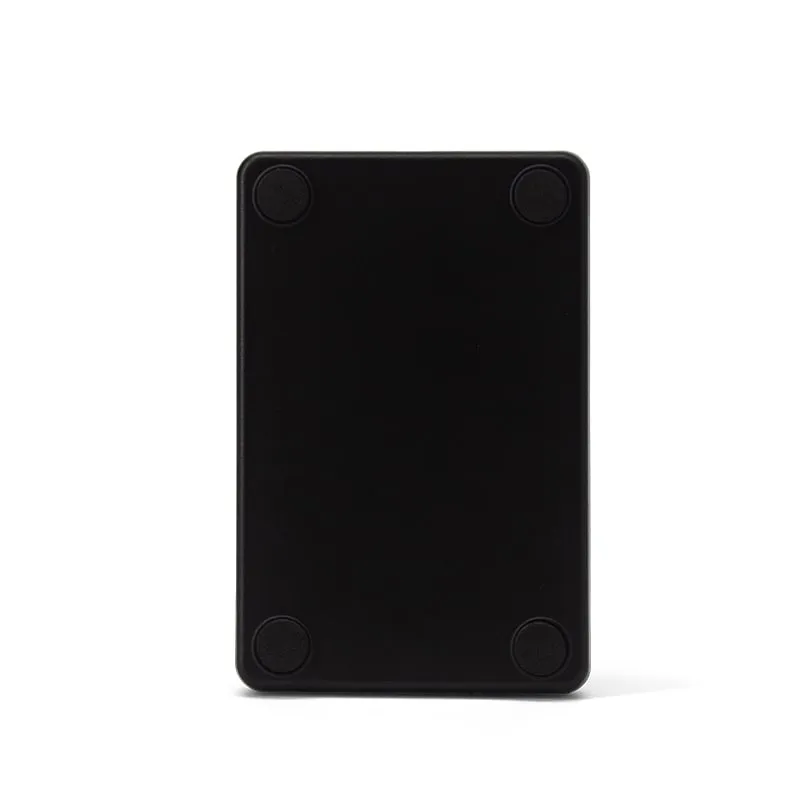
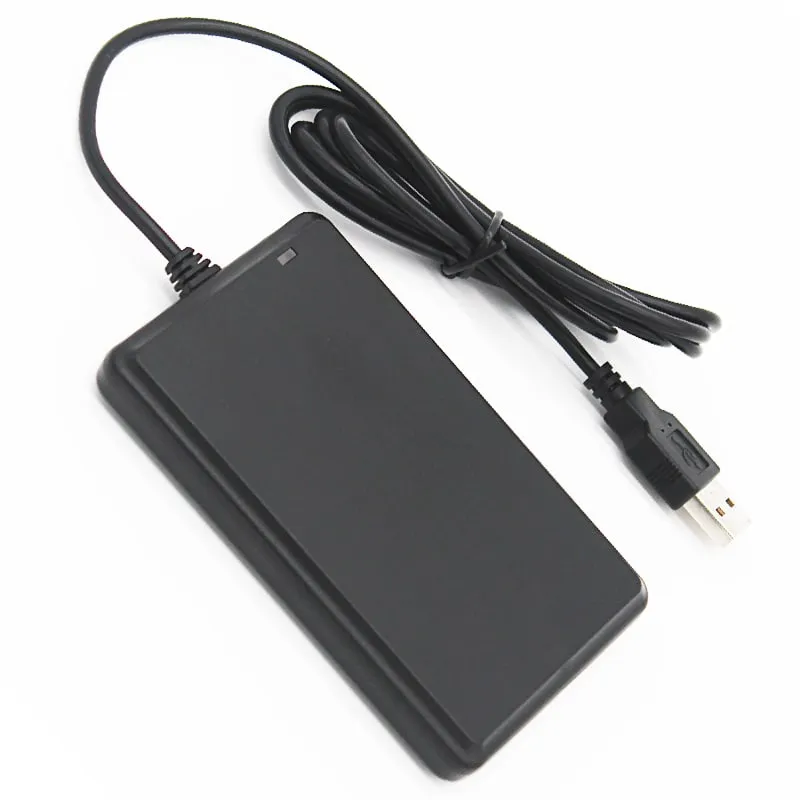
Read-only 125kHz proximity card readers for EM4100, TK4100 and SMC4001 cards and key fobs: USB keyboard-emulation pads, DB9 RS232 serial readers, a USB stick and a keypad reader. Most read up to 80 mm and output a 10-digit decimal number.
125kHz 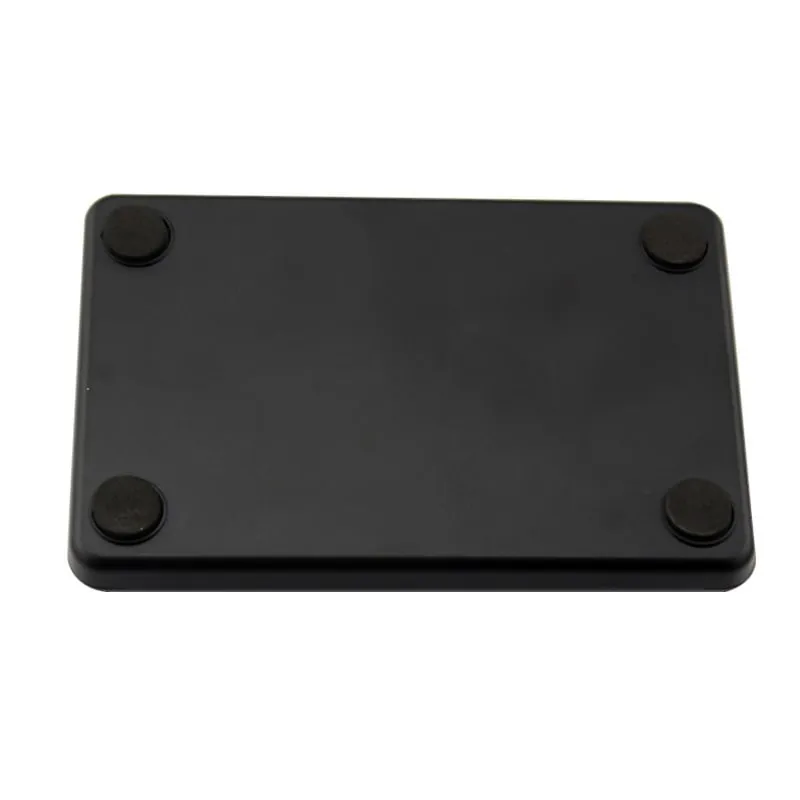 125kHz
  125kHz
  125kHz
 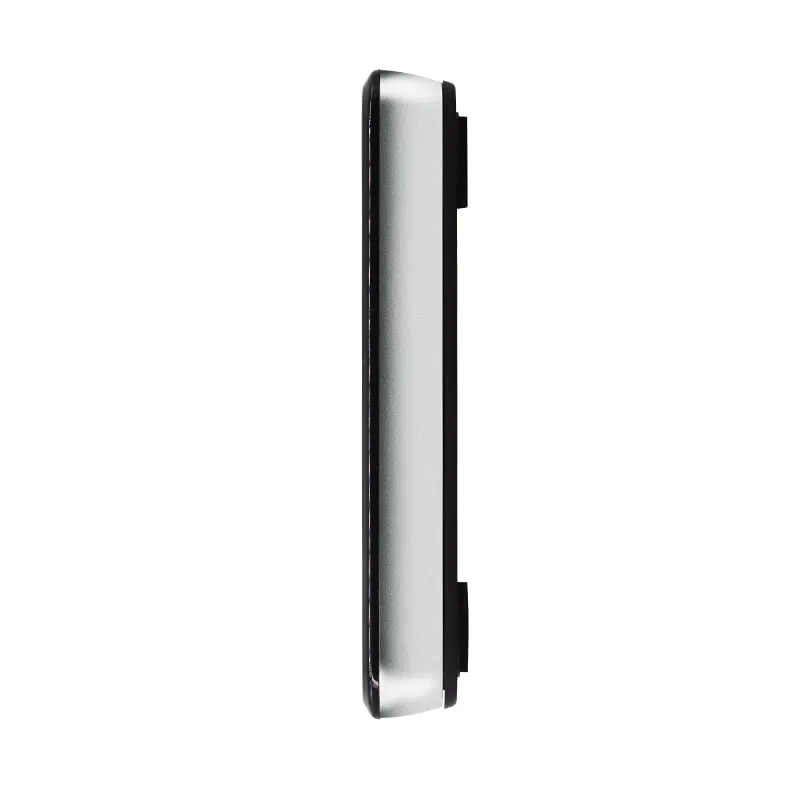 125kHz
 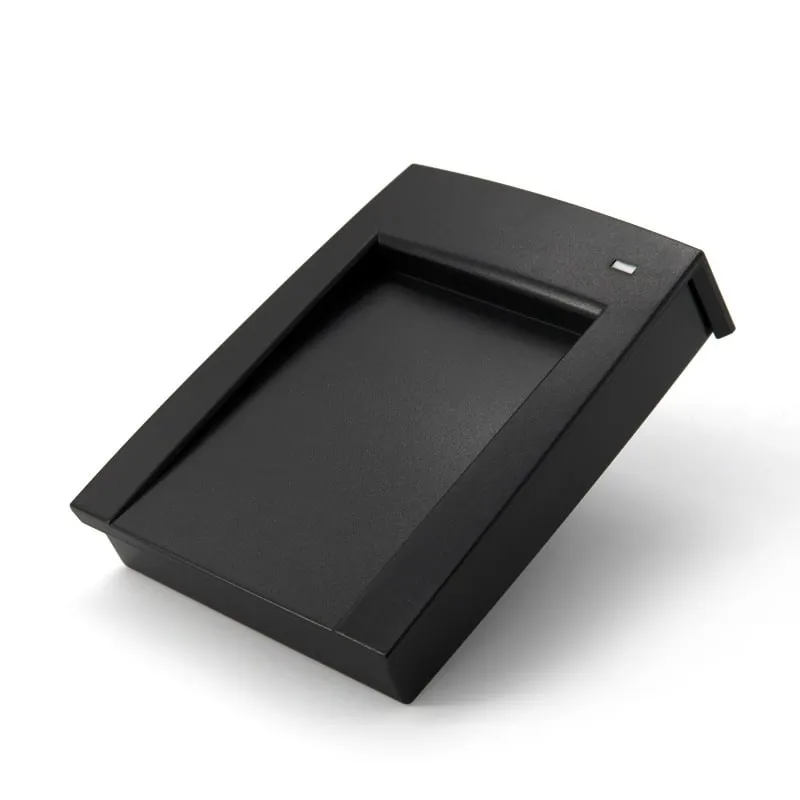 125kHz
 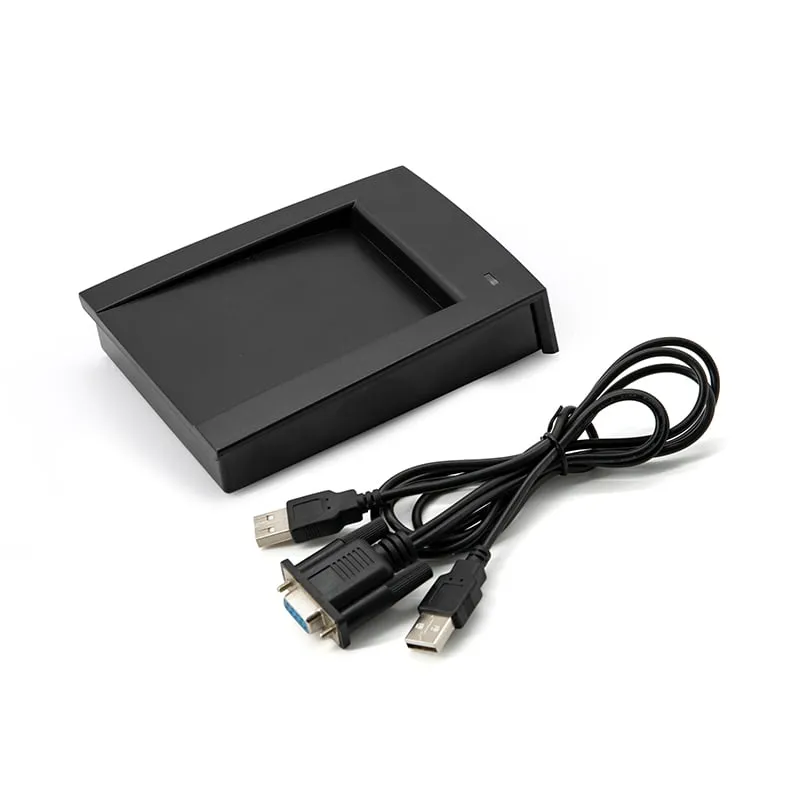 125kHz
 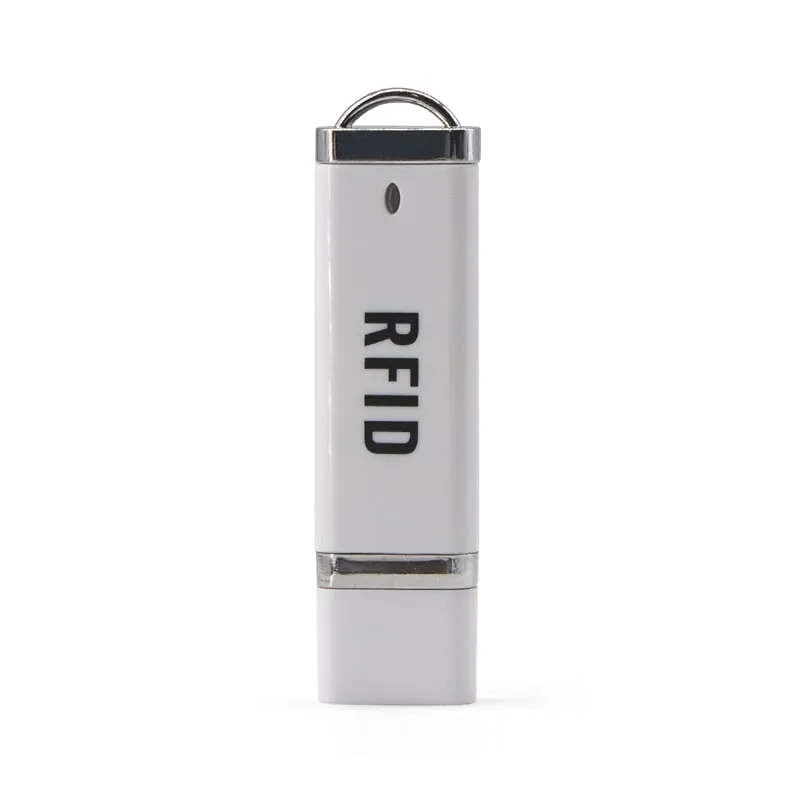 125kHz
 Photos on request
125kHz A 125kHz RFID reader reads the fixed ID number of low-frequency proximity cards and key fobs: the EM4100, TK4100 and SMC4001 family used for staff badges, membership cards and door fobs. Every reader in this range is read-only. It reports the card ID to your software and never writes to the card, so these readers fit enrollment, attendance, membership and check-in desks rather than card issuing.
Buyers are usually access-control installers, integrators, distributors and software vendors who need card numbers inside their own system. Three decisions narrow the choice:
- Interface. A USB RFID reader with keyboard emulation types the number into any application; an RS232 reader sends framed data to a COM port for kiosks and background services.
- Form factor. Slim or flat desktop pads, a glossy counter pad, an angled desktop reader with a card recess, a USB stick or a numeric-keypad reader.
- Output format. 10-digit decimal is the default on most models, and other formats can be set before shipment.
Check your cards first. 13.56 MHz MIFARE and NFC cards will not read on these models; use the 13.56MHz NFC readers. 134.2 kHz livestock and pet tags need an animal ID reader.
Model comparison
All nine models read EM4100, TK4100 and SMC4001 cards and key fobs and are read-only. Ranges are maximums with a standard card; key fobs and metal surroundings reduce them.
| Model | Frequency | Interface | Form factor | Read range |
|---|---|---|---|---|
| L110-U | 125 kHz | USB | Desktop | Up to 80 mm |
| L110-R | 125 kHz | RS232 | Desktop | Up to 80 mm |
| L120-U | 125 kHz | USB | Desktop | Up to 80 mm |
| L120-R | 125 kHz | RS232 | Desktop | Up to 80 mm |
| L130-U | 125 kHz | USB | Desktop | 0–80 mm |
| L150-U | 125 kHz | USB | Desktop | Up to 80 mm |
| L150-R | 125 kHz | RS232 | Desktop | Up to 80 mm |
| L210-U | 125 kHz | USB | Plug-in | Up to 80 mm |
| L310-U | 125 kHz | USB | Keypad | Up to 50 mm |
How to choose a 125kHz RFID reader
Start from who receives the card number, a person at a screen or a program in the background, then pick the housing that suits the place where cards are presented.
| If you need | Choose | Why |
|---|---|---|
| Card numbers typed into access-control, attendance or spreadsheet software on a PC | L110-U 125kHz USB EM4100 reader, L120-U flat USB pad | USB keyboard emulation, no driver, up to 80 mm |
| A reader that customers see at a reception or loyalty counter | L130-U | Glossy light-ring pad, controllable LED and buzzer |
| Users placing the card themselves at a sign-in point | L150-U (USB), L150-R (RS232) | Angled 110 × 80 × 26 mm body with a card recess |
| A kiosk, controller or background service reading a COM port | L110-R, L120-R, L150-R | DB9 RS232, 9600 bps default, STX/ETX framing |
| No desk space, laptops or staff who move between sites | L210-U | 75 × 21 × 7 mm USB stick, about 10 g |
| A card scan plus number entry at a POS or membership desk | L310-U | Numeric keypad with built-in reader; card number followed by Enter |
| An Android phone with a USB-C port | L220-C USB-C 125kHz reader for Android | USB-C plug; listed under USB-C / OTG readers |
Read range is up to 80 mm on the desktop pads and the USB stick, and up to 50 mm on the L310-U keypad (30 mm for consistent reads). Key fobs read closer than ISO cards, and metal under or behind the reader shortens the distance on every model. If you are unsure whether your cards are 125 kHz at all, 125kHz vs 13.56MHz shows how to tell.
Output formats: what the reader sends
An EM4100-type chip carries a 5-byte ID. The reader turns that ID into text, and the same card can look quite different depending on the format. The table shows one ID, 1A 00 4F 2B 91, in the most common formats.
| Format | Output | Typical use |
|---|---|---|
| 10-digit decimal (default on most models) | 0005188497 | The number printed on many EM4100 cards; attendance and membership software |
| 8-digit hex | 004F2B91 | Software that stores the ID in hex |
| 8-digit hex, reversed byte order | 912B4F00 | Systems that read the bytes in the opposite order |
| Facility code + card number | 079,11153 | Access-control systems built around Wiegand 26 |
| 10-digit hex (full ID) | 1A004F2B91 | Software that stores all five bytes |
The USB pads, the USB stick and the RS232 readers ship with 10-digit decimal output and take a custom format on request. The L130-U format is set per order, the L150-U is also available with a DIP switch for on-site format selection, and the L310-U sends 10-digit decimal followed by Enter. Convert your own cards with the card number converter, and see RFID card number formats for why a card can read a different number from the one on file. EM4100 and TK4100 cards explained covers what the chip holds.
USB keyboard emulation or RS232?
USB models (L110-U, L120-U, L130-U, L150-U, L210-U, L310-U) enumerate as a keyboard, so nothing is installed. The card number is typed at the cursor in Excel, a browser form, a POS screen or an access-control client. Windows XP, Vista, 7 and 10, Linux and Android are listed; Android devices need USB OTG support. The one condition is that an input field must have focus when the card is read. All keyboard-output models, including other frequencies, are on the keyboard-emulation readers page.
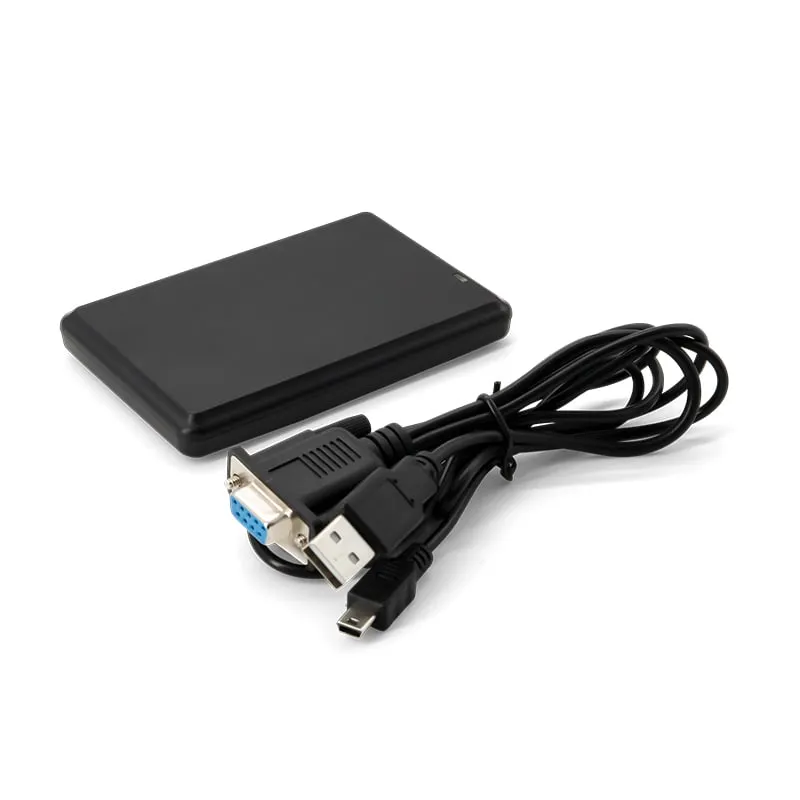
RS232 models (L110-R, L120-R, L150-R) connect through a DB9 connector at 9600 bps by default, with 19200 and 115200 bps selectable. Each read arrives as one message from STX (0x02) to ETX (0x03), so a background service can collect card numbers whatever is on screen. The readers need 5 V DC, and some cable sets include a USB-A lead next to the DB9; how power is supplied at your host is confirmed in your quotation. See the RS232 and RS485 readers and choosing an RFID reader interface.
None of these desktop readers output Wiegand. For door controllers, use a wall reader from the access control readers range.
Integration and OEM notes
- Test with your own cards. Range and format depend on the card or fob in use. Send us a card or order a sample and we confirm the output before a volume order.
- Identification, not card issuing. These readers read the card ID only and never write to cards. EM4100-type cards carry a fixed ID with no authentication, which suits attendance, membership, enrollment and look-up; the security design of a door system belongs with its access-control platform.
- One housing across bands. The slim, flat, glossy and angled housings are also built for 13.56 MHz and, in some cases, UHF or 134.2 kHz, so a distributor can offer matching hardware whatever card a site uses.
- OEM options. Output format, baud rate on the serial models, LED and buzzer behavior on the L130-U, and private-label marking and packaging. Scope, pricing and lead time are confirmed in your quotation; see private-label RFID readers.
Frequently asked questions
Can a 125kHz reader read 13.56MHz MIFARE or NFC cards?
No. 125 kHz and 13.56 MHz are different radio bands with different chips. These readers read EM4100-compatible 125 kHz cards only; for MIFARE or NFC cards use a 13.56MHz reader. 125kHz vs 13.56MHz explains how to identify your cards.
Do these readers write to 125kHz cards?
No. Every model in this range is read-only: it reads the card's ID number and sends it to the host. None of them write to or encode cards.
Do the USB models need a driver or software?
No. The USB models work as a keyboard on Windows XP, Vista, 7 and 10, Linux, and Android devices with USB OTG support, and type the card number into the active field. The RS232 models need an application that reads the COM port.
What number format do the readers output?
Most models output a 10-digit decimal card number by default, and a custom format can be set before shipment. The L310-U outputs 10-digit decimal followed by Enter. Use the card number converter to compare formats with the numbers already in your system.
What read range should I expect from a 125kHz desktop reader?
Up to 80 mm on the desktop pads and the L210-U stick, and up to 50 mm on the L310-U keypad (30 mm for consistent reads). Key fobs, metal surfaces and nearby readers reduce the distance.
Can I test a sample with my own cards before ordering in volume?
Yes. Order a sample through the samples page, tell us the number format your software expects, and we confirm it on the sample. Pricing and lead time are confirmed in your quotation.
Tell us your card, interface and quantity
Send the card or tag type, the host system and your volume. We reply within 1 business day with a suggested model and sample options.