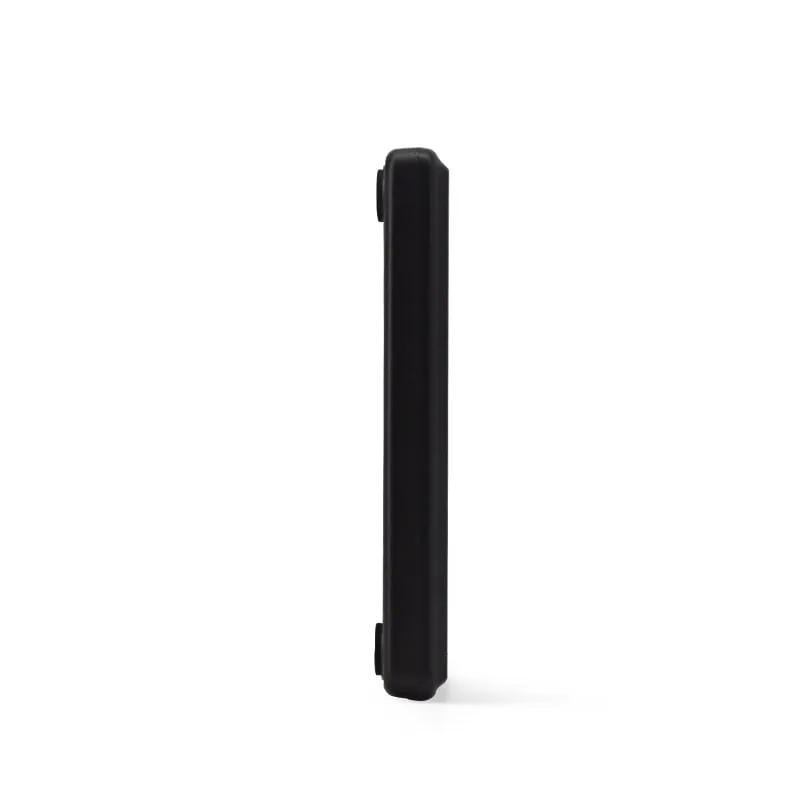
 13.56MHz
 H110-U
13.56MHz USB NFC / MIFARE Card Reader, Slim Pad, No Driver
- USB
- Desktop
Read range: Up to 80 mm
RFID readers
Nine read-only 13.56MHz RFID and NFC readers for MIFARE Classic, NTAG and ICODE cards, in desktop, USB stick and keypad formats. Most read the card UID at up to 80 mm (the keypad model up to 50 mm) and pass it to your software as keyboard input or serial data.
13.56MHz H110-U
Read range: Up to 80 mm
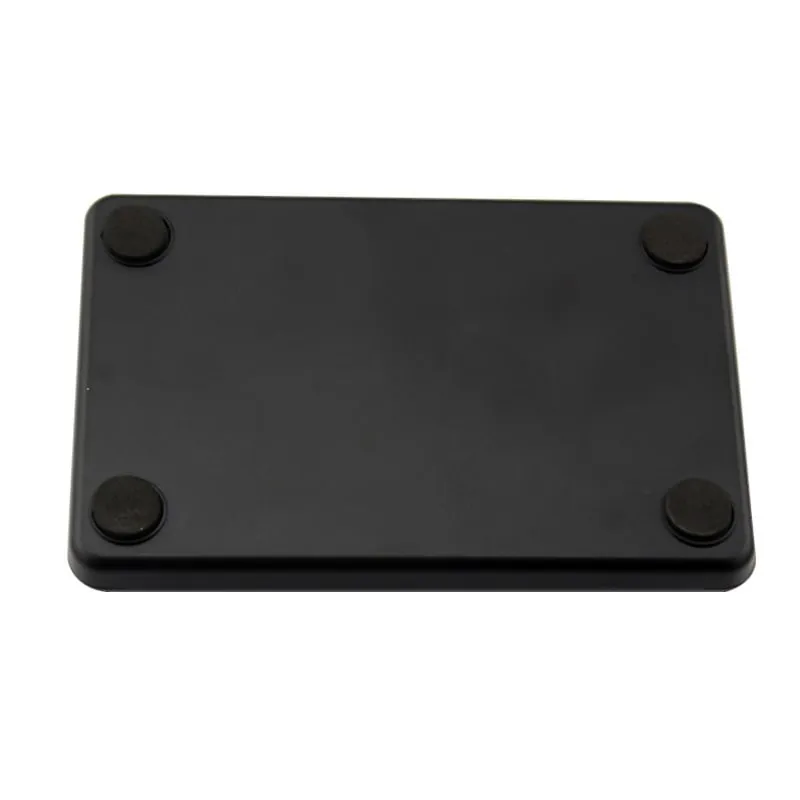 13.56MHz
 H110-R
Read range: Up to 80 mm
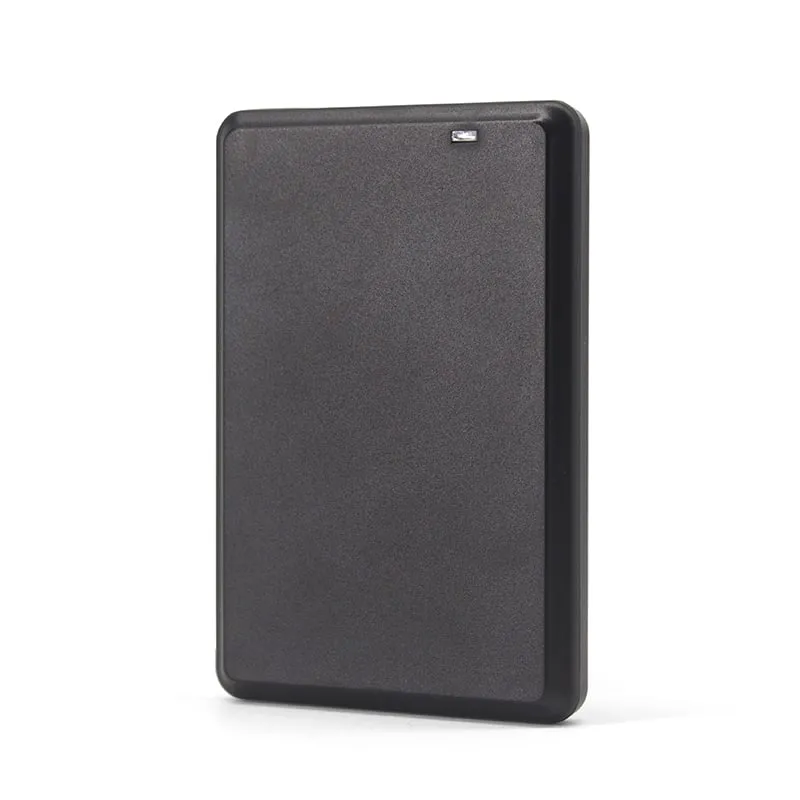 13.56MHz
 H120-U
Read range: Up to 80 mm
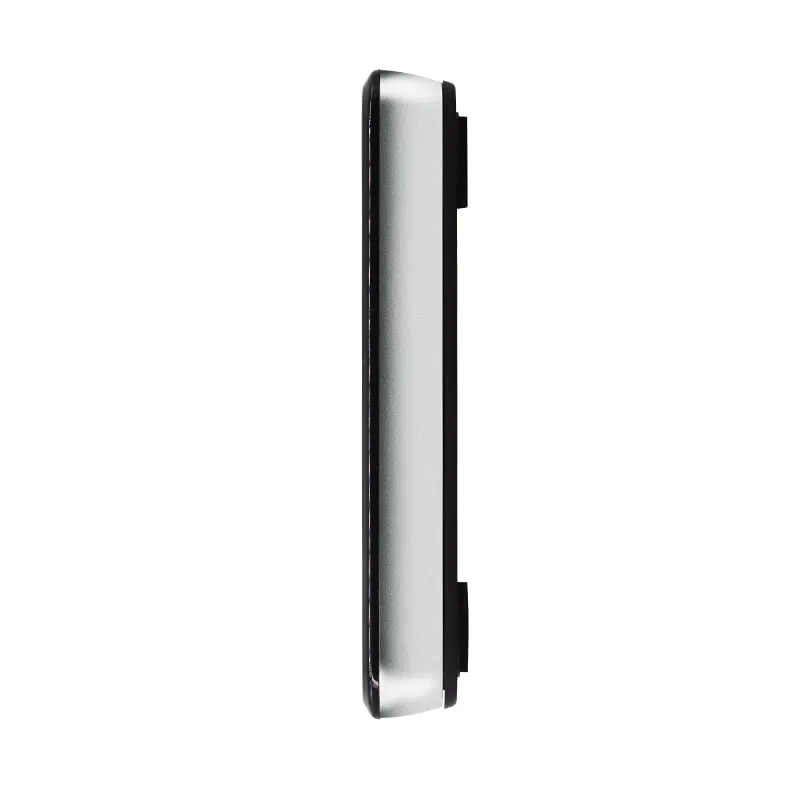 13.56MHz
 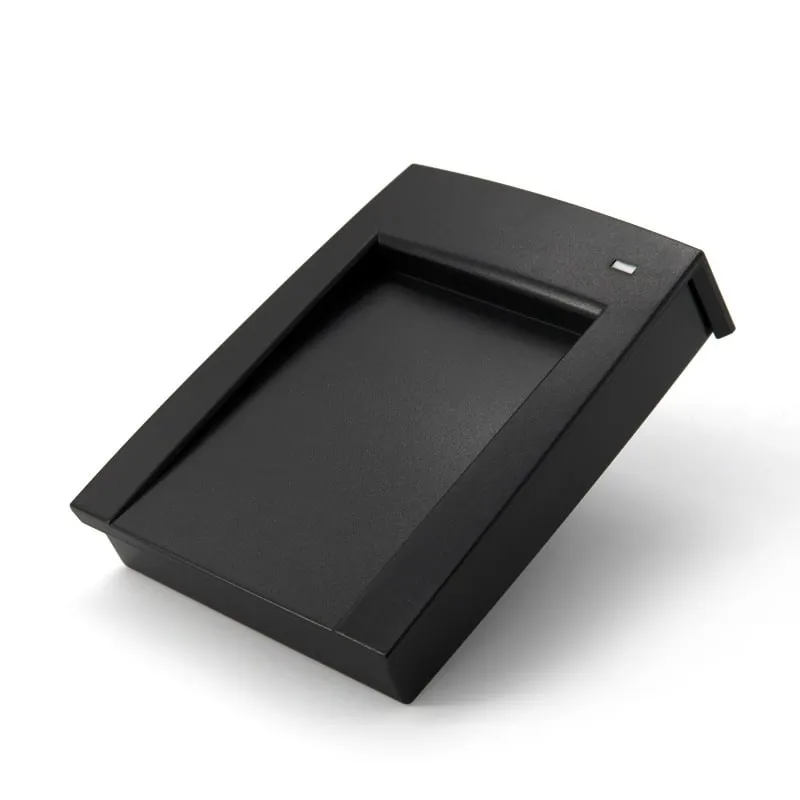 13.56MHz
 H150-U
Read range: Up to 80 mm
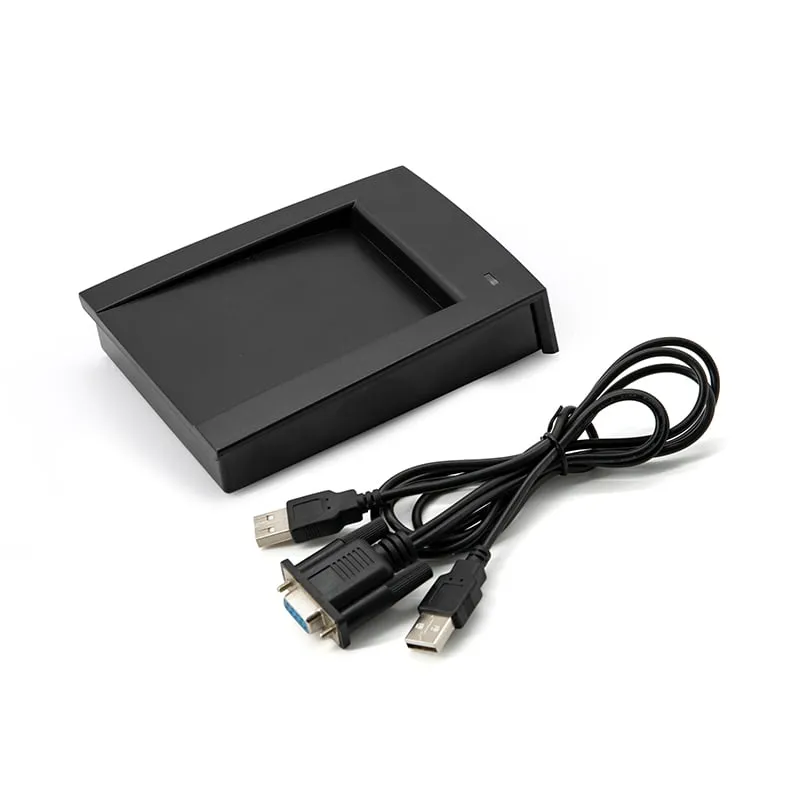 13.56MHz
 H150-R
Read range: Up to 80 mm
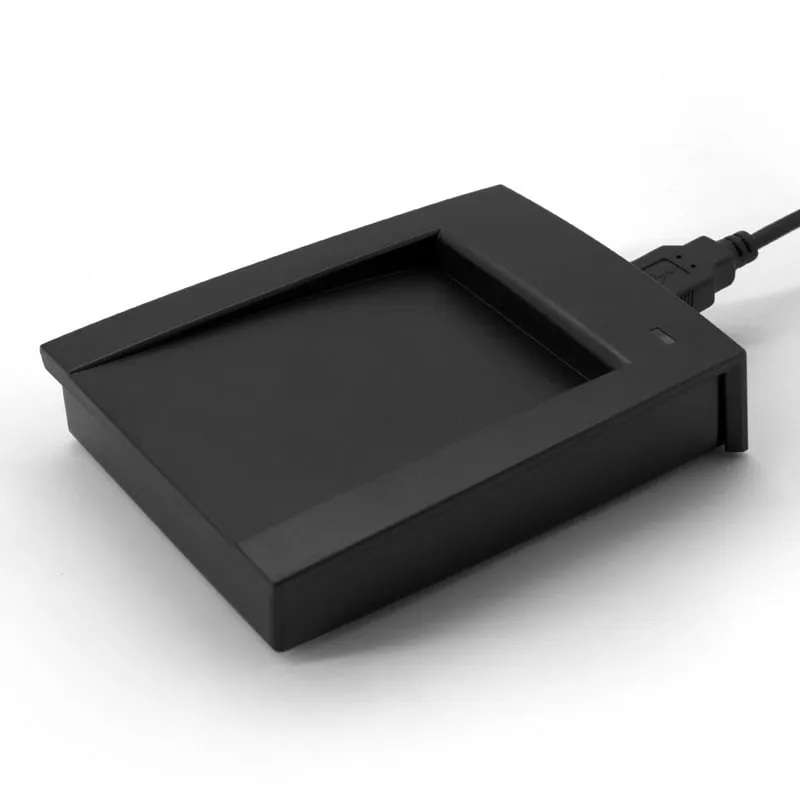 13.56MHz
 H155-U
Read range: Up to 80 mm
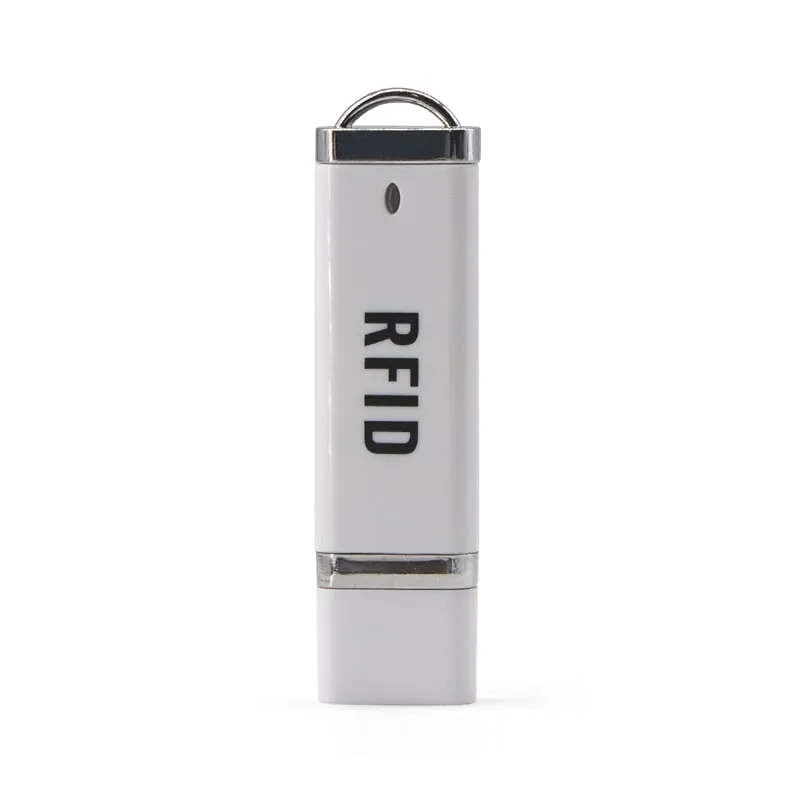 13.56MHz
 H310-U
Read range: Cards up to 50 mm (about 30 mm for consistent reads)
Every reader in this range does one job: it reads the unique ID (UID) of a 13.56MHz card and passes that number to the host. Eight models are 13.56MHz IC card readers for ISO 14443A (MIFARE Classic 1K / S50) cards, and also read MIFARE Classic 4K (S70), NTAG203 and, on some models, NTAG213. The ninth, the H155-U ISO 15693 USB reader, reads ICODE 2 tags. All nine are read-only: they do not write sectors, change keys or copy cards, and they do not read the NDEF content stored on NFC tags.
Typical buyers are integrators and software vendors who need a card number inside access-control, attendance, membership or POS software, and distributors who want a USB NFC card reader for every kind of counter. Four questions decide the model:
Cards on 125kHz? See the 125kHz RFID readers instead.
All nine models are read-only and output the card UID; none of them writes to cards. Ranges are for ISO-size cards and depend on the card and its surroundings, so key fobs and small labels read closer.
| Model | Frequency | Interface | Form factor | Read range |
|---|---|---|---|---|
| H110-U | 13.56 MHz | USB | Desktop | Up to 80 mm |
| H110-R | 13.56 MHz | RS232 | Desktop | Up to 80 mm |
| H120-U | 13.56 MHz | USB | Desktop | Up to 80 mm |
| H130-U | 13.56 MHz | USB | Desktop | 0–80 mm |
| H150-U | 13.56 MHz | USB, RS232 | Desktop | Up to 80 mm |
| H150-R | 13.56 MHz | RS232 | Desktop | Up to 80 mm |
| H155-U | 13.56 MHz | USB | Desktop | Up to 80 mm |
| H210-U | 13.56 MHz | USB | Plug-in | Up to 80 mm |
| H310-U | 13.56 MHz | USB | Keypad | Cards up to 50 mm |
Start with the card, not the reader. A 13.56MHz MIFARE reader and an ICODE reader look identical on a desk, but they speak different protocols.
| Interface | Models | How the number arrives | Good for |
|---|---|---|---|
| USB keyboard emulation | H110-U, H120-U, H130-U, H210-U, H310-U | Typed at the cursor, no driver | Staffed desks, spreadsheets, web forms, POS fields |
| USB with RS232 UART emulation | H150-U | Serial data read by your application (USB mode confirmed in the quotation) | Background capture without a focused text field |
| USB, mode confirmed per order | H155-U | Keyboard-style or serial, agreed in the quotation | ISO 15693 tag desks |
| RS232 (DB9) | H110-R, H150-R | 9600 bps 8-N-1 by default; 10-digit decimal or STX/ETX frame with BCC | Kiosks, controllers, PCs with a COM port |
Keyboard emulation is the fastest route to a working system: plug in, click into a field, present a card. Its limit is focus, because the number goes wherever the cursor is. Serial output removes that dependency and suits unattended equipment, at the cost of a few lines of code to open the port. The keyboard-wedge reader guide compares the two approaches, and the keyboard-emulation and RS232 / RS485 hubs list matching readers in other bands.
A common question is "the reader shows a different number from the one in our system". The card is read correctly; the difference is how the UID is written down. One 4-byte UID can look like this:
| Format | UID 1F 8A 44 C3 |
|---|---|
| 8-digit hex | 1F8A44C3 |
| 10-digit decimal | 0529155267 |
| 8-digit hex, reversed byte order | C3448A1F |
| 10-digit decimal, reversed byte order | 3276048927 |
Take one enrolled card, compare its stored number with these variants using the card number converter, and put the matching format in your RFQ; the reader is preset to that custom output format before shipment. The card number formats guide covers the other variants you may meet.
| Job | Model | Why |
|---|---|---|
| Enrolling MIFARE cards into access-control or attendance software | H110-U | 10 mm slim pad, keyboard output, 10-digit default |
| Counters that also use 125kHz or UHF desk readers | H120-U | Same flat pad as the L120-U and U120-U |
| Front desks in view of customers | H130-U | Glossy housing, controllable LED and buzzer |
| Software that reads a serial connection over USB | H150-U | UART emulation, card recess, NTAG213 listed |
| Kiosks, controllers and PCs with a DB9 COM port | H110-R or H150-R | RS232, framed output with checksum |
| Library, document or asset tags (ICODE) | H155-U | ISO 15693 |
| Laptops, hot desks, Android through OTG | H210-U | 10 g USB stick, no cable |
| Membership or canteen tills that also need number entry | H310-U | Keypad and reader in one, 10 digits + Enter |
For phones and tablets with USB-C, the H220-C USB-C NFC reader for Android plugs in directly. For cordless reading, see the H510-B pocket Bluetooth NFC reader.
No. All nine are read-only UID readers. They read the card's unique ID and pass it to your software; they do not write sectors, change keys or copy cards.
No. Cards on 125kHz, such as EM4100 and TK4100, use a different frequency and need a 125kHz reader such as the L110-U 125kHz USB EM4100 reader. If you are unsure which type you have, send us a sample card and we check it.
The USB keyboard-emulation models, the H110-U, H120-U, H130-U, H210-U and H310-U, type the card number at the cursor on Windows XP to 10 and Linux, and on Android through a USB OTG adapter, with no driver. The RS232 models need only a serial port and your own software.
They are not on any model's supported list, which covers MIFARE Classic 1K/4K, NTAG203, NTAG213 on some models, other ISO 14443A cards (UID) and ICODE 2 on the H155-U. Send a sample card if you are unsure and we confirm before you order.
Both work at 13.56 MHz but use different protocols. ISO 14443A covers MIFARE Classic and NTAG cards; ISO 15693 covers vicinity tags such as ICODE 2, common on library items and asset labels. The H155-U reads ISO 15693; the other eight read ISO 14443A.
The printed number and the reader output are often the same UID in different formats: decimal vs hex, or reversed byte order. Compare them with the card number converter and ask for the matching output format before shipment.
Tell us your card, interface and quantity
Send the card or tag type, the host system and your volume. We reply within 1 business day with a suggested model and sample options.