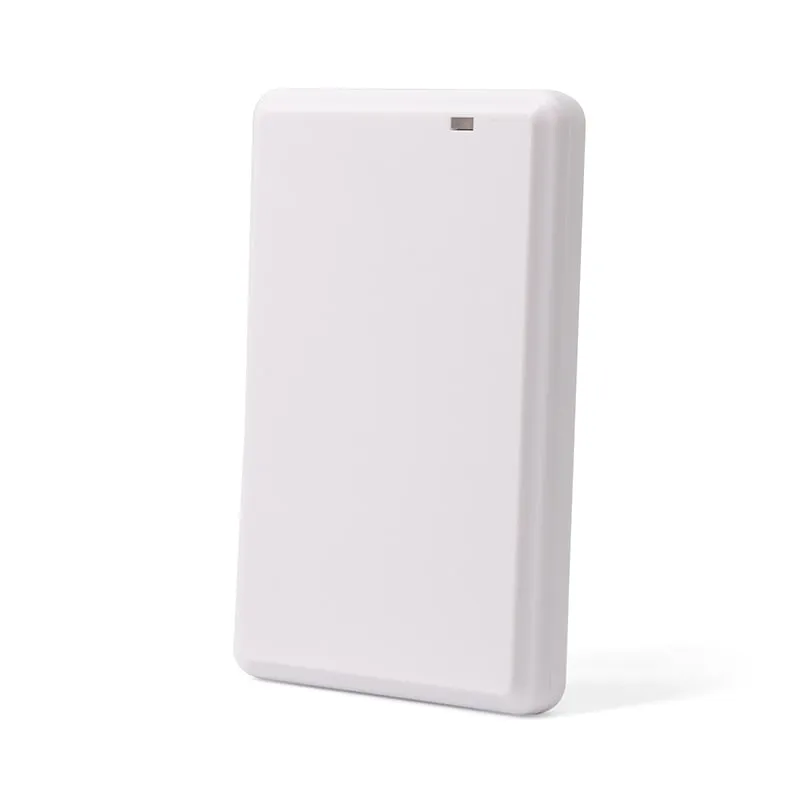
 UHF
UHF U130-U
UHF RFID Desktop Reader/Writer, USB, Glossy Light-Ring Pad
- USB
- Desktop
Read range: Up to 0.5 m
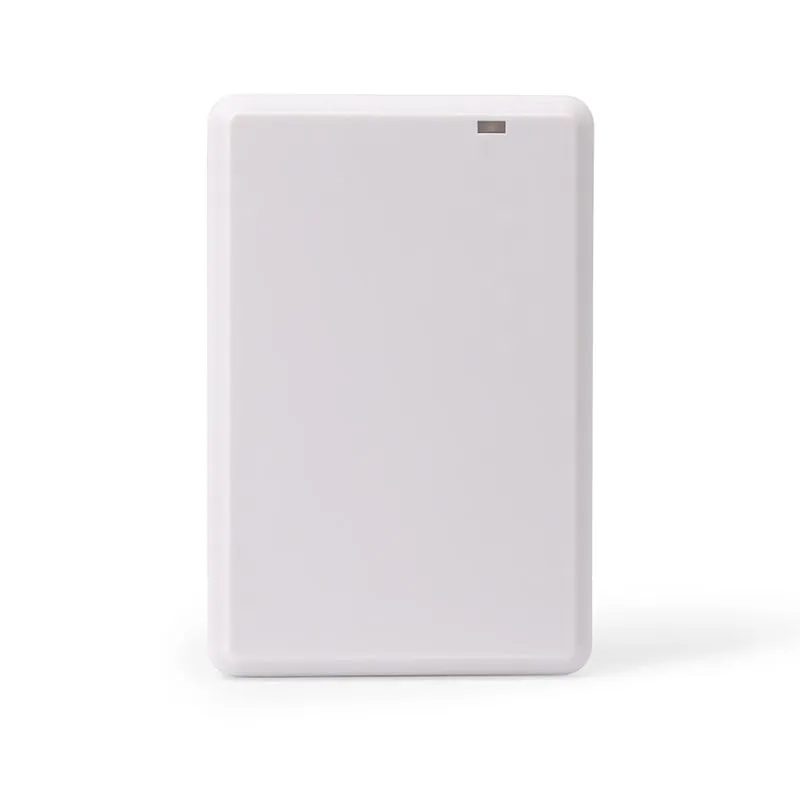
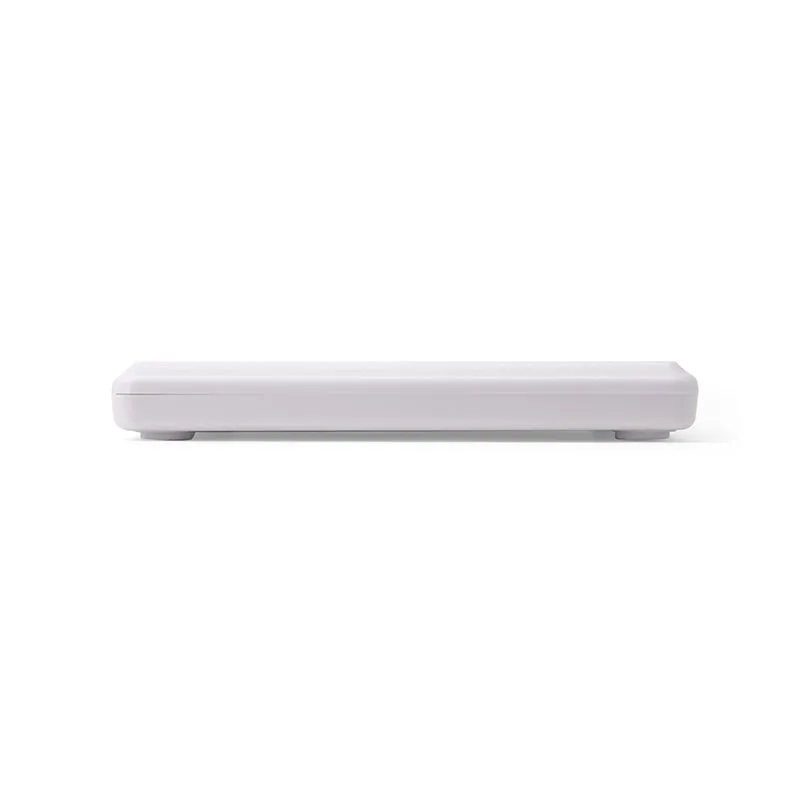
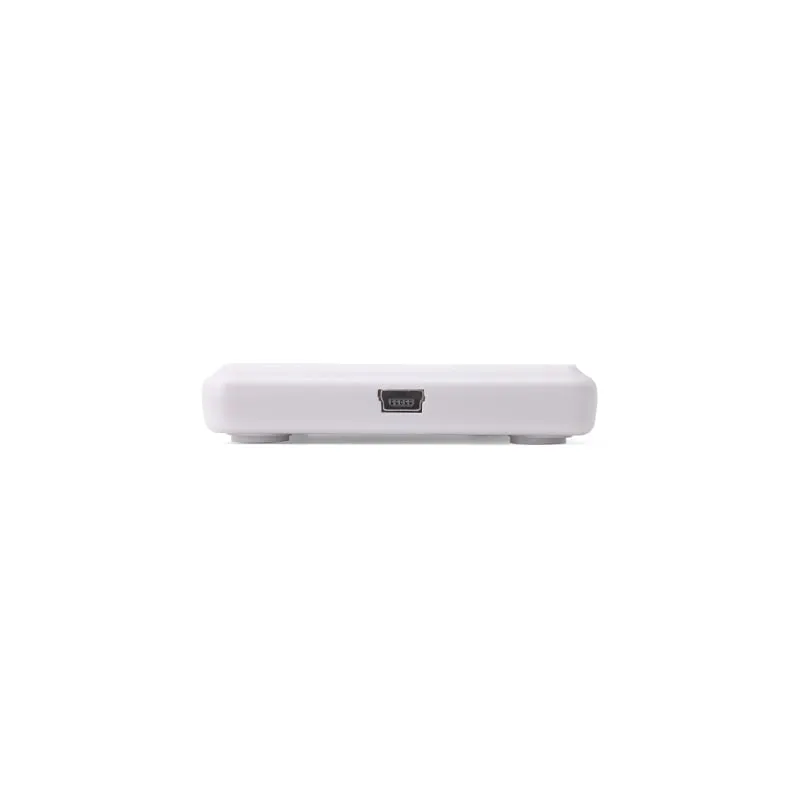
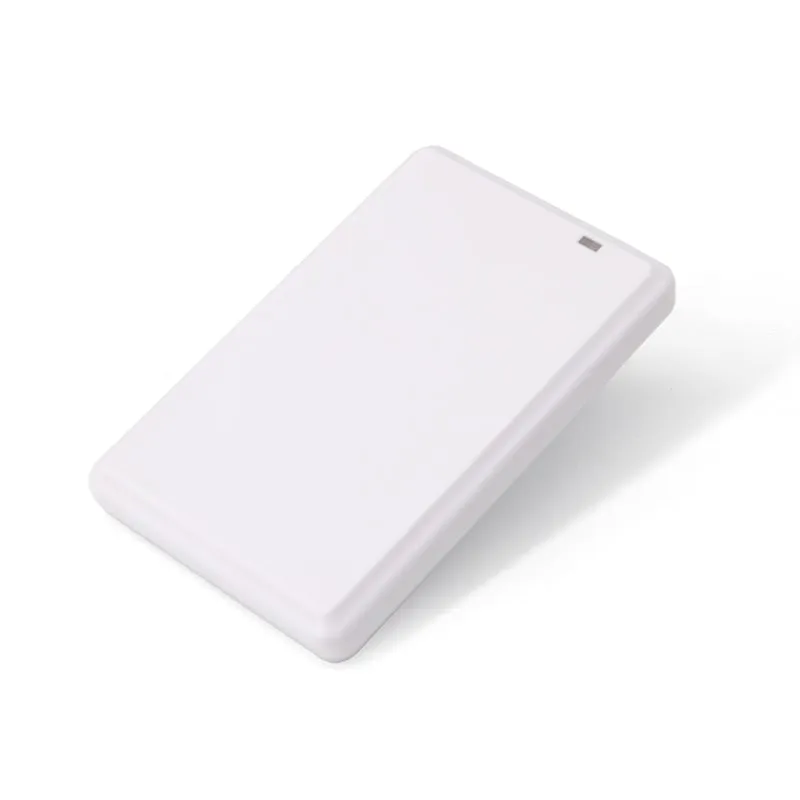
The U120-U is a 10 mm thin USB desktop reader/writer for ISO 18000-6C (EPC Gen2) UHF tags, built for front desks and enrollment stations that issue or check UHF cards one at a time. It reads up to 0.5 m, writes up to 0.2 m and, by default, types tag data at the cursor like a USB keyboard.
The U120-U is the reader for a desk where UHF cards and tags are issued, registered or checked one at a time, often with someone waiting on the other side. Typical stations are an HR or security office enrolling UHF staff cards for personnel access, and a reception desk that issues UHF visitor or contractor cards and checks them back in.
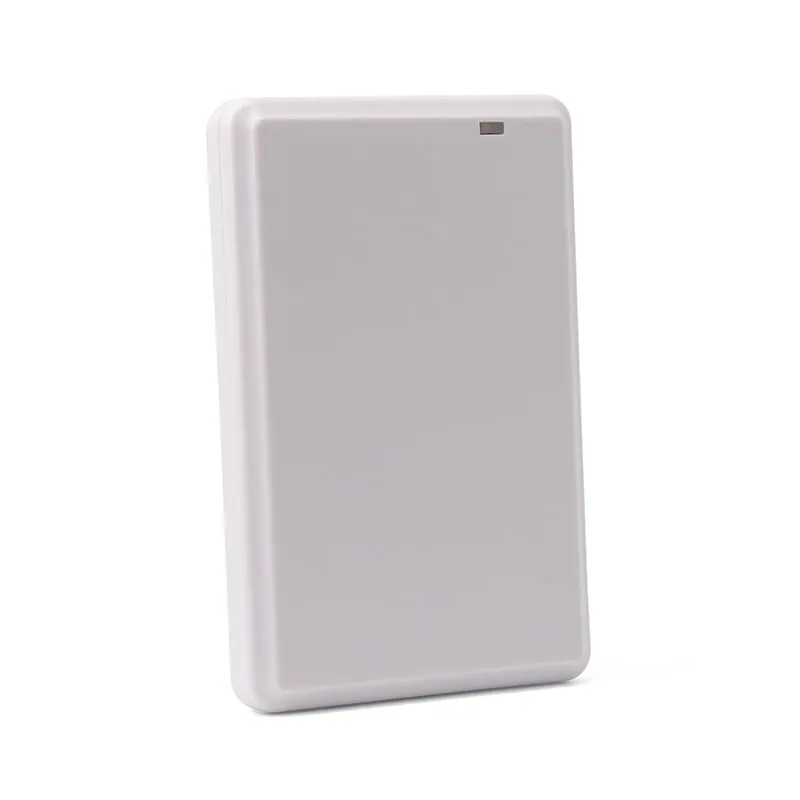
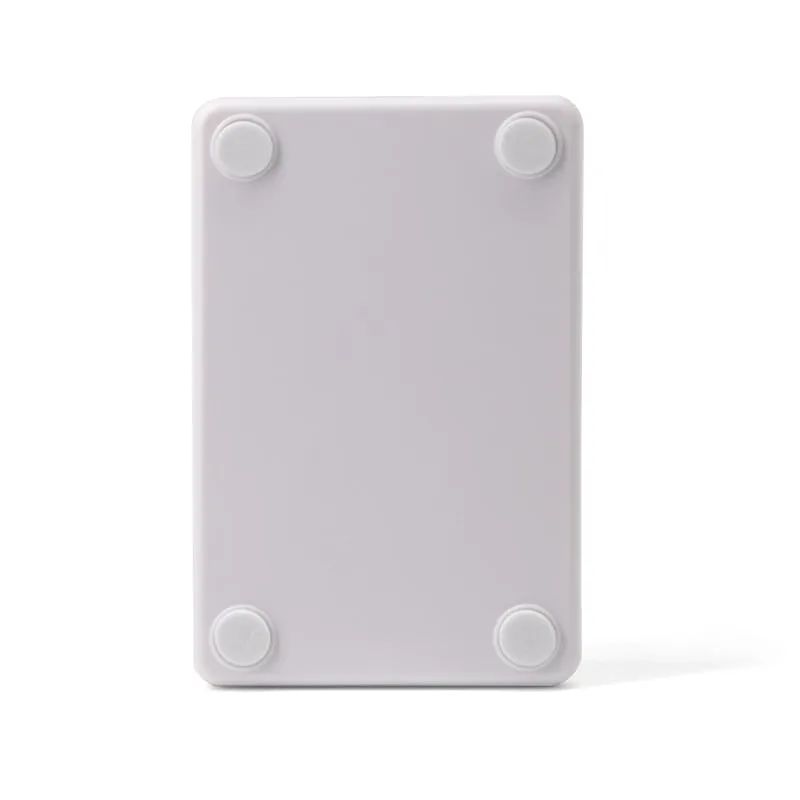
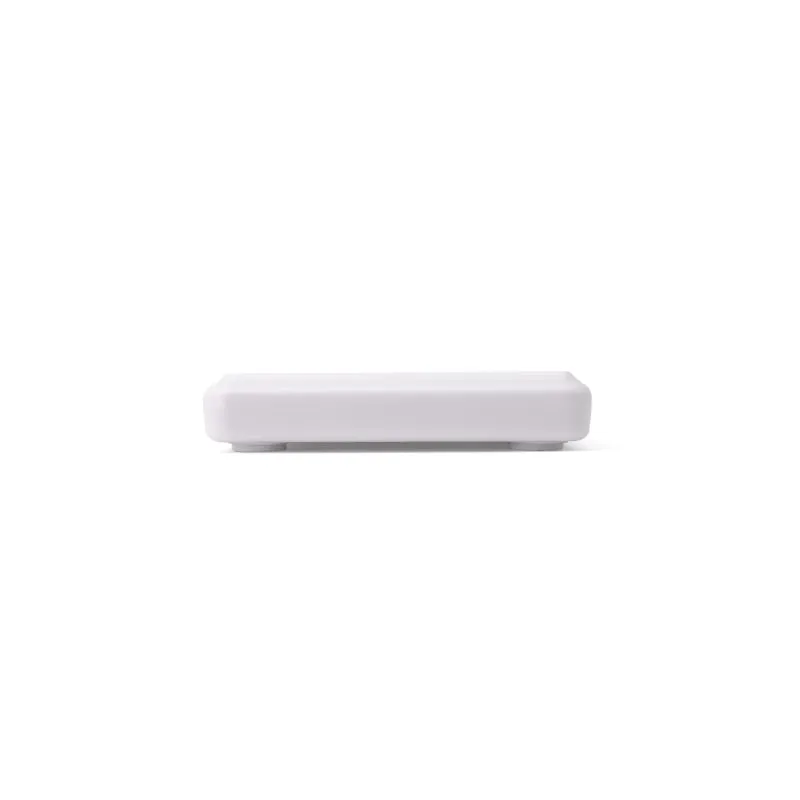
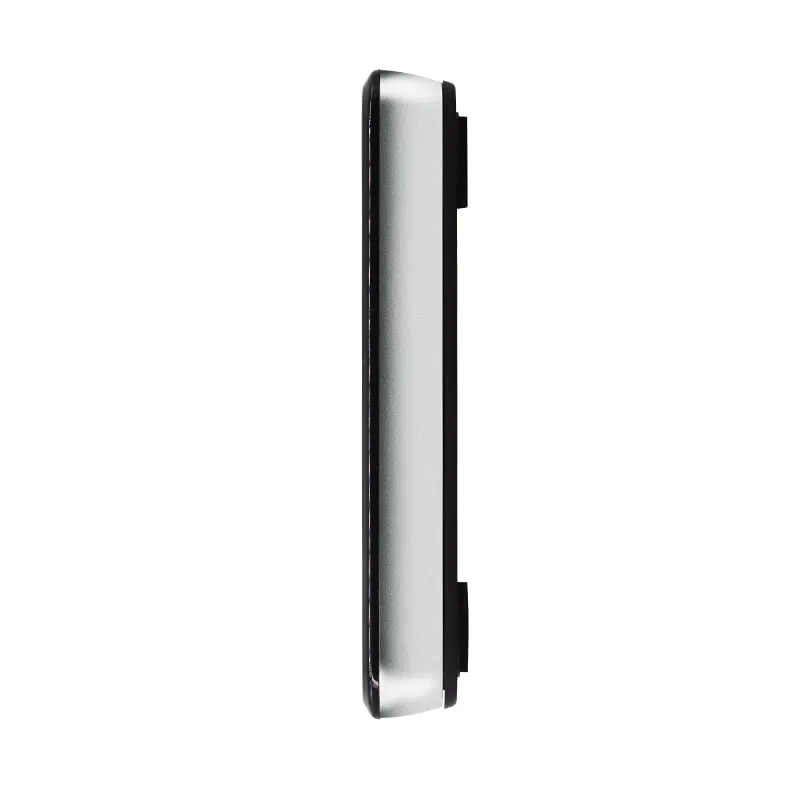
Its white, 10 mm housing is the lowest profile of our four UHF desktop models and takes little room next to a keyboard. It shares the 104 × 68 × 10 mm flat housing family with the L120-U (125 kHz) and H120-U (13.56 MHz), which come in black. A site that issues LF, HF and UHF credentials can give every enrollment desk a reader of the same size and shape and choose the frequency desk by desk.
The U120-U is supplied in one of two USB builds. Decide before you request a quote, because the build sets how your software receives tag data.
Keyboard output only carries tag data into the host. Writing tags and changing settings such as RF power are done with host software; the software and command documentation available for each build are confirmed in your quotation. For how the two modes behave in practice, see What is a keyboard-wedge RFID reader?
| Model | U120-U |
|---|---|
| Product type | UHF RFID desktop reader/writer |
| Form factor | Flat desktop pad |
| Color | White |
| Frequency | 902–928 MHz (US band) or 920–925 MHz (China band); other regional bands on request |
|---|---|
| Air protocol | ISO 18000-6C / EPC Class 1 Gen 2 |
| Supported tags | EPC Gen2 UHF tags (read and write) |
| Read range | Up to 0.5 m (depends on RF power, tag and environment) |
| Write range | Up to 0.2 m (depends on RF power, tag and environment) |
| Antenna | Built-in 2 dBi circularly polarized antenna |
|---|---|
| RF output power | 12.5–26 dBm, software adjustable |
| Frequency hopping | FHSS or fixed frequency, set by software |
| Operating modes | Active mode and passive mode; answer mode available but not recommended |
| Interface | USB |
|---|---|
| Default output | Keyboard emulation (USB HID) |
| Optional build | USB virtual serial port (customized version) |
| Power | 5 V DC from USB |
| Dimensions | 104 × 68 × 10 mm |
|---|---|
| Operating temperature | -20 °C to +55 °C |
| Storage temperature | -40 °C to +85 °C |
Specifications of U120-U as supplied for the standard version. Read range depends on the card or tag, mounting surface and environment — we can test your own cards before you order.
Works with
Not designed for
Card not listed? Send us the card type or a photo and we will confirm compatibility before you buy.
Choose the band build for the country where the reader will be used: 902–928 MHz or 920–925 MHz, with other regional bands on request.
Plug the U120-U into a USB port. It runs from the port's 5 V supply, and the default build is recognized as a USB keyboard.
Click into the field that should receive the tag data, then hold a tag over the pad; the data is typed into that field.
Before going live, read a few tags into a plain text editor and check every character, because a non-US keyboard layout on the host can change letters or symbols in keyboard output.
Not for reading in the default build. The U120-U enumerates as a USB keyboard (HID), so the host uses its built-in keyboard driver and the tag data is typed into whichever field has the cursor. Writing tags and background capture need host software, usually with the virtual serial port build.
They share the flat housing family, not the radio. The L120-U reads 125 kHz EM4100/TK4100 cards and the H120-U reads 13.56 MHz MIFARE card UIDs; both are read-only, at up to 80 mm, and both are black. The U120-U is white, reads EPC Gen2 UHF tags at up to 0.5 m and can also write them at up to 0.2 m.
Up to 0.5 m for reading and up to 0.2 m for writing, with RF output adjustable from 12.5 to 26 dBm. Actual range depends on the tag, how it is held and any nearby metal or liquid, so test with the tags you plan to use. You can request a sample for that.
Yes. In the default keyboard build the reader types the tag data into the active cell or text field, the same way a USB keyboard would. The cursor must stay in the target field while tags are presented; if your software should capture tags without a focused field, order the virtual serial port build instead.
UHF U130-U
Read range: Up to 0.5 m
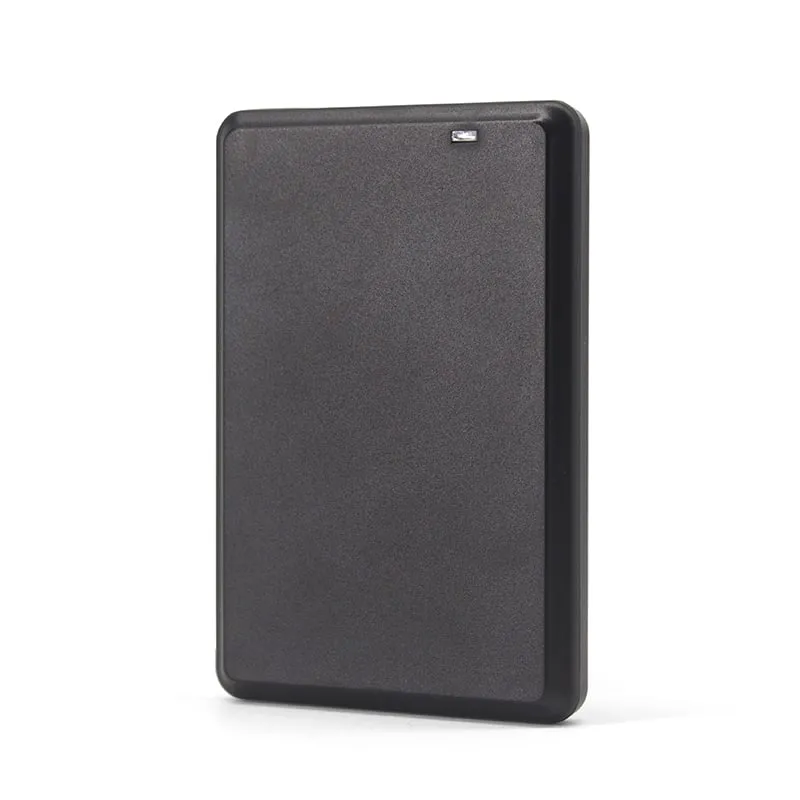 13.56MHz
 H120-U
Read range: Up to 80 mm
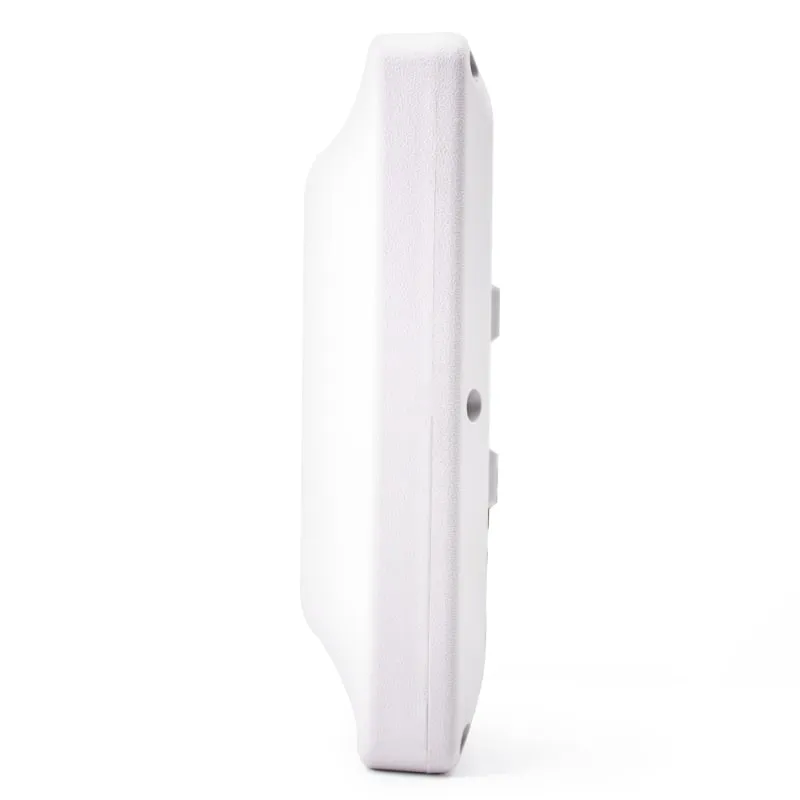 UHF
UHF U610-M+1 variant
Read range: 0–5 m
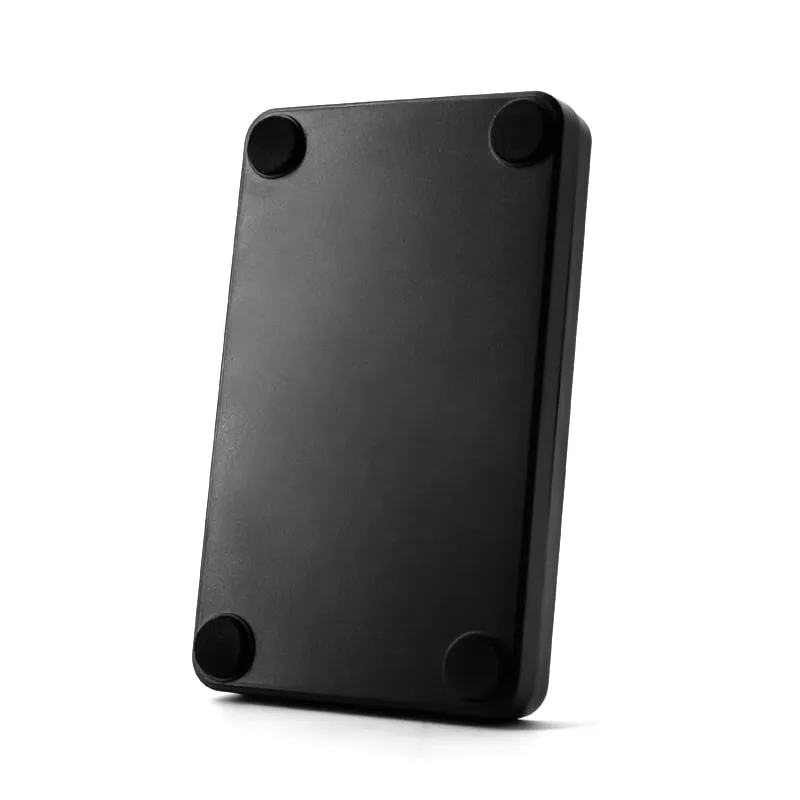 UHF
UHF Tell us your card, interface and quantity
Send the card or tag type, the host system and your volume. We reply within 1 business day with a suggested model and sample options.