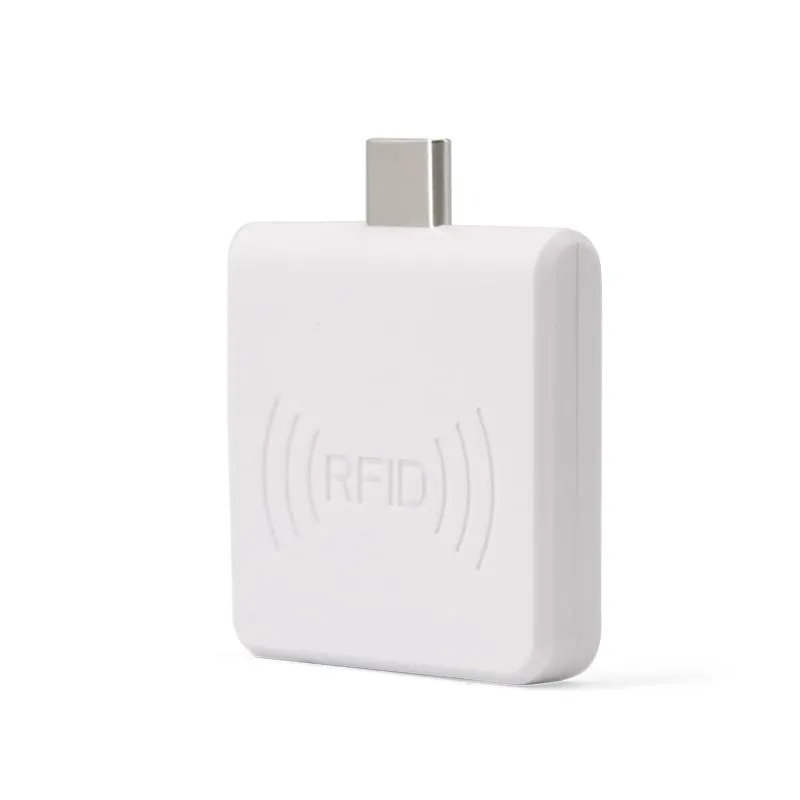
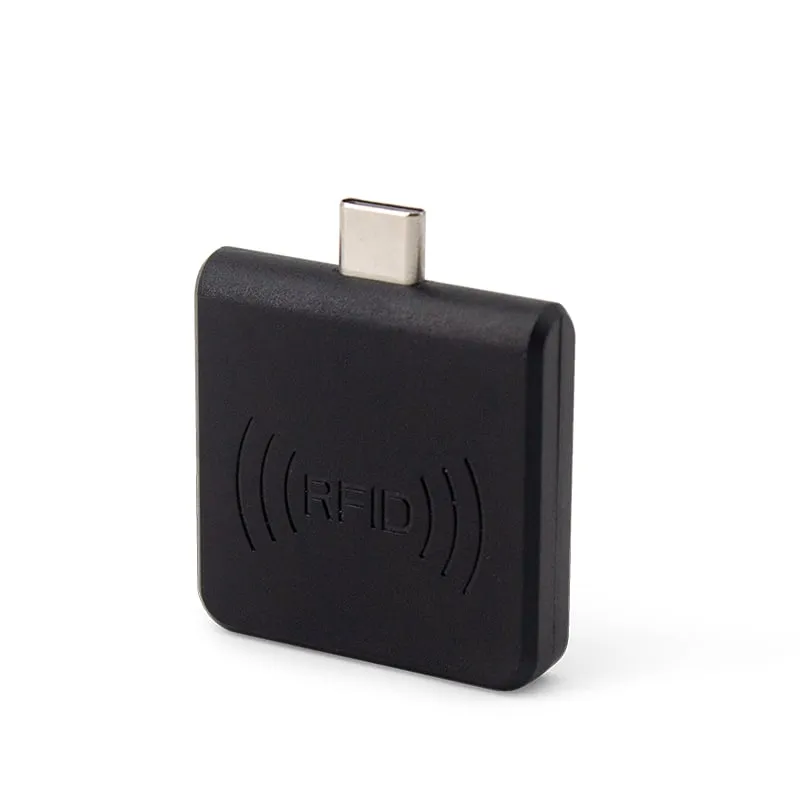
 125kHz
 L220-C
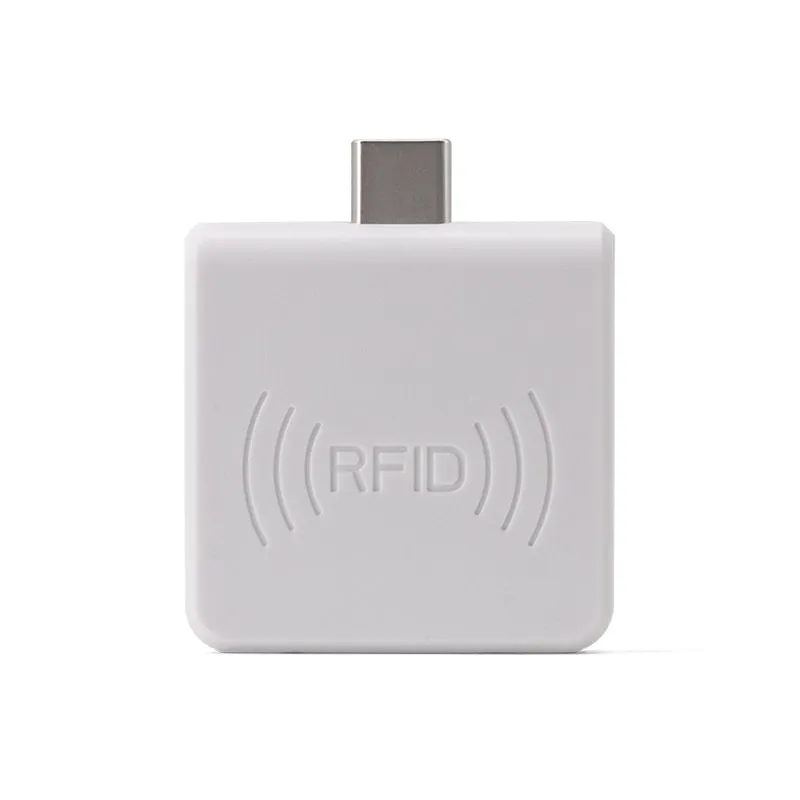
USB-C 125kHz EM4100 RFID Reader for Android Phones
- USB
- Plug-in
Read range: 0–30 mm front and back, 0–10 mm from the side
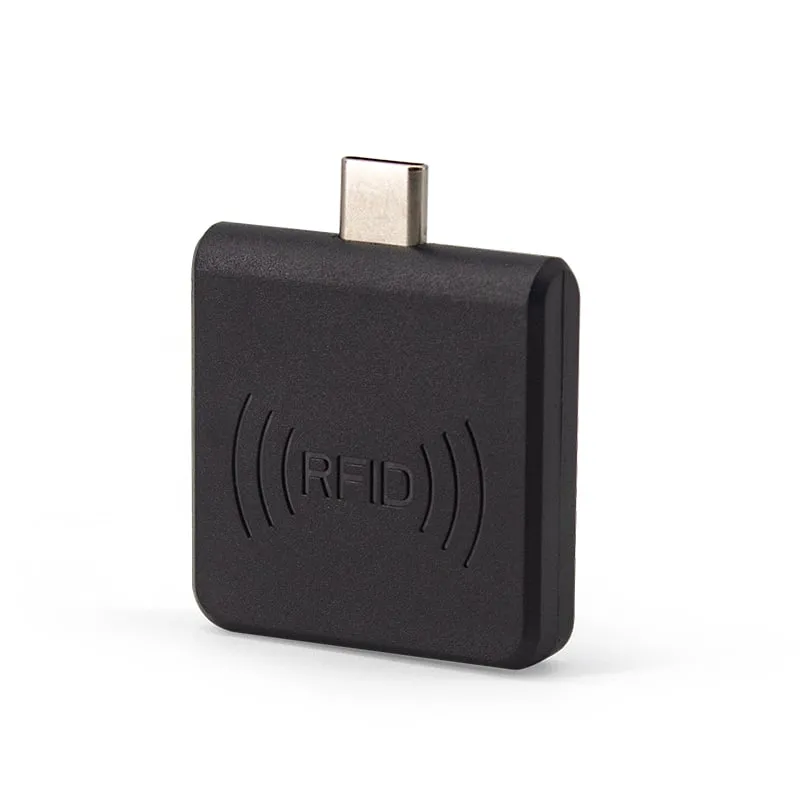
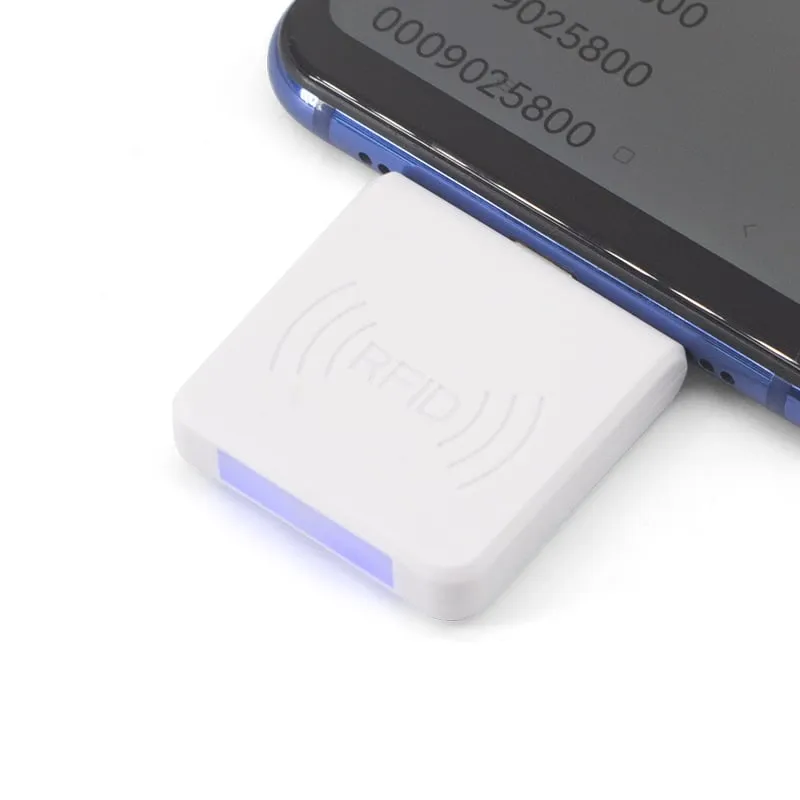
The A220-C plugs into the USB-C port of an Android phone or tablet and reads FDX-B (134.2 kHz) and EMID (125 kHz) animal tags at 0–30 mm. It types the tag number into whatever app has focus, as a 10-digit decimal by default, so field staff need no extra app. It weighs about 20 g.
Phone NFC works at 13.56 MHz. Animal microchips and ear tags built to ISO 11784/11785 work at 134.2 kHz, so a phone cannot read them on its own, whatever app is installed. The A220-C adds a 134.2 kHz / 125 kHz reader through the USB-C port and reads FDX-B and EMID tags. Background: can a phone read a pet microchip?
It suits people who already carry Android phones or tablets: livestock officers checking ear tags, vets on farm visits, shelter volunteers, and software vendors whose mobile app needs a tag input without a separate handheld.
The A220-C types the tag number into whichever field has focus, as if it came from a keyboard. Any Android app with a text field works, whether a form, a spreadsheet or your own app, and no SDK or companion app is required.
The default output is a 10-digit decimal number (4 bytes). An ISO FDX-B ID has 15 digits, so if your app stores the full ISO number, request a custom output format; the exact string is confirmed in your quotation. See how the 15-digit animal ID is built.
Read range is 0–30 mm, tag dependent. Bring the phone to the tag: touch the reader to the ear tag, or pass it slowly over the implant site of an animal that is held still. For scanning at a distance, use a handheld; the A520-M reads 2–12 mm glass microchips at more than 8 cm.
The phone must support USB OTG (host mode). The reader can also be used on a Windows PC through an OTG adapter. Check your devices against our USB-C OTG checklist before ordering.
| Model | A220-C |
|---|---|
| Product type | USB-C plug-in animal tag reader for phones and tablets |
| Frequency | 134.2 kHz (FDX-B) / 125 kHz (EMID) |
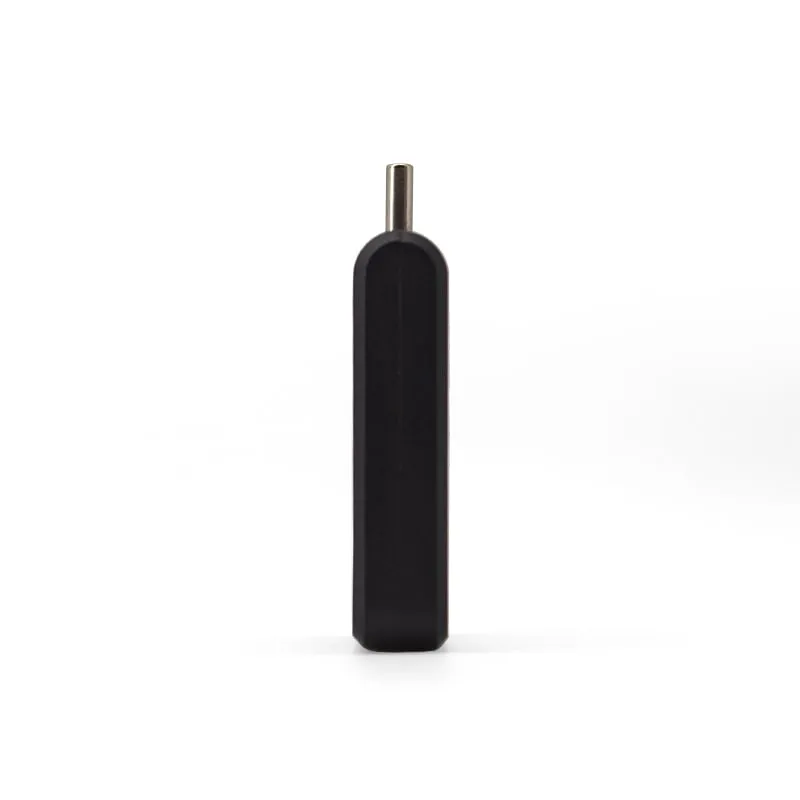
| Form factor | Plug-in module with USB Type-C connector |
| Standards | ISO 11784, ISO 11785 (FDX-B), EM4100 (EMID) |
|---|---|
| Supported tags | FDX-B tags, EMID tags |
| Read range | 0–30 mm (tag dependent) |
| Read time | < 100 ms |
| Read interval | 0.5 s |
| Read/write | Read-only |
| Interface | USB Type-C plug (OTG) |
|---|---|
| Output | Tag number typed at the cursor; 10-digit decimal (4 bytes) by default; custom formats on request |
| Host devices | Android phones and tablets with USB OTG; Windows XP / 7 / 10 through an OTG adapter |
| App | Not required |
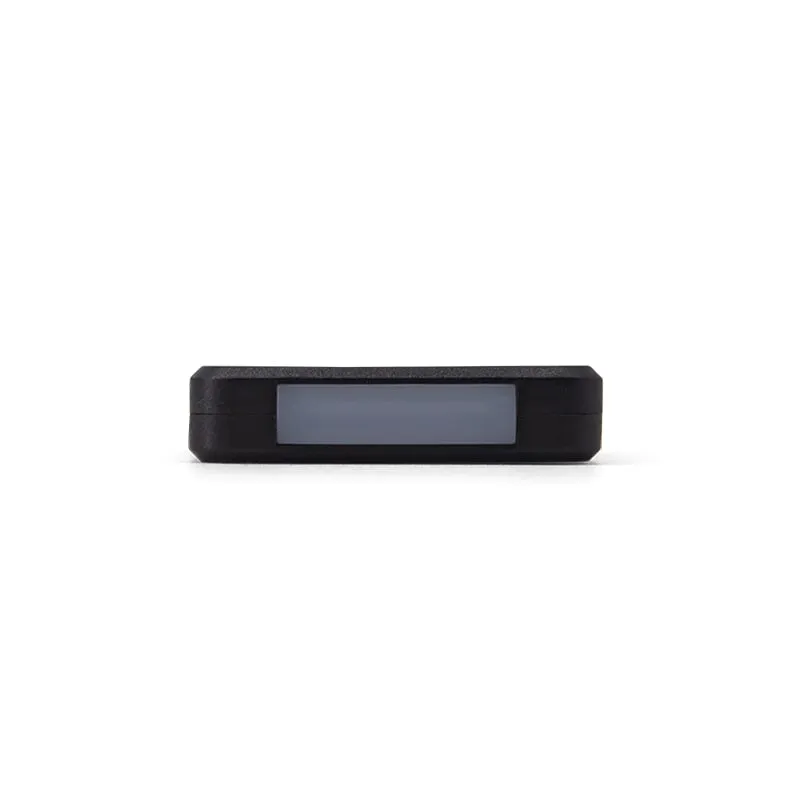
| Indicators | Two-color LED (blue power, green status) |
| Power | 5 V from host, 100 mA |
|---|---|
| Dimensions | 35 × 35 × 7 mm (without connector) |
| Weight | approx. 20 g |
| Package | 71 × 71 × 19 mm, approx. 50 g packed |
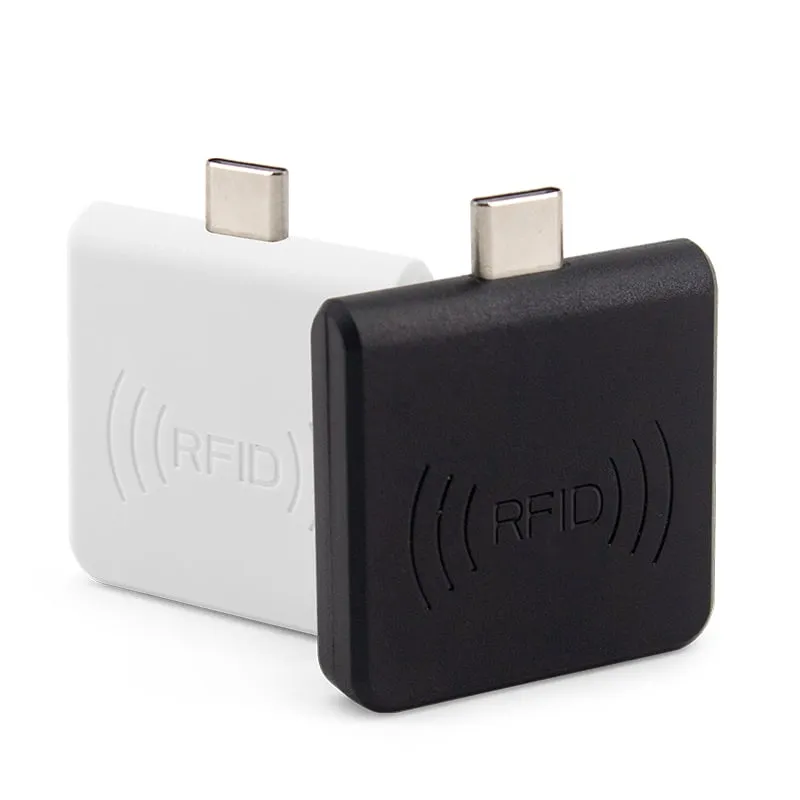
| Color | Black or white |
| Operating temperature | -20 °C to +70 °C |
Specifications of A220-C as supplied for the standard version. Read range depends on the card or tag, mounting surface and environment — we can test your own cards before you order.
Works with
Not designed for
Card not listed? Send us the card type or a photo and we will confirm compatibility before you buy.
Check that the phone or tablet supports USB OTG. On some Android devices OTG must be switched on in the settings.
Plug the A220-C into the USB-C port. The blue LED shows that it has power.
Open your app, tap the field that stores the tag number, and hold the reader within 0–30 mm of the tag.
The number is typed at the cursor, as a 10-digit decimal by default. If your app expects another format, request a custom output format with your order.
Phone NFC works at 13.56 MHz, while ISO pet microchips and animal ear tags work at 134.2 kHz. No app can change the phone's NFC frequency. The A220-C adds a 134.2 kHz / 125 kHz reader through the USB-C port.
No. It types the tag number at the cursor in any Android app, just like a keyboard. Your own app only needs a text field.
iOS is not listed as a supported host. The A220-C is specified for Android phones and tablets with USB OTG, and for Windows XP, 7 and 10 PCs through an OTG adapter.
0–30 mm, depending on the tag. Touch the reader to the ear tag or pass it slowly over the implant site. For readings at more than 8 cm, use the A520-M handheld.
The default output is a 10-digit decimal number (4 bytes). Custom output formats are available on request; tell us the string your app stores and it is confirmed in your quotation.
125kHz L220-C
Read range: 0–30 mm front and back, 0–10 mm from the side
 13.56MHz
 H220-C
Read range: 0–30 mm front and back, 0–10 mm from the side
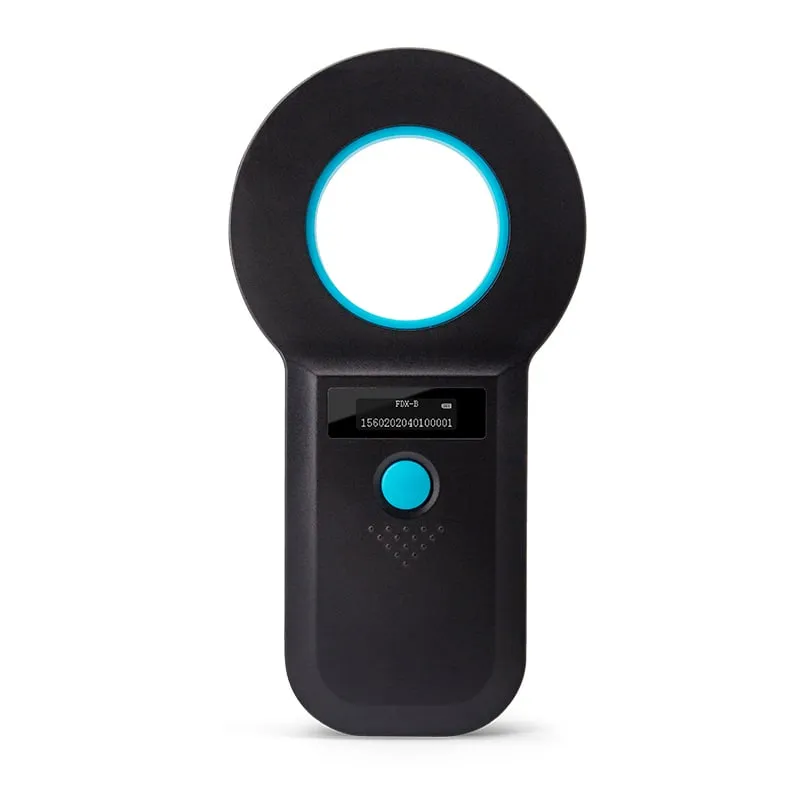 134.2kHz
 A520-M
Read range: > 8 cm
 134.2kHz
 Tell us your card, interface and quantity
Send the card or tag type, the host system and your volume. We reply within 1 business day with a suggested model and sample options.