 125kHz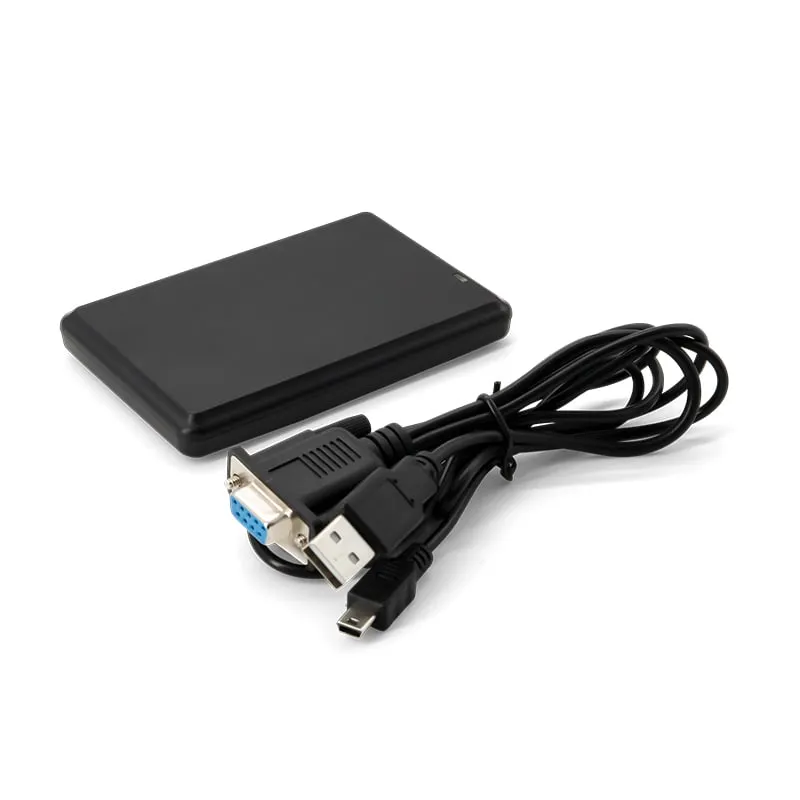
125kHz RFID Readers
L120-R 125kHz RS232 RFID Reader, Flat Desktop Pad, DB9 Serial
The L120-R is a flat 125 kHz desktop pad that sends EM4100 and TK4100 card numbers to a serial port. It suits PC applications, kiosks and controllers that already listen on RS232: 9600 bps by default, up to 80 mm read range, and a cable set with a DB9 connector and a USB-A lead.
- Frequency
- 125 kHz
- Cards / tags
- EM4100, TK4100, SMC4001 and EM4100-compatible cards and key fobs
- Interface
- RS232, DB9 connector
- Output
- 10-digit decimal card number
- Read range
- Up to 80 mm (depends on card and environment)
- ✓ Sample units for evaluation
- ✓ Output format confirmed for your software
- ✓ Private label & OEM options
- ✓ Reply within 1 business day
Why integrators choose the L120-R
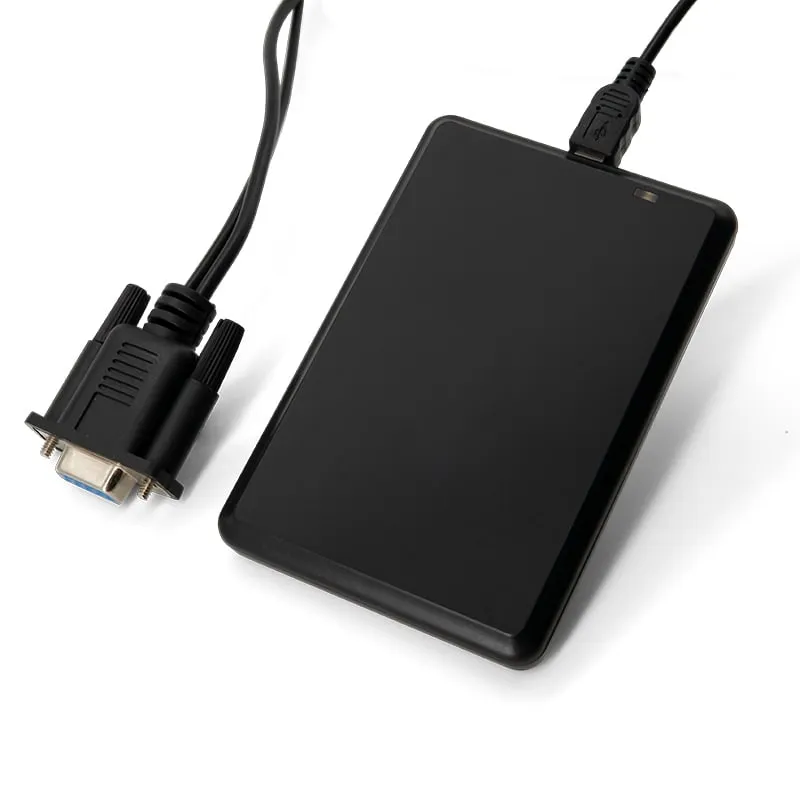
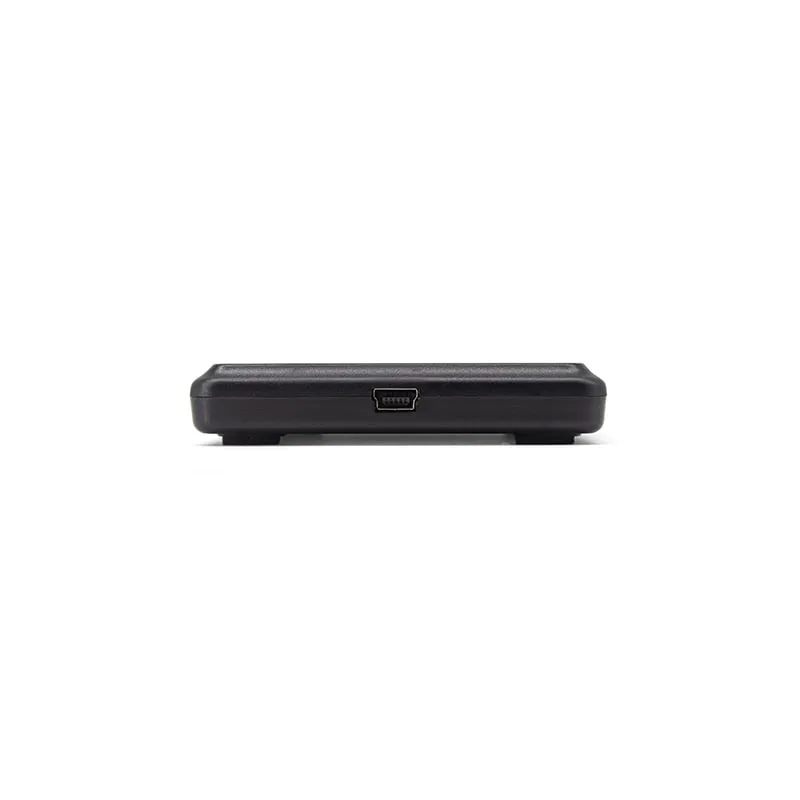
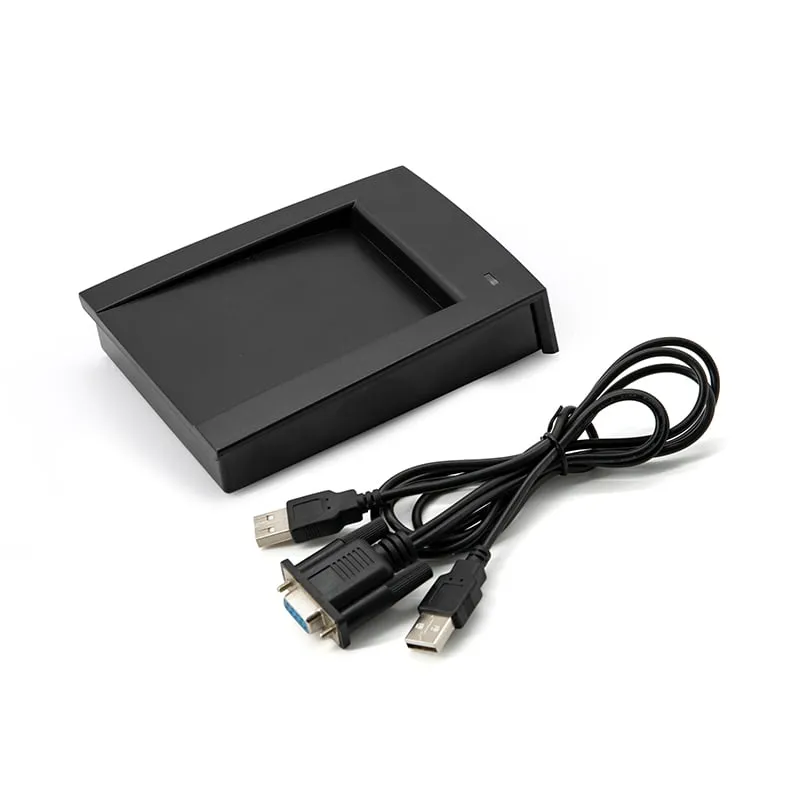
- RS232 cable set — mini-USB plug at the reader, DB9 female connector for the host, plus a USB-A lead.
- Selectable baud rate — 9600 bps by default, with 19200 and 115200 bps available.
- STX/ETX framing — every read arrives as one message from 0x02 to 0x03.
- No keyboard focus needed — a background service can receive reads while other windows are active.
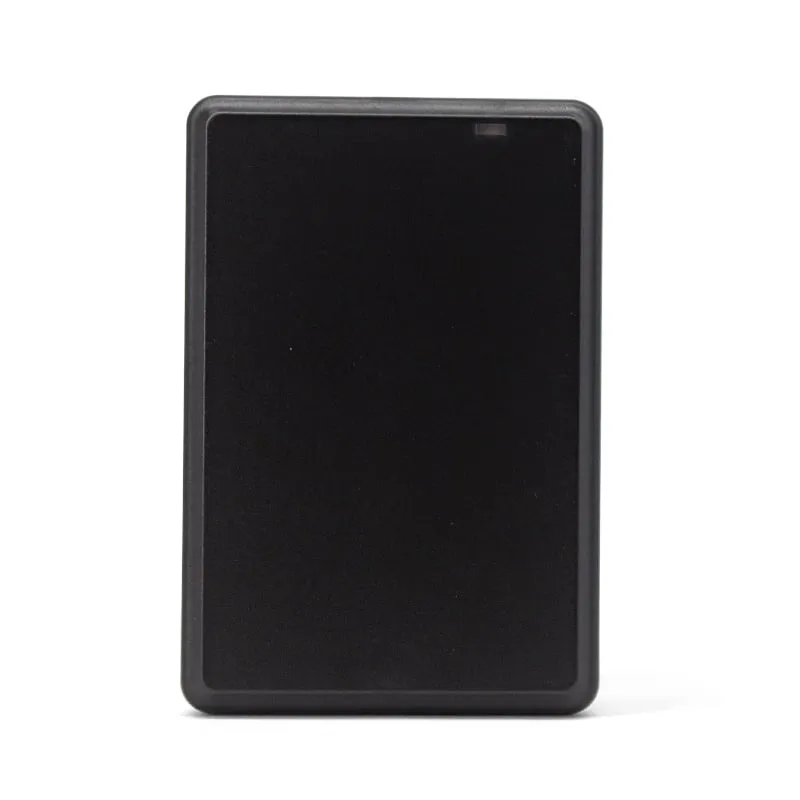
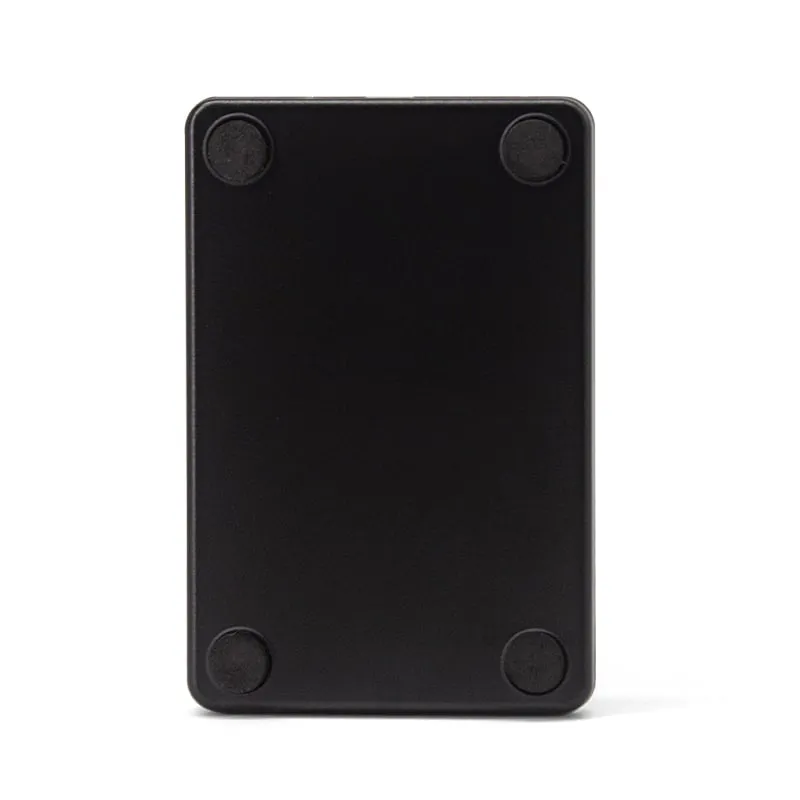
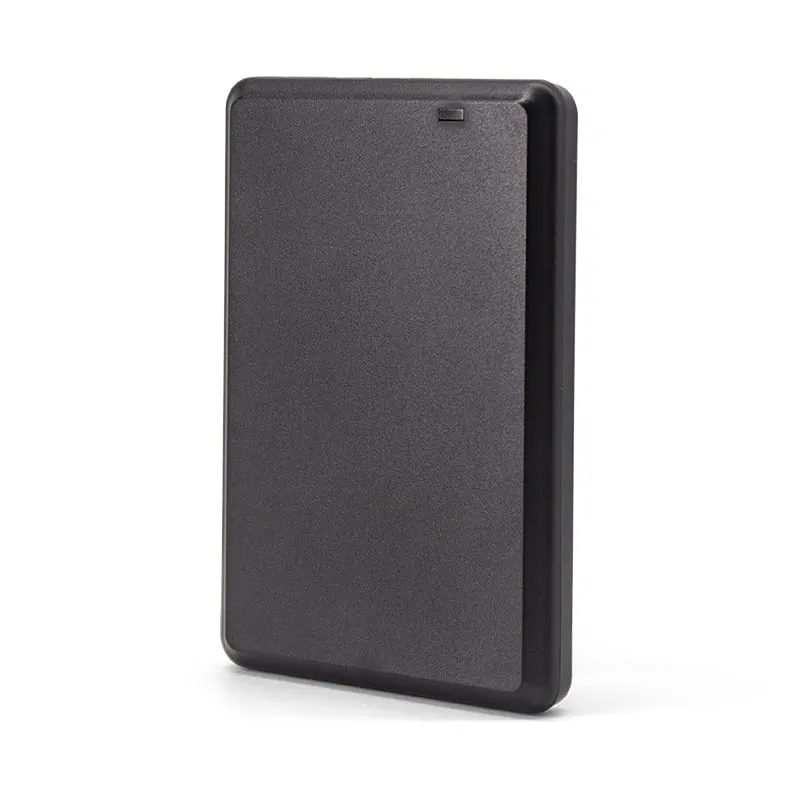
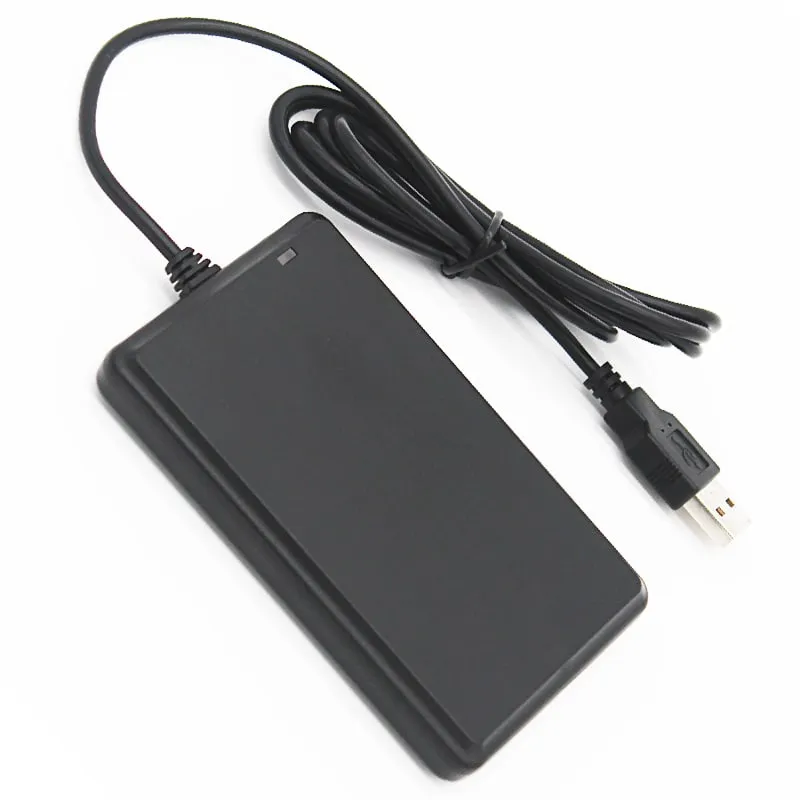
- Flat 10 mm pad — approx. 104 × 68 × 10 mm, 155 g, with a 1450 mm cable.
Cable set and connection
As pictured, the L120-R connects through a cable set with three ends: a mini-USB plug that fits the socket on the reader, a DB9 female connector for the host's RS232 port, and a USB-A lead. The reader runs on 5 V DC, and we confirm how power is supplied for your host with your quotation.
Total cable length is 1450 mm. The pad itself measures approx. 104 × 68 × 10 mm and weighs about 155 g.
Building a serial listener
- Open the COM port at 9600 bps. 19200 and 115200 bps are selectable if your host needs a faster link.
- Buffer incoming bytes and treat STX (0x02) as the start and ETX (0x03) as the end of one read.
- Extract the card ID, a 10-digit decimal number by default, and look it up in your card database.
- Decide how your software handles the same card presented twice in a row; the reader's read interval is under 0.5 s.
- Confirm the frame layout on a sample unit before you release the software.
See choosing an RFID reader interface for when RS232, RS485 or Wiegand is the better fit.
When the L120-U or L150-R fits better
L120-R specifications
| Model | L120-R |
|---|---|
| Frequency | 125 kHz |
| Form factor | Flat matte desktop pad with RS232 (DB9) and USB cable set |
| Housing | ABS |
| Color | Black |
| Supported cards | EM4100, TK4100, SMC4001 and EM4100-compatible cards and key fobs |
|---|---|
| Card operation | Read-only (card ID number) |
| Read range | Up to 80 mm (depends on card and environment) |
| Read time | < 200 ms |
| Read interval | < 0.5 s |
| Interface | RS232, DB9 connector |
|---|---|
| Baud rate | 9600 bps (default); 19200 / 115200 bps selectable |
| Default output | 10-digit decimal card number |
| Frame | Starts with STX (0x02), ends with ETX (0x03) |
| Output options | Custom output format on request |
| Host | PC or controller with an RS232 (DB9) serial port |
| Indicators | Red/green LED (red = standby, green = card read) and buzzer |
| Dimensions | Approx. 104 × 68 × 10 mm |
|---|---|
| Weight | Approx. 155 g |
| Cable length | 1450 mm |
| Power supply | 5 V DC |
| Operating temperature | -10 °C to +70 °C |
| Storage temperature | -20 °C to +80 °C |
| Humidity | < 90 % RH |
Specifications of L120-R as supplied for the standard version. Read range depends on the card or tag, mounting surface and environment — we can test your own cards before you order.
Card, tag and system compatibility
Works with
- ✓EM4100, TK4100 and SMC4001 125 kHz cards and key fobs
- ✓Windows or Linux hosts with an RS232 COM port
- ✓Serial terminals and applications reading at 9600, 19200 or 115200 bps
Not designed for
- ✕Card writing or copying (read-only reader)
- ✕13.56 MHz MIFARE and NFC cards — see the 13.56MHz readers
- ✕Keyboard-style typing into a text field — use the L120-U
- ✕Wiegand access controllers
Card not listed? Send us the card type or a photo and we will confirm compatibility before you buy.
Integration in 4 steps
- 1
Plug the mini-USB end of the cable set into the reader and the DB9 connector into the host's RS232 port.
- 2
Connect power as confirmed for your setup (5 V DC); the LED shows red on standby.
- 3
Open the COM port at 9600 bps and present a card: the reader beeps, the LED turns green and one STX … ETX message arrives.
- 4
Map the 10-digit card number in your application and test with several enrolled cards.
OEM / ODM options for L120-R
- ◆Baud rate preset to 19200 or 115200 bps on request (9600 bps default)
- ◆Card-number format inside the serial frame customized on request
- ◆USB keyboard version in the same flat housing (L120-U)
- ◆Private-label marking and packaging — scope confirmed in your quotation
Typical applications
L120-R FAQ
How is the L120-R powered?
It runs on 5 V DC. An RS232 port carries data, not a supply, so plan a 5 V source at the host; the cable set pictured has a USB-A lead next to the DB9 connector. The exact power arrangement for your host is confirmed in your quotation.
What serial settings should my application use?
Open the COM port at 9600 bps, the default. If your host application already runs at 19200 or 115200 bps, the reader can be set to that rate before shipment, so no one has to change it on site.
Do I need an SDK to use the L120-R?
No SDK is required for basic use: your application opens the COM port and reads each message between STX (0x02) and ETX (0x03). Any serial terminal is enough for a first test.
What is the difference between the L120-R and the L120-U?
Only the interface. Both are the same flat 104 × 68 × 10 mm pad reading EM4100-family cards at up to 80 mm. The L120-U types the number into the active field as a USB keyboard; the L120-R sends it as an STX … ETX message to an RS232 port, so a background service can read it with no field selected.
Related readers
125kHz  125kHz
  125kHz
  125kHz
 Tell us your card, interface and quantity
Send the card or tag type, the host system and your volume. We reply within 1 business day with a suggested model and sample options.