Technology explained
RFID Card Number Formats: 10-Digit Decimal, 8H Hex, Wiegand 26 and Byte Order
By Henrium · · 9 min read
Quick answer
An RFID card stores one binary ID, but readers, card printers and controllers display it in different formats. The same EM4100 card can appear as 0793541918 (10-digit decimal), 2F4C7D1E (8-digit hex) or 076,32030 (Wiegand 26). Mismatches almost always come from base, truncation or byte order, not from a faulty card.
One RFID card can turn up as three or four different numbers: printed on the card, typed by a USB reader, logged by the access controller. In almost every case they describe the same chip ID. The difference lies in how each device turns the binary ID into text: decimal or hex, how many bytes it keeps, and in which byte order.
This guide works one card through every common format, shows how byte order changes a MIFARE number, and ends with a checklist. To check your own numbers, use the card number converter.
Why one card shows several numbers
A reader reads a fixed binary ID from the chip and formats it for the host. Five choices decide what you see:
- Base. The same bits written in decimal (
0793541918) or hexadecimal (2F4C7D1E). - Length. A reader may output the whole ID, the lower 32 bits or only the lower 24 bits.
- Byte order. Reading the bytes in the opposite order gives an unrelated-looking number.
- Framing. Wiegand splits the bits into a facility code and a card number; serial readers wrap the ID in start, length and checksum bytes.
- Padding. Leading zeros keep a fixed width (
0793541918, not793541918).
Two readers can therefore show different numbers for the same card, and both can be correct. What matters is that every device in one system uses the same format.
Where the ID comes from: length by card type
| Card or tag | Standard | ID on the chip | What readers usually output |
|---|---|---|---|
| EM4100 / TK4100 card or fob | EM4100 format, 125 kHz | 40 bits: 8-bit version byte + 32-bit ID | Lower 32 bits as a 10-digit decimal |
| MIFARE Classic 1K / 4K | ISO/IEC 14443A | 4-byte UID (7-byte on some versions) | 4 bytes as 10-digit decimal or 8-digit hex |
| NTAG213, MIFARE Ultralight | ISO/IEC 14443A | 7-byte UID | 14 hex digits, or a 4-byte extract |
| ICODE and other vicinity labels | ISO/IEC 15693 | 8-byte UID, top byte E0 |
16 hex digits, or a shorter extract |
| UHF label | EPC Gen2 (ISO/IEC 18000-63) | EPC, most often 96 bits | 24 hex digits |
| FDX-B animal tag | ISO 11784/11785 | 10-bit country code + 38-bit national ID | 15-digit decimal |
The 32-bit value is the workhorse: it fits exactly in 10 decimal digits (maximum 4,294,967,295), 8 hex digits and a Wiegand 34 frame. Longer IDs must be written in full or shortened, and shortening is where mismatches start. Animal tags follow their own numbering; see how the 15-digit animal ID is built.
The common formats, worked through one card
Take an EM4100 card whose 40 data bits are, in hex, 15 2F 4C 7D 1E. The first byte is the version or customer byte. The other four bytes are the 32-bit ID, 2F4C7D1E.
| Format | Also called | Built from | This card |
|---|---|---|---|
| 10-digit decimal | 8H10D, 10D | 32-bit ID in decimal, zero-padded | 0793541918 |
| 8-digit hex | 8H | 32-bit ID in hex | 2F4C7D1E |
| 10-digit decimal, reversed | Reversed 8H10D | 32-bit ID with the byte order reversed | 0511527983 |
| 8-digit hex, reversed | Reversed 8H | The same, in hex | 1E7D4C2F |
| Wiegand 26 pair | FC + CN, W26 | Bits 16–23 as facility code, bits 0–15 as card number | 076,32030 |
| 8-digit decimal | 6H8D, 3-byte decimal | Lower 24 bits as one number | 05012766 |
| 5-digit card number | CN only | Lower 16 bits | 32030 |
| Wiegand 34 pair | W34 | Upper and lower 16 bits of the 32-bit ID | 12108,32030 |
| 10-digit hex | 10H | All 40 data bits | 152F4C7D1E |
| 13-digit decimal | 13D | All 40 data bits in decimal | 0090987855134 |
Card prints often combine two of these, for example 0793541918 076,32030. The 8-digit decimal is simply the Wiegand 26 pair written as one number: 76 × 65,536 + 32,030 = 5,012,766.
Two rules follow from the table:
- Shorter formats can be derived from longer ones, not the reverse. Wiegand 26 drops the top 8 bits of the ID (here
2F), so076,32030alone cannot be turned back into0793541918. - Cards can collide in shorter formats. Two cards with the same lower 24 bits share one Wiegand 26 pair; Wiegand 26 vs 34 explains the risk.
To check the decimal, hex, reversed and Wiegand rows, choose “EM4100 full 10-hex ID” in the converter and enter 152F4C7D1E. EM4100 and TK4100 cards explained shows where these 40 bits sit in the chip’s 64-bit code.
Which format is this? Identify a number by its shape
| What you have | Most likely format | How to confirm |
|---|---|---|
| 10 digits, often with leading zeros, no higher than 4294967295 | 32-bit ID in decimal | Fits in 8 hex characters |
| 8 characters including at least one of A–F | 32-bit ID in hex | Convert to decimal and compare with the card print |
| 8 digits only | Hex without letters, a 24-bit decimal, or a 10-digit number that lost its zeros | Try it as hex and as decimal |
| Two numbers separated by a comma, the second no higher than 65535 | Wiegand facility code and card number | A facility code above 255 means Wiegand 34; 0–255 can be either, so ask which format the controller uses |
| 5 digits, no higher than 65535 | Card number without facility code | Ask whether the system assumes one facility code |
| 10 characters including A–F | Full EM4100 ID in hex | The first two characters are the version byte |
| 14 hex characters | 7-byte ISO/IEC 14443A UID | NXP chips start with 04 |
16 hex characters with E0 at one end |
ISO/IEC 15693 UID | E0 is the fixed top byte |
| 24 hex characters | 96-bit UHF EPC | Read the tag on a UHF reader |
If a number fails every check, suspect the spreadsheet: Excel strips leading zeros and cuts long IDs to 15 significant digits. See reading card numbers into Excel.
Byte order: the same UID, two numbers
Byte order causes most MIFARE mismatches. An ISO/IEC 14443A card sends its UID starting with byte 0, and NFC apps usually list the bytes in that order, for example 5A:3C:8E:12. To make one number from four bytes, a reader or program must decide which byte is most significant:
- First byte most significant (MSB-first, big-endian):
5A3C8E12, or1513917970in decimal. - First byte least significant (LSB-first, little-endian):
128E3C5A, or0311311450. Software that copies the four bytes straight into a 32-bit integer on a PC gets this result.
| Output | First byte most significant | First byte least significant |
|---|---|---|
| 8-digit hex | 5A3C8E12 |
128E3C5A |
| 10-digit decimal | 1513917970 |
0311311450 |
| Wiegand 26 pair | 060,36370 |
142,15450 |
| Wiegand 34 pair | 23100,36370 |
4750,15450 |
Neither is wrong, and vendors differ. The typical symptom: cards enroll, never match, and the numbers share no digits. If one device’s number equals the other’s byte-reversed value in the converter, change one device’s output format instead of re-enrolling cards. Some EM4100 readers have reversed settings too.
Longer IDs: 7-byte UIDs, ISO 15693 and UHF EPC
7-byte UIDs. NTAG213 and MIFARE Ultralight carry 7-byte UIDs. Written in full they need 14 hex digits or up to 17 decimal digits. A reader set up for 4-byte numbers outputs only part of the UID, and which part depends on its firmware. MIFARE Classic vs Ultralight vs NTAG213 shows the variants for one tag.
ISO 15693 UIDs. Vicinity tags such as ICODE carry an 8-byte UID: E0, a manufacturer code (04 for NXP) and a 48-bit serial number. The tag transmits the least significant byte first, so some apps show E0 04 … and others end with … 04 E0. Our H155-U ISO 15693 USB reader outputs a 10-digit decimal by default; if your system stores the full 16-digit hex UID, ask for that output when you order; it is confirmed in your quotation. See ISO 14443 vs ISO 15693.
UHF EPC. A UHF tag’s EPC is most often 96 bits, written as 24 hex characters; one beginning with 30 is a GS1 SGTIN-96. The U220-C USB-C UHF reader for Android types the EPC followed by Enter. A Wiegand frame holds only part of an EPC, so UHF readers that feed controllers are configured to send a chosen part; our integrated UHF readers offer Wiegand 26 and 34, plus a 98-bit option on the U610-M.
Wiegand and serial output
Readers that feed controllers or serial software add their own framing to the ID.
- Wiegand 26 carries 24 data bits between two parity bits: the lower 24 bits of a 32-bit ID, shown as a facility code and card number. Wiegand 34 carries all 32 bits. Our L410-W 125kHz Wiegand reader outputs Wiegand 26 by default and Wiegand 34 when its purple wire is connected to GND. Its versions for other card types are compared on the Wiegand access control card readers page.
- RS232 readers send either plain text or a binary frame, depending on the model and its settings. Our 13.56 MHz RS232 models list a 10-digit decimal UID as the default output at 9600 bps, 8-N-1. Their manual also describes a frame that starts with STX (
0x02), carries a length byte, a card-type byte, the serial-number bytes and a BCC checksum, and ends with ETX (0x03). Which output your units send is confirmed in your quotation. If you receive the frame, your software strips the framing and checks the BCC, and then your code decides the base and byte order of the ID bytes.
A controller’s display is separate from the wire format: one shows a Wiegand 26 read as 076,32030, another as 5012766. For bit layouts, see Wiegand 26 vs 34; for choosing a link, see RFID reader interfaces.
How to find out which format your system uses
- Present a known card to a keyboard reader in Notepad or any plain text field. Write down exactly what appears, including leading zeros and letters.
- Collect the card print and the value your software or controller stored for the same card.
- Enter each number in the Wiegand 26/34 calculator and find where they meet: identical, byte-reversed, or the Wiegand 26 view of the 10-digit number.
- If nothing matches, the reader may be reading part of a longer UID, or the card is another technology; see 125kHz vs 13.56MHz.
- Record the result as a specification: base, number of digits, byte order, leading zeros and terminator (Enter, Tab or none).
Checklist before you order cards or readers
- Fix one format for the whole system. Card enrollment readers at the desk, door readers, mobile readers and card printing should all produce the same number. Watch mixed reader types: USB desk readers such as the L110-U 125kHz USB EM4100 reader type a 10-digit decimal by default, while the H510-B pocket Bluetooth reader defaults to 8-digit hex.
- Tell the card supplier what to print, for example “10-digit decimal plus Wiegand 26 pair”, and check a printed sample on a reader first.
- Prefer 32 bits over 24. If your database can key on either the 10-digit number or the Wiegand 26 pair, the 10-digit number greatly reduces the risk of duplicates.
- Plan for long IDs. For NTAG, Ultralight, ISO 15693 and UHF tags, decide whether you store the full ID or an extract, and have the reader output exactly that.
- Store card numbers as text, never as numbers, so leading zeros and hex letters survive.
- Order readers with the output you need. Most of our 125kHz EM4100 USB readers and our 13.56 MHz USB and USB-C readers default to 10-digit decimal, with a custom output format available on request. The exact string is confirmed in your quotation.
All our 125 kHz and 13.56 MHz readers are read-only: they read and format the card ID and never change the card. Compare keyboard-emulation readers, or send a sample card and the number your system expects with your inquiry.
Frequently asked questions
Why does my reader show a different number from the one printed on the card?
Usually both numbers are views of the same ID. Card prints often show the 10-digit decimal and the Wiegand 26 pair, while a reader may be set to hex, reversed byte order or a 24-bit number. Enter both numbers in the card number converter to see how they relate.
What does 8H10D mean?
It is supplier shorthand for taking 8 hex digits (a 32-bit ID) and outputting them as a 10-digit decimal number, for example 2F4C7D1E as 0793541918. Similar labels include 6H8D (the lower 24 bits as an 8-digit decimal) and 10H (the full 40-bit EM4100 ID in hex).
Can I convert a Wiegand 26 number back to the 10-digit card number?
Not reliably. Wiegand 26 keeps only the lower 24 bits of a 32-bit ID, so the top 8 bits are lost. You can go from 0793541918 to 076,32030, but not back, unless you already know the top byte. Wiegand 34 keeps all 32 bits.
How do I tell whether my software stores the UID byte-reversed?
Read one card with a reader whose format you know and compare the result with the number your software stored for that card. If the stored value equals the reversed hex or reversed decimal shown by the converter, the software uses the opposite byte order. Change one device's output format rather than re-enrolling every card.
Can you supply readers that output the format our system already uses?
Yes. Send the exact string your system stores with one sample card. Our 125 kHz and 13.56 MHz USB readers, such as the L110-U and H110-U, type a 10-digit decimal by default, with a custom output format available on request. The H510-B defaults to 8-digit hex and can be set to 10-digit decimal or 10-digit hex, and the L410-W outputs Wiegand 26 or 34. The exact output is confirmed in your quotation.
Readers mentioned in this guide
 125kHz
  13.56MHz
 H110-U
13.56MHz USB NFC / MIFARE Card Reader, Slim Pad, No Driver
- USB
- Desktop
Read range: Up to 80 mm
 13.56MHz
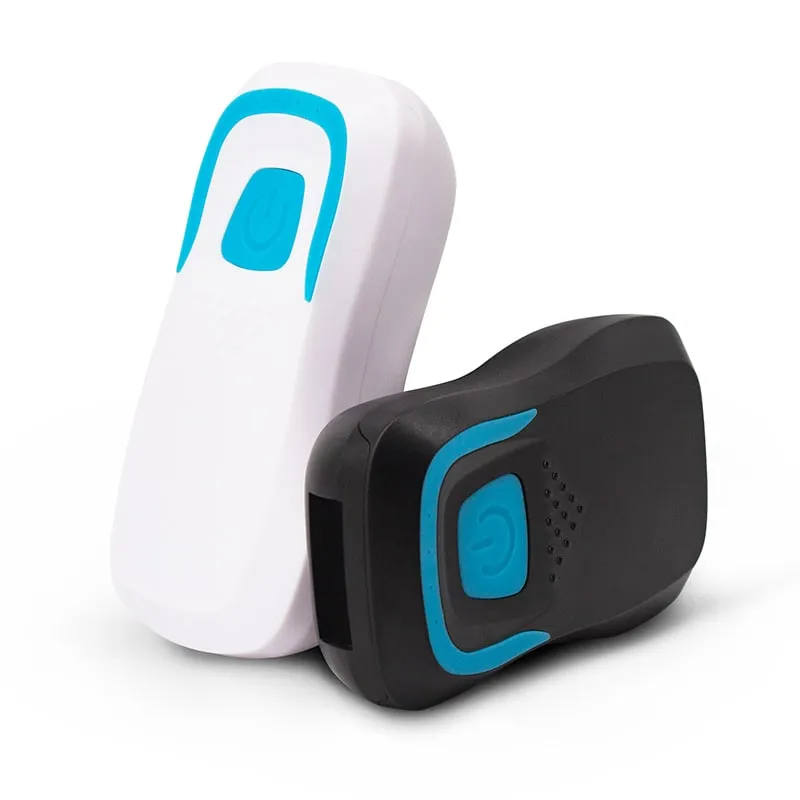
 H510-B+2 variants
Bluetooth RFID Card Reader, 13.56MHz NFC / 125kHz, Pocket
- Wireless
- Handheld
Read range: 20–60 mm
 125kHz
 L410-W+2 variants
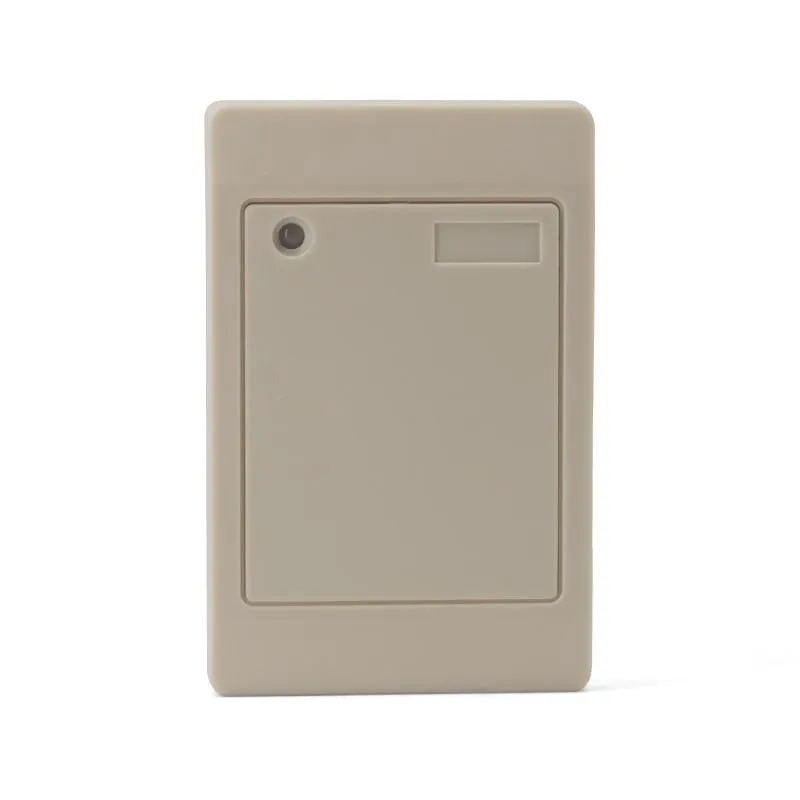
Waterproof 125kHz Wiegand 26/34 RFID Access Reader, Resin-Potted
- Wiegand
- Wall-mount
Read range: 0–100 mm