 125kHz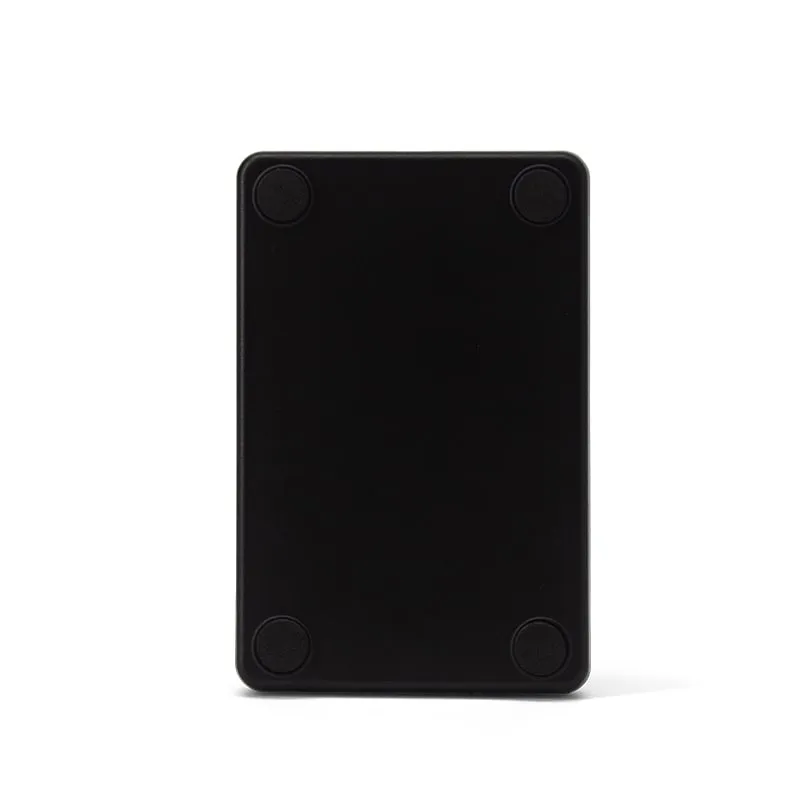
125kHz RFID Readers
L110-U 125kHz USB RFID Reader for EM4100 Cards, Slim Pad
The L110-U is a slim 125 kHz USB pad for access-control installers and software vendors who enroll EM4100 and TK4100 cards and key fobs into their own systems. It reads at up to 80 mm in under 200 ms and types the chip's ID as a 10-digit decimal number, so nobody retypes printed card numbers.
- Frequency
- 125 kHz
- Cards / tags
- EM4100, TK4100, SMC4001 and EM4100-compatible cards and key fobs
- Interface
- USB, keyboard emulation
- Output
- 10-digit decimal card number
- Read range
- Up to 80 mm (depends on card and environment)
- ✓ Sample units for evaluation
- ✓ Output format confirmed for your software
- ✓ Private label & OEM options
- ✓ Reply within 1 business day
Why integrators choose the L110-U
- EM4100 family — reads EM4100, TK4100 and SMC4001 cards and key fobs, the 125 kHz ID chips behind many staff badges and door fobs.
- Reads the chip, not the print — the number comes from the card itself, which removes typing errors during enrollment.
- USB keyboard emulation — nothing to install on Windows, Linux or Android; the number is typed at the cursor.
- Batch-friendly timing — read time under 200 ms and a read interval under 0.5 s, so a box of new fobs can be enrolled one after another.
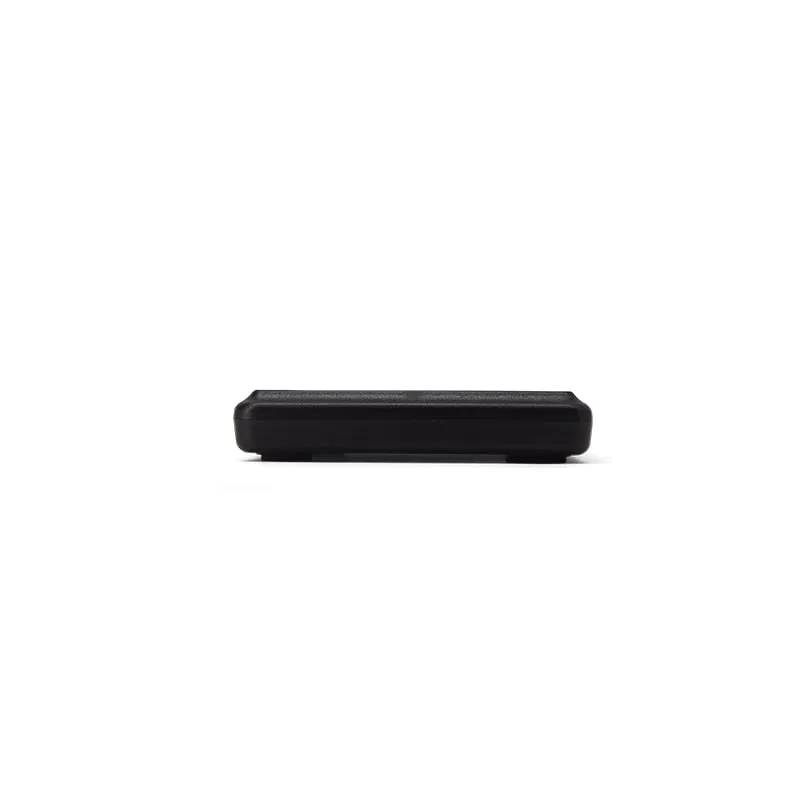
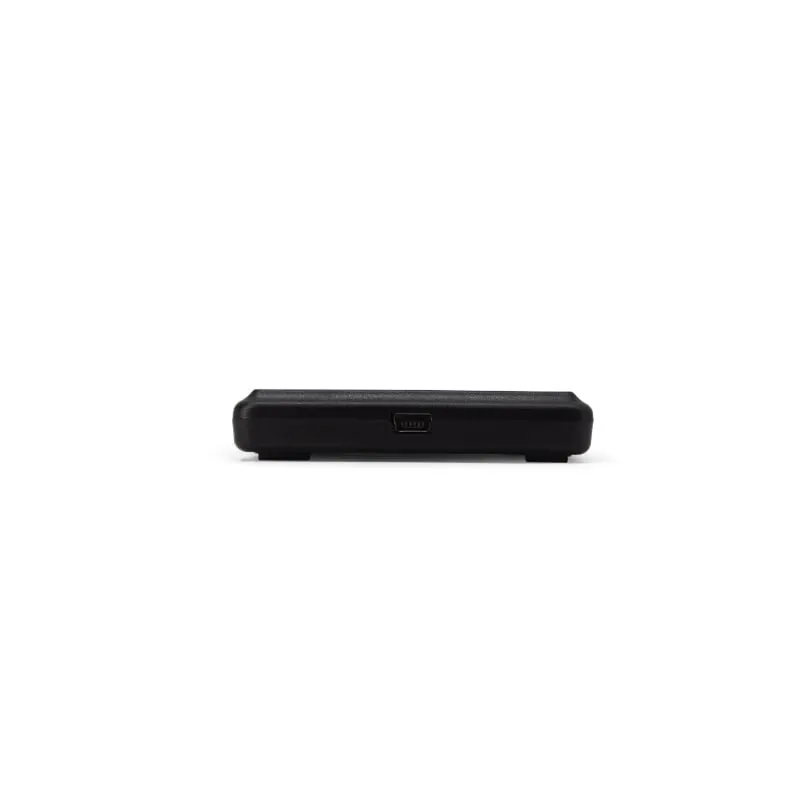
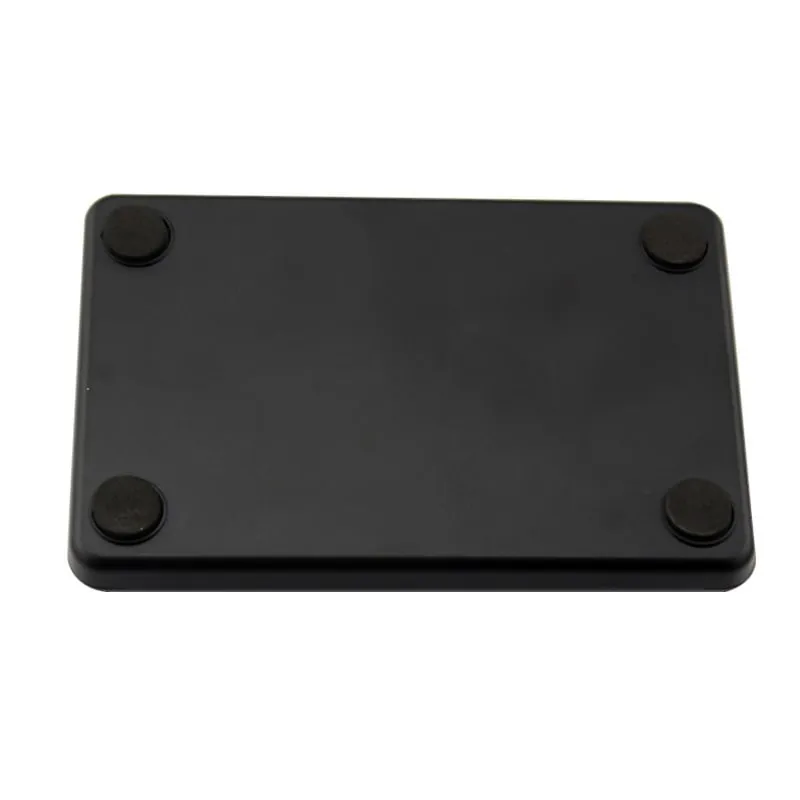
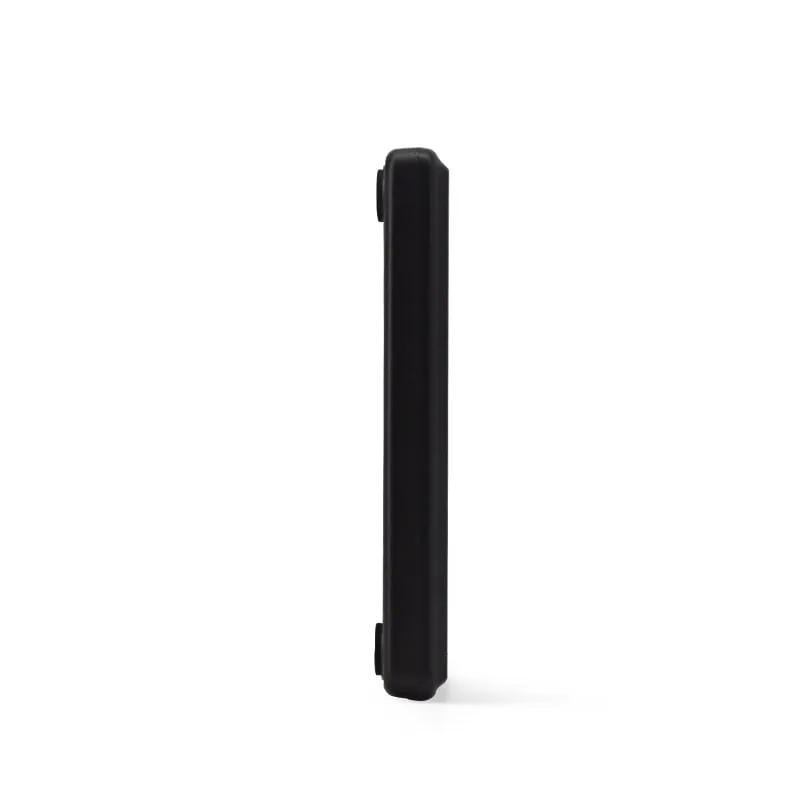
- Slim 10 mm pad — 104 × 68 × 10 mm and about 140 g, on four rubber feet.
- One pad, four versions — the same housing is used for RS232 (L110-R), 13.56 MHz (H110-U) and 134.2 kHz animal tags (A110-U).
EM4100 enrollment at the admin desk
Most 125 kHz projects start with a pile of cards or fobs and a database that needs their numbers. Typing the number printed on each card is slow, and one wrong digit means a badge that does not open a door. With the L110-U on the admin PC, the installer clicks the card-number field in the access-control or attendance software, holds the fob over the pad and moves on to the next.
The reader only reads the card ID. It does not write, format or copy cards, so it suits enrollment, look-up and check-in tasks rather than card issuing.
From EM4100 ID to the number your software stores
An EM4100-type chip carries a 5-byte ID. By default the L110-U types the last four bytes as a 10-digit decimal number: a card with the ID 0B 00 3C 9A 27 is typed as 0003971623. Cards are often printed with both that number and a two-part version, here 060,39463, which older access-control systems store as facility code and card number.
If your software expects the two-part form, 8-digit hex or another layout, tell us: custom output formats are set before shipment, and we confirm yours on a sample unit. Check your own cards first with the card number converter, and see EM4100 and TK4100 cards explained for what the chip holds.
Other versions of this slim pad
- L110-R: the same 125 kHz reader with a DB9 RS232 interface for kiosks and controllers.
- H110-U: for 13.56 MHz MIFARE and NTAG cards.
- A110-U: for 134.2 kHz FDX-B and EMID animal tags.
Not sure which cards you have? See 125kHz vs 13.56MHz.
L110-U specifications
| Model | L110-U |
|---|---|
| Frequency | 125 kHz |
| Form factor | Slim desktop card pad |
| Housing | ABS |
| Color | Black |
| Supported cards | EM4100, TK4100, SMC4001 and EM4100-compatible cards and key fobs |
|---|---|
| Card operation | Read-only (card ID number) |
| Read range | Up to 80 mm (depends on card and environment) |
| Read time | < 200 ms |
| Read interval | < 0.5 s |
| Interface | USB, keyboard emulation |
|---|---|
| Driver | Not required |
| Default output | 10-digit decimal card number |
| Output options | Custom output format on request |
| Operating systems | Windows XP / Vista / 7 / 10, Linux, Android |
| Indicators | Red/green LED (red = standby, green = card read) and buzzer |
| Dimensions | 104 × 68 × 10 mm |
|---|---|
| Weight | Approx. 140 g |
| Cable length | 1400 mm |
| Power supply | 5 V DC, USB bus-powered |
| Operating temperature | -10 °C to +70 °C |
| Storage temperature | -20 °C to +80 °C |
| Humidity | < 90 % RH |
Specifications of L110-U as supplied for the standard version. Read range depends on the card or tag, mounting surface and environment — we can test your own cards before you order.
Card, tag and system compatibility
Works with
- ✓EM4100, TK4100 and SMC4001 125 kHz ID cards
- ✓EM4100-compatible key fobs
- ✓Windows XP, Vista, 7 and 10
- ✓Linux and Android hosts that accept a USB keyboard
Card not listed? Send us the card type or a photo and we will confirm compatibility before you buy.
Integration in 4 steps
- 1
Plug the L110-U into a USB port. It is recognized as a keyboard, so no driver or software is installed; the LED shows red on standby.
- 2
Open Notepad or your application and click into the card-number field.
- 3
Present an EM4100 card or fob over the pad. The reader beeps, the LED turns green and the 10-digit number is typed at the cursor.
- 4
If your software expects a different number, send us one card number and the value your system shows; we confirm a matching custom format on a sample before shipment.
OEM / ODM options for L110-U
- ◆Output format set before shipment on request, e.g. 8-digit hex, reversed byte order, with or without Enter
- ◆RS232 serial version in the same slim housing (L110-R)
- ◆Same housing for 13.56 MHz cards (H110-U) and 134.2 kHz animal tags (A110-U)
- ◆Private-label marking and packaging — scope confirmed in your quotation
Typical applications
L110-U FAQ
Does the L110-U need a driver or SDK?
No. It works as a USB keyboard on Windows, Linux and Android, so the card number is typed into whichever field has focus. Nothing is installed on the host.
What number does the L110-U output for an EM4100 card?
By default, the last four bytes of the card ID as a 10-digit decimal number, for example 0003971623. If your system stores the two-part facility and card number or 8-digit hex instead, a custom format can be set before shipment and confirmed on a sample. The card number converter shows how the formats relate.
How far away does the L110-U read a card?
Up to 80 mm. The actual distance depends on the card or fob and on the surroundings; key fobs have smaller antennas and usually read closer than ISO cards.
Can the L110-U write or copy 125 kHz cards?
No. It is a read-only reader: it reads the card ID number and never writes to the card.
Is there a serial version of this reader?
Yes. The L110-R uses the same slim housing with a DB9 RS232 interface, running at 9600 bps by default.
Related readers
125kHz 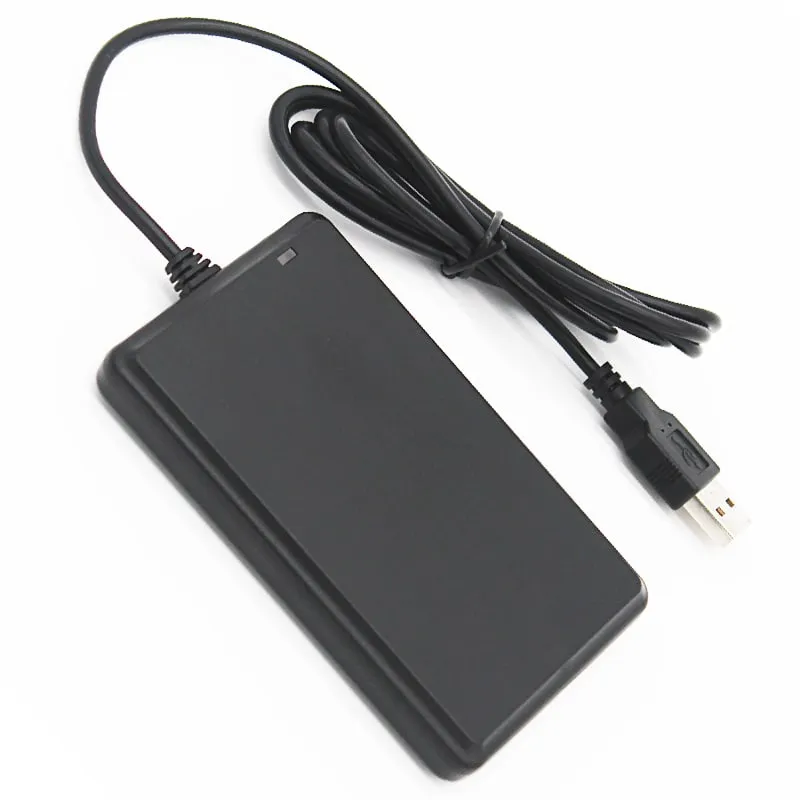 125kHz
  13.56MHz
 H110-U
13.56MHz USB NFC / MIFARE Card Reader, Slim Pad, No Driver
- USB
- Desktop
Read range: Up to 80 mm
134.2kHz Tell us your card, interface and quantity
Send the card or tag type, the host system and your volume. We reply within 1 business day with a suggested model and sample options.