 Magstripe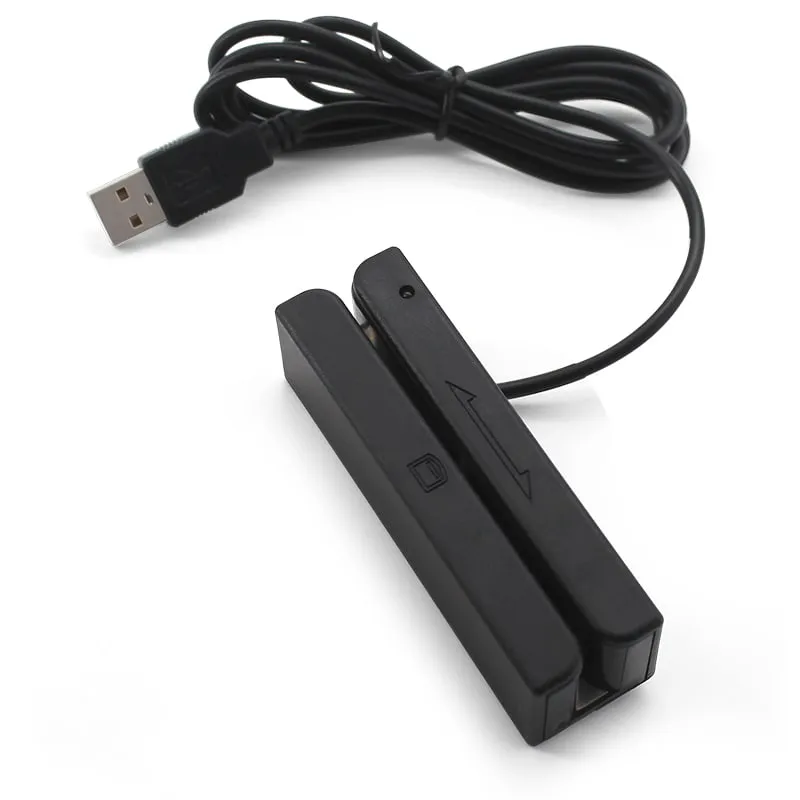
Magnetic Stripe Card Readers
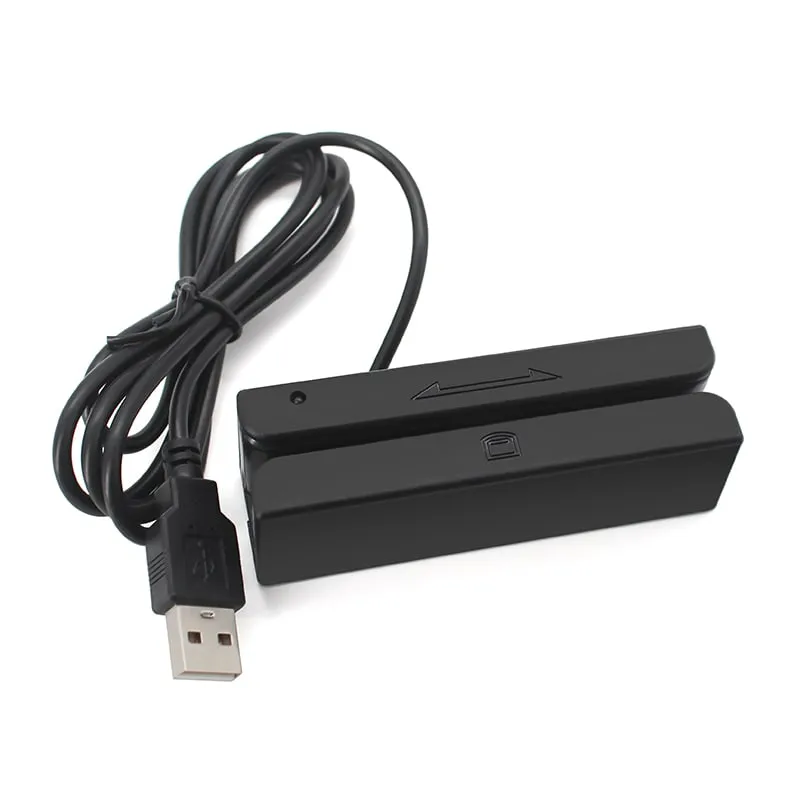
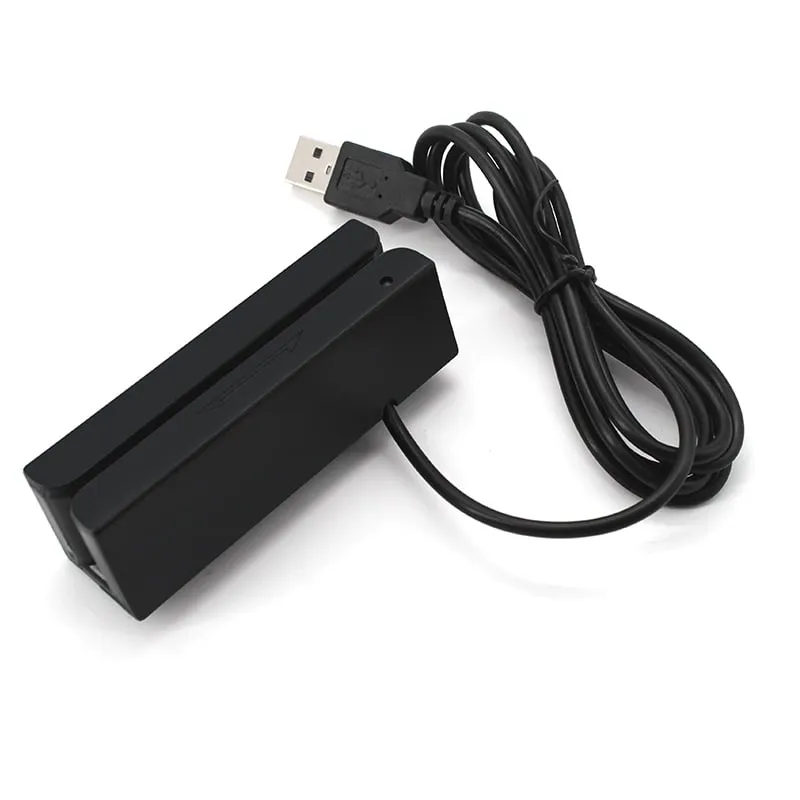
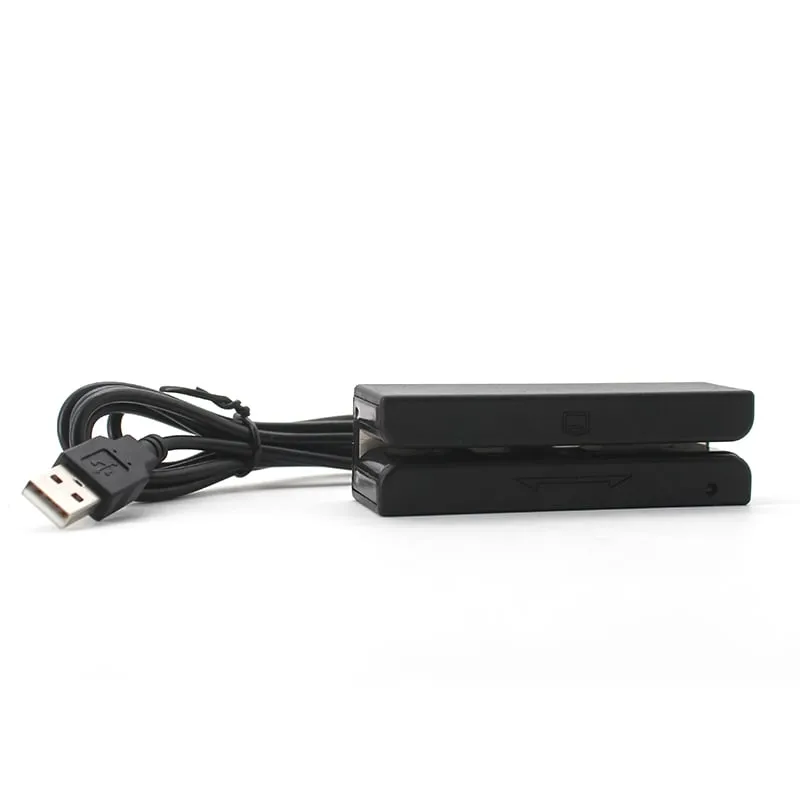
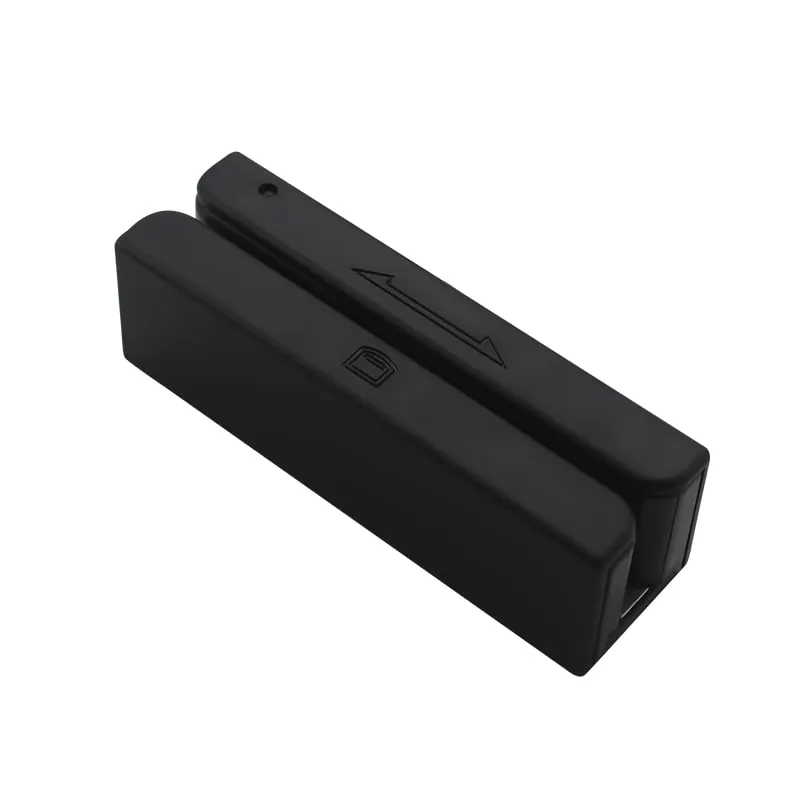
M170-U USB 3-Track Magnetic Stripe Card Reader, Keyboard Output
The M170-U is a compact USB swipe reader for ISO magnetic stripe cards, built for membership, loyalty, hotel, ID and attendance systems. It reads tracks 1, 2 and 3, accepts swipes in either direction at 15–120 cm/s and types the data into any text field as keyboard input, with no driver to install.
- Cards / tags
- ISO magnetic stripe cards, PVC 0.76 ± 0.08 mm
- Interface
- USB, keyboard emulation (driver-free)
- Output
- Track 1, 2 or 3, any two tracks, or all three
- ✓ Sample units for evaluation
- ✓ Output format confirmed for your software
- ✓ Private label & OEM options
- ✓ Reply within 1 business day
Why integrators choose the M170-U
- Reads tracks 1, 2 and 3 — Track 1 up to 79 characters, Track 2 up to 40 and Track 3 up to 107, from ISO 7810–7813 cards.
- No driver — the reader enumerates as a USB keyboard on Windows, Linux and Android hosts and types data wherever the cursor is.
- Configurable output — a PC setting utility selects which tracks are sent and switches start/end sentinels, the Enter suffix and the beeper on or off.
- Swipe either way — bi-directional swipe at 15–120 cm/s with F2F decoding, plus an LED and optional buzzer for feedback.
- Small footprint — 91.4 × 27.6 × 28.2 mm and 80 g, powered from the USB bus at ≤ 50 mA.
- Rated head life — the read head is rated for ≥ 800,000 passes.
Where the M170-U fits
The M170-U suits desks and counters where staff swipe an existing magnetic stripe card and the number has to appear in software: membership check-in at gyms and clubs, loyalty lookups at a POS, hotel front desks reading guest cards, and attendance or ID stations reading staff and student cards.
Because it reads all three ISO tracks, it also fits sites that accept cards from more than one issuer, or card programs where Track 1 carries a name and Track 2 the member or account number. At 91.4 × 27.6 × 28.2 mm it sits beside a keyboard or POS terminal, and the 1420 mm cable reaches a PC under the counter.
Output format and track selection
The reader enumerates as a USB keyboard. Each swipe is typed into whichever field has the cursor, so a web form, spreadsheet or POS screen can take the data without a driver or SDK. The PC setting utility (available on request) controls what is typed:
- Tracks — Track 1, 2 or 3 alone, any two tracks, or all three.
- Sentinels — keep or strip the start and end characters. With sentinels on, a Track 2 swipe typically arrives as
;0012345678?; with them off, only the digits. - Enter suffix — on, to submit the field after each swipe, or off.
- Beeper — on or off.
Send only the track your software needs. A membership system that looks up a Track 2 number does not need the Track 1 name typed onto the screen.
Choosing between the M170-U and M180-U
Choose the M170-U when you need Track 1 or Track 3 data, when you want to set the output layout yourself, or when desk space is tight. Choose the M180-U when your cards only carry data on Track 2 and you prefer a longer, heavier body (170 mm, 167.2 g) on the counter. Not sure how your cards are encoded? Magnetic stripe tracks 1, 2 and 3 explained shows what each track holds. If you plan to move to contactless cards, the keyboard-emulation RFID readers type a card number into the same field.
M170-U specifications
| Model | M170-U |
|---|---|
| Reader type | Magnetic stripe swipe reader, read-only |
| Form factor | Compact desktop swipe reader |
| Standards | ISO 7810–7813 |
| Tracks | Track 1, Track 2 and Track 3 |
|---|---|
| Track 1 | IATA, 210 bpi, up to 79 characters |
| Track 2 | ABA, 75 bpi, up to 40 characters |
| Track 3 | 210 bpi, up to 107 characters |
| Card type | ISO magnetic stripe cards, PVC 0.76 ± 0.08 mm |
| Decoding | F2F |
| Swipe direction | Bi-directional |
| Swipe speed | 15–120 cm/s |
| Head track width | 1.5 mm |
| Head life | ≥ 800,000 passes |
| Interface | USB, keyboard emulation (driver-free) |
|---|---|
| Track output | Track 1, 2 or 3, any two tracks, or all three |
| Configurable settings | Track selection, start/end sentinels, Enter suffix, beeper |
| Configuration tool | PC setting utility |
| Operating systems | Windows XP / 7 / 10, Linux, Android |
| Indicators | LED; buzzer (optional) |
| Dimensions | 91.4 × 27.6 × 28.2 mm |
|---|---|
| Weight | 80 g net; 100 g gross |
| Package size | 138.7 × 67 × 41.4 mm |
| Housing | ABS |
| Color | Black |
| Cable length | 1420 mm |
| Power | 5 V DC ± 5 % (USB bus), ≤ 50 mA |
| Operating temperature | 0 °C to +70 °C |
| Storage temperature | −30 °C to +70 °C |
| Humidity | Operating 0–90 % RH; storage 0–95 % RH |
Specifications of M170-U as supplied for the standard version. Read range depends on the card or tag, mounting surface and environment — we can test your own cards before you order.
Card, tag and system compatibility
Works with
- ✓ISO 7810–7813 magnetic stripe cards on 0.76 ± 0.08 mm PVC
- ✓Tracks 1, 2 and 3 of membership, loyalty, hotel, ID and attendance cards
- ✓Windows XP, 7 and 10, Linux and Android hosts with a USB port
- ✓Any application that accepts keyboard input: web forms, spreadsheets, POS and membership software
Card not listed? Send us the card type or a photo and we will confirm compatibility before you buy.
Integration in 4 steps
- 1
Plug the M170-U into a USB port. It is recognized as a keyboard, so no driver is installed.
- 2
Open your application, place the cursor in the card-number field and swipe the card in either direction at a steady 15–120 cm/s.
- 3
If your software needs a different layout, use the PC setting utility (available on request) to choose the tracks, sentinels, Enter suffix and beeper.
- 4
Test on the target PC with several real cards, including older ones, and check that characters appear correctly under the PC's keyboard layout.
OEM / ODM options for M170-U
- ◆Output preset before shipment to match your software (track selection, start/end sentinels, Enter suffix, beeper), confirmed in your quotation
- ◆Build with or without the buzzer, which is optional on this model
- ◆Logo and private-label packaging on request, confirmed in your quotation
Typical applications
M170-U FAQ
Can the M170-U write or encode magnetic stripe cards?
No. The M170-U is a read-only swipe reader. It decodes tracks 1, 2 and 3 and sends the data to the host; it cannot write, encode or copy a stripe.
Can I send only Track 2 and hide the other tracks?
Yes. The PC setting utility lets you output a single track, any two tracks or all three, so a membership system can receive just the Track 2 number. The same utility switches start/end sentinels, the Enter suffix and the beeper on or off.
Does the M170-U need a driver or SDK?
No. It enumerates as a USB keyboard on Windows XP/7/10, Linux and Android hosts and types the track data into the active field, so your software reads it as ordinary typed input.
How fast can a card be swiped through the M170-U?
The rated range is 15–120 cm/s in either direction. Very slow or stop-start swipes fall outside that range, so one steady pass gives the most reliable read.
Which cards does the M170-U read?
ISO 7810–7813 magnetic stripe cards on 0.76 ± 0.08 mm PVC, such as membership, loyalty, hotel, ID and attendance cards. If your cards use an unusual layout, send us a sample and we will check it before you order.
Related readers
Magstripe  125kHz
  13.56MHz
 H110-U
13.56MHz USB NFC / MIFARE Card Reader, Slim Pad, No Driver
- USB
- Desktop
Read range: Up to 80 mm
Tell us your card, interface and quantity
Send the card or tag type, the host system and your volume. We reply within 1 business day with a suggested model and sample options.