UHF RFID
UHF RFID Anti-Collision and Multi-Tag Read Rates: Q, Sessions, Antennas
By Henrium · · 10 min read
Quick answer
A UHF reader separates many tags by anti-collision: each Gen2 tag answers in a random time slot set by the Q value, and tags already read stay quiet according to their session flag. To raise multi-tag read rates, fix tag placement and antenna layout first, then tune RF power, session, target and Q, and count unique tags read.
Reading one UHF tag is easy. Bulk reading, such as all 200 tagged cartons on a pallet as it passes a dock door or every item on a shelf during a stock count, is where RFID projects succeed or fail. Missed tags almost always have one of three causes: some tags never get enough energy, some lose out in anti-collision, or the host cannot keep up with the reader.
This guide explains how EPC Gen2 anti-collision works, which settings change the result, how the physical layout limits it, and how to run a pilot test that shows which problem you have. It applies to any Gen2 (ISO/IEC 18000-63) reader.
Read rate and read speed are different numbers
Agree on what you are measuring before you change any setting.
| Metric | What it measures | Example |
|---|---|---|
| Read rate (read accuracy) | Unique tags read ÷ tags present | 198 of 200 tags = 99% |
| Unique tags per second | How quickly a new population is covered | 200 tags in 2 s = 100 tags/s |
| Reads per second | Every report, repeats included | Can be high while tags are still missed |
| Time to last tag | Time until the final tag of a known set is read | The figure that matters on a conveyor |
| Single-tag read time | Time to read one tag on its own | Under 6 ms average per 64-bit read on our integrated readers |
A dock door needs every tag within the few seconds the pallet is in the zone; a shelf count needs every tag eventually. Reads per second is the least useful figure, because a reader can report the same strong tags hundreds of times while weak tags stay unread.
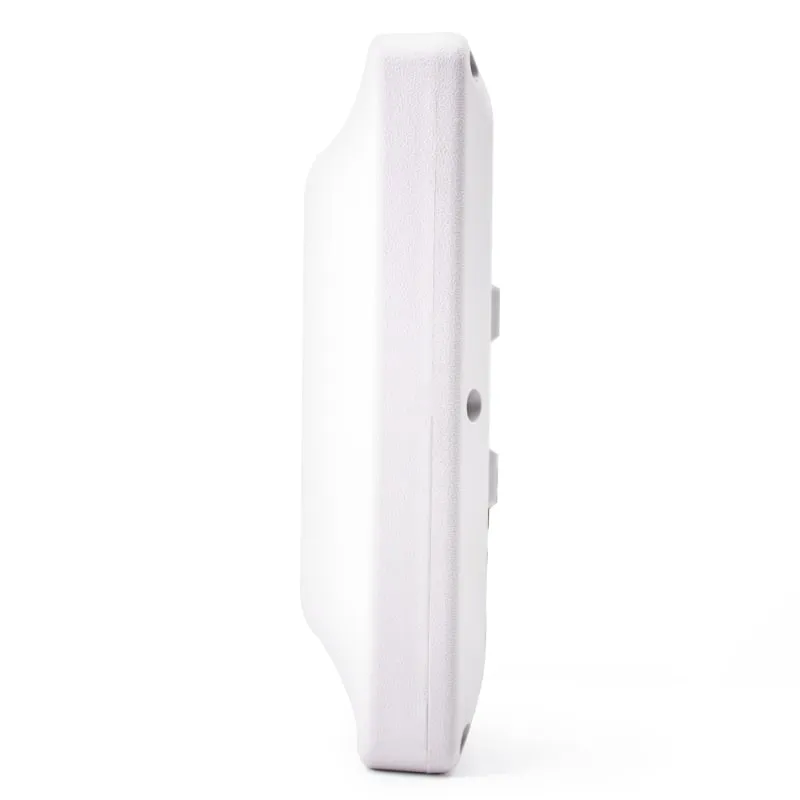
Single-tag figures do not predict multi-tag performance either. The U610-M 7 dBi integrated UHF reader lists up to 140 single-tag reads per second, but none of our specifications publishes a multi-tag rate, because it depends on the tags, their layout and the site.
How Gen2 anti-collision works
Gen2 readers separate tags with a slotted random-access scheme, defined in the GS1 EPC UHF Gen2 air interface standard:
- The reader sends a Query with a Q value from 0 to 15. Each tag picks a random slot number from 0 to 2^Q − 1.
- Tags whose slot number is 0 reply with a 16-bit random number. If exactly one tag replies, the reader acknowledges it and the tag sends its PC, EPC and CRC.
- The tag that was read flips its inventoried flag for the current session (from A to B when the reader targets A) and ignores the rest of the round.
- The reader sends QueryRep to move to the next slot, and every waiting tag counts down by one. QueryAdjust raises or lowers Q by one mid-round when there are too many collisions or too many empty slots.
Each slot ends empty, with a single reply (a read), or with a collision, where two or more tags answer at once and try again later. Efficiency peaks when the number of slots roughly equals the number of unread tags, and even then only about 37% of slots (1/e) hold a single reply. Readers therefore run a dynamic Q algorithm that adjusts Q as tags are read; many start at Q = 4. In a collision the reader sometimes decodes the stronger reply anyway, so weak tags lose out, which is one reason the last few tags take longest.
| Tags in the field | Starting Q | Slots (2^Q) |
|---|---|---|
| 1 (encoding one tag) | 0 | 1 |
| About 5 | 2 or 3 | 4 or 8 |
| About 20 | 4 | 16 |
| About 60 | 6 | 64 |
| About 250 | 8 | 256 |
| About 1,000 | 10 | 1,024 |
A Q that is too low wastes time on collisions; one that is too high wastes it on empty slots. Dynamic Q corrects either, but a fixed Q close to a known population saves time at the start of each round.
Sessions and targets decide which tags answer again
Each tag keeps four independent inventoried flags, one per session (S0 to S3). The reader asks for tags whose flag matches its target, A or B. A tag that has been read flips its flag and stays silent until the flag returns to A. How long that takes depends on the session:
| Session | Flag persistence while the tag is powered | After the tag loses power | Typical use |
|---|---|---|---|
| S0 | Indefinite | Resets immediately | One reader, few tags, continuous re-reads |
| S1 | 0.5–5 s, then resets | 0.5–5 s | Portals and conveyors: count each tag once per pass |
| S2 | Indefinite | At least 2 s, chip-dependent | Large static counts, handheld stock counts |
| S3 | Indefinite | At least 2 s, chip-dependent | As S2; a second reader in the same area |
The target setting works with the session:
- Single target (A only): each tag is reported once and then keeps quiet, so weaker tags get the free slots. Use it for counts.
- Dual target (A, then B, then A): tags are reported again and again. That suits presence monitoring but hurts dense counts, because strong tags crowd every round.
A handheld that keeps reporting the tags nearest the antenna while tags at the back of the shelf never appear is usually running S0 or dual target; switch to S2 or S3 with single target. The S1 window varies between chip models, so test portal timing with the tags you will deploy. When two readers cover the same tags, put them in different sessions, such as S2 and S3, so one reader does not silence tags for the other.
Before the Query, a reader can also send a Select command with a mask, such as your own EPC prefix, so only matching tags take part. That shortens every round; how to write UHF RFID tags explains how to plan the prefix.
Physical factors come first
No setting can read a tag that never receives enough energy. Check these before you tune the protocol:
| Factor | What happens | What to do |
|---|---|---|
| Tag orientation | A tag at right angles to a linearly polarized antenna may not read at all | Use circular polarization, or read from two angles |
| Tags stacked close together | Neighboring tags detune and shadow each other | Offset tag positions; put tags in the same place on every case |
| Metal and liquids | Metal detunes tags; water absorbs UHF energy | Use on-metal tags; place tags on outer faces |
| Speed through the zone | Too little time for all inventory rounds | Slow down, lengthen the zone, trigger reading at the right moment |
| Reflections | Dead spots where signals cancel | Use frequency hopping; move or tilt the antenna; test several positions |
| Other readers nearby | Reader signals drown out tag replies | Separate channels, dense reader mode, different sessions, staggered triggers |
| Mixed tag models | The weakest tag model sets the read rate | Standardize on one tag; test each supplier’s tags |
A circularly polarized antenna reads tags at any rotation in the antenna plane, but delivers about 3 dB less to a linear tag than a matched linear antenna. More RF power is not a cure: beyond the level that energizes the tags you want, it mostly adds stray reads from outside the zone, and regulations cap radiated power including antenna gain. See UHF RFID read range and frequency bands by country.
Reader settings, in the order to tune them
- RF power. Start low and raise it until the whole zone reads.
- Session and target. Large static counts: S2 or S3, single target. Portals: S1 or S2, single target. Presence monitoring: S0, dual target.
- Q. Start near the value for your expected tag count and leave dynamic Q on unless the population is fixed.
- Link profile. Tags reply at a backscatter link frequency of 40–640 kHz, with FM0 or Miller 2, 4 or 8 encoding, giving 5 to 640 kbit/s. FM0 at a high link frequency is fastest in a quiet RF environment. Miller 4 or 8 is slower but more robust, and it is the basis of dense reader mode where many readers share a site.
- Select filters on your EPC prefix.
- Trigger and dwell. Read only while the pallet, tote or vehicle is in the zone, started by a sensor.
- Reporting. Filter duplicates and check that the host link keeps up. A 9600 bit/s serial link carries about 960 bytes per second. Sent as 24 hex characters plus CR and LF, each 96-bit EPC takes 26 bytes, so the link tops out near 37 tags per second. Keyboard output and Wiegand deliver one tag at a time and are not bulk channels.
Our integrated long-range readers list RF output of 0–30 dBm set in software, continuous or triggered reading with one trigger input, and an SDK with C#, VC, VB, Java and Delphi sample code. Their specifications do not document session, target or Q settings; which inventory parameters the SDK exposes is confirmed in your quotation.
Run a pilot test that finds the real problem
- Build the test set from real items, real tags and real packing, such as one full pallet. Record every EPC, or encode sequential EPCs so a missing tag is obvious.
- Include worst cases: tags in the middle of the pallet, facing away from the antenna, or next to liquids and metal.
- Mount the reader at its final position and move items at the real speed.
- Run at least 10 passes per setting. Record unique tags, time to last tag and the missing EPCs.
- Change one setting at a time, and set the pass criterion before you start.
| What you see | Likely cause | First fix |
|---|---|---|
| The same EPCs are missed on every pass | Tag placement, shielding or faulty tags | Move or replace those tags; check them on a desktop reader |
| Different tags are missed on each pass | Dwell time, anti-collision settings or dead spots | Slow the pass, use S1 or S2 with single target, adjust Q, add a second angle |
| Many reads, but the unique count climbs slowly | S0 or dual target lets strong tags repeat | Switch to S2 or S3 with single target |
| The read rate drops when another reader runs | Reader-to-reader interference | Channel plan, dense reader mode, different sessions, staggered timing |
| Tags from the next door or rack appear | RF power too high or antenna aimed too wide | Lower power, re-aim, add a Select filter |
| Reads stall after a burst | Host link or software buffer | Faster link, report unique tags only |
Choosing hardware for multi-tag reading
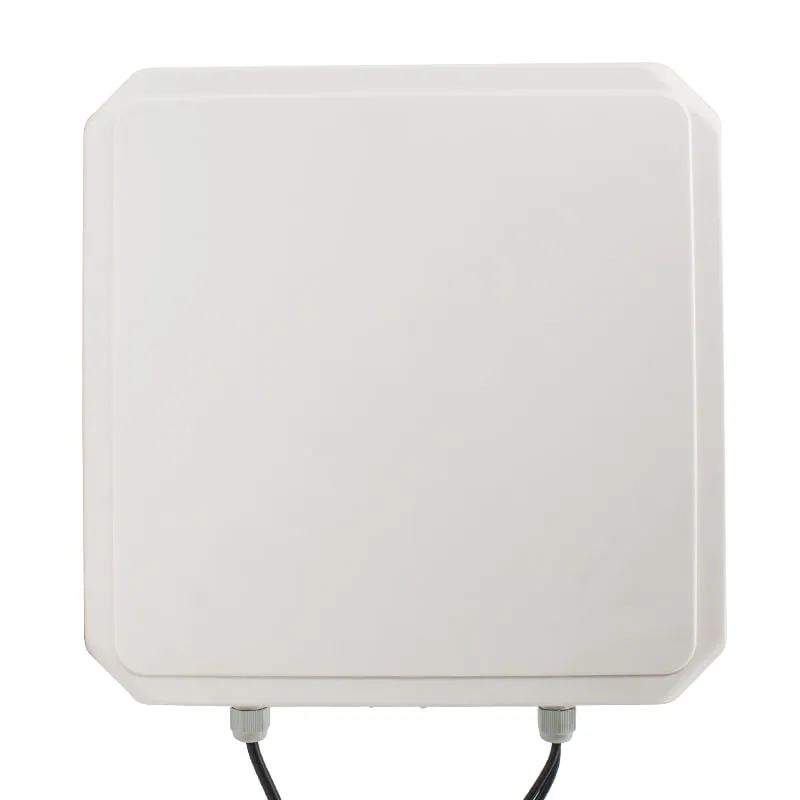
- Fixed read points. The U610-M (7 dBi, 0–5 m) keeps the zone short at one door or lane; the U630-M 9 dBi integrated UHF reader (0–6 m) reaches further along the approach, with a narrower beam than a lower-gain antenna. Each has one built-in antenna, so they suit points where tags face the reader, such as lanes, doors and conveyors with consistent tag placement. Portals that must read tags facing every direction usually need a multi-port reader with several antennas, which our range does not include.
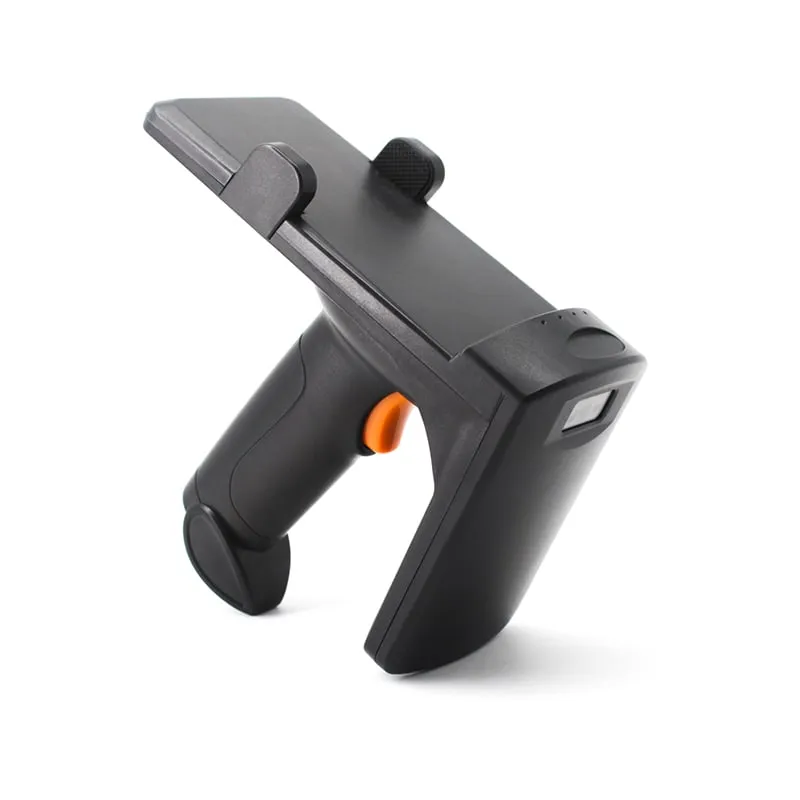
- Handhelds. The U550-M Bluetooth UHF handheld reads at 0–3 m and sends each ID as keyboard input to a phone over Bluetooth, or to a PC through its 2.4G receiver or USB; no SDK is documented. The U510-B (0–50 cm) and U520-M (0–35 cm) suit closer checks. The U550-M and U510-B list a 0.5 s read interval and none of the three states a multi-tag rate, so they fit item checks and lookups; test samples before planning dense counts. See handheld UHF and Bluetooth readers.
- Desktop reader/writers read up to 0.5 m by design. Use one to encode the test set and to check tags the pilot keeps missing.
The fixed vs integrated vs handheld guide compares the formats, and inventory and asset tracking shows where each fits.
Multi-tag read checklist
- KPI defined: read rate, time to last tag, or both.
- One tag model, tested on real items and placed in the same spot on each.
- Antenna height, angle and distance fixed; metal shadows avoided.
- RF power at the lowest level that reads the whole zone.
- Session, target and starting Q matched to the job.
- Dense reader mode where several readers share a site.
- Select filter on your EPC prefix; host link capacity checked.
- Pilot of 10 or more passes, with missing EPCs analyzed.
To test with your own tags and layout, request an evaluation unit on the samples page.
Frequently asked questions
How many tags can a UHF RFID reader read per second?
There is no single answer: it depends on the link settings, the number of tags, their placement and the site, and vendor figures are usually measured under ideal conditions. Our specifications publish single-tag figures, such as under 6 ms average per 64-bit read on the integrated readers and up to 140 single-tag reads per second on the U610-M, but no multi-tag rate. Test with your own tags.
What Q value should I start with?
Pick Q so that 2 to the power Q is close to the number of tags in the field: about 4 for 16 tags, 6 for 60 tags and 8 for 250 tags. Leave dynamic Q on when the count varies. Fix Q only when the population is known and stable, such as a tote that always holds 48 items.
Which session should I use for a stock count?
S2 or S3 with a single target (A). Tags that have been read stay quiet while they are powered, and for at least 2 seconds after they lose power, so weaker tags get the free slots. Use S1 for portals where each tag should be counted once per pass, and S0 for continuous monitoring with one reader.
Does more RF power improve the multi-tag read rate?
Only until every intended tag receives enough energy. Beyond that point, extra power mostly adds reads from outside the zone and stronger reflections, and local regulations cap the radiated power anyway. Fix tag placement and antenna aim first, then set the lowest power that reads the whole zone.
Can a Bluetooth UHF handheld count a full shelf?
Ours are not specified for it. The U510-B and U550-M send each tag ID to the phone or PC as keyboard input with a listed 0.5 s read interval, and the U520-M stores up to 128 records for upload. None of their specifications states a multi-tag rate or session settings, so use them for spot checks and item lookups, and test samples with your own tags and shelf layout before planning full counts.
Readers mentioned in this guide
 UHF
UHF U610-M+1 variant
UHF Integrated RFID Reader, 7 dBi, 0–5 m, Wiegand/RS485/USB
- USB
- RS232
- RS485
- Fixed / long-range
Read range: 0–5 m
 UHF
UHF U630-M+1 variant
9 dBi UHF Integrated RFID Reader, 0–6 m, Rated to -40 °C
- USB
- RS232
- RS485
- Fixed / long-range
Read range: 0–6 m
 UHF
UHF U550-M
Bluetooth UHF RFID Pistol-Grip Reader with Phone Holder
- USB
- Wireless
- Handheld
Read range: 0–3 m