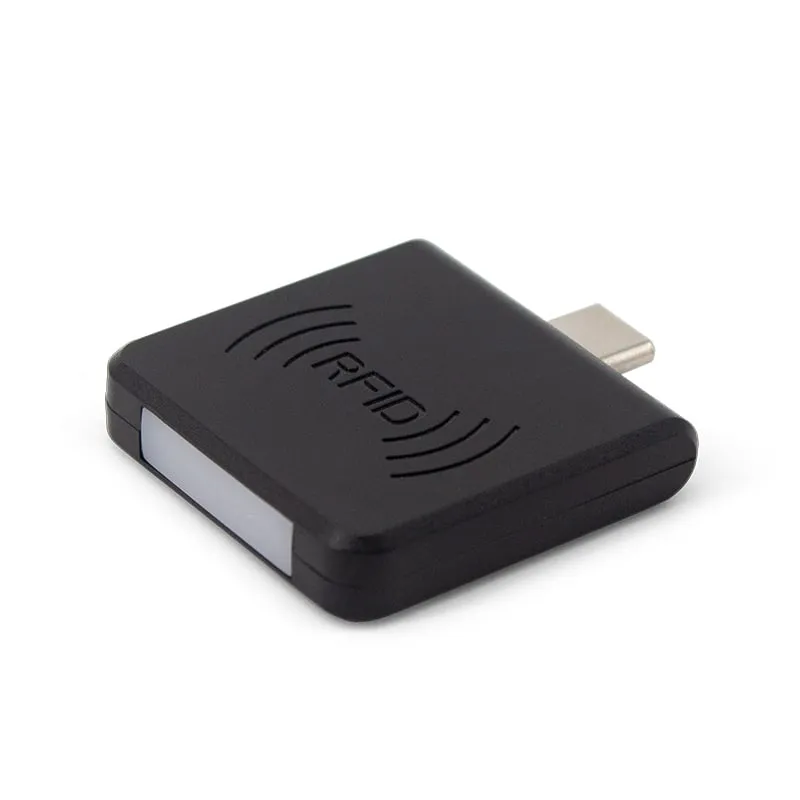
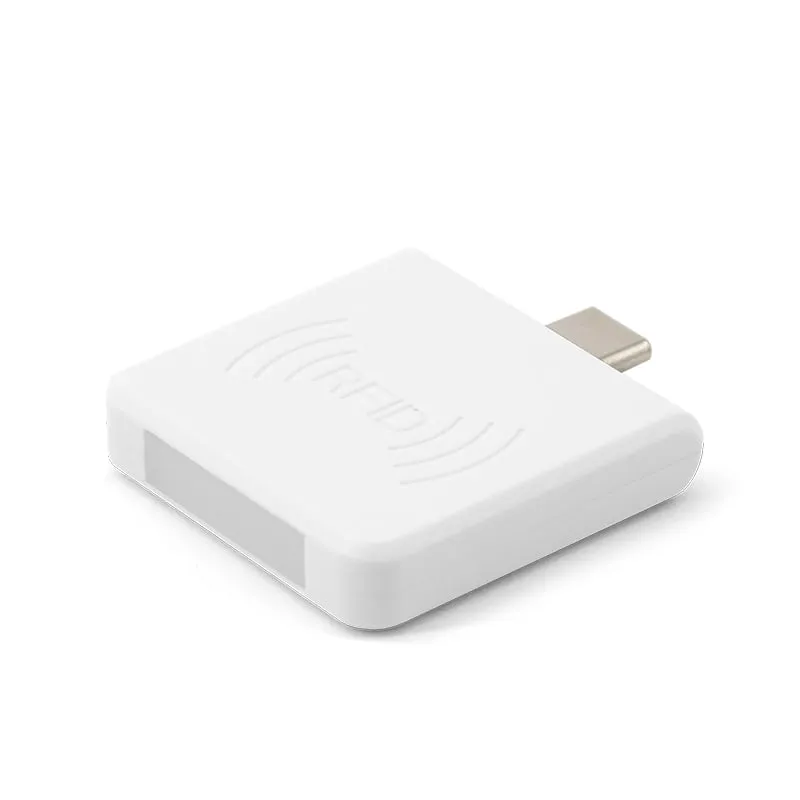
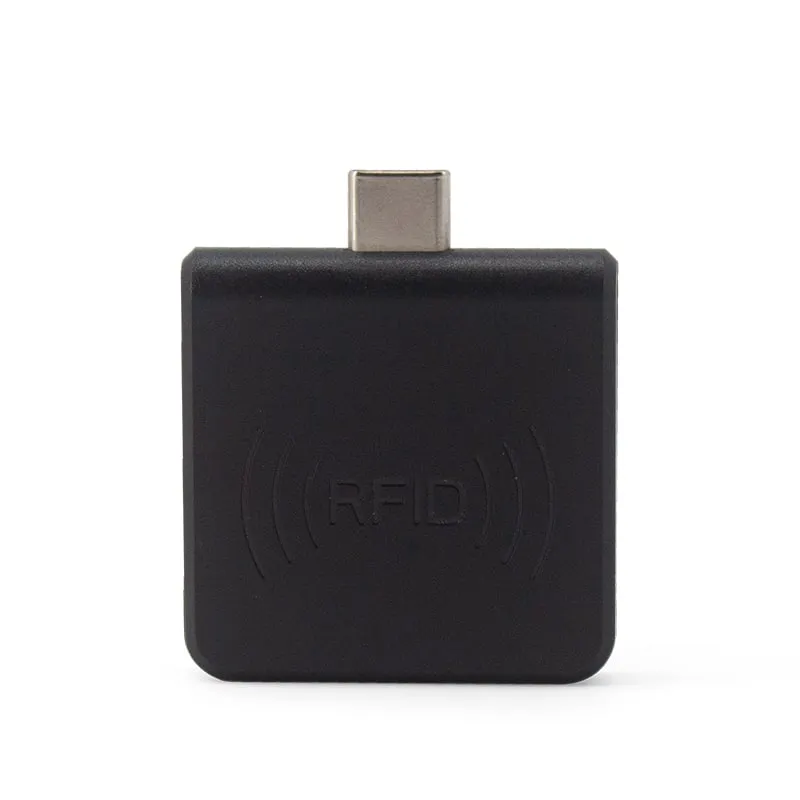
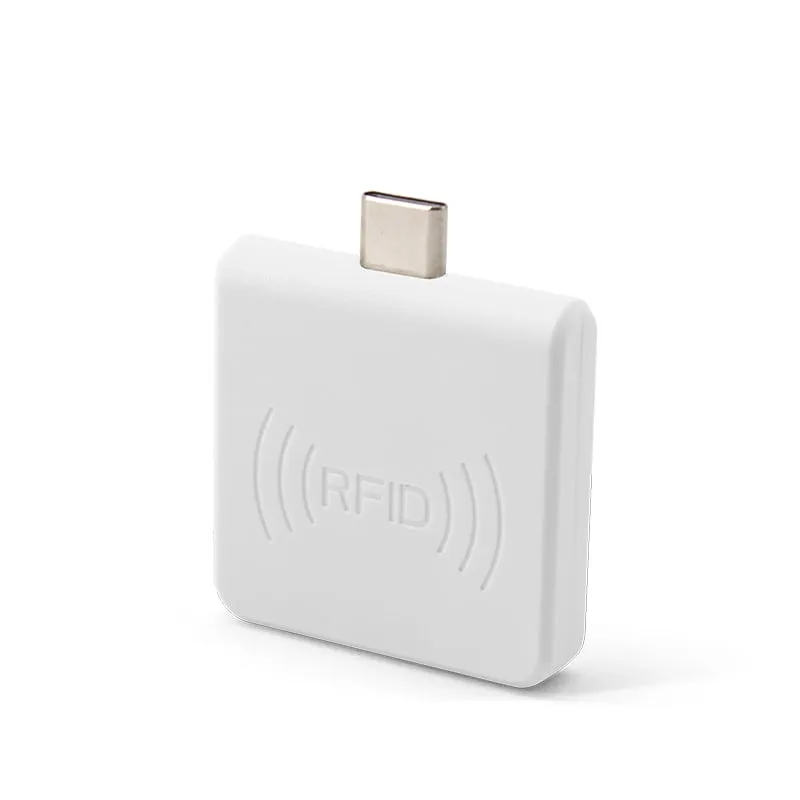
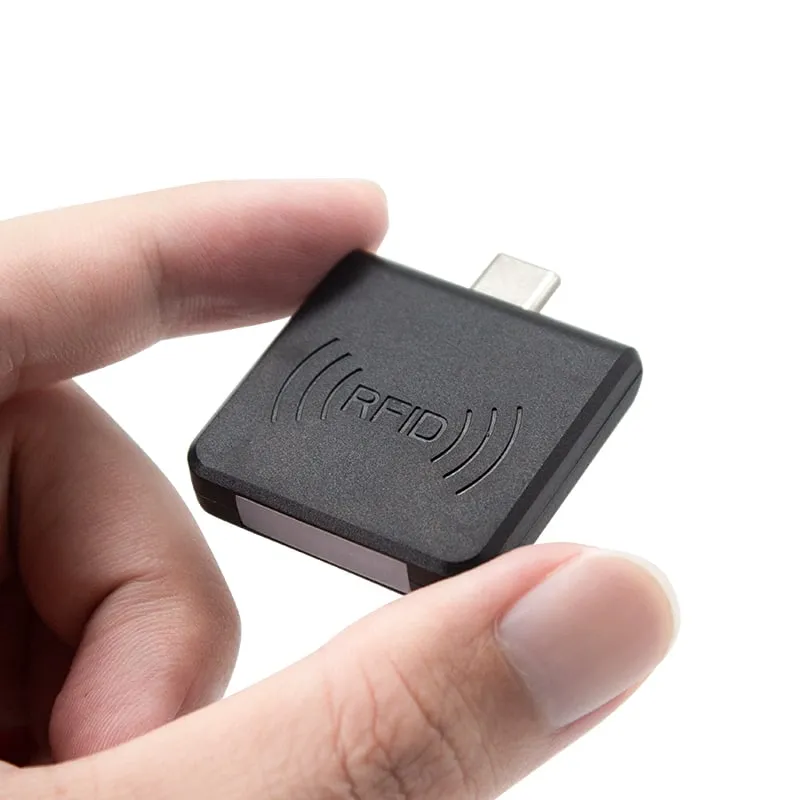
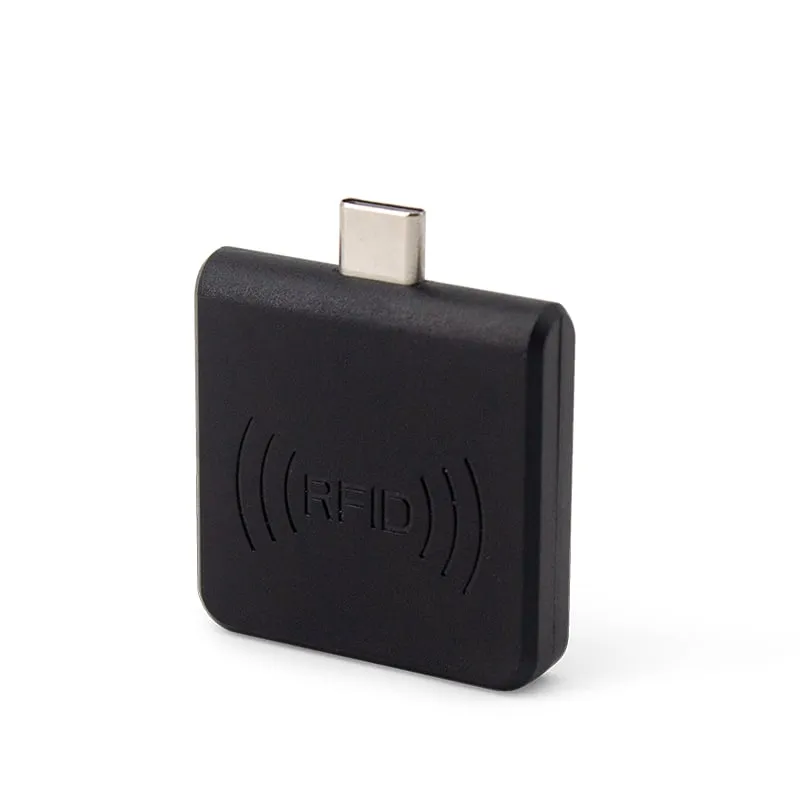
 125kHz
 L220-C
USB-C 125kHz EM4100 RFID Reader for Android Phones
- USB
- Plug-in
Read range: 0–30 mm front and back, 0–10 mm from the side
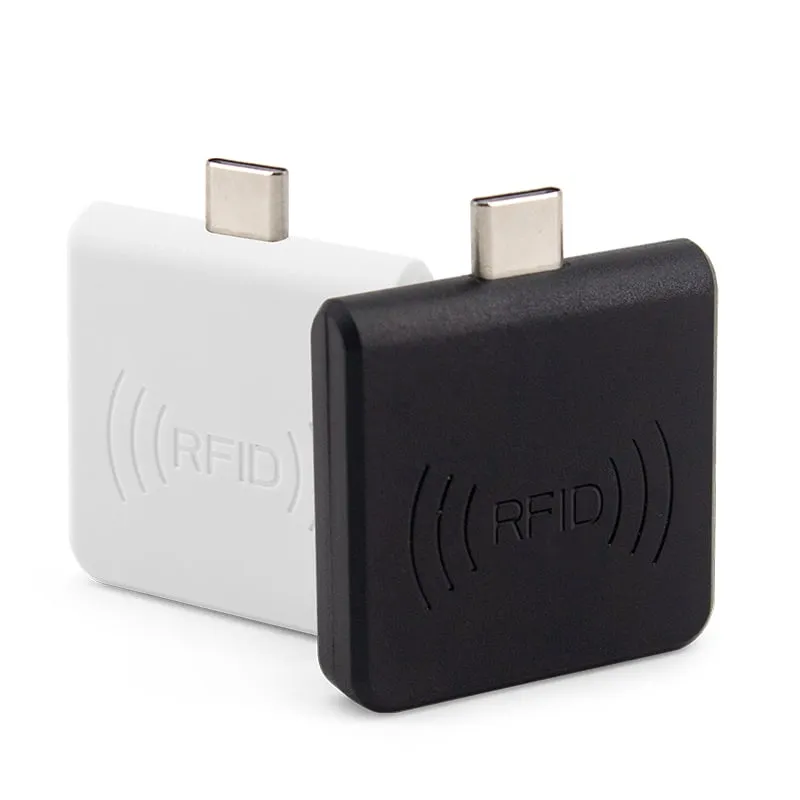
The H220-C is a 35 × 35 mm plug-in NFC reader for Android phones and tablets with a USB-C port and OTG support. It reads the UID of MIFARE Classic, NTAG203 and other ISO 14443A cards at 0–30 mm and types it as a 10-digit decimal number into whatever app has the cursor.
Many Android phones already have NFC, so why add hardware? There are three practical reasons.
Typical jobs: looking up MIFARE membership cards on a reception tablet, checking staff cards at an event entrance, and enrolling new cards into a web-based access or attendance system.
The H220-C reads the UID (serial number) of ISO/IEC 14443A cards: MIFARE Classic 1K (S50), MIFARE Classic 4K (S70), NTAG203 and other 14443A cards. It reads the UID only. It does not read sector data or NDEF records, and it cannot write to cards.
By default the number is sent as a 10-digit decimal built from 4 bytes. MIFARE Classic 1K and 4K cards commonly use a 4-byte UID, so this covers the whole number. NTAG203 tags carry a 7-byte UID, so the default output shows only 4 of those bytes; if your system stores the full 7-byte UID, say so in your RFQ. If your software stores the UID in another format, such as hex, a custom output format can be set before shipment. See RFID card number formats, or compare numbers with the card number converter.
MIFARE DESFire and Plus, ISO 14443B, FeliCa and ISO 15693 are not listed for this model. For ISO 15693 (ICODE) labels on a PC, see the H155-U.
Choose by card frequency first, then by the host device.
| Model | Cards | Host | Read range |
|---|---|---|---|
| H220-C | 13.56MHz MIFARE Classic, NTAG203 | Android phone or tablet, USB-C OTG | 0–30 mm |
| L220-C | 125kHz EM4100, TK4100 | Android phone or tablet, USB-C OTG | 0–30 mm |
| H210-U | 13.56MHz MIFARE Classic, NTAG203 | PC, USB-A port | Up to 80 mm |
Not sure which frequency your cards use? Read 125kHz vs 13.56MHz, or send a sample card with your RFQ.
| Model | H220-C |
|---|---|
| Frequency | 13.56 MHz |
| Form factor | Plug-in reader with USB-C plug, for phones and tablets |
| Color | Black or white |
| Standard | ISO/IEC 14443A (UID read) |
|---|---|
| Supported cards | MIFARE Classic 1K (S50), MIFARE Classic 4K (S70), NTAG203, other ISO 14443A cards |
| Read/write | Read-only (UID) |
| Read range | 0–30 mm front and back, 0–10 mm from the side |
| Read time | 0.2 s |
| Read interval | 0.5 s |
| Interface | USB Type-C plug (USB OTG) |
|---|---|
| Output | Keyboard emulation: card number typed at the cursor |
| Default format | 10-digit decimal (4 bytes) |
| Custom format | On request |
| Host systems | Android with USB OTG; Windows XP / 7 / 10 through an OTG adapter |
| App or SDK | None required on Android |
| Power | 5 V, 100 mA from the host |
|---|---|
| Indicator | 2-color LED (blue: power, green: status) |
| Dimensions | 35 × 35 × 7 mm (without plug) |
| Weight | Approx. 20 g |
| Package | 71 × 71 × 19 mm, approx. 50 g packed |
| Operating temperature | -20 °C to +70 °C |
Specifications of H220-C as supplied for the standard version. Read range depends on the card or tag, mounting surface and environment — we can test your own cards before you order.
Works with
Not designed for
Card not listed? Send us the card type or a photo and we will confirm compatibility before you buy.
Check that the phone or tablet supports USB OTG. On some models OTG has to be switched on in Settings.
Plug the H220-C into the USB-C port. The blue LED shows it has power; nothing needs to be installed on Android.
Open the target app and tap into the input field so the cursor is there.
Hold the card flat against the front or back of the reader, within 30 mm. The 10-digit card number is typed at the cursor.
No. It types the card number at the cursor, so any app with a text field receives it. The phone or tablet must support USB OTG.
0–30 mm from the front or back of the reader and 0–10 mm from the side. For the most consistent reads, tap the card flat on the face.
A 10-digit decimal number built from 4 bytes of the UID by default. That is the full UID of a typical 4-byte MIFARE Classic card, but only part of the 7-byte UID on NTAG203 tags. If your system stores hex, the full 7-byte UID or another format, state it in your RFQ and the output format is confirmed in your quotation.
No. The H220-C reads the card UID only. It does not read sectors or NDEF records, and it does not write or encode tags.
Yes, on Windows XP, 7 and 10 through an OTG adapter. For a PC-only installation, the H110-U desktop reader or the H210-U USB stick is a better fit.
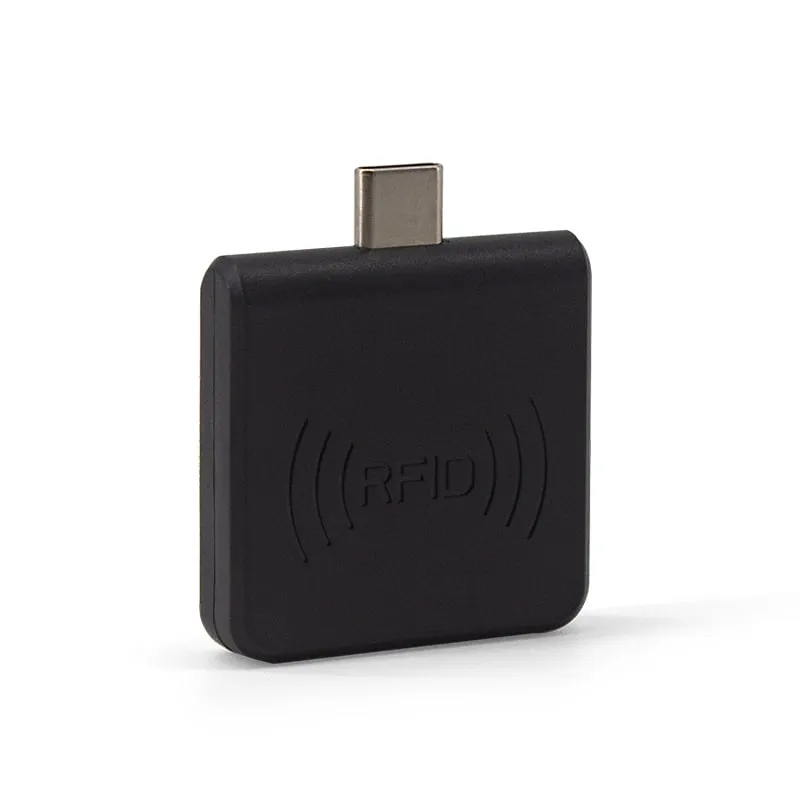
125kHz L220-C
Read range: 0–30 mm front and back, 0–10 mm from the side
 UHF
UHF 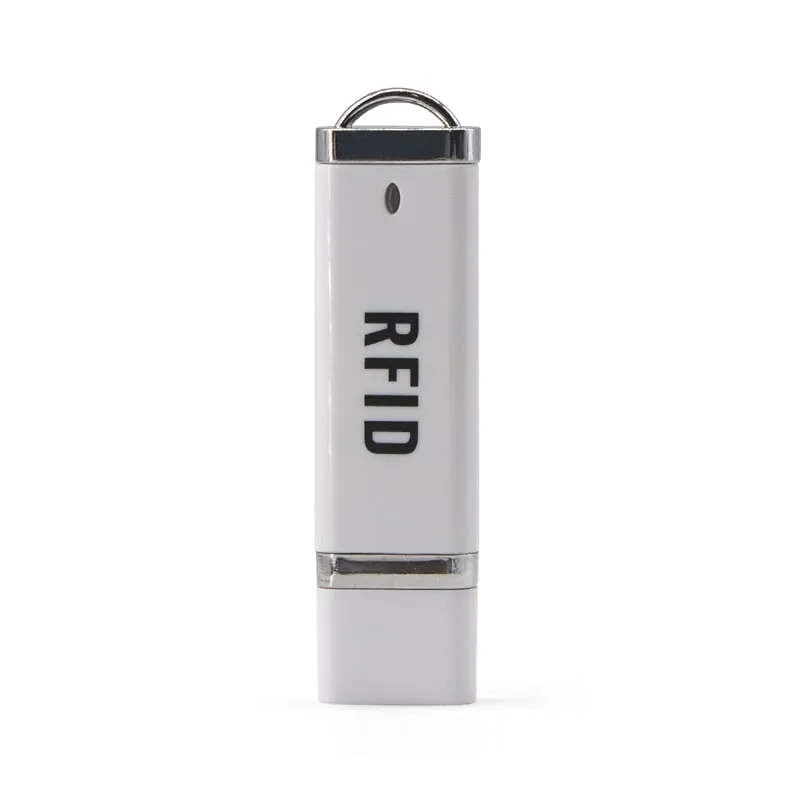 13.56MHz
  13.56MHz
 H510-B+2 variants
Read range: 20–60 mm
Tell us your card, interface and quantity
Send the card or tag type, the host system and your volume. We reply within 1 business day with a suggested model and sample options.