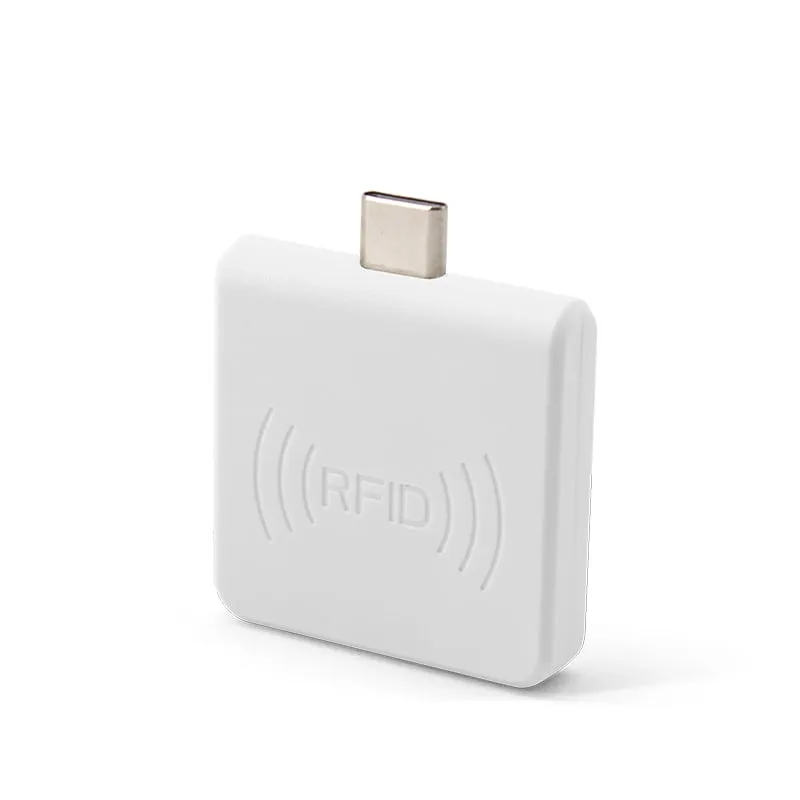
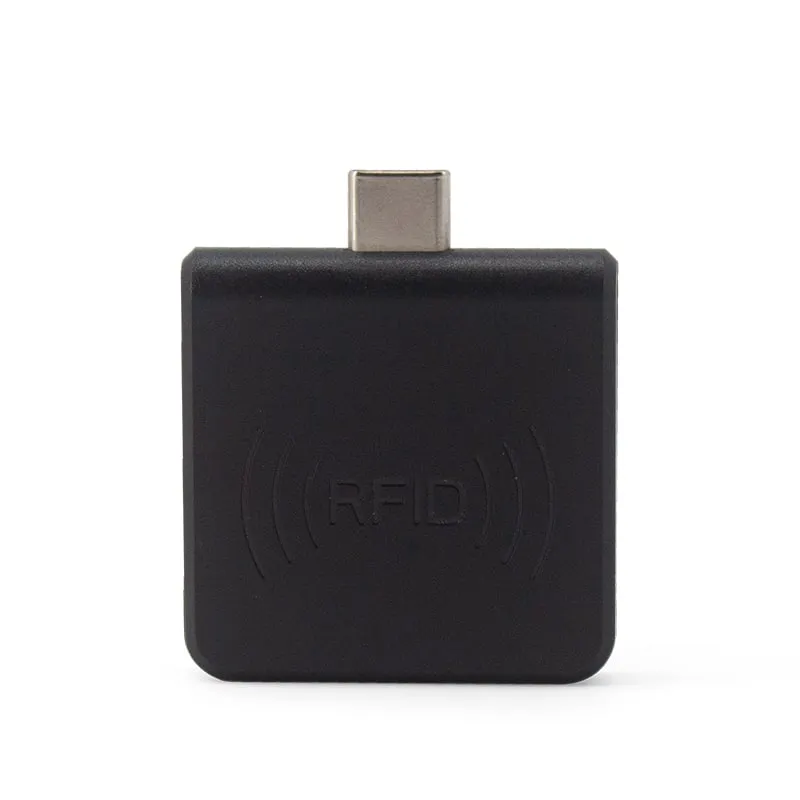
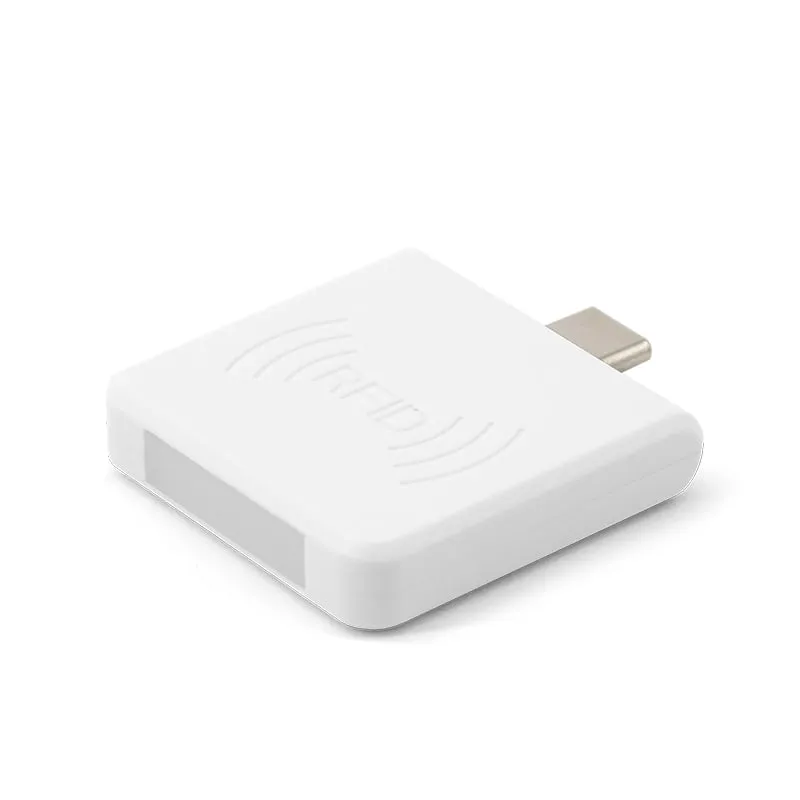
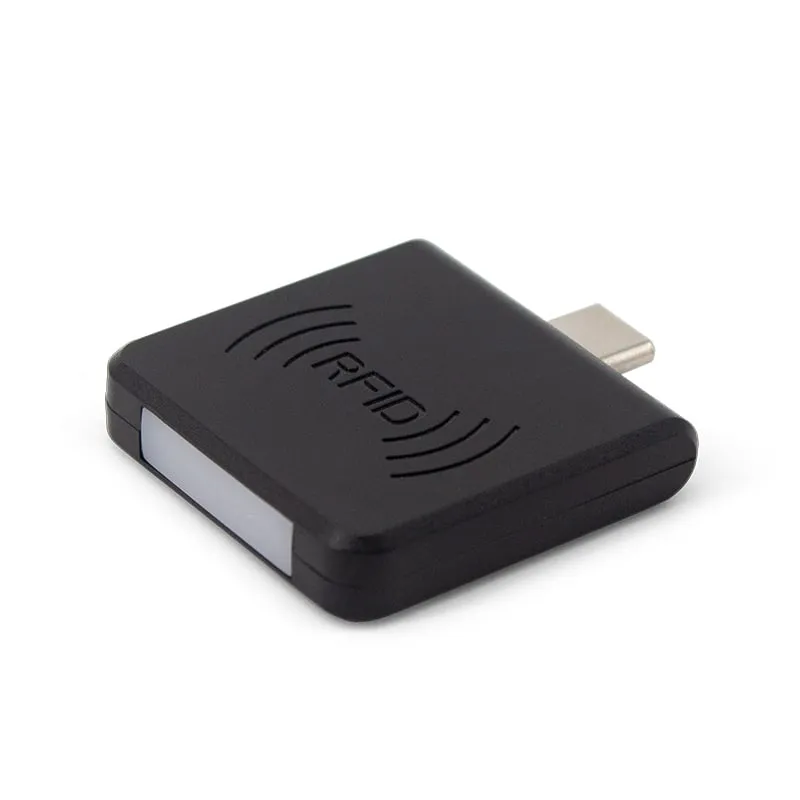
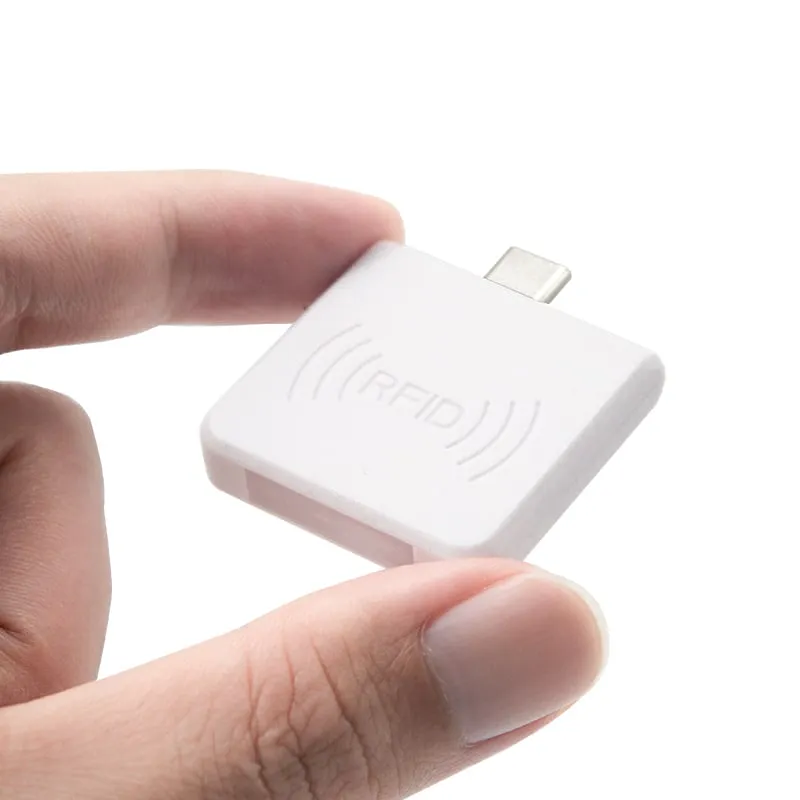
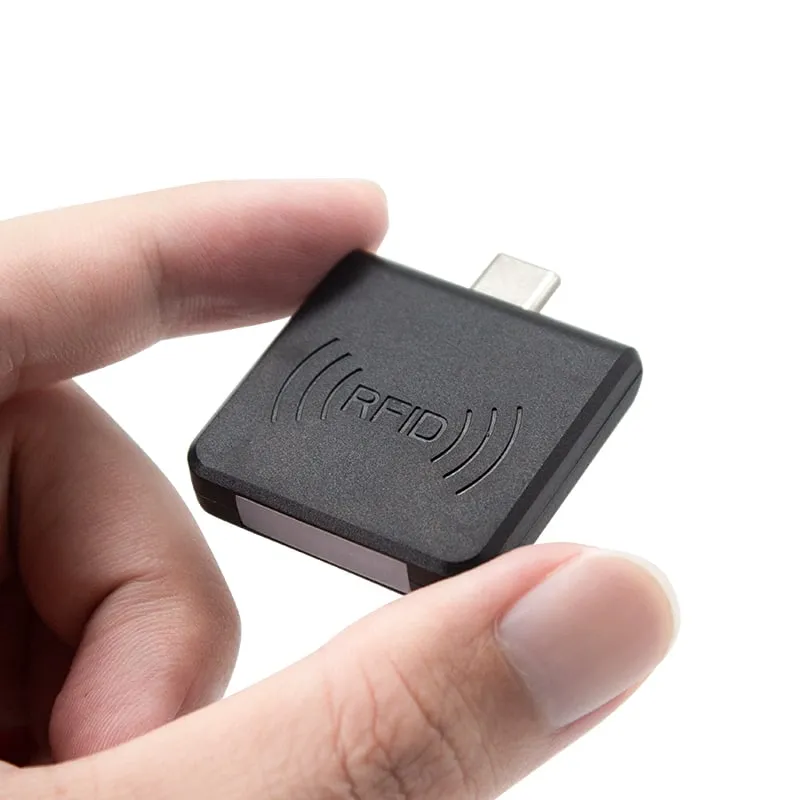
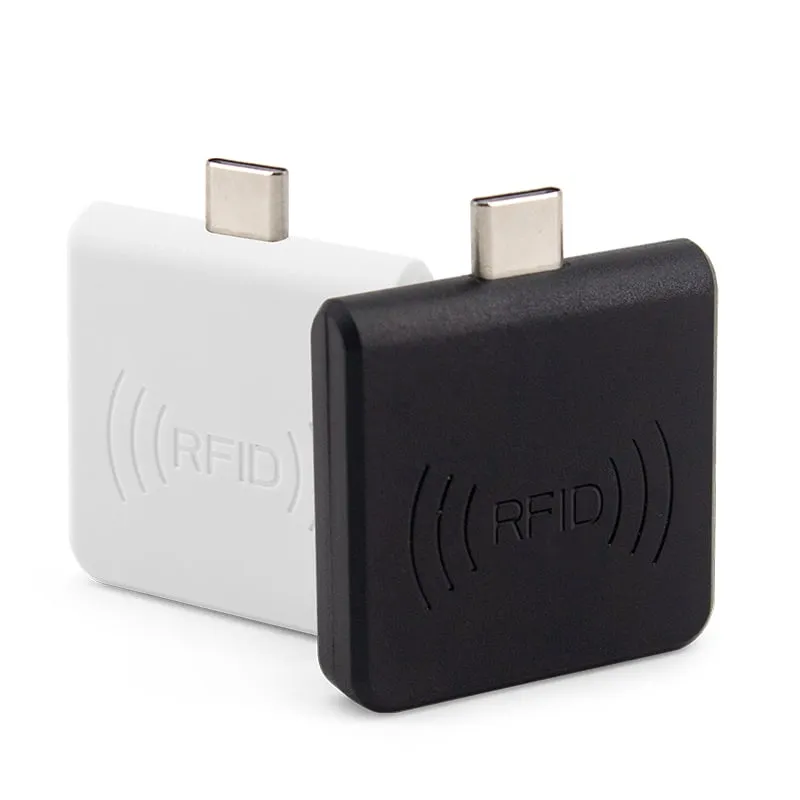
 13.56MHz
 H220-C
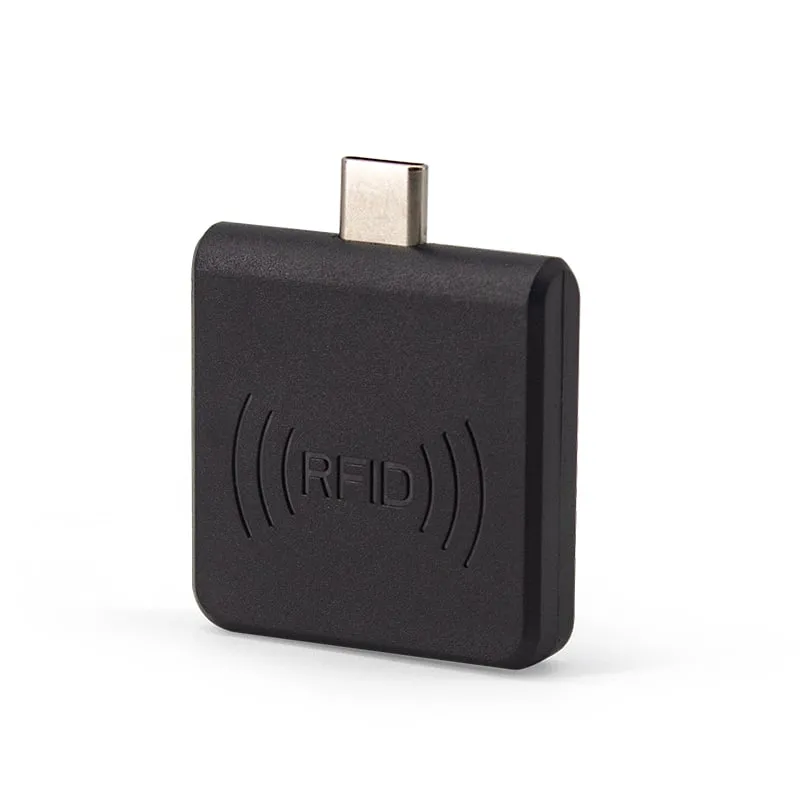
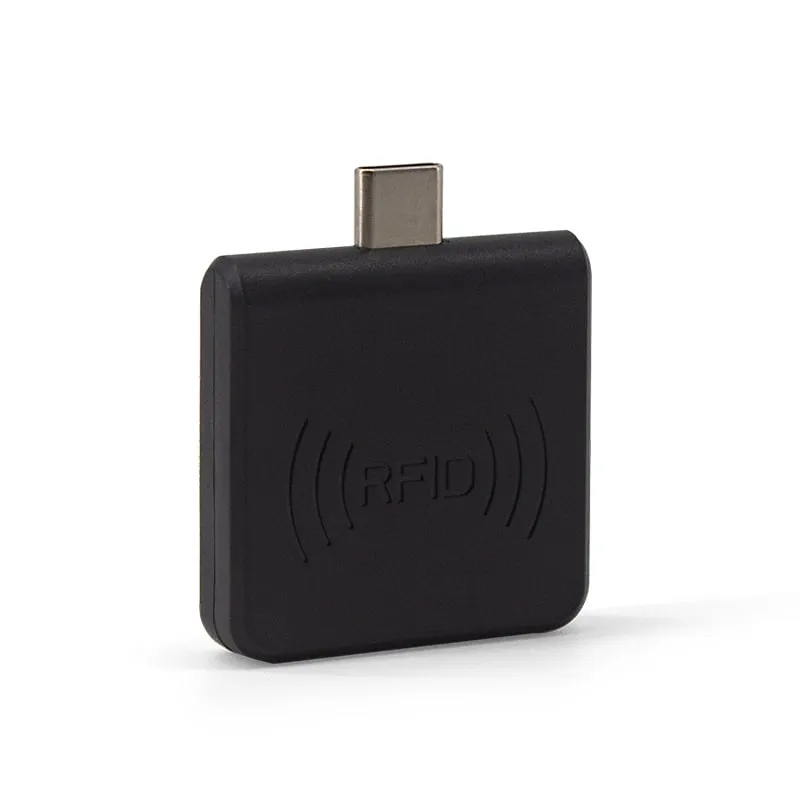
USB-C 13.56MHz NFC Reader for Android Phones, MIFARE UID
- USB
- Plug-in
Read range: 0–30 mm front and back, 0–10 mm from the side
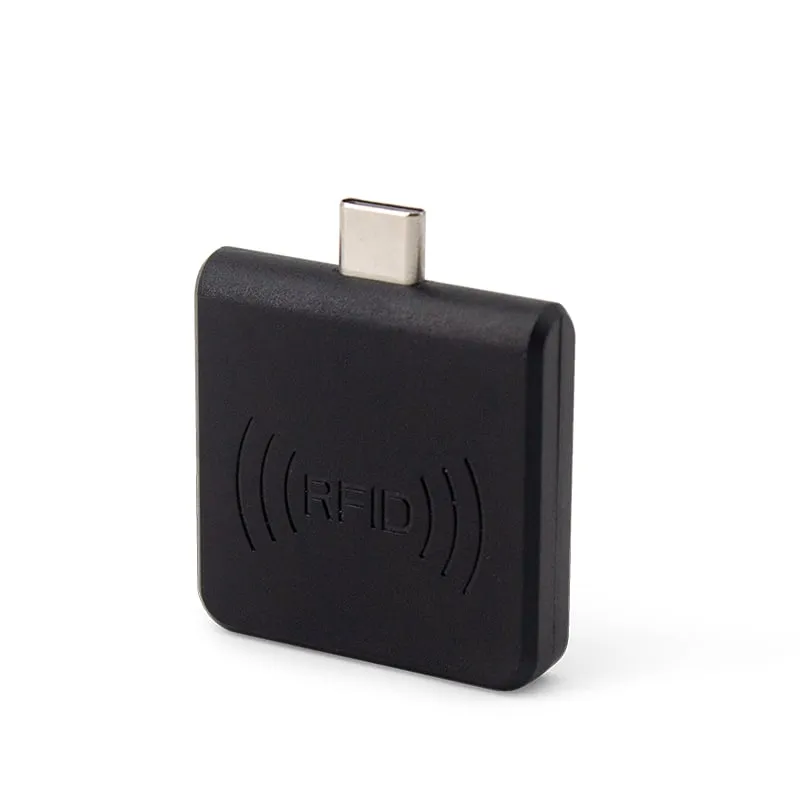
The L220-C is a plug-in 125kHz RFID reader for Android phones and tablets with a USB-C port and OTG. It reads EM4100, TK4100 and compatible ID cards and key fobs at 0–30 mm, which built-in phone NFC cannot do, and types the 10-digit card number into any app.
Phone NFC works at 13.56 MHz. EM4100 and TK4100 proximity cards work at 125 kHz, a different frequency with a different air interface, so a phone's built-in NFC cannot read them, whatever app is installed. The L220-C adds a 125kHz reader through the USB-C port. For the background, see NFC reader vs RFID reader.
This matters on sites that already issued EM4100 badges or key fobs for doors, lockers or attendance, and now want staff to check or register those cards on a phone or tablet instead of at a PC.
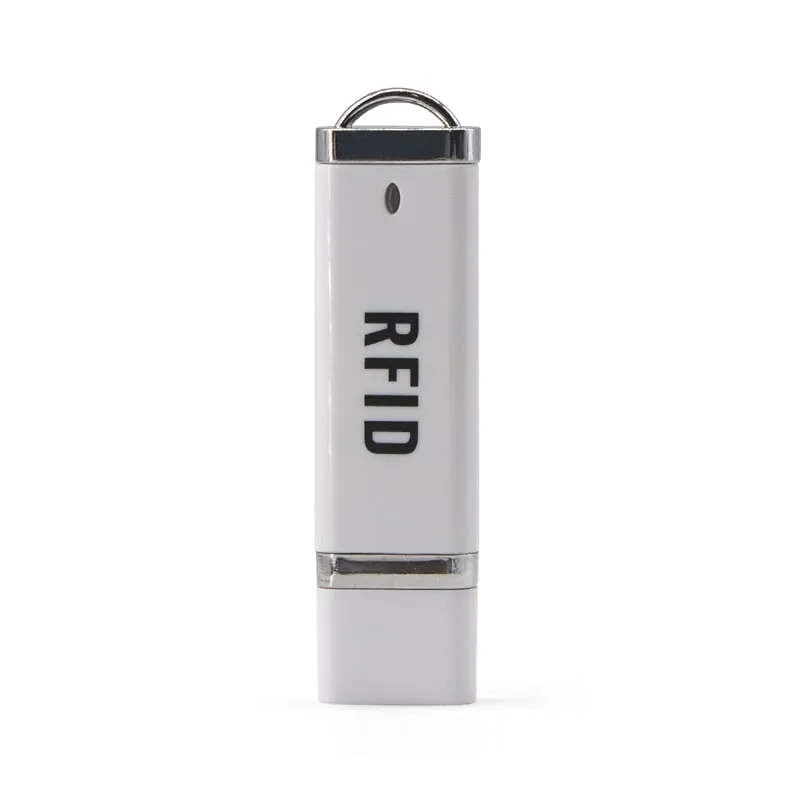
For fixed PC stations, the L110-U desktop reader outputs the same default format. For 13.56MHz MIFARE cards, use the H220-C, which shares this housing.
An EM4100 card stores a 5-byte (40-bit) ID. The L220-C's default output is a 10-digit decimal number built from the last 4 bytes of that ID. This is the 10-digit number most often printed on EM4100 cards and fobs, so staff can compare the screen with the card in hand.
Many cards also carry a second printed number such as 123,45678: a 3-digit facility code and a 5-digit card number, the Wiegand 26 style that some access-control systems store instead. If your software expects that or any other format, tell us which one and a custom output format is set before shipment. See EM4100 and TK4100 cards explained, and convert sample numbers with the card number converter before you order.
| Model | L220-C |
|---|---|
| Frequency | 125 kHz |
| Form factor | Plug-in reader with USB-C plug, for phones and tablets |
| Color | Black or white |
| Standard | EM4100 (read-only ID) |
|---|---|
| Supported cards | EM4100, TK4100, SMC4001 and EM4100-compatible 125kHz ID cards and key fobs |
| Read/write | Read-only (card ID) |
| Read range | 0–30 mm front and back, 0–10 mm from the side |
| Read time | 0.2 s |
| Read interval | 0.5 s |
| Interface | USB Type-C plug (USB OTG) |
|---|---|
| Output | Keyboard emulation: card number typed at the cursor |
| Default format | 10-digit decimal (4 bytes) |
| Custom format | On request |
| Host systems | Android with USB OTG; Windows XP / 7 / 10 through an OTG adapter |
| App or SDK | None required on Android |
| Power | 5 V, 100 mA from the host |
|---|---|
| Indicator | 2-color LED (blue: power, green: status) |
| Dimensions | 35 × 35 × 7 mm (without plug) |
| Weight | Approx. 20 g |
| Package | 71 × 71 × 19 mm, approx. 50 g packed |
| Operating temperature | -20 °C to +70 °C |
Specifications of L220-C as supplied for the standard version. Read range depends on the card or tag, mounting surface and environment — we can test your own cards before you order.
Works with
Not designed for
Card not listed? Send us the card type or a photo and we will confirm compatibility before you buy.
Plug the L220-C into the USB-C port of an Android phone or tablet with USB OTG. If the device has an OTG switch in Settings, turn it on. The blue LED shows power.
Put the cursor in the field that should receive the card number. Android may hide the on-screen keyboard while the reader is connected; turn it back on in the keyboard settings if staff also type by hand.
Hold the card or fob against the reader face, within 30 mm. The 10-digit card number is typed at the cursor.
Compare the typed number with the number printed on a few of your cards. If your software stores a different format, ask for a custom output format before the production order.
Not with its built-in NFC. Phone NFC works at 13.56 MHz, so it cannot detect 125kHz EM4100 or TK4100 cards. The L220-C adds a 125kHz reader through the USB-C port.
Usually, yes. The default output is the 10-digit decimal number that is most often printed on EM4100 cards. If your system uses the shorter facility code and card number printed next to it (for example 123,45678), ask for that as a custom output format; send a sample card and the format is confirmed before shipment.
No. The L220-C is a read-only reader. It reads the card ID number and types it at the cursor.
Each read takes about 0.2 s and the reader has a 0.5 s read interval, so it handles one card after another at a normal tapping pace.
13.56MHz H220-C
Read range: 0–30 mm front and back, 0–10 mm from the side
 134.2kHz
  125kHz
  UHF
UHF Tell us your card, interface and quantity
Send the card or tag type, the host system and your volume. We reply within 1 business day with a suggested model and sample options.