 125kHz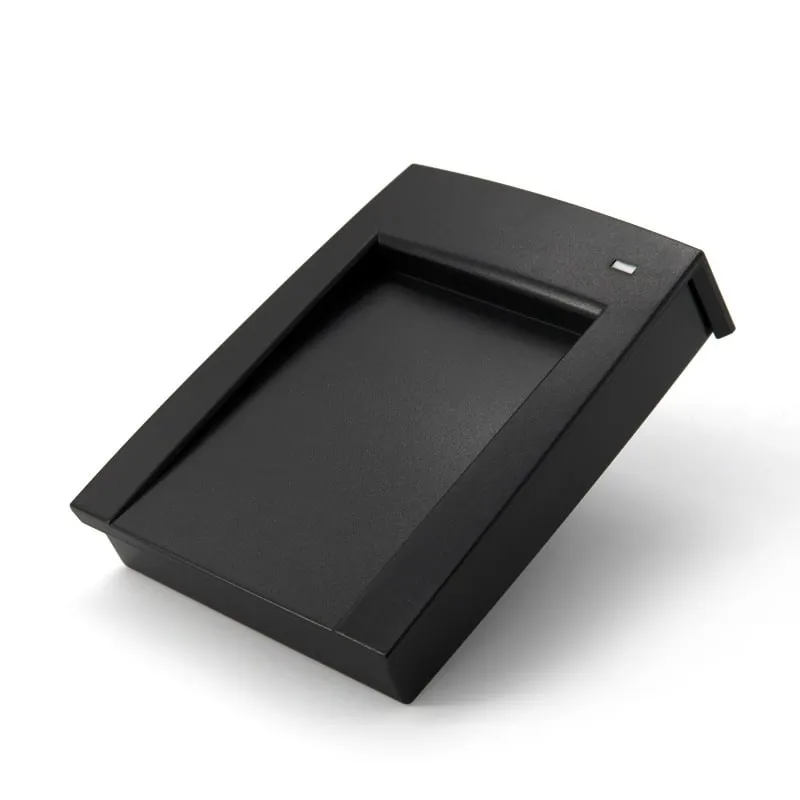
125kHz RFID Readers
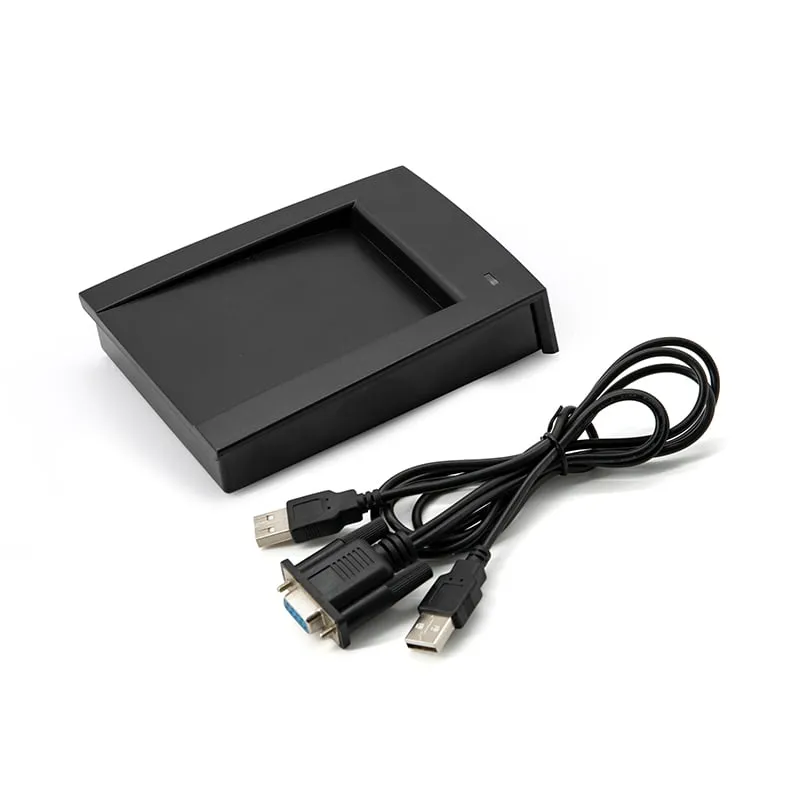
L150-U 125kHz USB RFID Desktop Reader with Card Recess
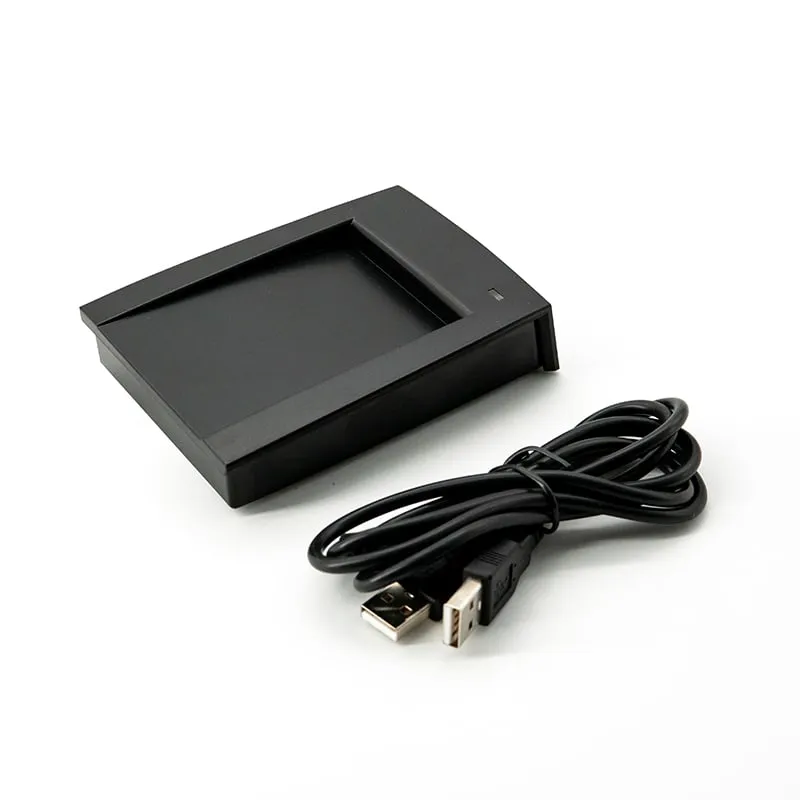
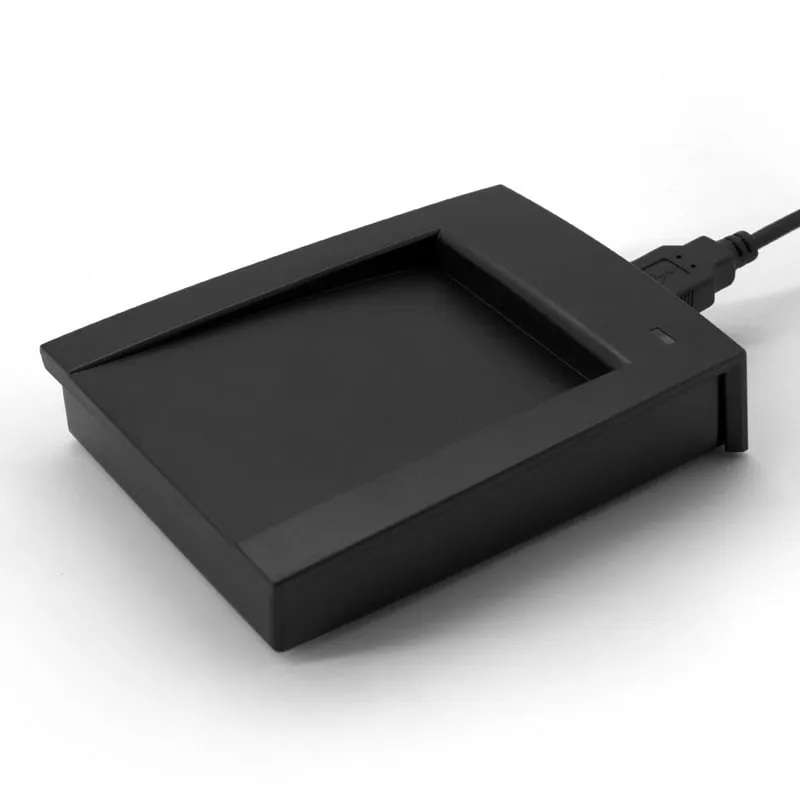
The L150-U is a classic angled 125 kHz desktop reader with a recess that shows users where to place the card. It reads EM4100 and TK4100 cards and fobs at up to 80 mm, types a 10-digit decimal number over USB with no driver, and is available with a DIP switch for on-site format selection.
- Frequency
- 125 kHz
- Cards / tags
- EM4100, TK4100, SMC4001 and EM4100-compatible cards and key fobs
- Interface
- USB, keyboard emulation (USB-A socket on reader)
- Output
- 10-digit decimal card number
- Read range
- Up to 80 mm (depends on card and environment)
- ✓ Sample units for evaluation
- ✓ Output format confirmed for your software
- ✓ Private label & OEM options
- ✓ Reply within 1 business day
Why integrators choose the L150-U
- Guided card placement — the angled top has a recessed card area, so first-time users know where the card goes.
- Keyboard output — types a 10-digit decimal number at the cursor through USB keyboard emulation, with no driver.
- Optional DIP-switch version — installers can choose the output format on site instead of before shipment.
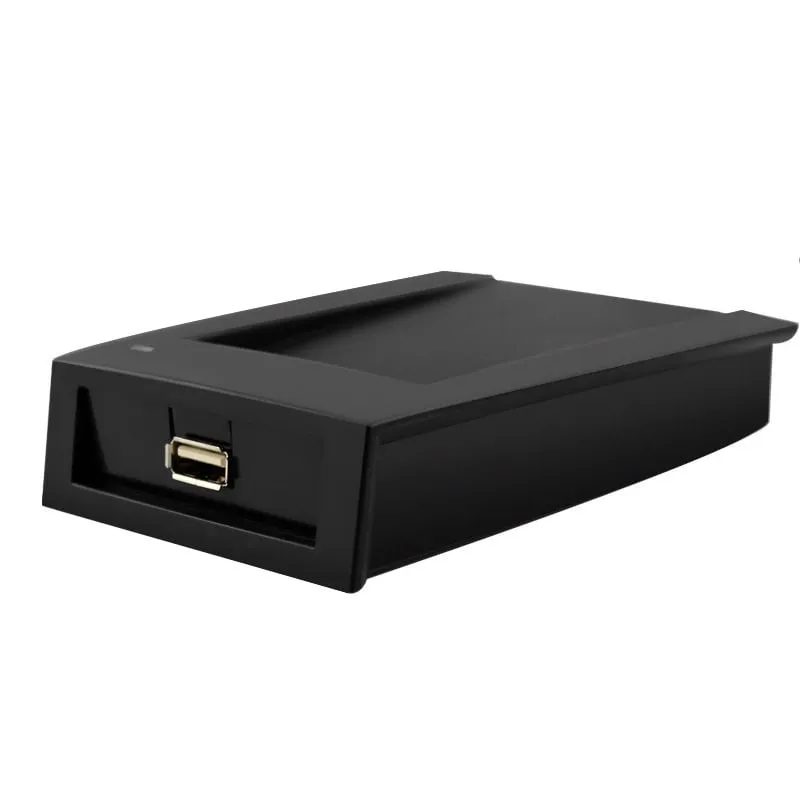
- USB-A socket at the rear — the 1400 mm cable unplugs from the reader.
- Up to 80 mm range — EM4100, TK4100 and SMC4001 cards and fobs, read in under 200 ms.
- Red/green LED and buzzer — red on standby, green with a beep on a good read.
Self-service sign-in points
On a flat pad, a first-time user may hold the card at the edge of the field or at an angle, and the read fails. The L150-U's angled top and recessed card area show where the card goes, which matters where the public uses the reader without help: a visitor sign-in point, a staff canteen or a training-room attendance station. The number is typed straight into the sign-in form or spreadsheet that is open on the screen.
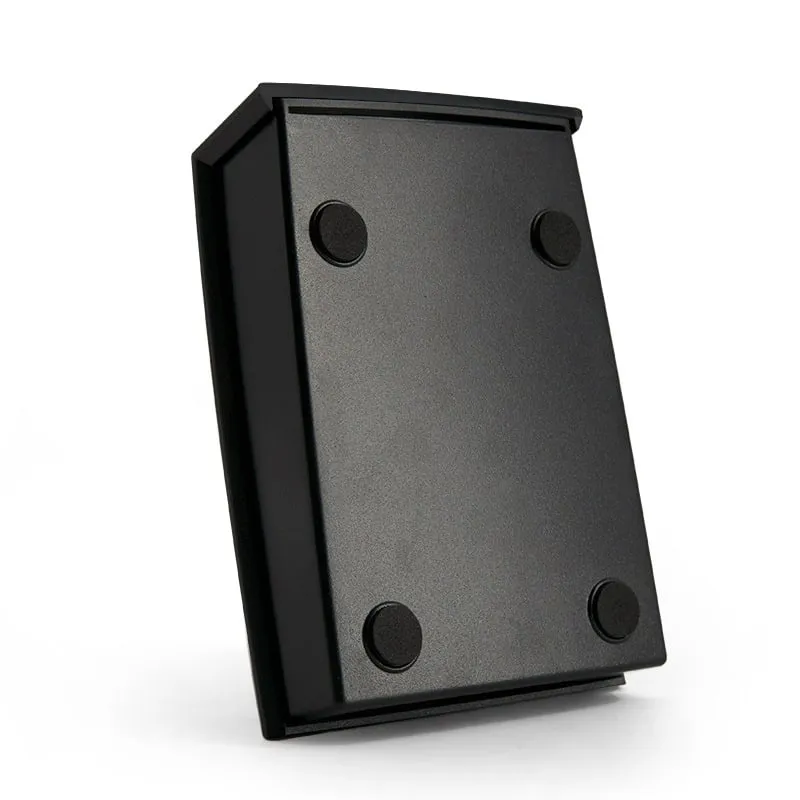
The body measures 110 × 80 × 26 mm and weighs about 160 g. A USB-A socket at the rear takes the detachable 1400 mm cable, which can be unplugged when the reader is moved.
Two ways to set the output format
The default output is a 10-digit decimal card number. To change it, we can set a custom format before shipment, or the reader can be supplied in an optional version with a DIP switch, so an installer can change the format on site when one model serves several systems that store numbers differently. Tell us which formats you need, and we confirm the switch settings with your sample.
The card number converter shows how one EM4100 ID appears as decimal, hex and a facility/card pair, and EM4100 and TK4100 cards explained covers what the reader actually reads.
Other versions of this housing
L150-U specifications
| Model | L150-U |
|---|---|
| Frequency | 125 kHz |
| Form factor | Angled desktop reader with card recess |
| Housing | ABS |
| Color | Black |
| Supported cards | EM4100, TK4100, SMC4001 and EM4100-compatible cards and key fobs |
|---|---|
| Card operation | Read-only (card ID number) |
| Read range | Up to 80 mm (depends on card and environment) |
| Read time | < 200 ms |
| Read interval | < 0.5 s |
| Interface | USB, keyboard emulation (USB-A socket on reader) |
|---|---|
| Driver | Not required |
| Default output | 10-digit decimal card number |
| Output options | Custom output format on request; optional DIP-switch format selection |
| Operating systems | Windows XP / Vista / 7 / 10, Linux, Android |
| Indicators | Red/green LED (red = standby, green = card read) and buzzer |
| Dimensions | 110 × 80 × 26 mm |
|---|---|
| Weight | Approx. 160 g |
| Cable length | 1400 mm |
| Power supply | 5 V DC, USB bus-powered |
| Operating temperature | -10 °C to +70 °C |
| Storage temperature | -20 °C to +80 °C |
| Humidity | < 90 % RH |
Specifications of L150-U as supplied for the standard version. Read range depends on the card or tag, mounting surface and environment — we can test your own cards before you order.
Card, tag and system compatibility
Works with
- ✓EM4100, TK4100 and SMC4001 125 kHz cards
- ✓EM4100-compatible key fobs
- ✓Windows XP, Vista, 7 and 10
- ✓Linux, and Android devices with USB OTG support
Card not listed? Send us the card type or a photo and we will confirm compatibility before you buy.
Integration in 4 steps
- 1
Connect the USB cable to the socket at the rear of the reader and to a USB port on the host. It is detected as a keyboard; no driver is installed.
- 2
Open the target application and click the field that should receive the card number.
- 3
Place the card in the recess: the LED changes from red to green, the buzzer sounds and the 10-digit number is typed.
- 4
On units with the optional DIP switch, set the format using the switch positions we confirm for your project.
OEM / ODM options for L150-U
- ◆Custom output format set before shipment on request
- ◆Optional DIP switch for selecting the output format on site
- ◆RS232 version in the same housing (L150-R)
- ◆13.56 MHz (H150-U) and ISO 15693 (H155-U) versions in the same body
- ◆Private-label marking and packaging — scope confirmed in your quotation
Typical applications
L150-U FAQ
What is the DIP-switch option on the L150-U?
An optional version of the L150-U has a DIP switch for selecting the output format on site. Tell us which formats you need; we confirm the available settings and switch positions with your sample.
Is the L150-U USB cable detachable?
Yes. The reader has a USB-A socket at the rear and uses a 1400 mm USB cable.
How far does the L150-U read?
Up to 80 mm, depending on the card or fob and the surroundings.
Does the L150-U work with Linux and Android?
Yes. It works as a USB keyboard on Windows XP, Vista, 7 and 10, Linux and Android. Android phones and tablets need USB OTG support and an adapter for the USB-A connector.
Related readers
125kHz 13.56MHz H150-U
13.56MHz USB MIFARE Reader, Angled Desktop with Card Recess
- USB
- RS232
- Desktop
Read range: Up to 80 mm
 125kHz
  125kHz
 Tell us your card, interface and quantity
Send the card or tag type, the host system and your volume. We reply within 1 business day with a suggested model and sample options.