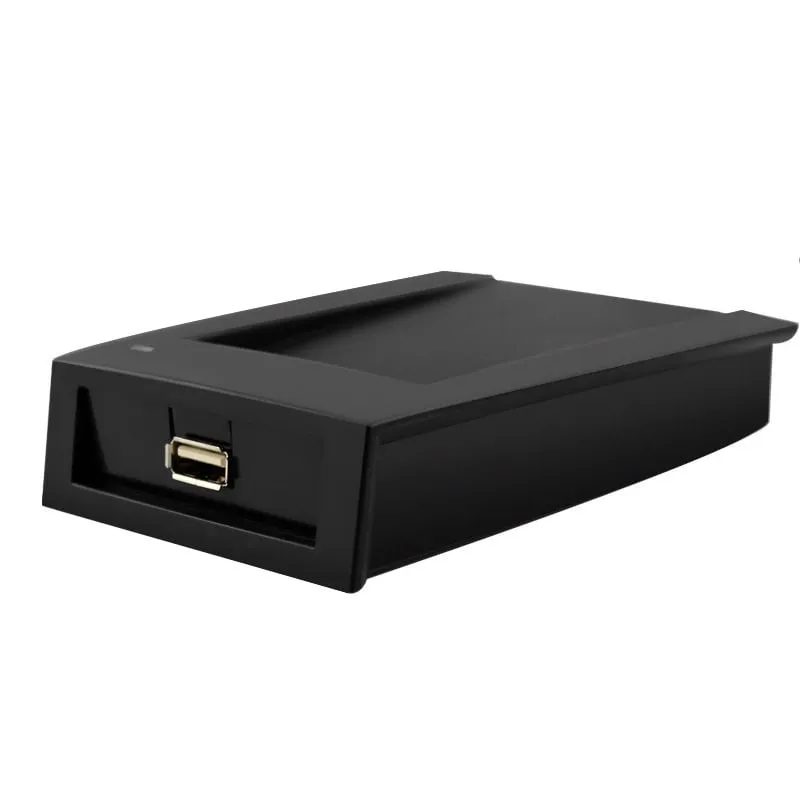
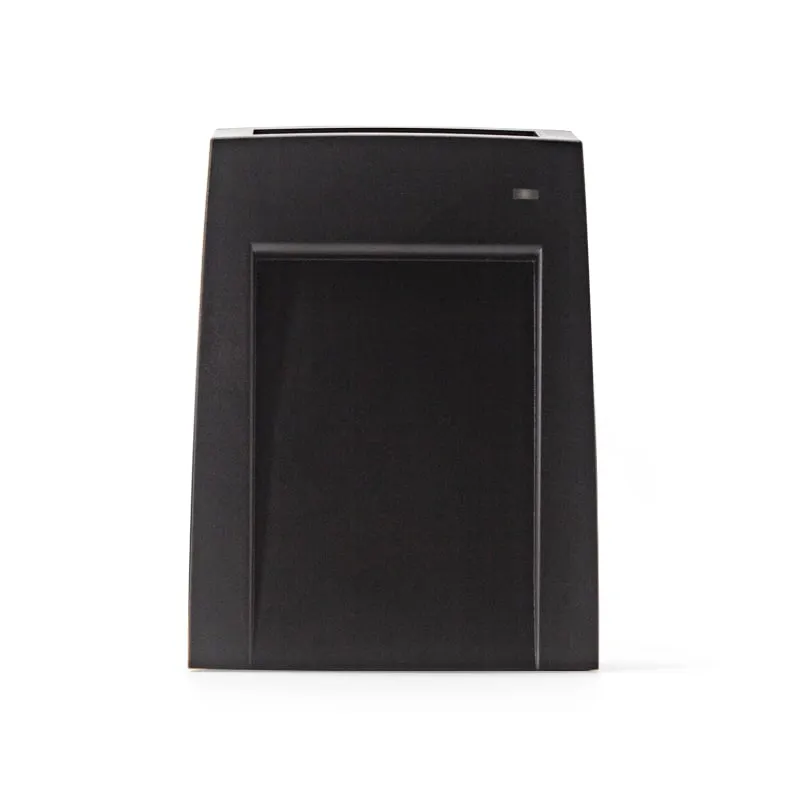
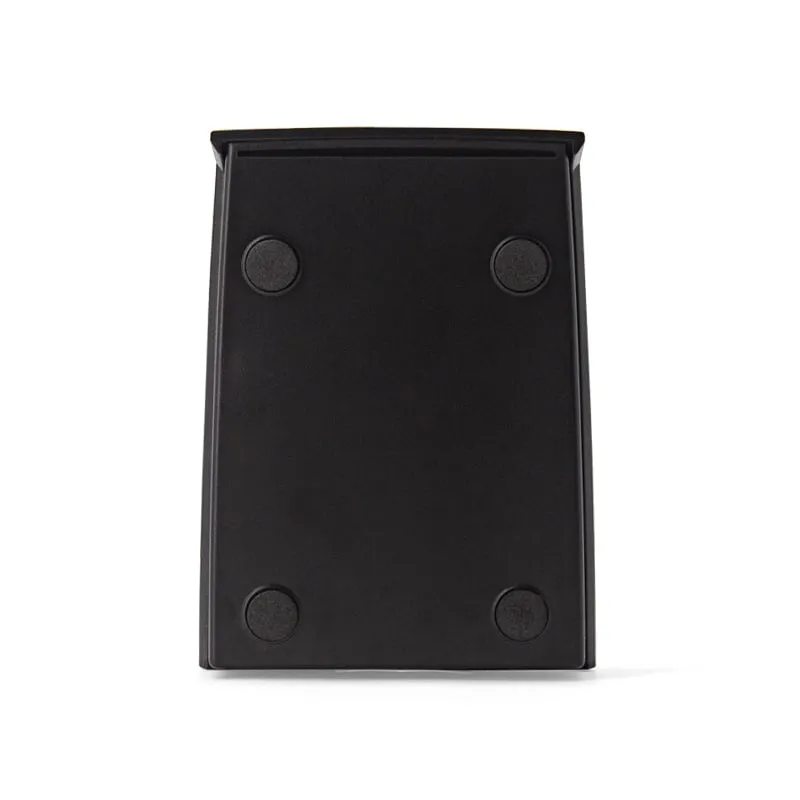
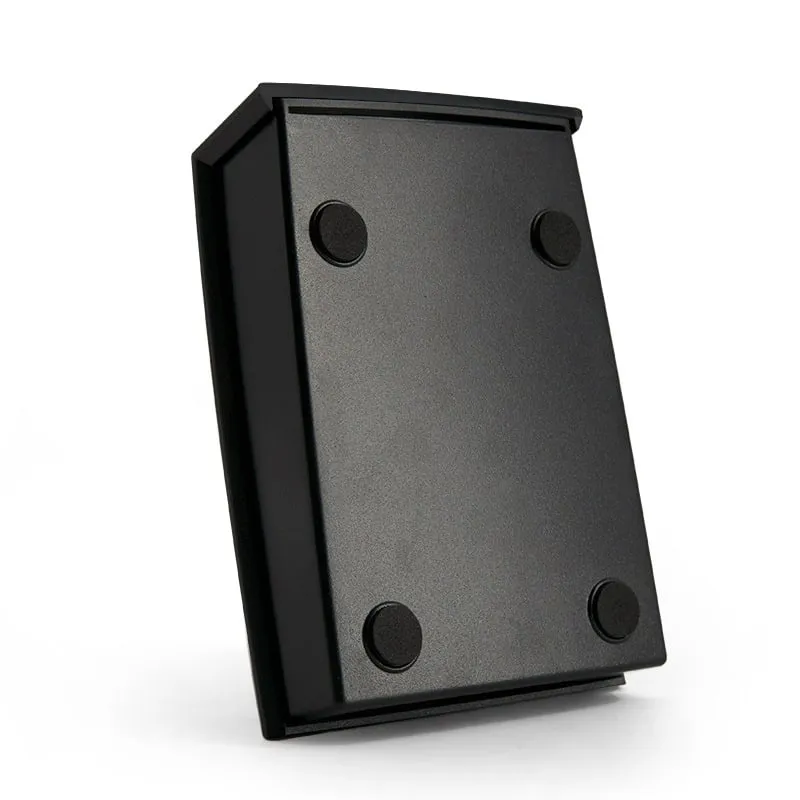
 13.56MHz
 H150-R
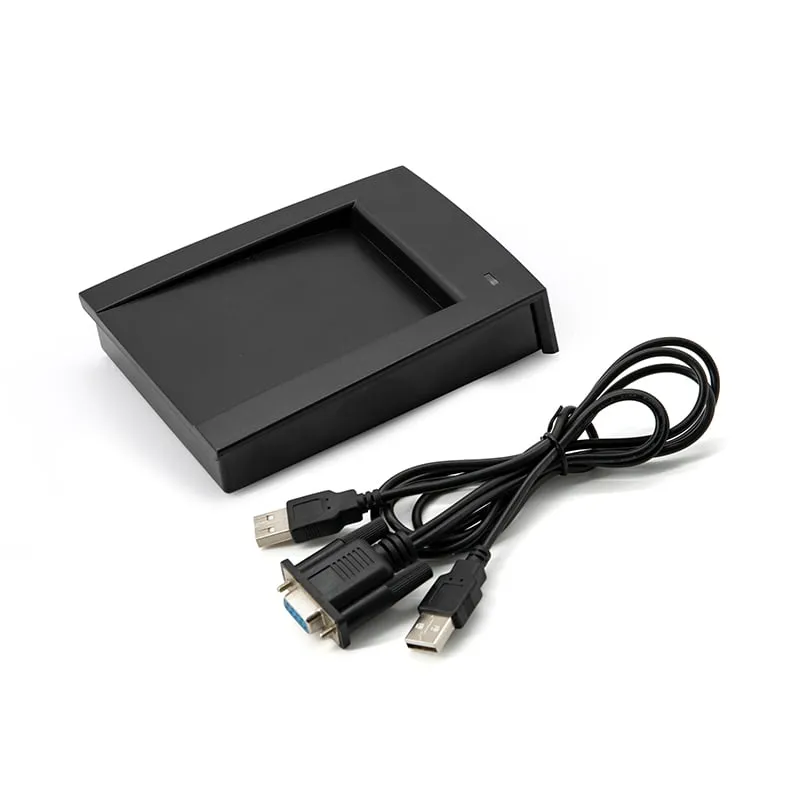
13.56MHz RS232 MIFARE Desktop Reader with Card Recess, DB9
- RS232
- Desktop
Read range: Up to 80 mm
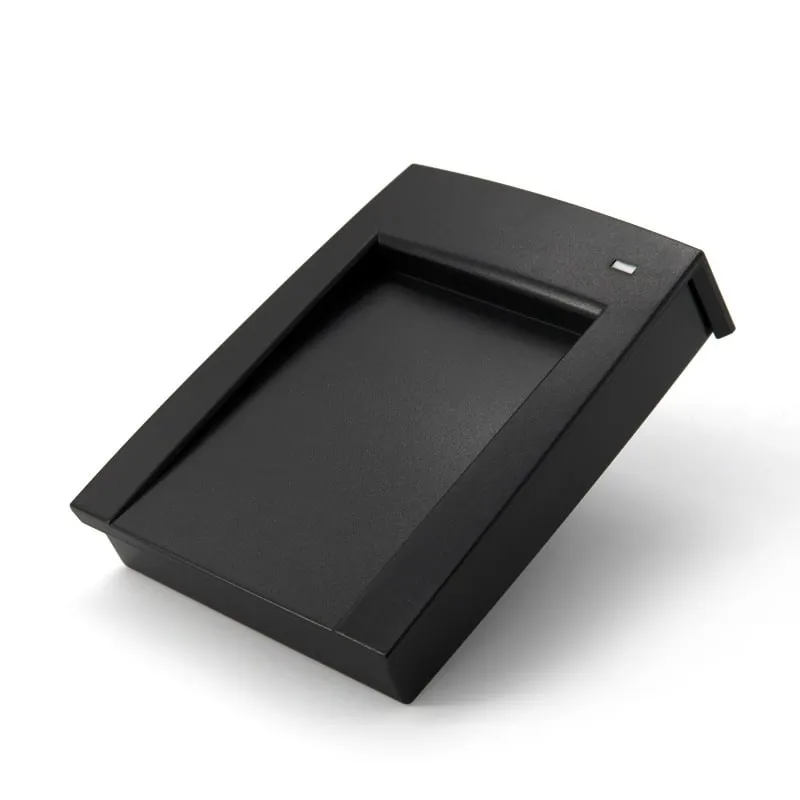
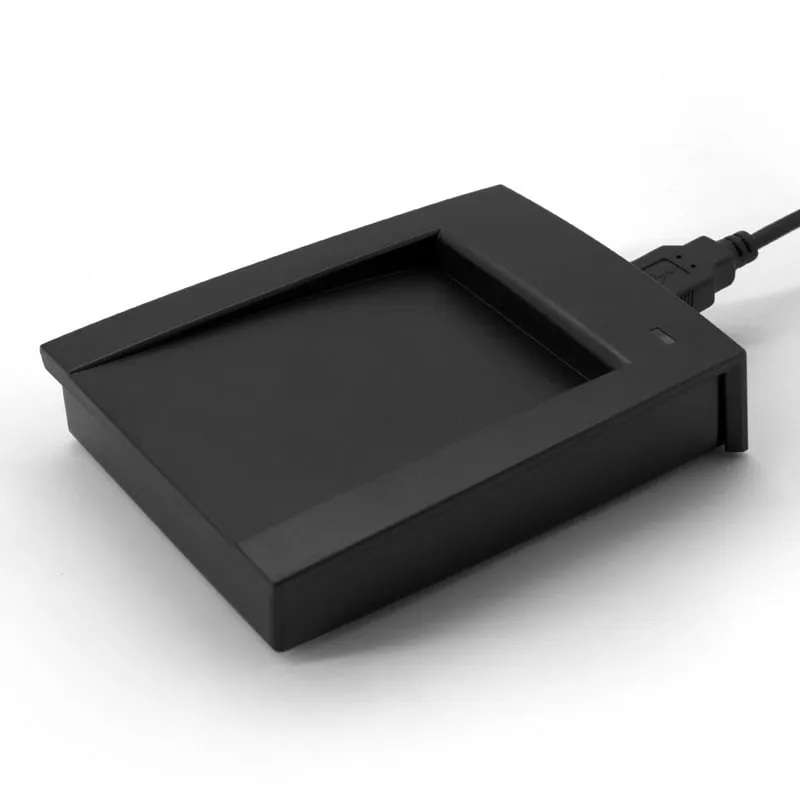
The H150-U is a read-only 13.56MHz desktop reader with an angled top and card recess, for software that takes card numbers from a USB serial (UART-emulating) connection. It reads MIFARE Classic 1K/4K, NTAG203 and NTAG213 UIDs at up to 80 mm and outputs a 10-digit decimal number by default.
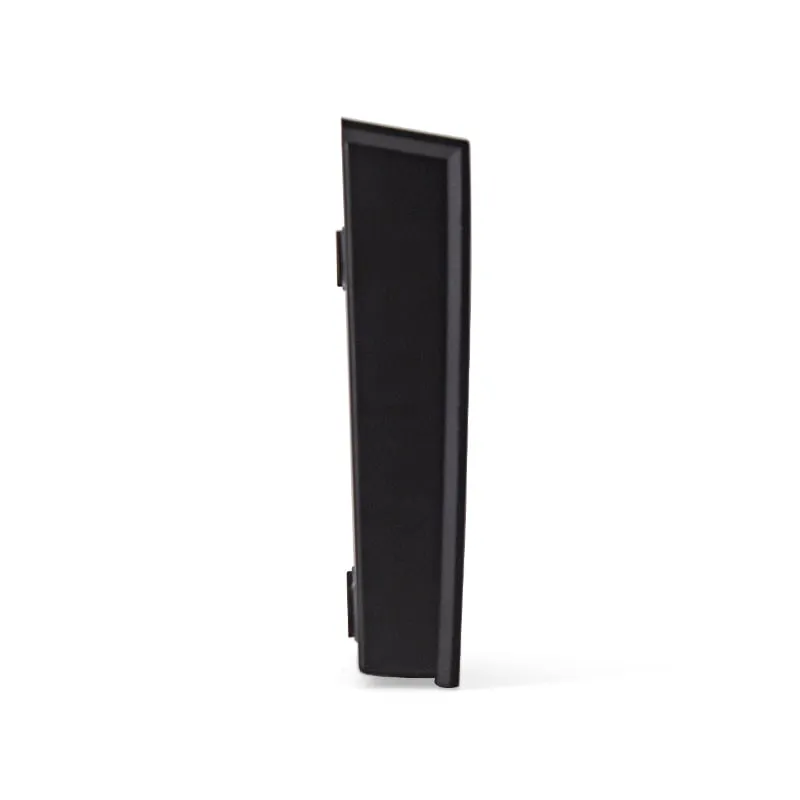
Flat pads suit a quick tap. At an enrollment or registration desk the card often stays on the reader while the operator fills in a name, a department or an expiry date. The H150-U has a shallow recess in its angled top, so the card lies in the same position every time and does not slide off the reading area. The status LED sits on the raised rear edge, next to the recess.
At 110 × 80 × 26 mm and about 160 g it takes a little more desk space than the flat pads, and the angled face makes the card position obvious to first-time users.
The H150-U connects over USB and emulates an RS232 UART, so an application that reads a serial port can collect card numbers in the background, with no text field in focus. If your software expects typed keyboard input instead, say so in your RFQ and the matching USB mode is confirmed in the quotation; the H110-U is the keyboard-output alternative.
The default output is a 10-digit decimal of the card UID. Builds fitted with the optional DIP switch let installers select the output format on the reader itself.
Five readers share this angled housing, so one enclosure can cover different card technologies and hosts:
| Model | H150-U |
|---|---|
| Frequency | 13.56 MHz |
| Form factor | Angled desktop reader with card recess |
| Housing | ABS |
| Color | Black |
| Standard | ISO/IEC 14443A (UID read only) |
|---|---|
| Supported cards | MIFARE Classic 1K (S50), MIFARE Classic 4K (S70), NTAG203, NTAG213, other ISO 14443A cards (UID) |
| Read range | Up to 80 mm (depends on card and environment) |
| Read time | < 200 ms |
| Read interval | < 0.5 s |
| Interface | USB, RS232 UART emulation; USB-A socket on reader |
|---|---|
| Default output | 10-digit decimal card UID |
| Custom output | Custom output format on request; optional DIP-switch format selection |
| Host systems | Windows XP, Vista, 7, 10; Linux |
| Dimensions | 110 × 80 × 26 mm |
|---|---|
| Weight | Approx. 160 g |
| Cable length | 1450 mm |
| Power | 5 V DC, USB bus-powered |
| Indicators | Red LED (standby), green LED (read success), buzzer |
| Operating temperature | -10 °C to +70 °C |
| Storage temperature | -20 °C to +80 °C |
| Humidity | < 90 % RH |
Specifications of H150-U as supplied for the standard version. Read range depends on the card or tag, mounting surface and environment — we can test your own cards before you order.
Works with
Not designed for
Card not listed? Send us the card type or a photo and we will confirm compatibility before you buy.
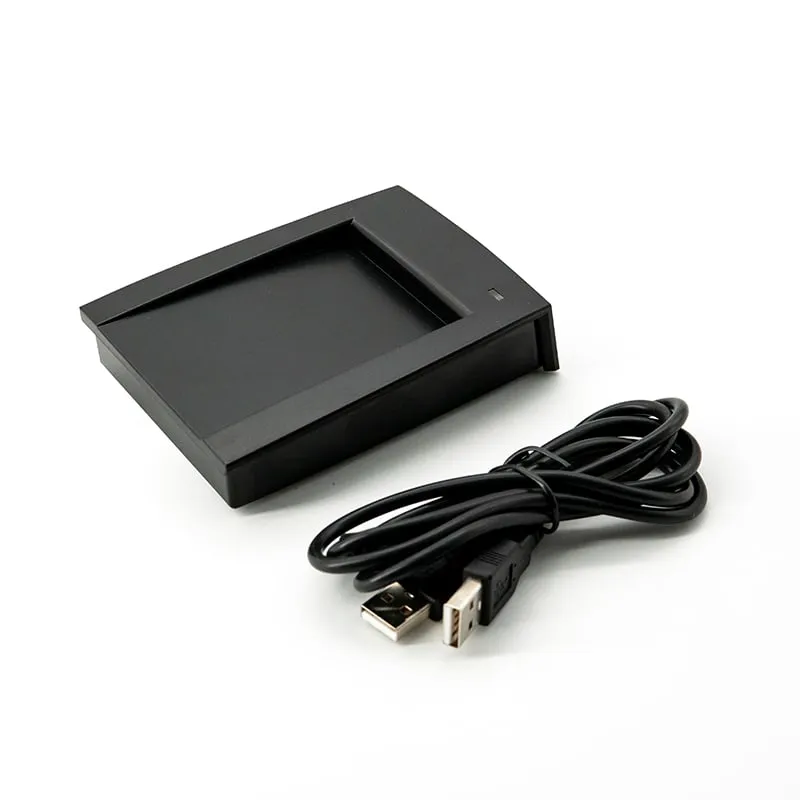
Connect the reader's USB-A socket to the host with the supplied 1450 mm cable.
In your application, read the card number from the reader's emulated serial (UART) connection; the default output is a 10-digit decimal UID.
Present a card in the recess. The green LED and buzzer confirm the read.
If you need keyboard-style input or a different number format, state it in your RFQ; the USB mode and format are confirmed in the quotation.
Its USB link is specified as RS232 UART emulation, which suits software that reads a serial port rather than typed input. State the mode your application needs in your RFQ; the USB mode for your order is confirmed in the quotation. For keyboard output out of the box, see the H110-U.
On builds fitted with it, the DIP switch selects the output format on the reader itself, so the format can be changed without reordering. Request it in your RFQ.
MIFARE Classic 1K (S50), MIFARE Classic 4K (S70), NTAG203, NTAG213 and other ISO 14443A cards, UID only, at up to 80 mm. It does not read ISO 15693 tags; the H155-U in the same housing does.
No. It is a read-only UID reader. It does not read or write sector data, change keys or copy cards.
13.56MHz H150-R
Read range: Up to 80 mm
 13.56MHz
 H155-U
Read range: Up to 80 mm
125kHz 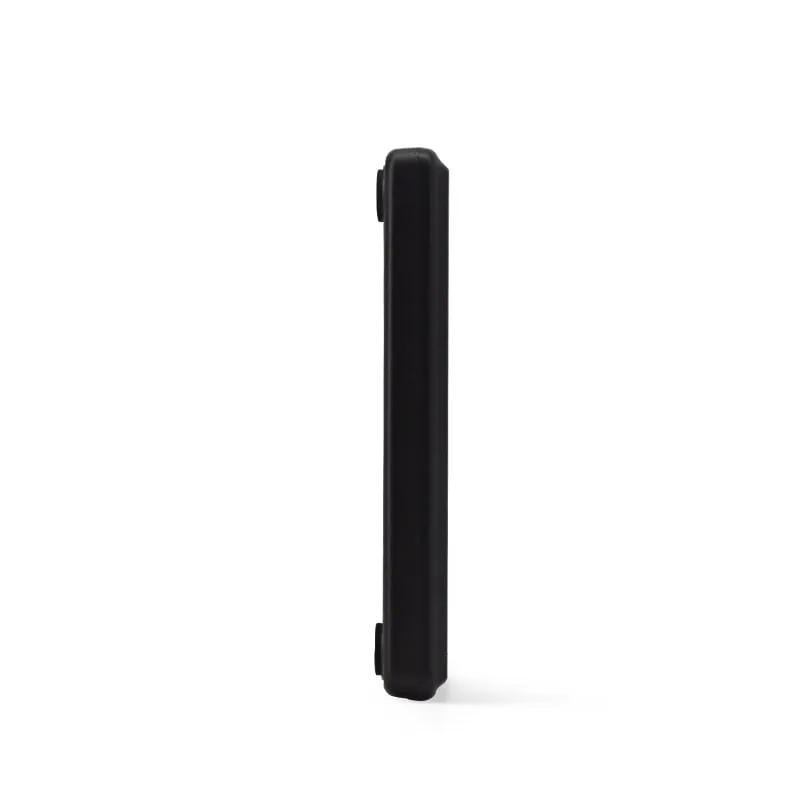 13.56MHz
 H110-U
Read range: Up to 80 mm
Tell us your card, interface and quantity
Send the card or tag type, the host system and your volume. We reply within 1 business day with a suggested model and sample options.