 QR + RFID
 Q430-M
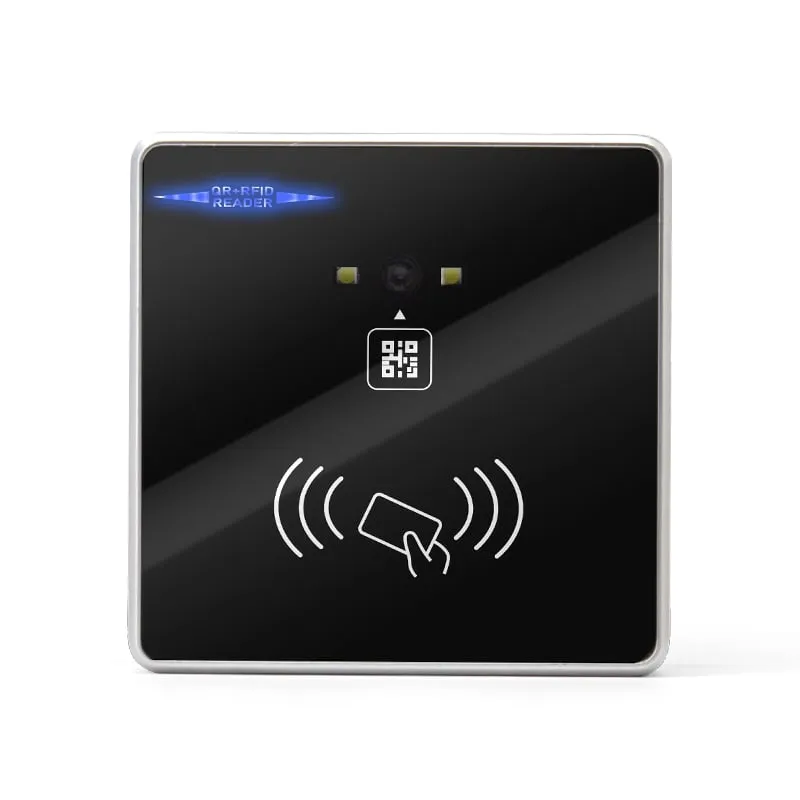
QR Code + RFID Access Reader with USB, Wiegand and RS485, 86-Box
- USB
- RS232
- RS485
- Wall-mount
Read range: 3–6 cm
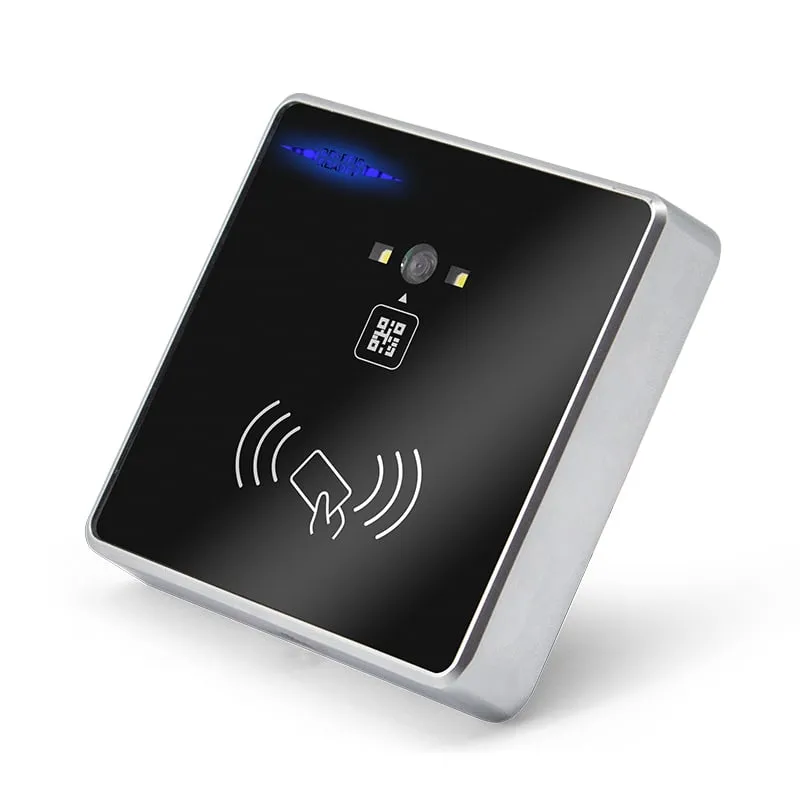
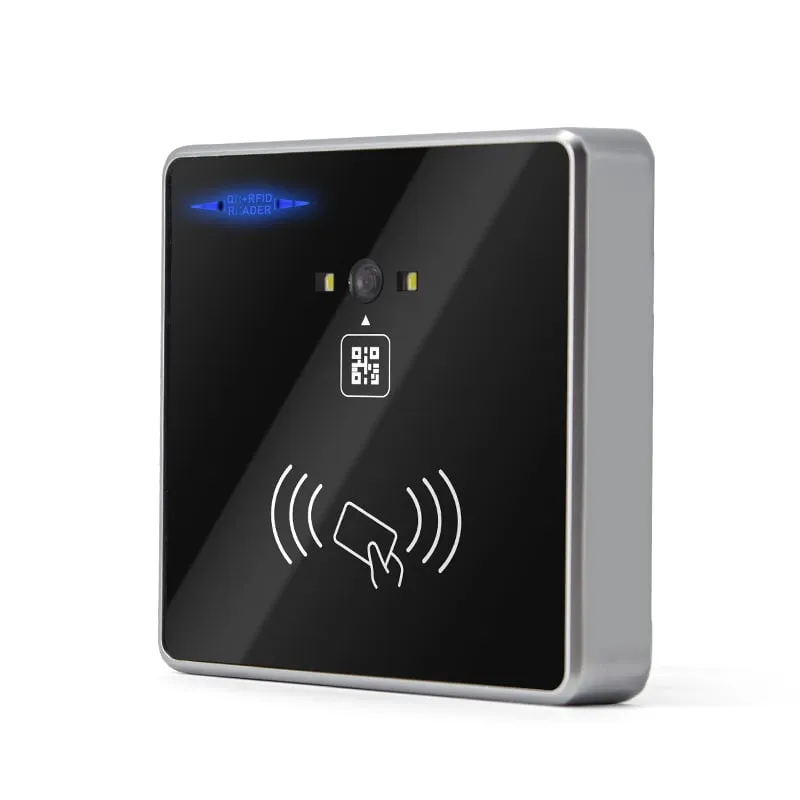
The Q420-M is an 18 mm slim 86-box wall reader for visitor and staff access. It reads QR and 1D/2D codes, including codes on a phone screen, plus EM and MIFARE cards, and passes them to an access controller or turnstile board. QR range is 0–20 cm, card range 3–6 cm, with Wiegand 26/34, RS232, RS485 and TTL outputs.
An access controller stores card numbers, not text, so a QR code has to look like a card to it. For Wiegand output, the Q420-M expects the QR content to be a hex card-number string. Your visitor or booking system generates that number, registers it in the controller as a temporary credential, and encodes it in the QR code sent to the guest's phone.
When the guest shows the code, the reader decodes it in under 200 ms and sends it in the Wiegand 26 or 34 frame chosen by setting code. Staff cards on 125 kHz EM or 13.56 MHz MIFARE use the same output, so one controller input handles visitors and staff.
If the host is a turnstile board, elevator controller or PC rather than a Wiegand panel, use RS232, RS485 or TTL at 9600, 19200 or 115200 baud. See USB vs RS232 vs RS485 vs Wiegand to pick the link.
| Wire | Signal |
|---|---|
| Red | +12 V DC |
| Black | GND |
| Green | Wiegand D0 |
| White | Wiegand D1 |
| Brown | RS485 A |
| Orange | RS485 B |
| Blue | RS232 RX |
| Yellow | RS232 TX |
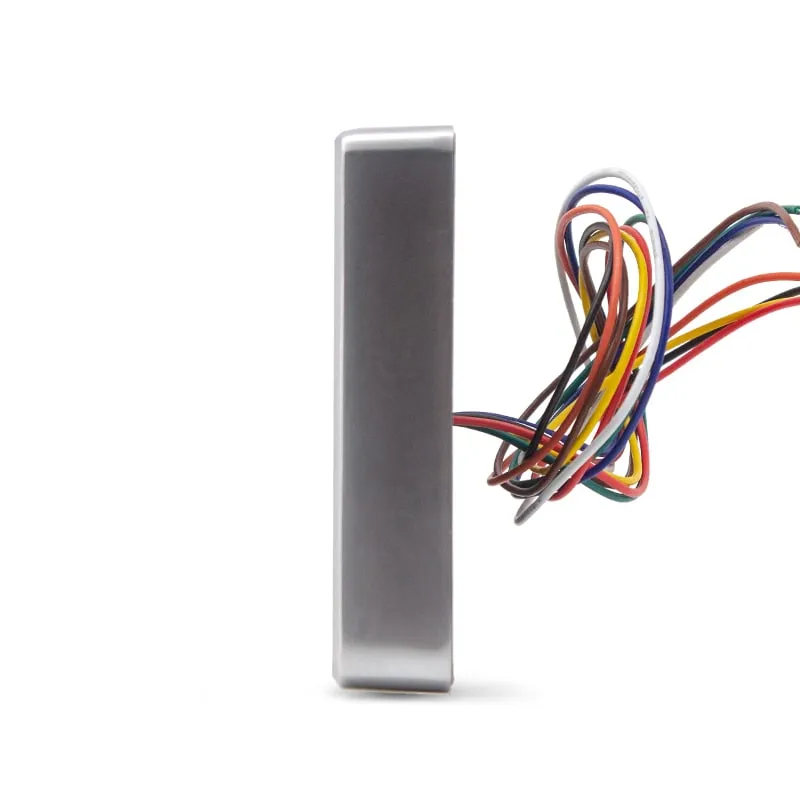
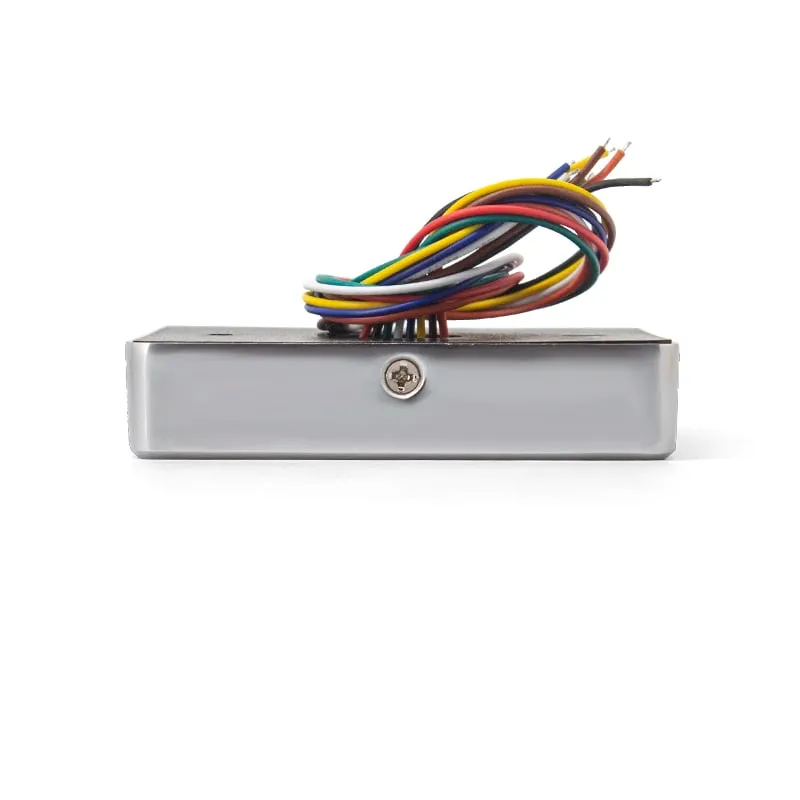
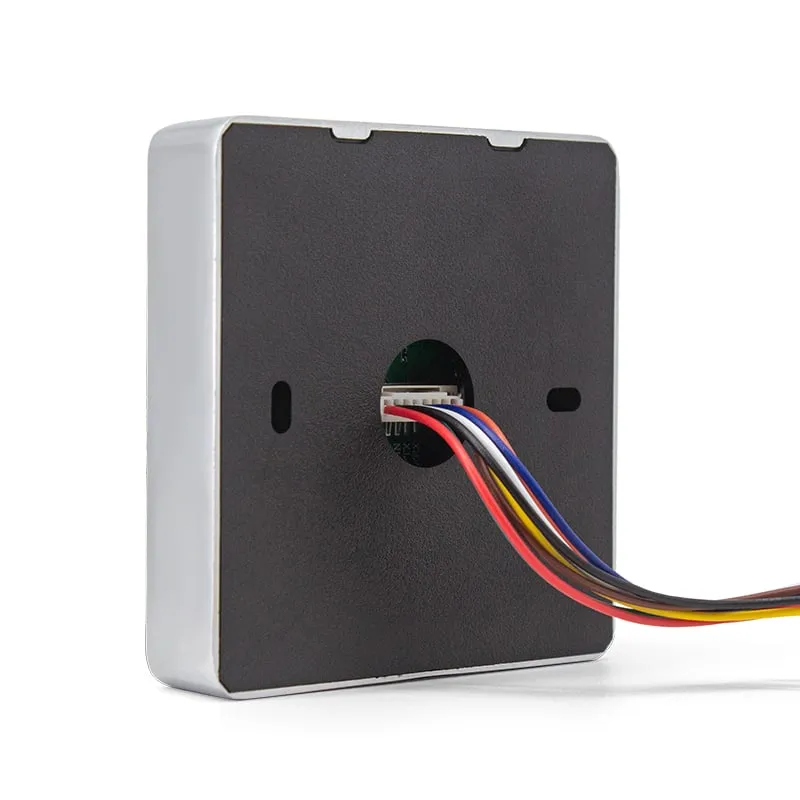
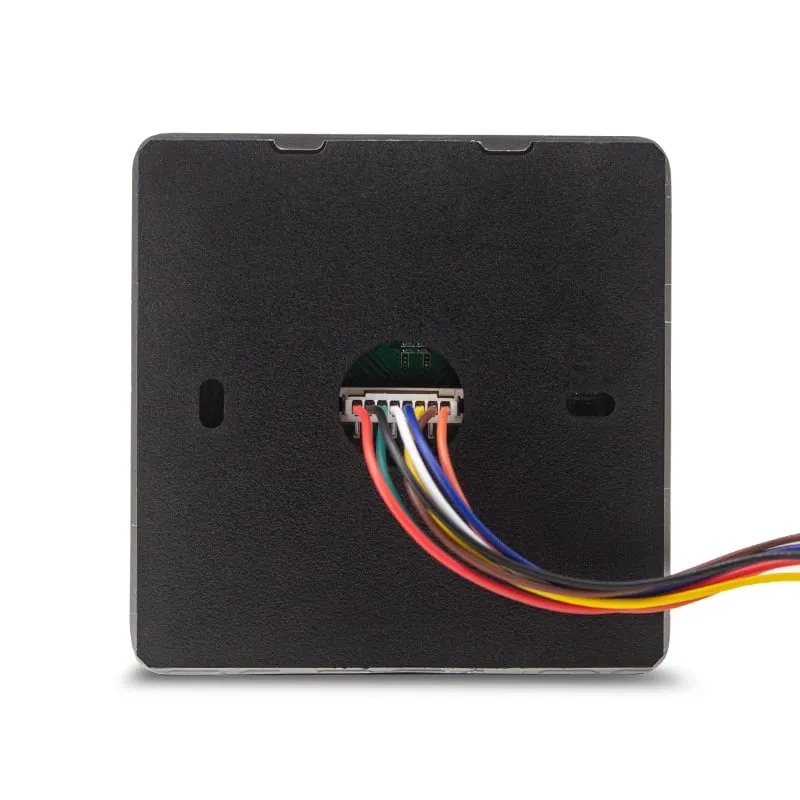
The table covers power, Wiegand, RS485 and RS232; TTL pin assignment is confirmed with your order. Size the supply for 800 mA at 8–12 V DC per reader, compared with 0–100 mA for the L410-W card reader. Check the controller's reader output rating before powering the Q420-M from it, or fit a separate supply with a shared ground.
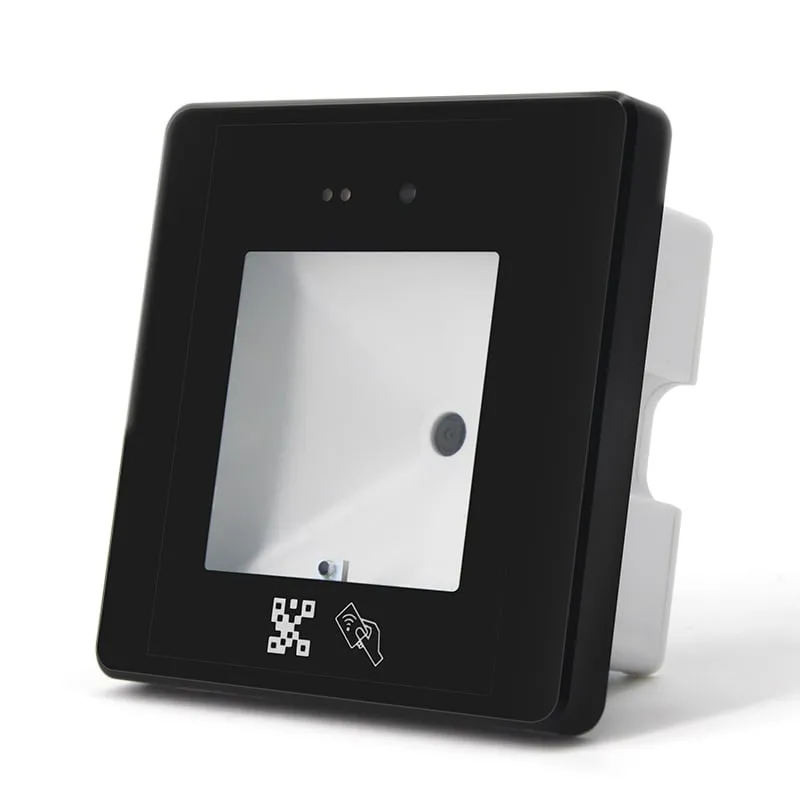
Choose the Q420-M when the reader should stay slim on the wall surface: it is 18 mm deep, with a zinc-alloy frame and flying leads. The Q430-M is 42 mm deep, terminates on a rear terminal block and adds mini-USB output for PC software. Both read QR codes at 0–20 cm and EM or MIFARE cards at 3–6 cm. Other serial-output models are listed under RS232 and RS485 RFID readers.
| Model | Q420-M |
|---|---|
| Type | QR code + RFID access control reader |
| Form factor | Slim 86-box wall mount |
| Housing | Zinc-alloy frame, acrylic panel |
| Color | Black panel, silver frame |
| Card frequency | 125 kHz / 13.56 MHz |
|---|---|
| Card standards | EM4100; ISO/IEC 14443A (MIFARE) |
| Supported cards | EM cards, MIFARE cards (card number read) |
| Codes | QR codes and 1D/2D barcodes, including codes on a phone screen |
| Barcode decoding | Image decoding |
| Card read range | 3–6 cm |
| QR code read distance | 0–20 cm |
| Reading angle | 45°, centered on the lens |
| Read speed | < 200 ms |
| Scan trigger | Automatic sensing, buzzer prompt |
| Interfaces | Wiegand 26/34, RS232, RS485, TTL |
|---|---|
| Serial baud rate | 9600 / 19200 / 115200 (set by setting code) |
| Configuration | Scan setting codes: baud rate, card mode, Wiegand format, backlight |
| Host OS (serial) | Windows XP / 7 / 8 / 10, Linux |
| Wiring | Red: 12 V; Black: GND; Green: D0; White: D1; Brown: RS485 A; Orange: RS485 B; Blue: RS232 RX; Yellow: RS232 TX |
| Indicators | Blue work light, green feedback light |
| Power supply | 8–12 V DC, 800 mA |
|---|---|
| Dimensions | 86 × 86 × 18 mm |
| Weight | 150 g |
| Operating temperature | -20 °C to +70 °C |
| Humidity | 10–90 % RH |
Specifications of Q420-M as supplied for the standard version. Read range depends on the card or tag, mounting surface and environment — we can test your own cards before you order.
Works with
Not designed for
Card not listed? Send us the card type or a photo and we will confirm compatibility before you buy.
Fix the reader over a standard 86 mm wall box and wire an 8–12 V DC supply rated for 800 mA to red (12 V) and black (GND).
For an access controller, connect green to D0 and white to D1. For a serial host, connect brown and orange to RS485 A and B, or blue and yellow to RS232 RX and TX.
Scan the setting codes for Wiegand 26 or 34, the serial baud rate (9600, 19200 or 115200), card mode and backlight.
Test with a staff card and a visitor QR code. For Wiegand, the QR content must be a hex card-number string already registered in the controller.
Yes. It reads QR and 1D/2D codes printed on paper or shown on a phone screen, at 0–20 cm and a 45° reading angle centered on the lens. Scanning starts automatically and takes under 200 ms.
For Wiegand output the QR content must be a hex card-number string, because the controller only stores card numbers. Have your visitor system generate the number, register it in the controller, then encode it in the QR code. For other QR content, use a serial output (RS232, RS485 or TTL) to a host that parses it.
USB is not one of its listed outputs: the Q420-M provides Wiegand 26/34, RS232, RS485 and TTL. A PC can take its RS232 output on a serial port. If the reader must type into PC software over USB, choose the Q430-M, which has mini-USB keyboard and virtual COM modes.
8–12 V DC rated for 800 mA per reader. Check the controller's reader output rating before powering the Q420-M from it, or use a separate supply with a common ground.
125 kHz EM cards and 13.56 MHz MIFARE cards at 3–6 cm. The reader sends the card number and does not write to cards; the card-reading mode is selected by scanning a setting code.
QR + RFID Q430-M
Read range: 3–6 cm
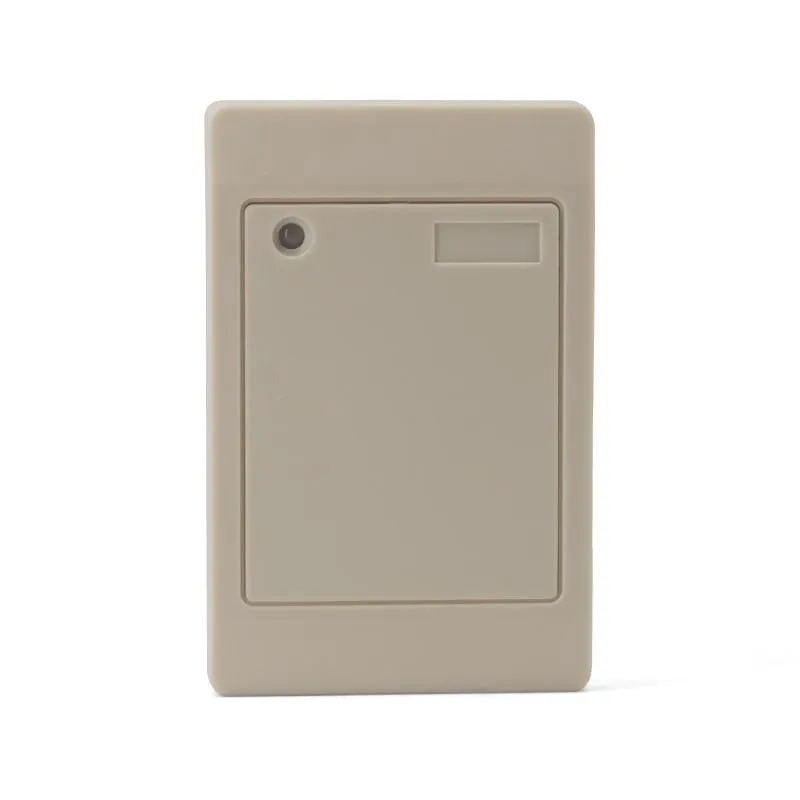 125kHz
 L410-W+2 variants
Read range: 0–100 mm
 13.56MHz
 H110-U
Read range: Up to 80 mm
Tell us your card, interface and quantity
Send the card or tag type, the host system and your volume. We reply within 1 business day with a suggested model and sample options.