Access control
Wiegand 26 vs Wiegand 34: Bit Layout, Facility Code and Card Number
By Henrium · · 9 min read
Quick answer
Wiegand 26 and Wiegand 34 use the same two data wires and timing; they differ in how many ID bits reach the controller. A 26-bit frame carries 24 data bits (8-bit facility code 0–255 plus 16-bit card number 0–65,535) between two parity bits. A 34-bit frame carries 32 data bits, so a full 4-byte card ID arrives intact.
Wiegand 26 and Wiegand 34 are the two frame lengths that most access-control readers and controllers support. Both use the same two data wires and the same pulse timing. The difference is how many bits of the card ID reach the controller, and that decides whether two different cards can ever look identical to your system.
This guide shows both layouts bit by bit, works one card through each format, and ends with a checklist for choosing and commissioning. For the physical side, including wire colors, cable and grounding, see Wiegand reader wiring.
How Wiegand sends a card number
A Wiegand reader talks to the controller over two signal lines, D0 (Data 0) and D1 (Data 1), plus a common ground. Both lines sit high when idle, typically at about 5 V. To send a 0, the reader pulls D0 low for a short pulse; to send a 1, it pulls D1 low. Pulses are commonly about 50 µs wide and about 1–2 ms apart. These values vary by vendor, and most controllers accept a wide window.
Three properties follow from this design:
- It is one-way. The reader sends and the controller listens. LED and buzzer feedback use separate wires.
- There is no length field. The controller counts pulses until the lines go quiet and treats the count as the format: 26 pulses is a 26-bit frame, 34 pulses a 34-bit frame.
- There is no encryption. Every Wiegand format, 26-bit or 34-bit, is sent in the clear.
The 26-bit reader interface is documented by the Security Industry Association as SIA AC-01. No public standard of the same standing exists for 34-bit, which matters when you mix suppliers.
The Wiegand 26-bit format, bit by bit
| Bit position | Field | Length | Range or rule |
|---|---|---|---|
| 1 | Even parity | 1 bit | Makes the number of 1s in bits 1–13 even |
| 2–9 | Facility code | 8 bits | 0–255 |
| 10–25 | Card number | 16 bits | 0–65,535 |
| 26 | Odd parity | 1 bit | Makes the number of 1s in bits 14–26 odd |
A 26-bit frame therefore carries 24 data bits. The leading parity bit covers the first 12 data bits (the facility code plus the top 4 bits of the card number), and the trailing parity bit covers the last 12. A controller discards any frame with bad parity, which is why electrical noise usually shows up as missed reads rather than wrong numbers.
24 data bits allow 16,777,216 combinations, but only 65,536 card numbers per facility code. Controllers and card printers often show the two fields separately, for example 018,54919.
The Wiegand 34-bit format
| Bit position | Field | Length | Range or rule |
|---|---|---|---|
| 1 | Even parity | 1 bit | Covers bits 2–17 |
| 2–17 | High 16 data bits (often labeled facility code) | 16 bits | 0–65,535 |
| 18–33 | Low 16 data bits (card number) | 16 bits | 0–65,535 |
| 34 | Odd parity | 1 bit | Covers bits 18–33 |
A 34-bit frame carries 32 data bits. That is exactly the size of the 32-bit ID an EM4100 reader reports and of a 4-byte MIFARE Classic UID, and it is the main reason the format exists: the whole ID reaches the controller.
The layout above is the common open one. Some access-control brands use proprietary 34-bit layouts with different field boundaries or parity ranges. If the reader and controller come from different suppliers, test one card on the real pair before you order in volume.
Wiegand 26 vs 34 at a glance
| Feature | Wiegand 26 | Wiegand 34 |
|---|---|---|
| Total bits | 26 | 34 |
| Data bits | 24 | 32 |
| Parity | Even over the first 12 data bits, odd over the last 12 | Even over the first 16 data bits, odd over the last 16 |
| Typical fields | 8-bit facility code + 16-bit card number | 16 + 16 bits, or one 32-bit number |
| Distinct values | 16,777,216 | 4,294,967,296 |
| Share of a 32-bit card ID delivered | 24 of 32 bits (usually the low 24) | All 32 bits |
| Layout | Open format, documented in SIA AC-01 | Common open layout; proprietary variants exist |
| Wires and timing | D0, D1, GND | Identical |
| Encryption | None | None |
Worked example: one card in both formats
Take an EM4100 card whose 32-bit ID is 0012D687 in hex. A USB desktop reader types it as the 10-digit decimal 0001234567, and that number is often printed on the card.
Wiegand 26 keeps the low 24 bits, 12D687. The facility code is 0x12 = 18 and the card number is 0xD687 = 54919:
P  Facility   Card number        P
1  00010010   1101011010000111   1
The first 12 data bits contain five 1s, so the even-parity bit is 1. The last 12 contain six 1s, so the odd-parity bit is also 1.
Wiegand 34 sends all 32 bits:
P  High 16 bits       Low 16 bits        P
0  0000000000010010   1101011010000111   0
Now take a second card with the ID 0112D687, printed as 0018011783. Its low 24 bits are the same as the first card’s, so its Wiegand 26 frame is bit-for-bit identical: both cards arrive as 018,54919. In Wiegand 34 the high half becomes 0000000100010010 (274), and the controller sees two different cards.
You can check any number with the Wiegand 26/34 calculator. It shows the decimal, hex and both Wiegand views, including the parity bits.
Where the facility code comes from, and why duplicates happen
On cards made for a particular access system, the facility code is a site code chosen when the cards are ordered, and every card on the site shares it. EM4100 and TK4100 cards work differently. The chip carries a fixed 40-bit ID: an 8-bit version or customer byte plus 32 data bits. A reader producing Wiegand 26 takes the low 24 of those 32 bits, so the “facility code” is just bits 16–23 of the chip ID. It changes from batch to batch.
Two practical consequences:
- Turn off facility-code checks for EM4100 cards. A controller set to accept one facility code rejects valid cards from other batches. Enroll by the full facility and card number instead.
- Wiegand 26 can produce duplicates. Two cards collide whenever their low 24 bits match. If card IDs were random, a rough birthday-problem estimate gives about a 3% chance of at least one duplicate among 1,000 cards and over 50% among 5,000. Card batches are often numbered sequentially, which lowers the risk within one batch. Mixing batches from several card suppliers raises it. Wiegand 34 removes the problem for 32-bit IDs.
13.56 MHz readers add one more variable: which UID bytes they send, and in which byte order. A 4-byte MIFARE Classic UID fits Wiegand 34 exactly. For Wiegand 26 the reader has to drop one byte, and vendors differ on which one. A 7-byte UID, used by NTAG213 and some newer MIFARE cards, does not fit even in 34 bits. Enroll one sample card through the actual reader and controller before you issue cards in bulk. RFID card number formats covers byte order in detail.
Three myths about Wiegand 34
- “Wiegand 34 is encrypted.” It is not. Both formats send plain pulses. If the link must be secure, the answer is a different interface, such as OSDP (IEC 60839-11-5) with its Secure Channel, not a longer Wiegand frame. Our current range does not include OSDP readers.
- “Wiegand 34 reads further or faster.” Read range depends on the reader, the card and the mounting surface, not on the output format. At typical pulse spacing, the 8 extra bits add about 8–16 ms to the transfer, which no user notices.
- “Any 34-bit reader fits any 34-bit controller.” Only when both use the same field layout. When you cannot test the combination first, Wiegand 26 is the safer choice.
Other Wiegand lengths you may see
Controllers often list more formats than 26 and 34. Most of them are proprietary layouts: 35-bit and 37-bit formats with larger card-number fields, and 40-bit or longer frames. Keypad readers send each key press as a short 4-bit or 8-bit burst, or buffer a whole PIN into one frame. Our catalogue has no keypad Wiegand reader.
UHF tags carry an EPC that is typically 96 bits long, far more than a 26-bit or 34-bit frame can hold, so only part of the EPC reaches the controller. Our UHF long-range readers, such as the U610-M 7 dBi integrated UHF reader, output Wiegand 26/34 to parking and gate controllers, and the U610-M also lists a 98-bit Wiegand option. Tell us the format your controller expects and which EPC bits it should receive; the reader configuration is confirmed in your quotation.
How to choose between Wiegand 26 and 34
Choose Wiegand 26 when:
- the controller or the cards already issued use it, which covers most installed systems;
- the site has a few hundred cards from one batch and the controller stores facility code plus card number;
- you have to combine readers and controllers from different suppliers without testing first.
Choose Wiegand 34 when:
- you want the full 32-bit ID, for example so the controller holds the same value that a USB card enrollment reader types as a 10-digit number at the desk;
- the site has thousands of EM4100 cards, or cards from several suppliers;
- the controller explicitly supports the 34-bit layout the reader sends.
Reader and controller must always match. A 26-bit controller that receives 34 pulses usually ignores the frame, so the symptom is “the reader beeps, but nothing appears in the log”.
To test the match before a volume order, order a sample reader preset to your controller’s Wiegand 26 or 34 format. Give the controller model and the card type in the request, and the sample ships configured that way.
Commissioning checklist
- Confirm the controller’s input format (26 or 34 bits) and whether it detects the frame length automatically.
- Set the reader to match. On the L410-W 125kHz Wiegand card reader, Wiegand 26 is the default and connecting the purple wire to GND selects Wiegand 34. The Q420-M slim QR code + RFID reader switches between 26 and 34 when you scan a setting code.
- Present one known card and compare the controller log with the printed number and the converter output.
- For EM4100 cards, turn off any single-facility-code check, or add every facility code in use.
- For MIFARE cards, check which UID bytes and byte order the reader sends before bulk enrollment.
- For QR codes over Wiegand, keep the QR content to a number that fits the frame: at most 16,777,215 (FFFFFF hex) for 26-bit and 4,294,967,295 (FFFFFFFF hex) for 34-bit. The Q420-M expects a hex card-number string. The Q430-M QR code reader with USB, Wiegand and RS485 outputs QR content as decimal by default.
- If reads fail or numbers look wrong, check the wiring before the format. Swapped D0/D1 lines and a missing common ground are more common than format errors; see Wiegand reader wiring.
The L410-W family and the Q420-M and Q430-M QR readers are read-only: they send the card number to the controller and never write to cards. The UHF long-range readers send tag numbers over Wiegand in the same way; through their SDK they can also write EPC Gen2 tags. Compare the models on the Wiegand access control card readers and QR code access readers pages, or weigh Wiegand against RS485 and USB in choosing an RFID reader interface.
Frequently asked questions
Is Wiegand 34 more secure than Wiegand 26?
No. Neither format is encrypted: both send the card number as plain pulses on the D0 and D1 wires. Wiegand 34 only carries more bits of the ID, which reduces duplicate card numbers. If the reader-to-controller link itself must be protected, you need a different interface, such as OSDP with Secure Channel, not a longer Wiegand frame.
Can a Wiegand 34 reader work with a Wiegand 26 controller?
Usually not. The controller identifies the format by counting bits, and a controller set to 26-bit input normally ignores a 34-bit frame, so the reader beeps but no event is logged. Set both ends to the same format. On the L410-W, leave the purple wire open for Wiegand 26 or connect it to GND for Wiegand 34.
Why does my controller show a different number from the one printed on the card?
The card print usually shows the full 32-bit ID as a 10-digit decimal, while a Wiegand 26 controller shows only the low 24 bits, split into a facility code and a card number. Both describe the same card. Enter either number into the card number converter to see every view of the ID side by side.
What is the facility code on an EM4100 card?
On EM4100 and TK4100 cards it is not a site code. In Wiegand 26 output it is simply bits 16–23 of the chip's 32-bit ID, so it changes from one card batch to the next. Turn off single-facility-code checks on the controller, or enroll cards by their full facility and card number.
Which Henrium readers output Wiegand 26 and 34?
The L410-W wall reader (with an H410-W version, and a D410-W version whose availability is confirmed in your quotation), the Q420-M QR + RFID reader and our UHF long-range readers (U610-M to U650-M) output Wiegand 26 or 34. The Q430-M has a Wiegand output next to USB, RS232 and RS485; give your controller's format in the RFQ and the Q430-M frame length is confirmed in your quotation. The L410-W and the QR readers are read-only and never write to cards.
Readers mentioned in this guide
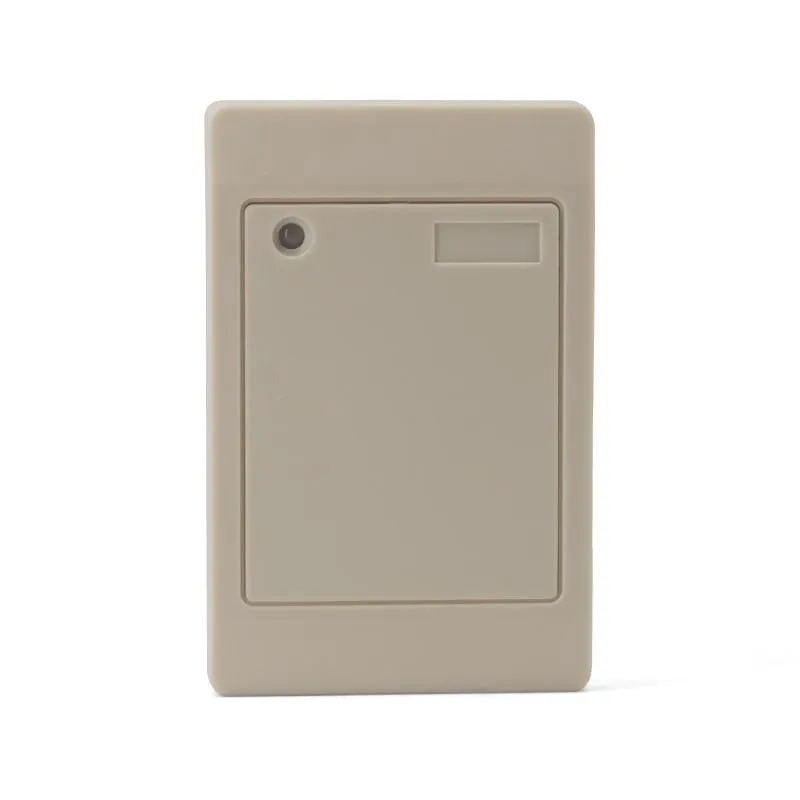 125kHz
 L410-W+2 variants
Waterproof 125kHz Wiegand 26/34 RFID Access Reader, Resin-Potted
- Wiegand
- Wall-mount
Read range: 0–100 mm
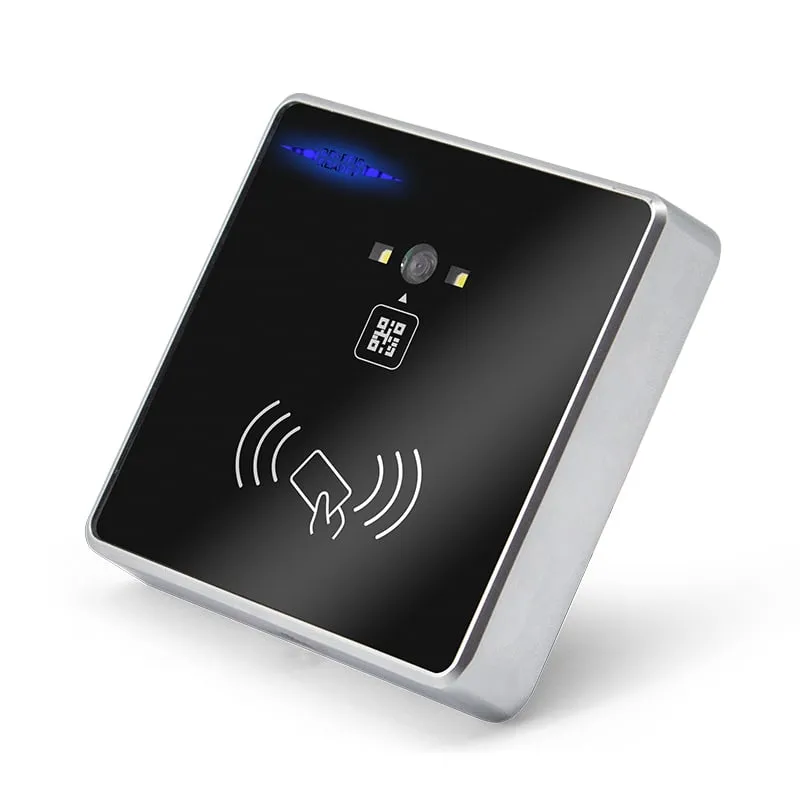 QR + RFID
 Q420-M
QR Code + RFID Access Reader, Wiegand 26/34, RS485, Slim 86-Box
- RS232
- RS485
- Wiegand
- Wall-mount
Read range: 3–6 cm
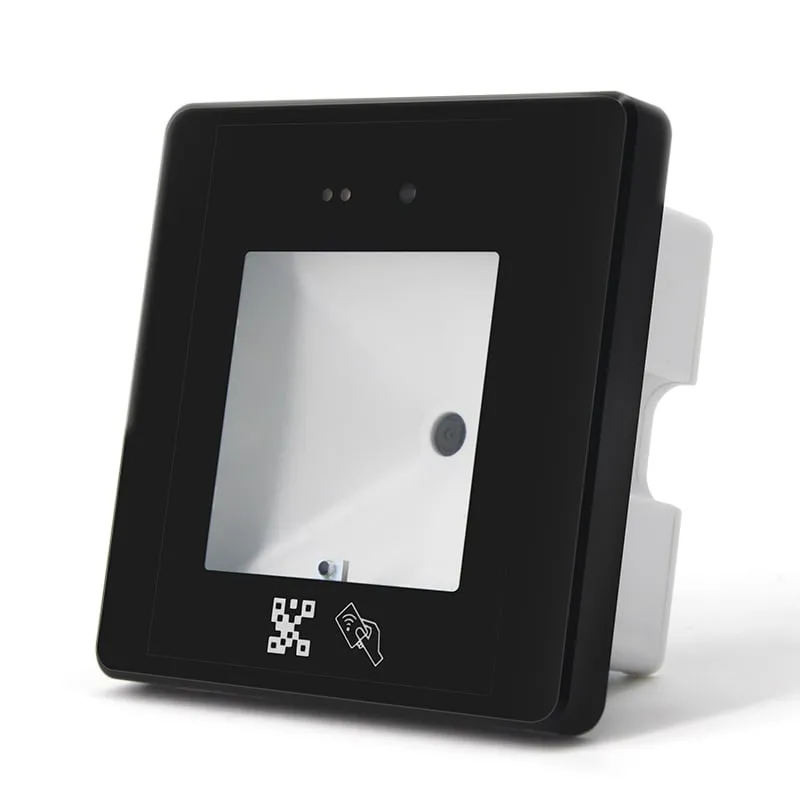 QR + RFID
 Q430-M
QR Code + RFID Access Reader with USB, Wiegand and RS485, 86-Box
- USB
- RS232
- RS485
- Wall-mount
Read range: 3–6 cm
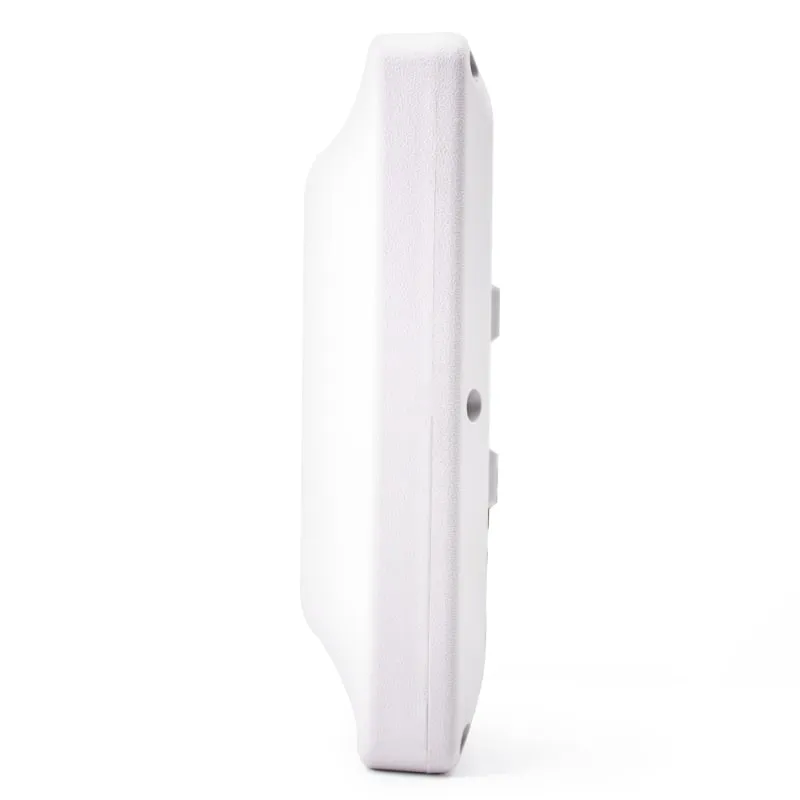 UHF
UHF U610-M+1 variant
UHF Integrated RFID Reader, 7 dBi, 0–5 m, Wiegand/RS485/USB
- USB
- RS232
- RS485
- Fixed / long-range
Read range: 0–5 m