Sourcing & OEM
How to Source RFID Readers: RFQ Template, Sample Tests and Terms
By Henrium · · 10 min read
Quick answer
To source RFID readers, write an RFQ around the card, the host, the interface and the exact output, then ask for a quotation on a standard reader that already reads your cards. Test one to three configured samples against a written plan, freeze the approved configuration as a part number, and confirm prices, lead time and warranty in writing.
Sourcing RFID readers comes down to three written documents: an RFQ that describes the card, the host and the exact output, a sample test plan with pass criteria, and quotation terms you can hold a supplier to. For most buyers, including software vendors bundling a reader, distributors building a private-label range and installers standardizing on one model, the hard part is not the logo. It is pinning down the card, the exact output, the radio band and the paperwork, so that the thousandth unit behaves like the sample you approved.
This guide covers the route from first RFQ to volume order: which route fits (standard, configured, private label or ODM), an RFQ template a supplier can quote accurately, which options are firmware and which are hardware, how to test samples, and which questions and terms to settle with any supplier, including us.
Standard, configured, private label or ODM
| Route | What changes | Typical effort | Good fit when |
|---|---|---|---|
| Standard reader | Nothing; standard settings and packaging | Lowest | The default output already suits your software |
| Configured reader | Firmware settings: output format, Wiegand bits, baud rate, buzzer and LED | Usually no tooling; the configuration is recorded per order | Your software expects a specific output |
| Private label (OEM) | Logo on the housing, label, box, manual | Print setup; a minimum quantity per option | You sell the reader under your brand |
| ODM | Housing, antenna, circuit board, interface or connector | Engineering and tooling; usually new compliance testing | No standard reader fits mechanically or electrically |
Most projects combine the middle two rows. Treat ODM as the last resort. A new housing or antenna means tooling cost, a longer schedule and new test reports, and a standard reader with the right firmware often does the same job.
Know the limits of the base range. Ours is built around finished readers. We do not list bare reader modules or PC/SC (CCID) readers, and every 125 kHz, 134.2 kHz and 13.56 MHz reader we sell is read-only: it reads the card or tag ID and does not write to it. Tag writing is supported only on the UHF desktop reader/writers (U120-U, U130-U, U140-U, U160-U) and the UHF integrated long-range readers (U610-M to U650-M). If your product needs something outside that range, say so in the RFQ and we will tell you whether we can supply it.
RFQ template: start with the card and the host
A supplier can only quote what you describe. “13.56 MHz USB reader, OEM, with logo” gets you a default reader that may not work with your cards or your software. Put these fields in every RFQ:
| Field | Example | Why it matters |
|---|---|---|
| Card or tag | MIFARE Classic 1K, 4-byte UID; or EM4100 key fobs | Decides frequency, chip support and range |
| Host | Windows web app; Android tablet over USB-C; access controller | Decides the interface and driver model |
| Interface | USB keyboard, RS232, RS485, Wiegand 26/34, Bluetooth, TCP/IP | Must match what the host accepts |
| Exact output | 0012345678 + Enter |
The detail most often got wrong |
| Environment | Indoor desk; outdoor pole at a vehicle gate; metal surface | Decides housing, mounting and range |
| Market | Country of use | Decides the UHF band and compliance documents |
| Branding | Logo file, housing color, label, box, manual language | Decides options and minimums |
| Quantities | Samples, first order, annual volume | Decides price tiers and which options make sense |
Attach photos of both sides of the card, or send a few cards. If you are replacing a reader, include what the current one types, as text or a screenshot.
Firmware options vs hardware options
Split your changes into two lists. Firmware options are settings in the reader’s program; they rarely need tooling and are confirmed per order. Hardware options change physical parts; they may need materials, printing or tooling, and they usually carry minimum quantities.
| Option | Type | Examples in our range |
|---|---|---|
| Output format | Firmware | Most USB 125 kHz and 13.56 MHz readers, such as the L110-U 125kHz USB EM4100 reader, default to a 10-digit decimal ID; the H510-B to 8-digit hex; custom formats on request |
| Terminator, prefix, suffix | Firmware | The keypad readers send Enter after the number; the pocket Bluetooth readers append Enter by default, and the U510-B accepts a prefix or suffix of up to 4 bytes |
| Wiegand format | Firmware or wiring | L410-W 125kHz Wiegand access reader: Wiegand 26 by default, 34 with the purple wire to GND; UHF integrated readers: Wiegand 26 or 34, plus 98 on the U610-M |
| Serial settings | Firmware | Desktop RS232 readers: 9600 bps default, 19200 or 115200 selectable |
| USB mode | Firmware | UHF desktop reader/writers: keyboard output by default, virtual serial port as a custom build |
| Read behavior | Firmware | UHF integrated readers: continuous or triggered reading, RF power 0–30 dBm |
| Display language | Firmware | Handheld animal ID readers such as the A520-M handheld FDX-B microchip scanner: English OLED display, customizable |
| UHF band | Hardware | Integrated readers such as the U650-M 12 dBi long-range UHF reader: 902–928 MHz or 865–868 MHz; other bands on request |
| Logo, label, packaging | Hardware | Private label; options and quantities confirmed per model |
| Color, cable, connector | Hardware | Housing color on selected models; cable length and connector on request |
Our page on OEM and private-label RFID readers lists the full set of options; which ones apply depends on the base model.
Write the output as a specification
For keyboard and serial readers, the output string is the interface contract with your software, and “the card number” is not a specification. One 4-byte ID, 00 BC 61 4E, can reach your software in at least five forms:
| Output format | What the reader sends |
|---|---|
| 10-digit decimal | 0012345678 |
| 8-digit hex | 00BC614E |
| Byte-reversed 8-digit hex | 4E61BC00 |
| Byte-reversed 10-digit decimal | 1315027968 |
| Wiegand 26 facility and card number | 188 and 24910 |
Write the output as one precise sentence, for example: “4-byte UID as a 10-digit decimal number, zero-padded, most significant byte first, followed by Enter, on a US English keyboard layout.” Cover these points:
- Number base and digit count, including zero padding.
- Byte order.
- Letter case, if the output is hex.
- Prefix and suffix characters, and the terminator: Enter, Tab or none.
- The keyboard layout of the target PCs. A French AZERTY layout turns digits into symbols; see the keyboard-wedge guide.
- For NTAG and Ultralight tags: whether you want all 7 UID bytes.
The fastest route is to send one card and the string your system expects. Check both in the card number converter, and read RFID card number formats if the two do not match.
From RFQ to volume order
- Requirements. You send the specification above.
- Feasibility and quotation. The supplier confirms which options apply to the base model and quotes unit prices per quantity tier, sample cost, any setup or tooling cost and lead times. For our readers, all of these are confirmed in your quotation.
- Engineering sample. One to three units built to your configuration, not a stock unit.
- Approval and pilot. You approve the sample in writing and the configuration is frozen under a part number. Keep an approved unit as your reference (“golden sample”) and ask the supplier to keep one too. For a large rollout, a small pilot order in real use catches what a few samples on a desk miss.
- Production and delivery. Units are built to the approved sample. Spot-check incoming units against your reference before you deploy them or ship them to your customers.
Record the configuration as a list attached to the part number: base model, output format, terminator, buzzer and LED behavior, UHF band, label artwork. A re-order two years later should then produce the same reader.
Sample test plan
| Test | How to run it | Record |
|---|---|---|
| Card compatibility | Every card type and batch in use, including old stock | Pass or fail per card |
| Read range | Your cards, at the final mounting position and surface | Minimum and maximum distance |
| Output string | 50 or more reads into the target software, on each OS and keyboard layout you support | Exact string; any dropped characters |
| Repeat reads | Present the same card repeatedly; leave one on the reader | Behavior fits your workflow |
| Power | Fixed readers: supply at the end of your real cable, with locks switching | Voltage at the reader; any resets |
| Environment | Temperature and exposure at the site, compared with the datasheet | Any failures |
| Labeling | Logo position, label text, box and carton marks | Approved artwork |
Do not rely on an operating system list in a datasheet. Test the versions your customers actually run. For UHF readers, test at the installation site: read range depends on the tag, the mounting and the surroundings as much as on the reader.
Compliance: ask for documents, not logos
RFID readers are radio equipment. In the EU they fall under the Radio Equipment Directive (2014/53/EU). In the United States they are intentional radiators under FCC Part 15 and need equipment authorization before they are marketed. Other markets have their own rules.
Private label moves responsibility. Under the EU rules, a company that places radio equipment on the market under its own name or trademark takes on the manufacturer’s obligations, including the technical documentation and the declaration of conformity. Plan for this before your logo goes on the housing.
- Ask for the test report behind any mark, and check that it names the exact model and hardware version.
- Ask whether your changes affect it. A printed logo usually does not change the radio; a new antenna or circuit board can.
- For UHF, order the band for the country of use: 902–928 MHz in the United States, 865–868 MHz in Europe. See UHF RFID frequency bands by country.
Ask any supplier, including us, which documents exist for the exact model and configuration, and get copies before you commit to a launch date. This section is not legal advice; a test lab or compliance consultant in your market has the final word.
Questions to ask any RFID reader supplier
- Which cards has this model been tested with, and is that list from a test or from the chip datasheet?
- What is the default output, and how is it changed: at order, with a configuration tool or with setting codes?
- How is my configuration recorded, so a re-order matches the approved sample?
- Will you tell me before a firmware or component change affects the output or read range?
- Which compliance documents exist for this exact model, and does my change affect them?
- For UHF: which band is the reader set to, and can it be changed after delivery?
- What documentation comes with it: datasheet, manual, serial protocol description, SDK? Our UHF integrated readers, such as the U610-M 7 dBi integrated UHF reader, come with an SDK and sample code in C#, VC, VB, Java and Delphi.
- What is the minimum quantity for each option, and what does a sample cost?
- What is the lead time for samples, and for production at my volume?
- What are the warranty and return terms, and who pays return shipping?
Terms to confirm in the quotation
| Term | What to get in writing |
|---|---|
| Unit price | Per quantity tier, and the Incoterms rule it applies to, such as FOB or DAP |
| Minimum quantity | Per option: firmware setting, label, housing color |
| Setup and tooling | One-off costs, and who owns any tooling |
| Samples | Price, quantity, shipping and any credit against the first order |
| Lead time | For samples and production, counted from which event |
| Payment | Terms and milestones |
| Warranty and returns | Period, process and return shipping |
| Packaging | Unit box, carton quantity, carton size and weight, manual language |
| Customs | HS code proposed by the supplier, verified by your customs broker |
For Henrium readers, each of these is confirmed in your quotation for the specific model and options.
Checklist before you send an RFID reader RFQ
- Card type confirmed (chip name, UID length), with sample cards ready to send.
- Host and interface decided.
- Exact output string written as a specification.
- Environment and mounting surface described.
- Country of use, and the UHF band if relevant.
- Two lists: firmware options and hardware options.
- Logo files and label artwork.
- Quantities: samples, first order, annual volume.
- Compliance documents your market requires.
- A sample test plan with pass criteria.
To choose a base model, browse the RFID readers by frequency and interface, for example the keyboard-emulation readers, access control readers or UHF readers. When your specification is ready, send it through the contact form or request samples.
Frequently asked questions
What are the steps to source RFID readers?
Write an RFQ around the card, the host, the interface and the exact output. Ask the supplier to confirm feasibility and quote. Test one to three configured samples against a written plan, approve one in writing and freeze its configuration as a part number. Then place the volume order and spot-check incoming units against your reference sample.
What is the difference between an OEM and an ODM RFID reader?
An OEM reader is an existing design configured and branded for you: output format, Wiegand bits or baud rate in firmware, plus your logo, label and packaging. An ODM project changes the design itself, such as the housing, antenna, circuit board or interface. ODM work needs engineering and tooling, and usually new compliance testing, so it only pays off when no standard reader fits.
What should I include in an RFQ for RFID readers?
The card or tag you use (chip name, or photos of both sides), the host device or controller, the interface, the exact output string your software expects, the installation environment, the country of use, your branding needs and three quantities: samples, first order and annual volume. A precise request gets a precise quotation.
How many samples should I order before a volume order?
Typically one to three units per model, configured like the production units, so you test the real output with your own cards, software and mounting position. For UHF readers, also test at the actual installation site. See our sample program.
Does putting my logo on a reader affect its certification?
A printed logo usually does not change the radio, but selling equipment under your own name can change who is legally responsible for it. In the EU, a company that places radio equipment on the market under its own name or trademark takes on the manufacturer's obligations. Changes to the antenna, circuit board or housing can also affect existing test reports. Confirm both points with the supplier and a test lab.
What is the minimum order quantity for private-label readers?
It depends on the model and the option. Firmware settings and printed labels usually need less setup than a custom housing color, which needs dedicated material or tooling. For Henrium readers, the minimum quantity for each option you request is confirmed in your quotation.
Readers mentioned in this guide
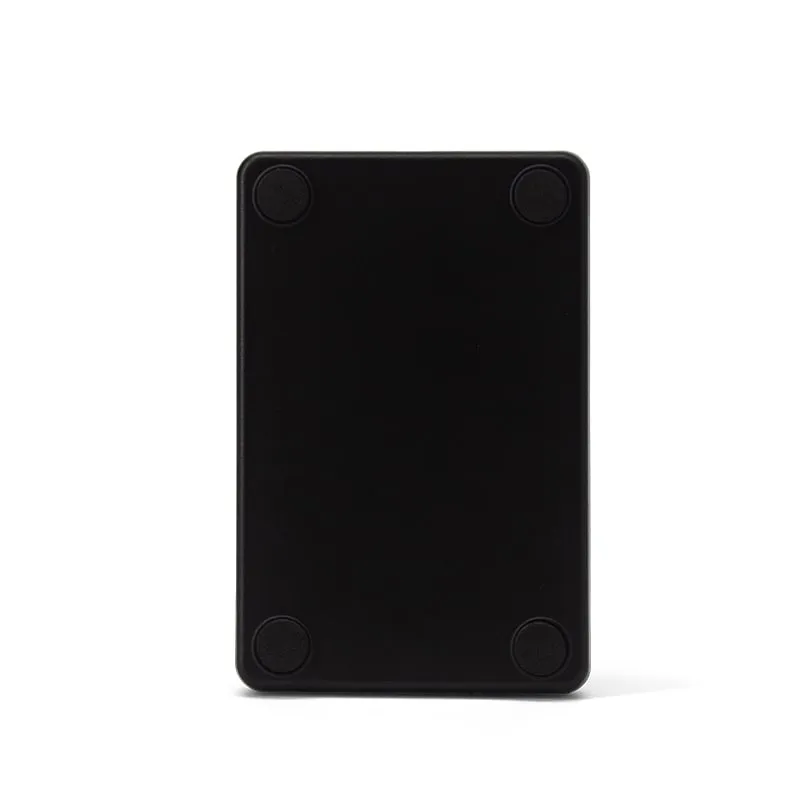 125kHz
 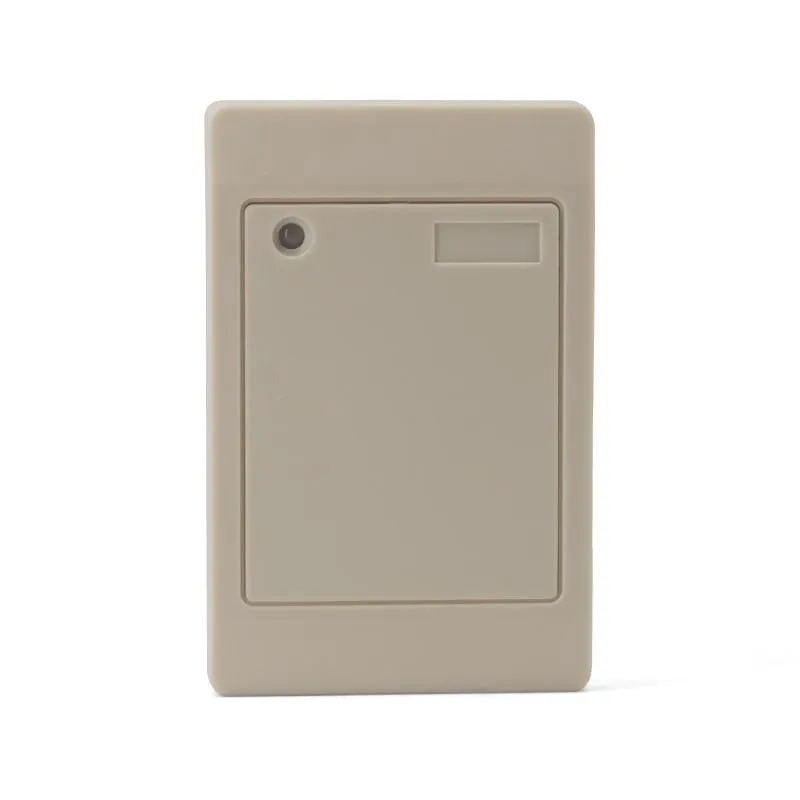 125kHz
 L410-W+2 variants
Waterproof 125kHz Wiegand 26/34 RFID Access Reader, Resin-Potted
- Wiegand
- Wall-mount
Read range: 0–100 mm
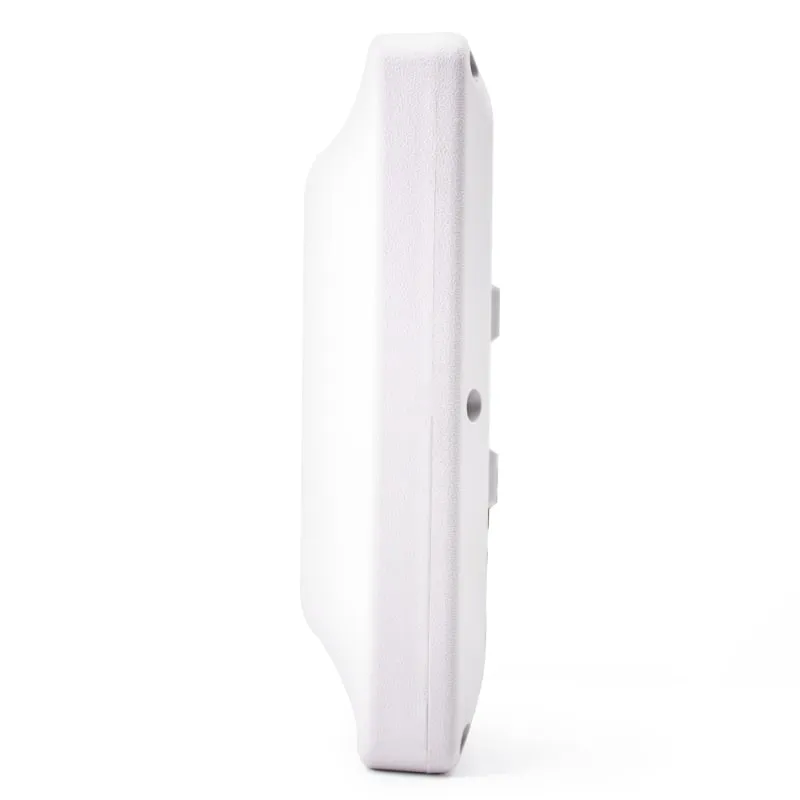 UHF
UHF U610-M+1 variant
UHF Integrated RFID Reader, 7 dBi, 0–5 m, Wiegand/RS485/USB
- USB
- RS232
- RS485
- Fixed / long-range
Read range: 0–5 m
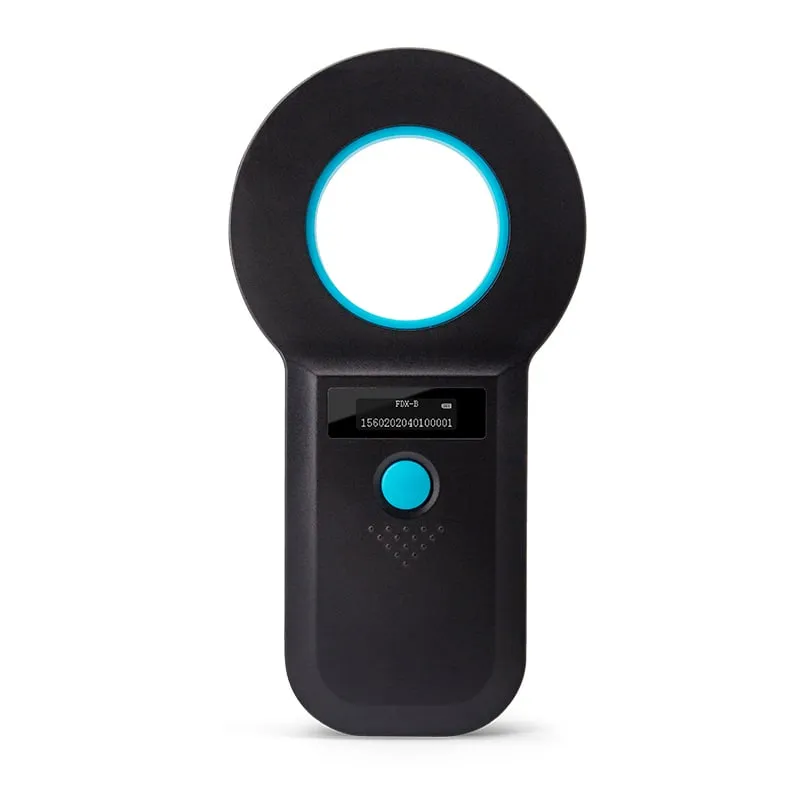 134.2kHz
 A520-M
Handheld 134.2kHz FDX-B Microchip Reader, USB / 2.4G / Bluetooth
- USB
- Wireless
- Handheld
Read range: > 8 cm