 13.56MHz
 125kHz RFID Readers
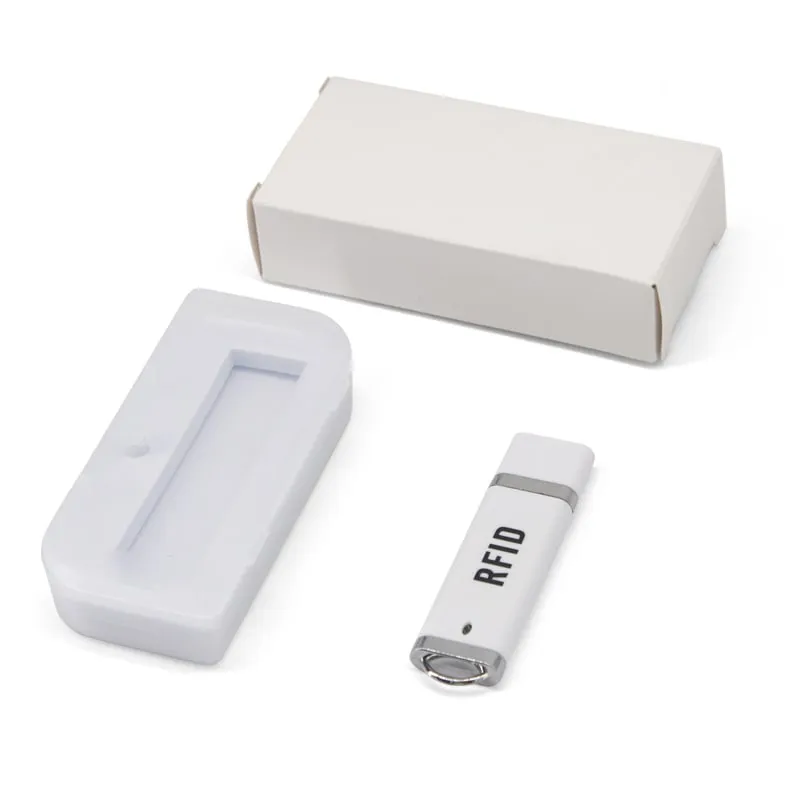
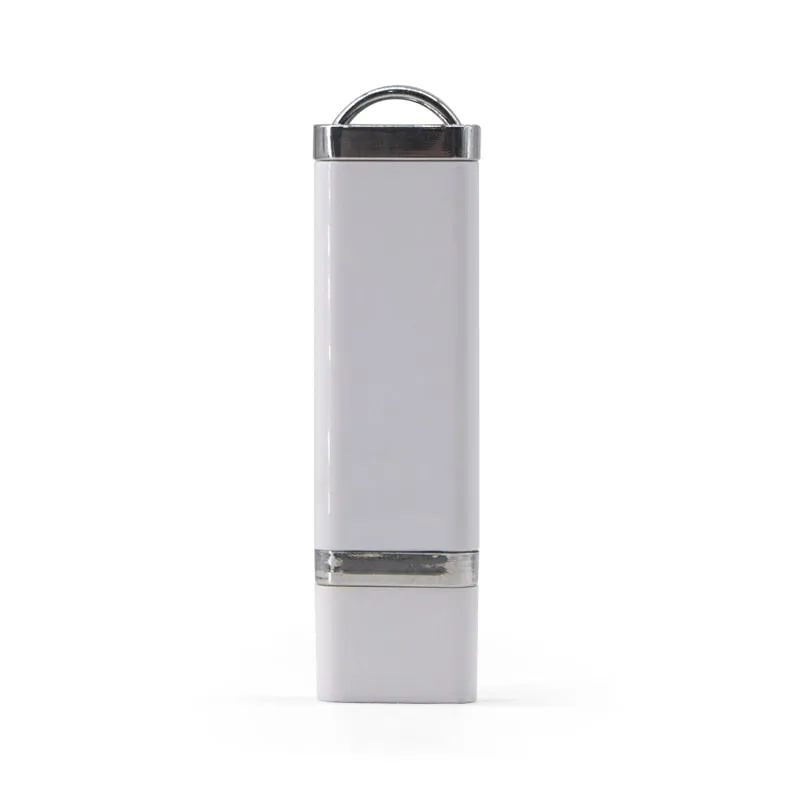
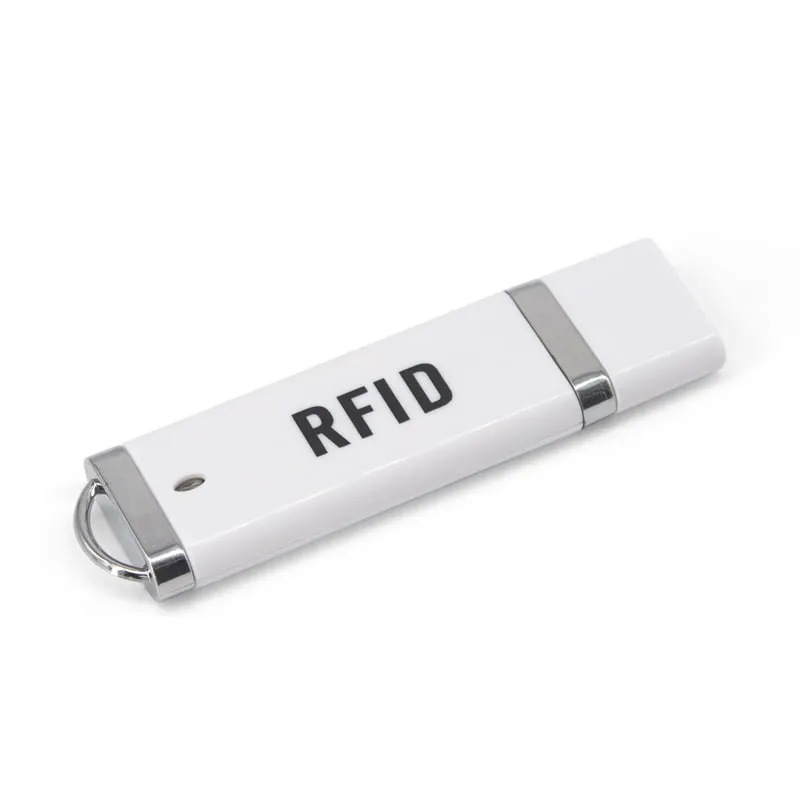
L210-U 125kHz USB Stick RFID Reader, Plug-In EM4100 Dongle
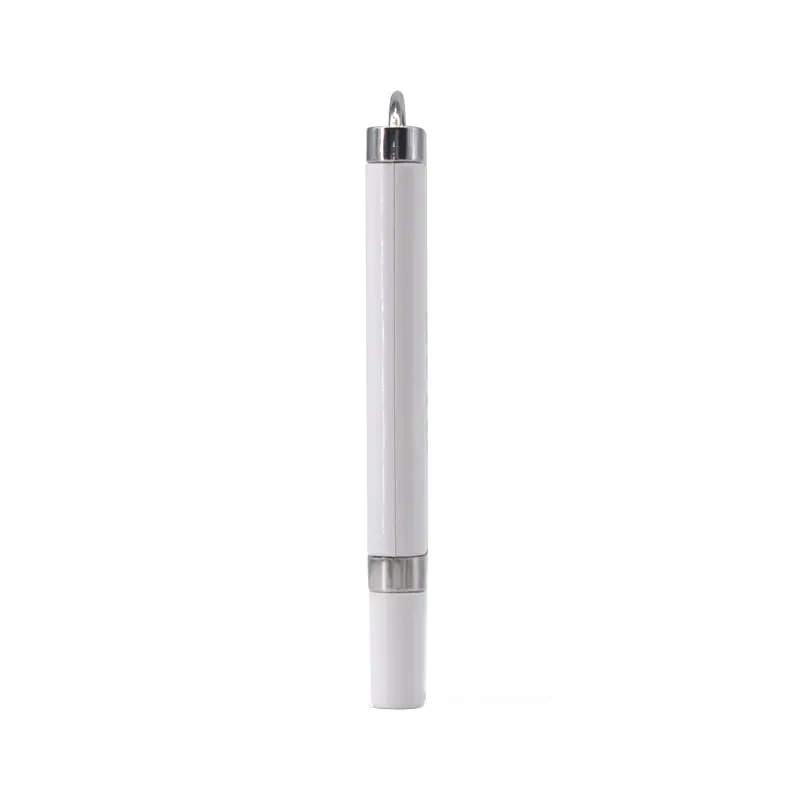
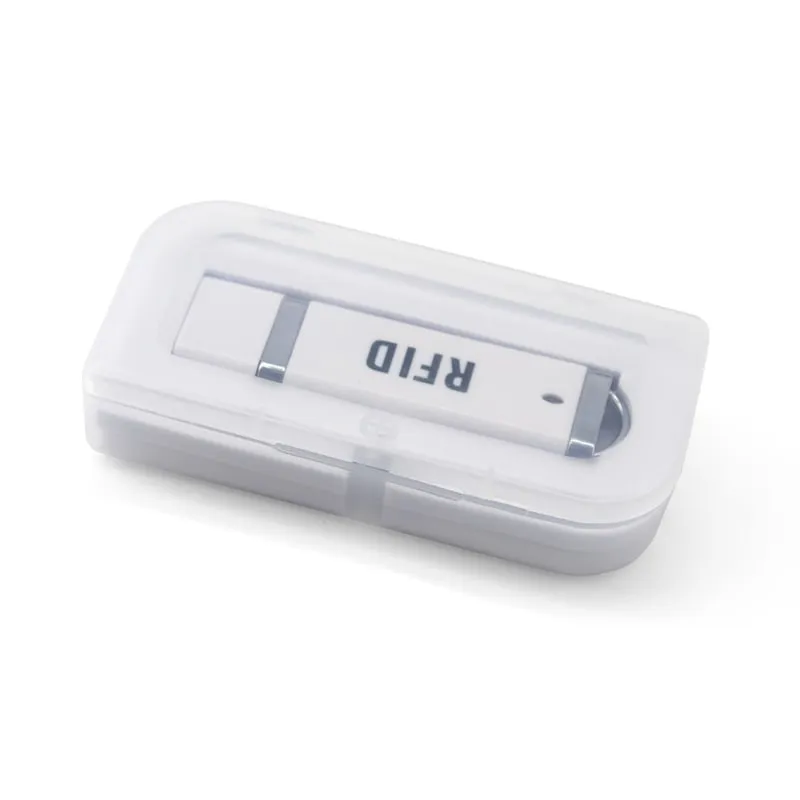
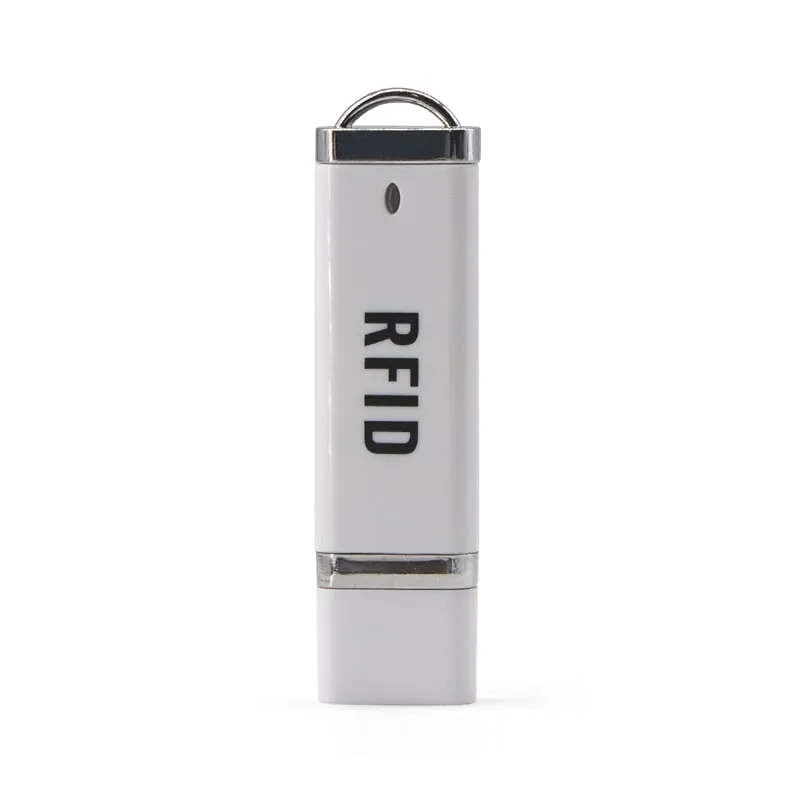
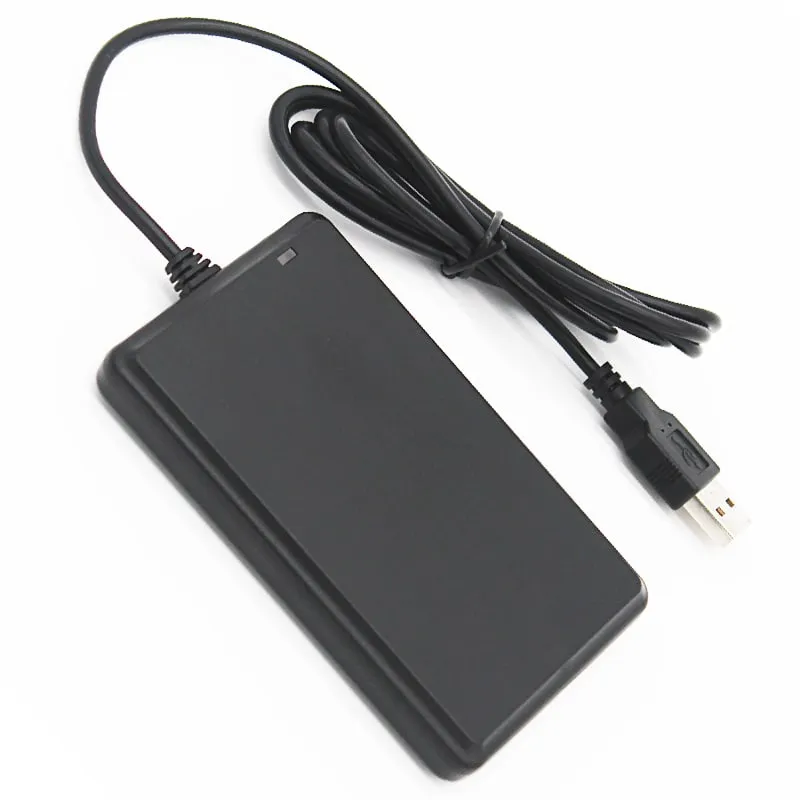
The L210-U is a 125 kHz RFID reader in a USB flash-drive format, 75 × 21 × 7 mm and about 10 g, for laptops, shared workstations and mobile staff. It plugs straight into a USB-A port, reads EM4100 and TK4100 cards and fobs at up to 80 mm, and types a 10-digit decimal number with no driver or cable.
- Frequency
- 125 kHz
- Cards / tags
- EM4100, TK4100, SMC4001 and EM4100-compatible cards and key fobs
- Interface
- USB-A plug (direct plug-in), keyboard emulation
- Output
- 10-digit decimal card number
- Read range
- Up to 80 mm (depends on card and environment)
- ✓ Sample units for evaluation
- ✓ Output format confirmed for your software
- ✓ Private label & OEM options
- ✓ Reply within 1 business day
Why integrators choose the L210-U
- No cable — plugs directly into a USB-A port, like a flash drive.
- Pocket size — 75 × 21 × 7 mm and about 10 g, with a key ring.
- Keyboard output — types a 10-digit decimal card number at the cursor, with no driver.
- Up to 80 mm range — EM4100, TK4100 and SMC4001 cards and fobs, read in under 200 ms.
- Low power — 5 V DC at 100 mA from the host port.
- Android through OTG — types into Android apps via a USB OTG adapter on devices that support it.
Where a stick reader beats a desktop pad
A desktop pad needs desk space and a cable run. The L210-U needs neither: it sits in the USB-A port and travels on a key ring between sites. It suits laptop-based card enrollment, hot desks and shared workstations, installers checking fob numbers on site, and compact POS terminals with no room for a pad.
Because the reader sits at the port, present the card close to the side of the laptop or terminal where it is plugged in. On a desktop PC with rear USB ports, a pad such as the L120-U is easier for users to reach.
The default output is a 10-digit decimal card number, and a custom format can be set on request. An LED and buzzer confirm each read; the read interval is under 0.5 s. Power comes from the port itself: 5 V DC at 100 mA.
Using the L210-U with Android devices
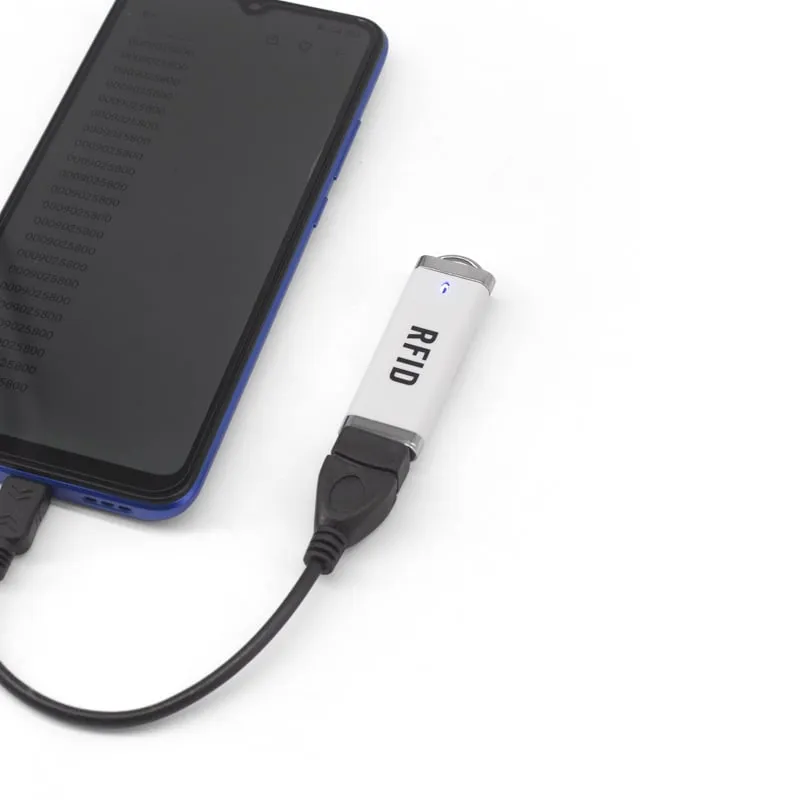
Android is on the supported list. Connect the stick through a USB OTG adapter, open the app and tap into the input field; the card number is typed as if from a keyboard. The phone or tablet must support USB OTG, so check this on the actual device model before a rollout.
For a direct plug without an adapter, the L220-C has a USB-C connector. The Android OTG checklist lists what to verify first, and the keyboard-emulation readers page shows every model that types into apps this way.
L210-U specifications
| Model | L210-U |
|---|---|
| Frequency | 125 kHz |
| Form factor | USB stick reader with key ring |
| Housing | ABS |
| Supported cards | EM4100, TK4100, SMC4001 and EM4100-compatible cards and key fobs |
|---|---|
| Card operation | Read-only (card ID number) |
| Read range | Up to 80 mm (depends on card and environment) |
| Read time | < 200 ms |
| Read interval | < 0.5 s |
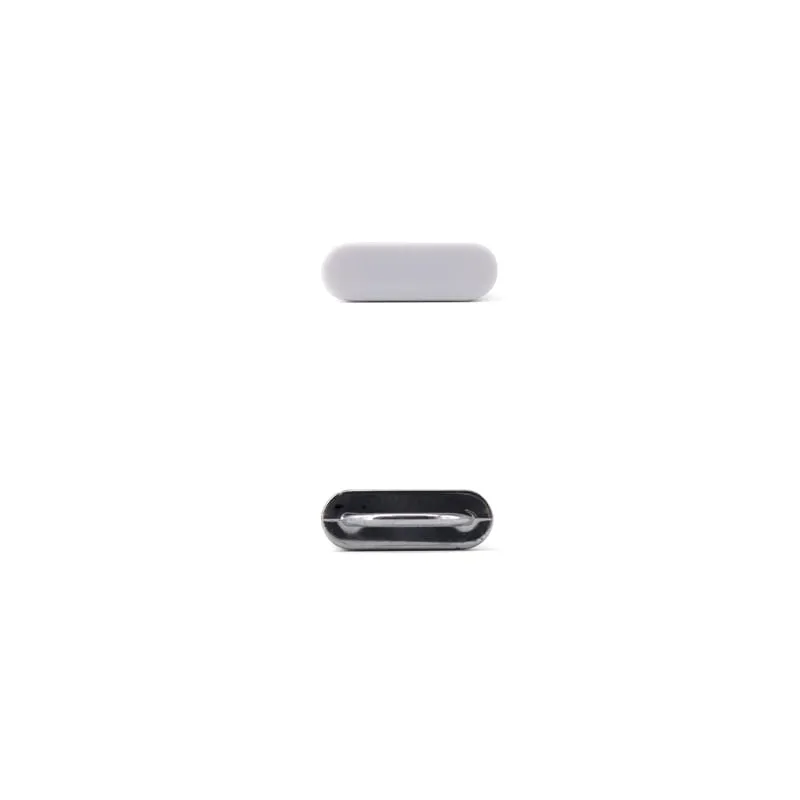
| Interface | USB-A plug (direct plug-in), keyboard emulation |
|---|---|
| Driver | Not required |
| Default output | 10-digit decimal card number |
| Output options | Custom output format on request |
| Operating systems | Windows XP / Vista / 7 / 10, Linux, Android (USB OTG) |
| Indicators | LED and buzzer |
| Dimensions | 75 × 21 × 7 mm |
|---|---|
| Weight | Approx. 10 g (approx. 40 g packed) |
| Power supply | 5 V DC, 100 mA (USB) |
| Operating temperature | -10 °C to +70 °C |
| Storage temperature | -20 °C to +80 °C |
| Humidity | < 90 % RH |
Specifications of L210-U as supplied for the standard version. Read range depends on the card or tag, mounting surface and environment — we can test your own cards before you order.
Card, tag and system compatibility
Works with
- ✓EM4100, TK4100 and SMC4001 125 kHz cards and key fobs
- ✓Windows XP, Vista, 7 and 10, and Linux
- ✓Android phones and tablets with USB OTG support, via an OTG adapter
Card not listed? Send us the card type or a photo and we will confirm compatibility before you buy.
Integration in 4 steps
- 1
Plug the L210-U into a USB-A port, or into an Android device through a USB OTG adapter. It is detected as a keyboard.
- 2
Click or tap into the field that should receive the card number.
- 3
Hold the card or fob next to the stick: the buzzer and LED confirm the read and the 10-digit number is typed.
- 4
If your software expects a different number format, tell us before ordering; custom formats are set before shipment and confirmed on a sample.
OEM / ODM options for L210-U
- ◆Card-number output format set on request
- ◆Printed marking on the stick (your logo in place of the standard print) — confirmed in your quotation
- ◆13.56 MHz stick version for MIFARE cards (H210-U)
- ◆Private-label packaging — scope confirmed in your quotation
Typical applications
L210-U FAQ
Does the L210-U work with Android phones?
Yes, on devices with USB OTG support. Connect it through a USB OTG adapter and the card number is typed into the active field. For a direct USB-C plug, use the L220-C.
How much power does the L210-U draw?
5 V DC at 100 mA, supplied by the USB port. No external power is needed.
Does the L210-U need a driver on Windows or Linux?
No. It enumerates as a USB keyboard on Windows XP, Vista, 7 and 10 and on Linux, and types the 10-digit card number at the cursor.
How close must the card be to the L210-U?
Up to 80 mm, depending on the card or fob and the surroundings. Because the reader sits in the USB port, hold the card next to that side of the device.
Related readers
13.56MHz 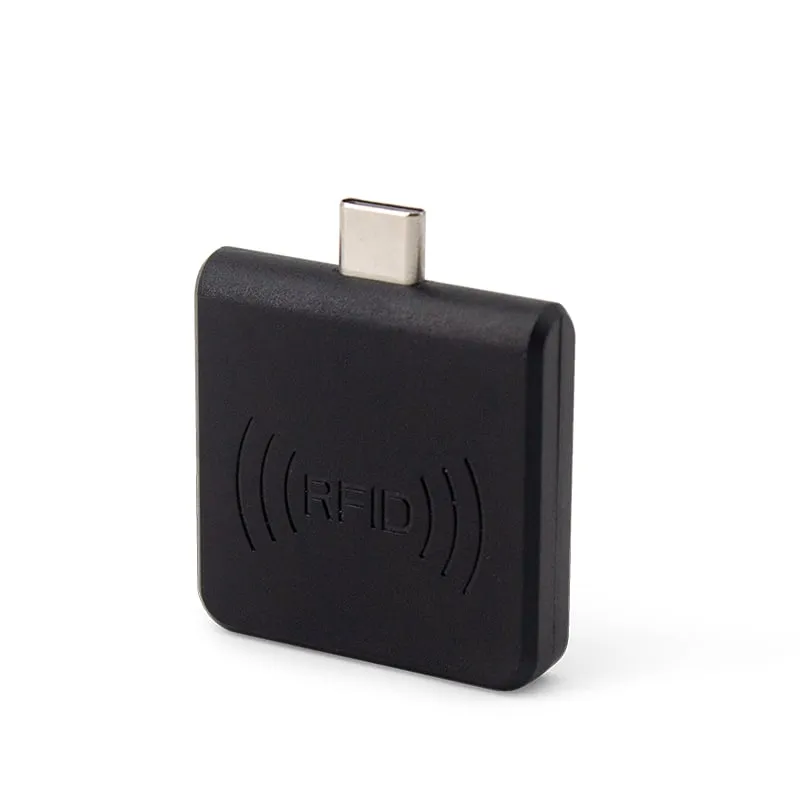 125kHz
 L220-C
USB-C 125kHz EM4100 RFID Reader for Android Phones
- USB
- Plug-in
Read range: 0–30 mm front and back, 0–10 mm from the side
 125kHz
  125kHz
 Tell us your card, interface and quantity
Send the card or tag type, the host system and your volume. We reply within 1 business day with a suggested model and sample options.