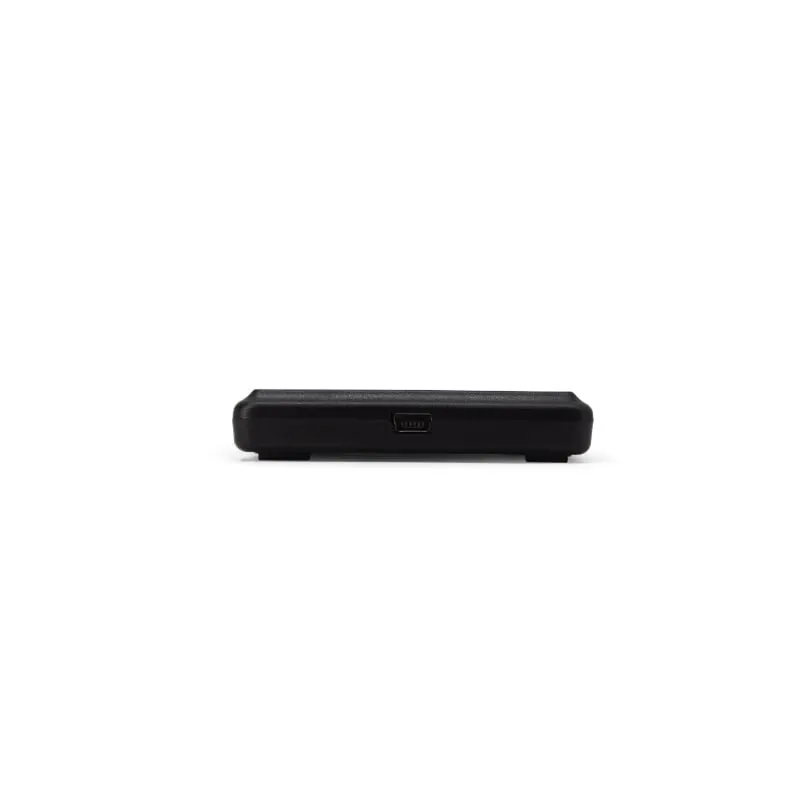
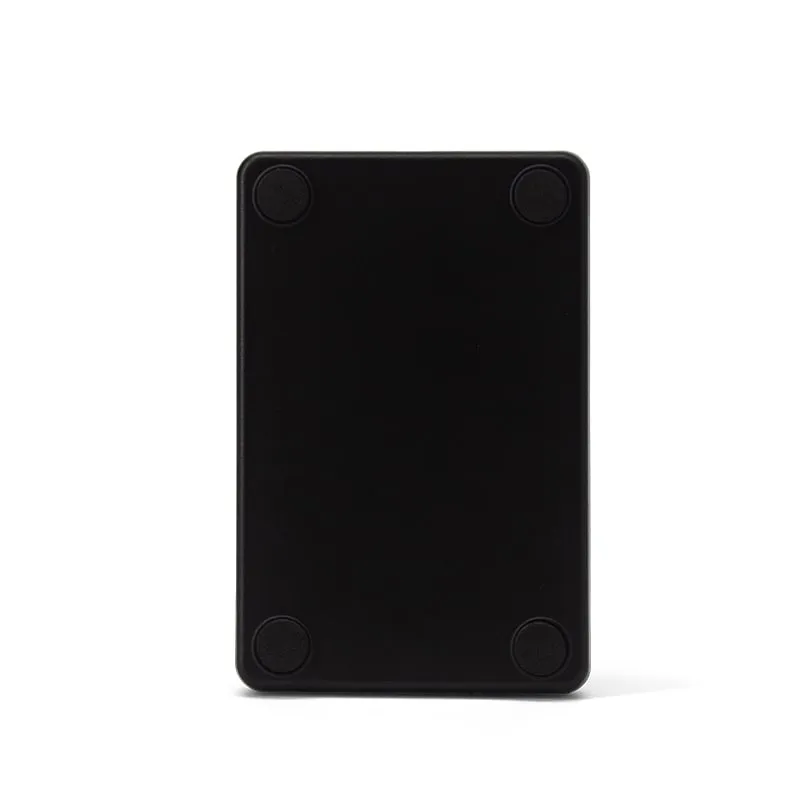
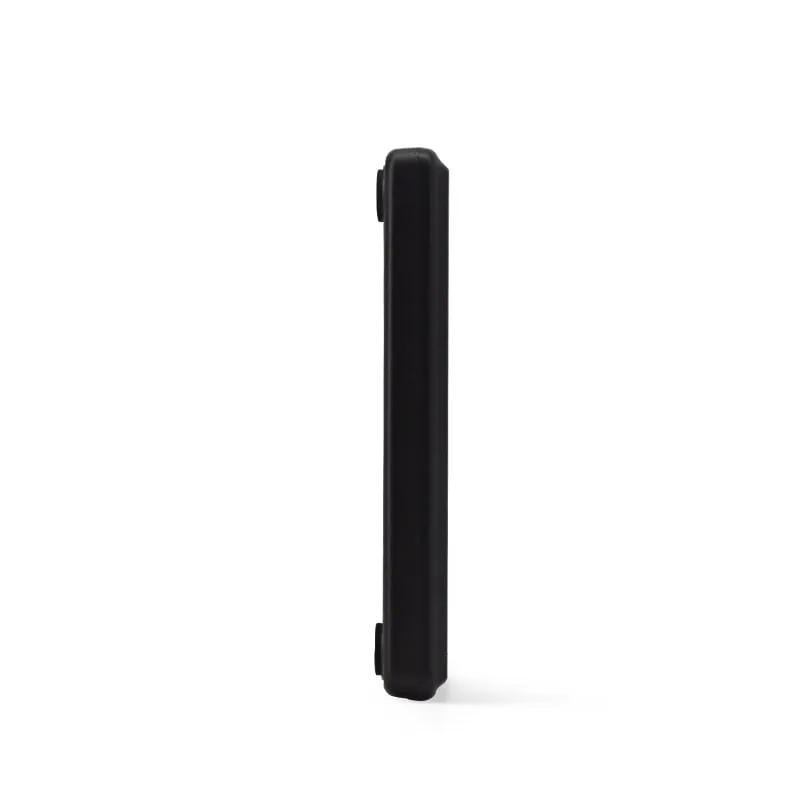
 13.56MHz
 H110-U
13.56MHz USB NFC / MIFARE Card Reader, Slim Pad, No Driver
- USB
- Desktop
Read range: Up to 80 mm
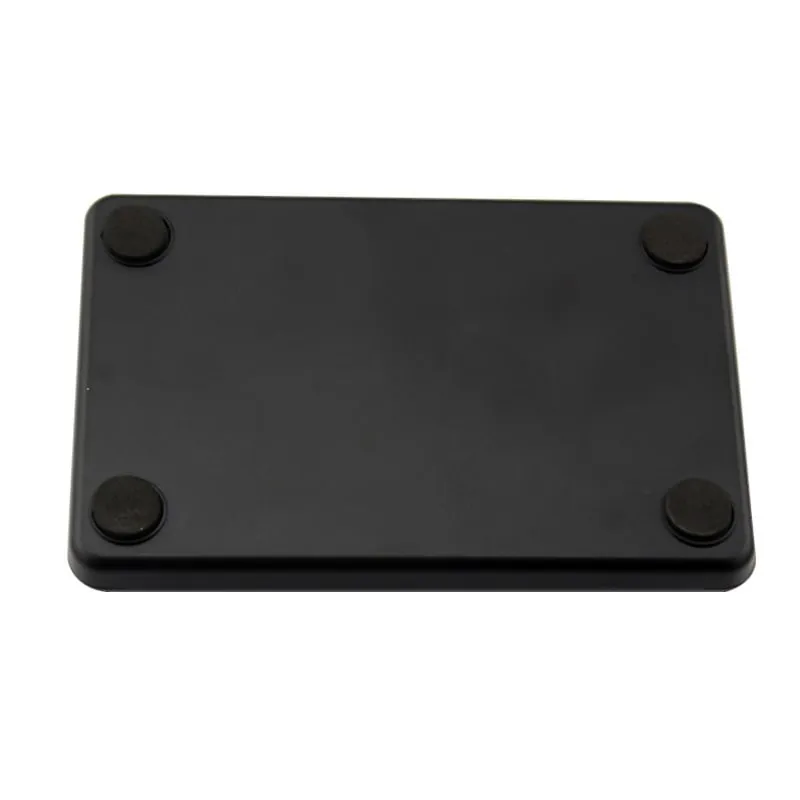
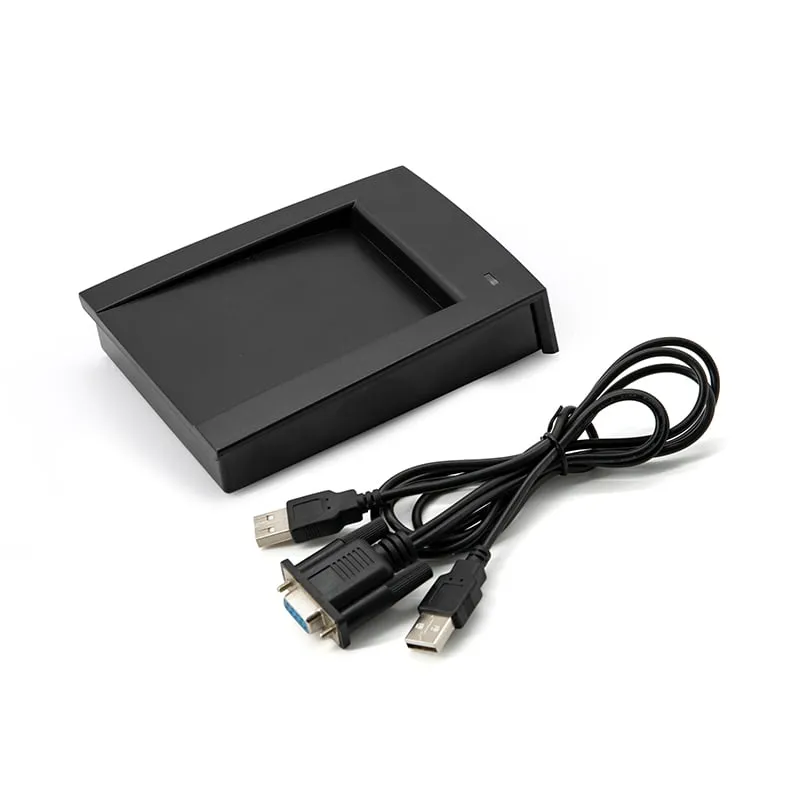
The H110-R is a read-only 13.56MHz slim desktop reader with an RS232 (DB9) interface, for kiosks, controllers and industrial PCs that take card data from a serial port. It reads MIFARE Classic 1K/4K, NTAG203/213 and other ISO 14443A UIDs at up to 80 mm and sends them at 9600 bps, 8-N-1.
A USB keyboard reader only works when a text field has the focus. That suits a person at a desk, but not a self-service kiosk, an embedded controller or an industrial PC where the application runs in the background. The H110-R sends the card data to a serial port instead, so your software receives every read whatever is on screen.
RS232 is also the natural fit for older POS terminals, attendance PCs and controllers that have a DB9 COM port but no spare USB. RS232 is a short-distance, point-to-point link, so place the reader close to its host. For longer runs or multi-drop wiring, compare interfaces in the USB vs RS232 vs RS485 vs Wiegand guide.
Two output styles are listed for the H110-R: the card number as a 10-digit decimal (the default) and a framed message that starts with STX (0x02), carries a length byte, a card-type byte and the serial number, and ends with a BCC checksum and ETX (0x03). The frame lets your code find the start and end of each read and reject corrupted data. Tell us which style your software expects, or any other custom format, and it is set before shipment.
The reader runs on 5 V DC at about 100 mA. An RS232 port does not supply power, so the supply lead for your cable option is confirmed in your quotation.
Both are RS232 readers with the same card list, range and serial settings. The H110-R is the 10 mm slim pad for tight spaces and flat mounting. The H150-R uses the angled 110 × 80 × 26 mm housing with a card recess and a combined DB9 + USB cable. If your host has USB and your users type into forms, the H110-U is the simpler choice.
| Model | H110-R |
|---|---|
| Frequency | 13.56 MHz |
| Form factor | Slim desktop card pad with RS232 cable |
| Housing | ABS |
| Color | Black |
| Standard | ISO/IEC 14443A (UID read only) |
|---|---|
| Supported cards | MIFARE Classic 1K (S50), MIFARE Classic 4K (S70), NTAG203, NTAG213, other ISO 14443A cards (UID) |
| Read range | Up to 80 mm (depends on card and environment) |
| Read time | < 200 ms |
| Read interval | < 0.5 s |
| Interface | RS232, DB9 connector |
|---|---|
| Serial settings | 9600 bps, 8-N-1 (default); 19,200 or 115,200 bps selectable |
| Default output | 10-digit decimal card UID |
| Serial frame | STX (0x02), length, card type, serial number (5 bytes), BCC, ETX (0x03) |
| Custom output | Custom output format on request |
| Host systems | Windows XP, Vista, 7, 10; Linux |
| Dimensions | 106 × 68 × 10 mm |
|---|---|
| Weight | Approx. 150 g |
| Cable length | 1450 mm |
| Power | 5 V DC, 100 mA |
| Indicators | Red and green LED, buzzer |
| Operating temperature | -10 °C to +70 °C |
| Storage temperature | -20 °C to +80 °C |
| Humidity | < 90 % RH |
Specifications of H110-R as supplied for the standard version. Read range depends on the card or tag, mounting surface and environment — we can test your own cards before you order.
Works with
Not designed for
Card not listed? Send us the card type or a photo and we will confirm compatibility before you buy.
Connect the DB9 connector to the host's COM port, or to a USB-to-RS232 adapter on PCs without one.
Provide the reader's 5 V DC supply (about 100 mA) using the power arrangement confirmed for your cable option.
Open the port at 9600 bps, 8 data bits, no parity, 1 stop bit in a serial terminal or in your application.
Present a card: the LED and buzzer confirm the read and the data arrives on the port. When using the framed output, read from STX (0x02) to ETX (0x03) and check the BCC byte.
9600 bps, 8 data bits, no parity, 1 stop bit (8-N-1). 19,200 and 115,200 bps are also selectable; tell us the rate your host uses and it is confirmed before shipment.
No reader-specific driver is needed. It is a standard RS232 device: your software opens the COM port and reads the data. If you connect it through a USB-to-RS232 adapter, only the adapter's own driver is required.
It needs 5 V DC at about 100 mA. RS232 does not carry power, so the supply arrangement for your cable option is confirmed in your quotation.
No, it outputs RS232 only. For Wiegand 26 or Wiegand 34 controllers, use the H410-W, the 13.56MHz version listed on the L410-W wall-reader page.
No. The H110-R reads the card UID only. It does not read MIFARE sectors or NDEF records and cannot write to cards.
13.56MHz H110-U
Read range: Up to 80 mm
 13.56MHz
 H150-R
Read range: Up to 80 mm
125kHz 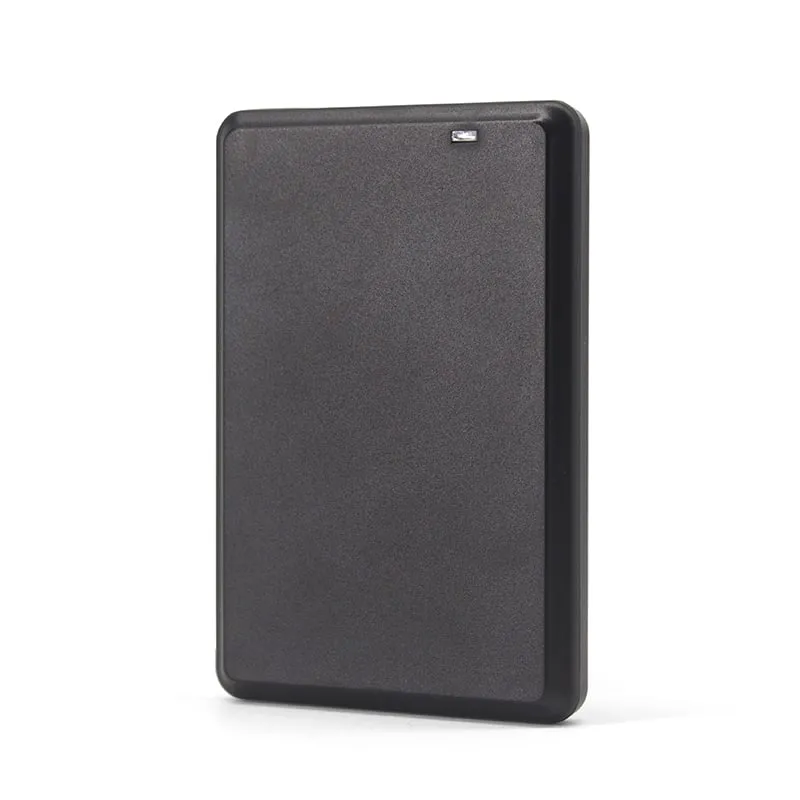 13.56MHz
 H120-U
Read range: Up to 80 mm
Tell us your card, interface and quantity
Send the card or tag type, the host system and your volume. We reply within 1 business day with a suggested model and sample options.