 UHF
UHF U610-M+1 variant
UHF Integrated RFID Reader, 7 dBi, 0–5 m, Wiegand/RS485/USB
- USB
- RS232
- RS485
- Fixed / long-range
Read range: 0–5 m
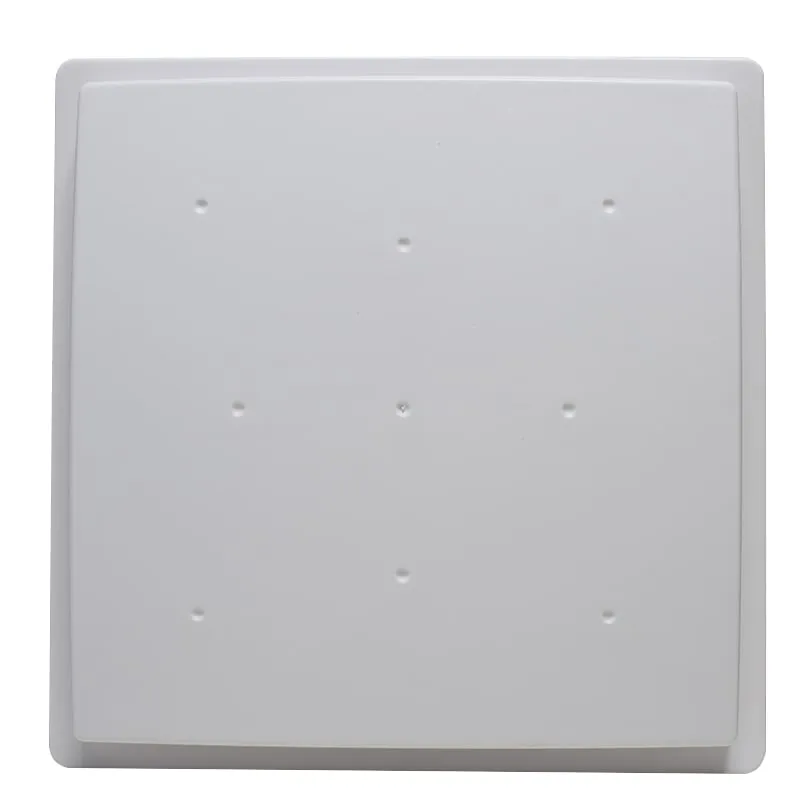
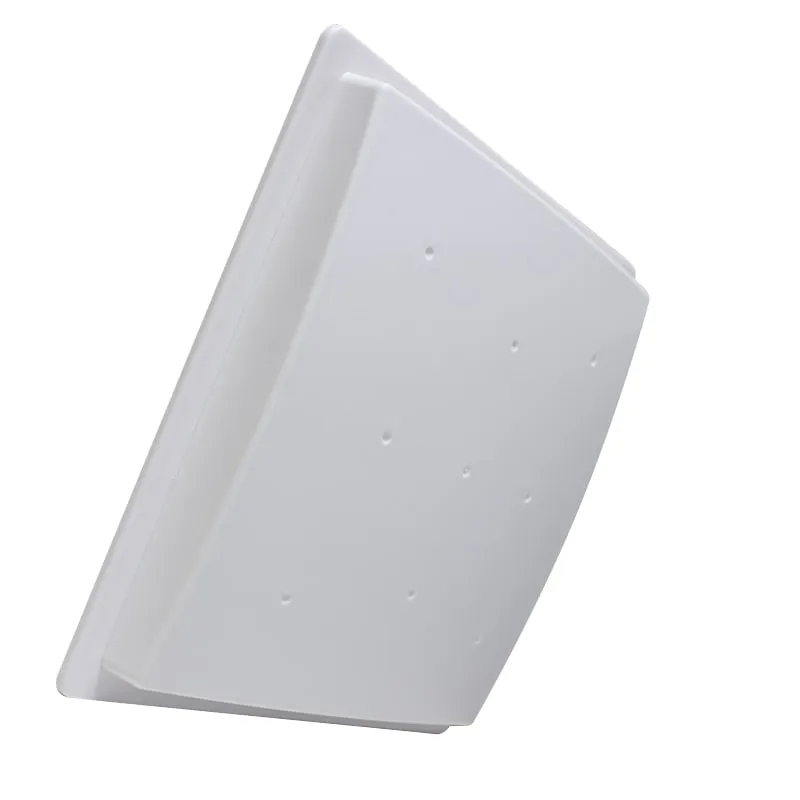
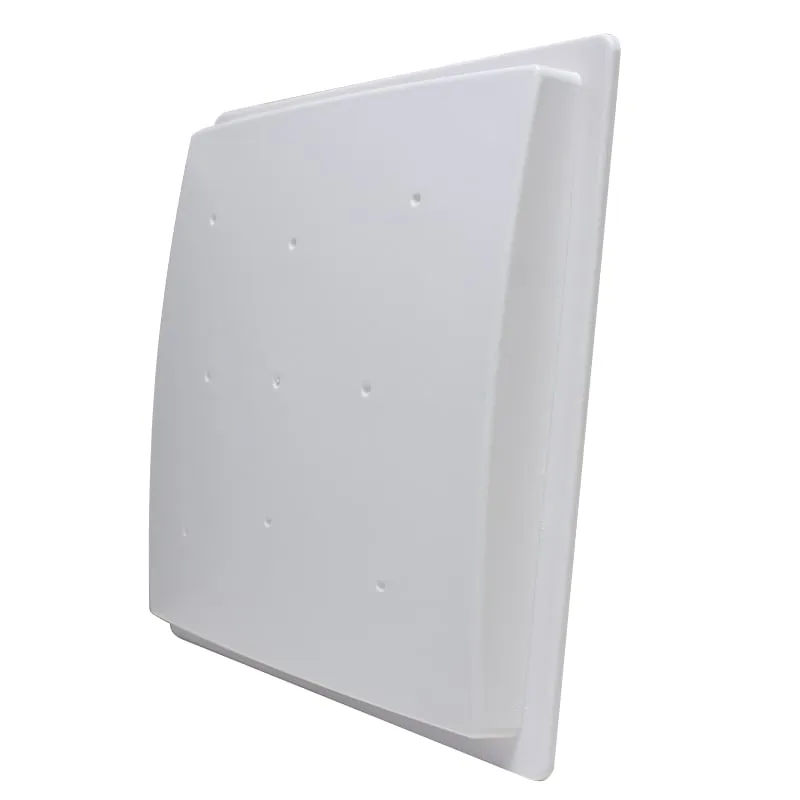
The U620-M is an integrated UHF RFID reader with an 8 dBi antenna in a 240 × 240 mm panel, for parking entries, loading bays and staff gates that report to a Wiegand controller or PC software. It reads EPC Gen2 tags at 0–5 m (up to 8 m in high-power mode) over Wiegand 26/34, RS232/RS485 or USB.
Available versions
The U620-M and the U610-M share a 0–5 m rated range. The difference is the antenna. A higher-gain antenna concentrates the RF field into a narrower beam, which gives more signal margin on the boresight and less spill to the sides. That extra margin can help with tags that are hard to read at a given distance, such as windshield tags behind coated glass or tags that pass the panel at an angle.
It suits parking entry lanes read at 3–5 m, loading bay doors and staff vehicle gates. For a longer approach, step up to the U630-M.
Plan a DC 12 V supply rated at 3 A. Run Wiegand to the controller's reader input, or RS485 when the PC is far from the gate, because RS485 handles long cable runs better than RS232. Our interface guide compares cable distances and wiring.
| Model | U620-M (N-type) / U620-N (E-type with TCP/IP) |
|---|---|
| Product type | UHF RFID reader with integrated antenna |
| Frequency | 902–928 MHz or 865–868 MHz, specified at order; other bands on request |
| Air interface | ISO 18000-6C, EPC Class 1 Gen 2 |
| Antenna | Built-in, 8 dBi |
| RF output power | 0–30 dBm, software adjustable |
| Frequency mode | Fixed frequency or software-programmed |
| Supported tags | ISO 18000-6C / EPC Gen2 passive UHF tags (read and write) |
|---|---|
| Read range | 0–5 m; up to 8 m in high-power mode (depends on tag and site) |
| Read speed | < 6 ms average per 64-bit single-tag read |
| Read mode | Continuous (active) or triggered (passive), set by software |
| Trigger input | 1 |
| Indicator | Buzzer |
| Interfaces, U620-M | Wiegand, RS232, RS485, USB |
|---|---|
| Interfaces, U620-N | Wiegand, RS232, TCP/IP, USB (RS485 on this build confirmed at order) |
| Wiegand formats | Wiegand 26 / 34 |
| Serial / USB data | Format set in the configuration software |
| SDK and software | Sample code in C#, Visual C++, VB, Java and Delphi; test demo; tag read/write and issuing demo |
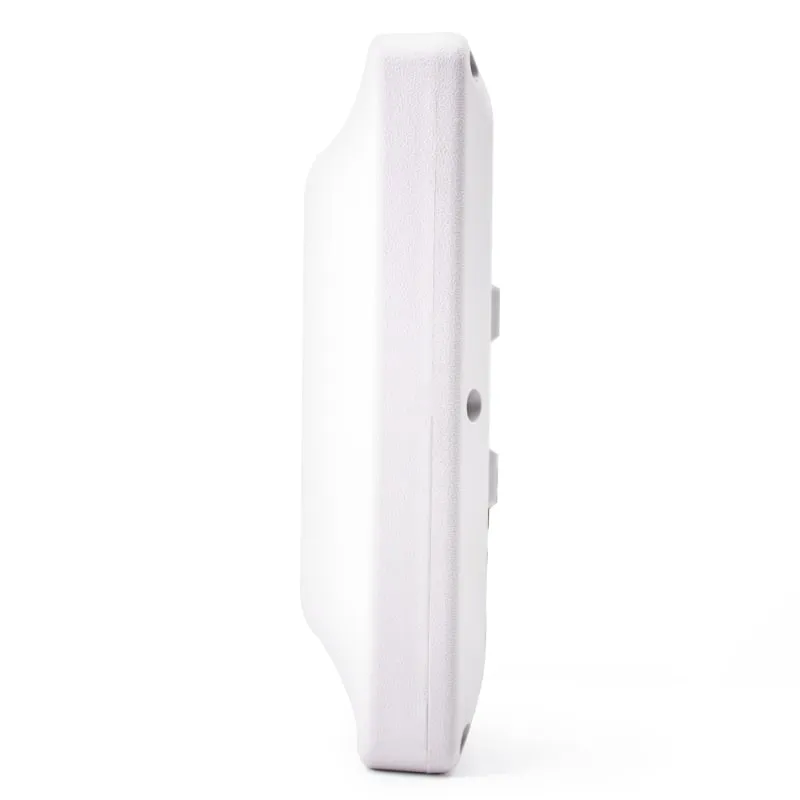
| Dimensions | 240 × 240 × 50 mm |
|---|---|
| Weight | 1.2 kg (2.2 kg packed) |
| Power supply | DC 12 V, 3 A |
| Operating temperature | -20 °C to +65 °C |
| Storage temperature | -45 °C to +95 °C |
| Mounting | Pole or wall bracket |
| Color | Light gray |
Specifications of U620-M as supplied for the standard version. Read range depends on the card or tag, mounting surface and environment — we can test your own cards before you order.
Works with
Not designed for
Card not listed? Send us the card type or a photo and we will confirm compatibility before you buy.
Mount the panel on a pole or wall bracket beside the lane, angled toward the point where the tag passes.
Connect a DC 12 V, 3 A supply, then Wiegand D0/D1 to the controller, RS485 or RS232 to the PC, or Ethernet on the U620-N.
In the demo software, set RF power, fixed-frequency or programmed mode, and continuous or triggered reading; wire the trigger input if a loop detector or photo-beam starts each read.
Drive a tagged vehicle or cart through the lane, adjust power until only the intended lane is read, then connect your software through the SDK.
Both are rated for 0–5 m (up to 8 m in high-power mode). The U620-M has an 8 dBi antenna in a 240 × 240 × 50 mm, 1.2 kg housing and runs on DC 12 V. The U610-M has a 7 dBi antenna in a smaller 215 mm, 0.8 kg housing and adds Wiegand 98.
Wiegand 26 and Wiegand 34. If your controller expects another length, send its input format with your RFQ and we confirm what the reader can send.
Plan on Wiegand 26/34, RS232, TCP/IP and USB for the U620-N. RS485 on the E-type build is confirmed at order, so state it in your RFQ if you need both RS485 and Ethernet.
Usually yes, with an EPC Gen2 windshield tag inside the 0–5 m rated range. Some windshields have a metallic coating that blocks UHF, so fit the tag in the uncoated area and test on a real vehicle before rollout.
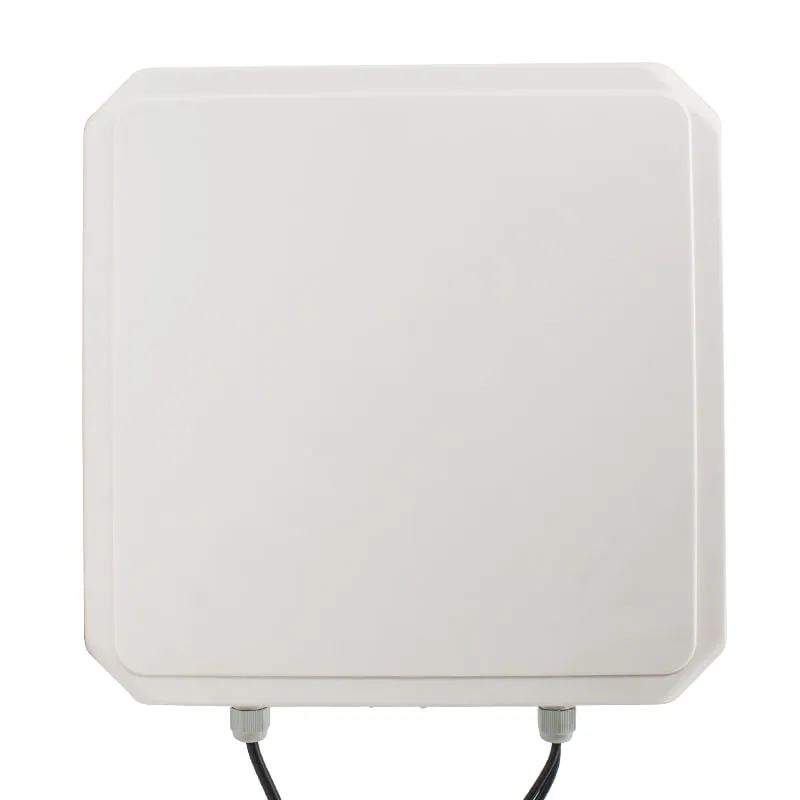
UHF U610-M+1 variant
Read range: 0–5 m
 UHF
UHF U630-M+1 variant
Read range: 0–6 m
 UHF
UHF  UHF
UHF U640-M+1 variant
Read range: Beyond 12 m
Tell us your card, interface and quantity
Send the card or tag type, the host system and your volume. We reply within 1 business day with a suggested model and sample options.